Intel Arc 130T
Intel Arc 130T: Benchmarks, Games, and Comparison with Arc 140T
Intel Arc 130T is the entry-level integrated graphics for laptops with Core Ultra 200H. It outperforms the older Iris Xe and is suitable for work, video, external monitors, and light gaming, but it significantly lags behind the Arc 140T. In new AAA titles, it serves as a compromise iGPU: low settings, upscaling, and a strong dependence on the laptop's memory.
What is Intel Arc 130T?
Intel Arc 130T is part of Intel's integrated graphics for Core Ultra 200H processors. It uses system RAM instead of its own video memory, so performance depends on memory, cooling, and the power limits of the specific laptop.
In the hierarchy, Arc 130T is positioned below Arc 140T. It is not just basic graphics for outputting images but a younger modern iGPU for laptops without a dedicated GPU.
Key Features of Intel Arc 130T
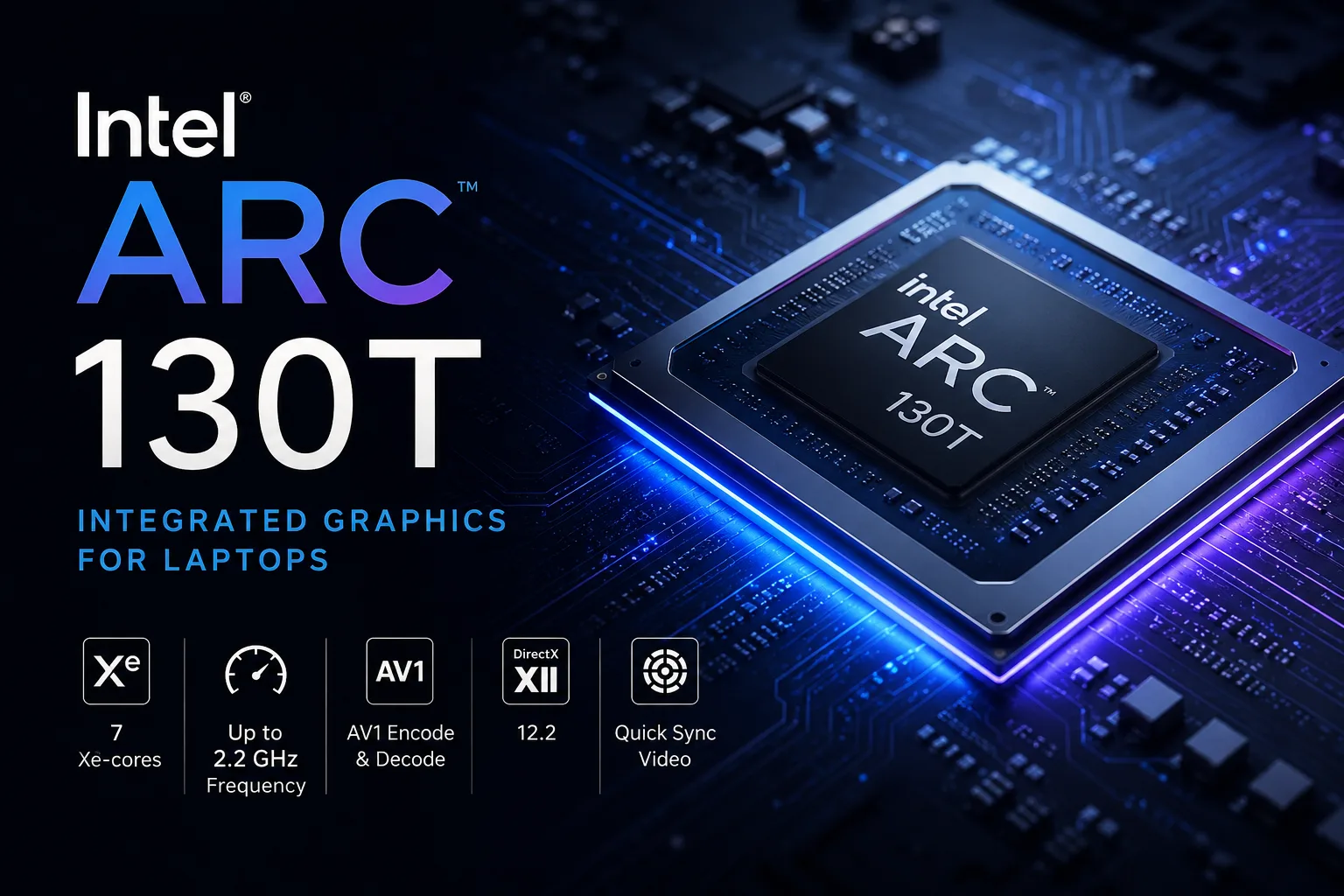
Arc 130T is on the same platform as the higher Arc 140T but has fewer graphics blocks. It features 7 Xe-cores, a clock speed of up to 2.2 GHz, up to 63 TOPS INT8 on the GPU, and supports DirectX 12.2, OpenGL 4.6, OpenCL 3.0, Quick Sync, and hardware encoding and decoding of AV1.
For this graphics solution, not only the 3D blocks are important but also the media capabilities. AV1, Quick Sync, and external display support make Arc 130T useful in work scenarios: video conferencing, viewing 4K videos, encoding videos, light editing, and connecting multiple screens.
In a laptop with dual-channel memory and adequate cooling, the Arc 130T will perform closer to its advertised capabilities. In thin models with strict power limits, the results may be noticeably lower.
A complete specification table for Intel Arc 130T is provided at the end of the article.
Which Processors Use Intel Arc 130T?
Intel Arc 130T is found in the lower configurations of Core Ultra 200H. The main processor featuring this graphics unit is:
- Intel Core Ultra 5 225H.
The higher models, Core Ultra 5 235H, Core Ultra 7 255H, Core Ultra 7 265H, and Core Ultra 9 285H use Arc 140T. Therefore, when choosing a laptop, it's important to look not only at the Core Ultra 200H series but also at the specific graphics block.
Intel Arc 130T Benchmarks
The performance results of Arc 130T depend on the laptop, memory, and power limits, so the numbers below should be viewed as a guideline. The variability between models can be significant for integrated graphics.
| Test | Intel Arc 130T |
|---|---|
| 3DMark Time Spy | 2378 |
| 3DMark Steel Nomad | 537 |
| OpenCL | 33 794 |
| Vulkan | 31 178 |
| Blender | around 640 |
| FP32 | 3.9 TFLOPS |
In synthetic benchmarks, Arc 130T appears as a modern integrated graphics solution in the mid-range category. It is considerably faster than the older Iris Xe and basic Intel Graphics, but it falls short of Arc 140T and discrete gaming GPUs. A score of around 2378 points in 3DMark Time Spy indicates it can handle light gaming but lacks headroom for heavy AAA titles.
| Metric | How to Interpret This |
|---|---|
| Time Spy around 2378 | acceptable level for a junior modern iGPU |
| OpenCL around 33,800 | good result for tasks utilizing OpenCL |
| Vulkan around 31,200 | support for modern API without discrete GPU headroom |
| Steel Nomad around 537 | heavy modern graphics tests are challenging |
Intel Arc 130T in Games
Intel Arc 130T can be regarded as suitable for 1080p gaming, but only at low or medium settings. The best scenarios are esports, older games, and projects with moderate graphical demands.
| Game / Scenario | Approximate Result |
|---|---|
| Shadow of the Tomb Raider 1080p | around 32 FPS |
| Shadow of the Tomb Raider 1440p | around 20 FPS |
| Shadow of the Tomb Raider 2160p | around 13 FPS |
| Cyberpunk 2077 1080p | around 16 FPS |
| Cyberpunk 2077 1440p | around 11 FPS |
| Cyberpunk 2077 2160p | around 5 FPS |
The gap between Shadow of the Tomb Raider and Cyberpunk 2077 illustrates the class of the Arc 130T well: older AAA titles are still feasible at 1080p, while modern heavy games exceed comfortable performance levels. For them, low settings, upscaling or reduced resolution are required.
The best gaming scenario for Arc 130T is esports and older AAA titles. In new games, this graphics solution is more suited for testing launch compatibility than for stable playability at comfortable FPS.
Intel Arc 130T vs Intel Arc 140T
The main difference between Arc 130T and Arc 140T lies in the number of graphics blocks and overall performance. Arc 130T has 7 Xe-cores, while Arc 140T has 8 Xe-cores. The difference appears small, but in tests, the higher graphics unit is noticeably faster, especially in 3DMark and games.
| Parameter | Intel Arc 130T | Intel Arc 140T |
|---|---|---|
| Xe-cores | 7 | 8 |
| Maximum Clock Speed | up to 2.2 GHz | up to 2.35 GHz |
| GPU Peak TOPS INT8 | up to 63 | up to 77 |
| 3DMark Time Spy | around 2378 | around 4100 |
| Class | junior iGPU Core Ultra 200H | senior iGPU Core Ultra 200H |
According to 3DMark Time Spy, Arc 140T is approximately 70% faster, so the difference between them is noticeable not only on paper. Arc 130T is an entry-level iGPU for basic gaming scenarios, while Arc 140T is a more suitable option for those who truly plan to game without a discrete graphics card.
Intel Arc 130T Against Other GPUs
Arc 130T is situated between Intel's basic integrated graphics and stronger iGPUs like Arc 140T, Arc 140V, Radeon 880M, and Radeon 890M. It is no longer at the level of the old Iris Xe but also not at the top tier of modern integrated GPUs.
| Graphics | How to View in Relation to Arc 130T |
|---|---|
| Intel Iris Xe | generally weaker and simpler in capabilities |
| Intel Arc 130T | faster than old Iris Xe, but significantly below senior iGPUs |
| Intel Arc 140T | considerably faster, especially in 3D loads |
| Intel Arc 140V | more efficient and typically faster |
| AMD Radeon 880M / 890M | stronger competitors among iGPUs |
| GeForce RTX 3050 Laptop | discrete GPU of a higher class |
| GeForce RTX 4050 Laptop | a different performance level |
Radeon 880M and Radeon 890M are positioned higher in the gaming class and often appear more favorable when gaming without a discrete GPU is important. Arc 130T is more interesting as a basic graphics solution in Core Ultra 200H, but not as a competitor to higher iGPUs from AMD.
Dependence on Memory and Cooling
For Arc 130T, memory is particularly crucial. Intel states that Arc graphics in H-systems require a minimum of 16 GB of system memory in dual-channel mode and depend on the OEM configuration. If the laptop uses slow memory, suboptimal RAM modes, or strict power limits, the performance of the integrated graphics will decrease.
Before purchasing a laptop with Arc 130T, it is advisable to check for:
- 16 GB of RAM or more;
- dual-channel memory mode;
- adequate power limits for Core Ultra H;
- not too weak cooling;
- updated Intel drivers;
- availability of necessary video outputs.
The same Arc 130T may behave differently in a thin office chassis versus a more spacious model with better cooling.
Should You Choose a Laptop with Intel Arc 130T?
Intel Arc 130T is suitable for laptops without a discrete graphics card if the primary tasks involve work, video, external monitors, AV1 encoding, light photo processing, and light gaming. In work scenarios, it is interesting not so much for its 3D performance but for its modern media capabilities: AV1, Quick Sync, and support for external displays.
It is still adequate for esports and older AAA titles, but new heavy games require low settings and upscaling. If gaming is important as a primary scenario, it is better to look at least for Arc 140T, Radeon 880M/890M, or a discrete graphics card.
In summary: Arc 130T should be chosen not for gaming but for modern integrated graphics in a laptop without discrete GPUs. Its strength lies in its media capabilities and versatility, while its weakness is the limited headroom for 3D performance.
GPU Comparison
Compare Arc 130T with other GPUs
Basic
Memory Specifications
Display and Media
Theoretical Performance
AI Features
Miscellaneous
Benchmarks
Compared to Other GPU
Related GPU Comparisons




Share in social media
Or Link To Us
<a href="https://cputronic.com/gpu/intel-arc-130t" target="_blank">Intel Arc 130T</a>