Intel Arc 130V
Intel Arc 130V: Performance, Benchmarks, and Comparison with Arc 140V
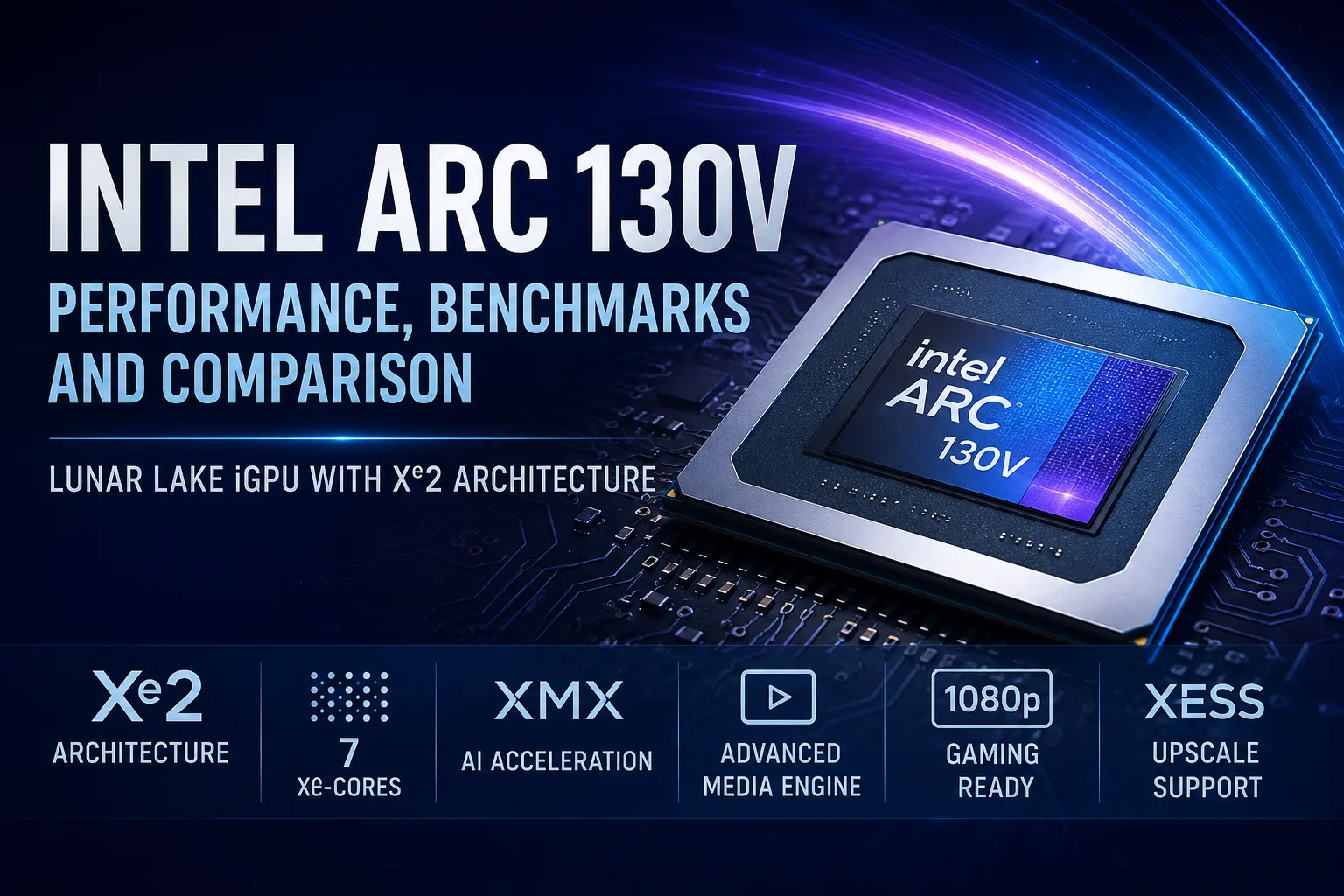
Intel Arc 130V is integrated graphics found in the lower-end Core Ultra 200V processors for the Lunar Lake platform. It is based on the Xe2 architecture and sits below the Arc 140V: it has 7 Xe cores compared to 8 Xe cores in the higher version, with lower clock speeds and weaker results in gaming. Compared to Iris Xe, it is a more modern iGPU featuring XMX blocks, hardware video encoding, and support for low-settings 1080p gaming.
For heavy games, the Arc 130V is not suitable without significant reduction in settings. It utilizes shared system LPDDR5X memory and depends on power limits, cooling, and drivers. Its primary use case is in thin laptops without discrete GPUs: work, browsing, video playback, external displays, light editing, and occasional gaming.
What is Intel Arc 130V
Arc 130V is used in the lower-end models of Lunar Lake, including Core Ultra 5 226V, Core Ultra 5 228V, Core Ultra 5 236V, and Core Ultra 5 238V. In the higher-end Core Ultra 7 and Core Ultra 9, the Arc 140V is more common, which has more execution units and higher clock speeds.
The transition to Xe2 has provided the Arc 130V with XMX blocks, an updated media engine, hardware ray tracing, and support for current graphics APIs. In real-world tasks, not only the architecture matters but also how the graphics perform within the limited thermal package of a thin laptop.
Arc 130V remains integrated graphics without its own video memory. It uses shared RAM, meaning laptop versions with 16 GB are mostly suitable for everyday tasks and light gaming. For heavy browsing, editing, virtual machines, and local AI tasks, it’s better to opt for a configuration with 32 GB if available.
Intel Arc 130V Performance in Games
Intel Arc 130V is designed for less demanding games and older titles. At 1080p, it handles esports titles and some previous generation AAA games, but often requires low settings. In heavy modern games, the performance headroom is limited: lowering graphics quality, using upscaling, and accepting low FPS is essential.
For Dota 2, Valorant, League of Legends, and similar games, the Arc 130V is sufficient. In CS2, Fortnite, and Overwatch 2, it's better to aim for low presets right off the bat. Older AAA titles like GTA V, Skyrim, or Shadow of the Tomb Raider run better than modern demanding games. In Cyberpunk 2077, it already hits a minimum level: 1080p is possible only at low settings, while 1440p and 2160p have almost no practical meaning for such graphics.
Hardware ray tracing is supported by Arc 130V, but in games, this support is formal. Comfortable ray tracing is beyond the capability of integrated graphics. In practice, XeSS and low settings are more beneficial than enabling ray tracing.
Intel Arc 130V Benchmarks
| Test or Game | Intel Arc 130V Result |
|---|---|
| 3DMark Time Spy | 3399 |
| Geekbench OpenCL | 26113 |
| Geekbench Vulkan | 28828 |
| Shadow of the Tomb Raider 1080p | 33 FPS |
| Cyberpunk 2077 1080p | 24 FPS |
Based on these results, the Arc 130V is significantly better than Iris Xe but remains an entry-level iGPU for gaming. At 1080p, older AAA games are still playable, while demanding modern titles are already pushing the limits of comfortable FPS.
Intel Arc 130V vs Arc 140V
Both Arc 130V and Arc 140V belong to the same Lunar Lake platform and are based on Xe2, but they represent different levels of integrated graphics. Arc 130V has 7 Xe cores, while Arc 140V has 8 Xe cores. The higher version also features higher clock speeds, so it usually delivers better performance in games and GPU benchmarks.
Arc 130V is the entry-level version for more affordable or economical laptops. It maintains the core capabilities of the platform: media engine, XeSS, XMX blocks, and hardware video acceleration. However, if gaming and graphical performance are priorities, the Arc 140V is preferable.
For an everyday laptop with occasional gaming, Arc 130V is sufficient. For 1080p gaming with ample headroom, it’s better to choose a configuration with Arc 140V or discrete graphics.
Intel Arc 130V vs Radeon 890M
Radeon 890M belongs to a stronger class of integrated graphics, thus is generally preferable for gaming compared to Arc 130V. The comparison here is unequal: Arc 130V is the lower-end iGPU of Lunar Lake, whereas Radeon 890M is one of the higher-end options from AMD’s modern graphics line.
The strengths of Arc 130V are not maximum FPS, but rather energy efficiency, media engine, XMX blocks, and the capabilities of the Lunar Lake platform. If a laptop without discrete GPU is specifically needed for gaming, it's better to consider Radeon 890M or Arc 140V. If a thin chassis, autonomy, video, browsing, office work, and occasional gaming are more important, Arc 130V will suffice.
Memory
Arc 130V utilizes shared system memory. Fast LPDDR5X helps integrated graphics, but the lack of dedicated VRAM remains a limitation. A portion of the RAM is reserved for graphics tasks, which means that 16 GB may be tight for heavy browsing, gaming, editing, or local AI functions.
For a laptop intended for several years, a configuration with 32 GB appears more advantageous. For office work, video, and occasional gaming, 16 GB may suffice, but having extra memory is more important for iGPU than for a standard office system without graphic loads.
Media Engine and AI
The media engine is a strong point of Arc 130V. The graphics support hardware processing of modern video codecs, including H.264, H.265, and AV1. This is crucial for video playback, streaming, screen recording, video calls, video conversion, and working with external displays.
AI capabilities are linked to XMX blocks and Int8 operations. TOPS does not reflect speed in specific applications: what matters more is whether the software can utilize the GPU, OpenVINO, DirectML, or another compatible backend. Arc 130V can accelerate noise reduction, upscaling, image processing, and local Windows functionalities, but it lacks the memory and compute power for heavy local models.
Limitations of Intel Arc 130V
The main limitations are typical for integrated graphics:
- no dedicated video memory;
- utilizes shared LPDDR5X memory;
- performance depends on power limits and cooling;
- versions with 16 GB RAM may be tight;
- ray tracing is present but nearly useless in games;
- Intel drivers can affect FPS and stability;
- discrete graphics are required for heavy games.
The Arc 130V cannot be evaluated independently of the laptop. In a thin model with a quiet power profile, it can perform significantly slower than in a device with more efficient cooling. Therefore, when choosing, it’s important to consider not just the name of the graphics but also memory size, cooling system, display, battery, and price.
Who is the Laptop with Intel Arc 130V Suitable for
A laptop with Arc 130V is suitable for work, study, browsing, video playback, external monitors, light photo editing, and occasional gaming. It is integrated graphics designed for a compact device, not a replacement for discrete GPU.
For gaming, the primary mode is 1080p with low settings. Esports titles and older AAA games are the best fits for Arc 130V. For Cyberpunk 2077, Starfield, Alan Wake 2, and similar heavy games, the Arc 130V is only conditionally suitable: launching is possible, but comfort will depend on settings, upscaling, and frame rate requirements.
If gaming is important regularly, it's better to look at the Arc 140V, Radeon 890M, or a laptop with a dedicated graphics card.
FAQ
Is Intel Arc 130V suitable for gaming?
Yes, but with limitations. It is best suited for esports titles, older AAA games, and less demanding projects at 1080p. In heavy games, low settings and upscaling are necessary.
How does Intel Arc 130V differ from Arc 140V?
Both graphics belong to Lunar Lake and are based on Xe2. Arc 130V has 7 Xe cores, while Arc 140V has 8 Xe cores. The higher version is faster in games and GPU tests.
Does Intel Arc 130V have its own VRAM?
No. Arc 130V uses the laptop's shared RAM. Therefore, a configuration with 32 GB is preferable if gaming, editing, or local AI functions are planned.
Does Intel Arc 130V support ray tracing?
Yes, hardware support for ray tracing is present. However, this is of little practical value in games: integrated graphics lack the power for comfortable ray tracing.
Conclusion
Intel Arc 130V is the entry-level integrated graphics of Lunar Lake based on Xe2 architecture. It is weaker than Arc 140V but significantly more modern than Iris Xe: it features XMX blocks, hardware video encoding, support for current APIs, and basic AI functionalities.
In gaming, it targets 1080p at low settings. Esports projects and older AAA titles are the best matches for the Arc 130V. In heavy modern games, the headroom is minimal, and ray tracing is only of formal significance.
Choosing Arc 130V is not primarily for gaming, but for a compact laptop on the modern Lunar Lake platform without discrete graphics. For regular gaming, it is better to look at Arc 140V, Radeon 890M, or a dedicated graphics card. In weaker configurations, Arc 130V will be limited by memory, TDP, and cooling.
GPU Comparison
Compare Arc 130V with other GPUs
Basic
Memory Specifications
Display and Media
Theoretical Performance
AI Features
Miscellaneous
Benchmarks
Compared to Other GPU
Related GPU Comparisons



Share in social media
Or Link To Us
<a href="https://cputronic.com/gpu/intel-arc-130v" target="_blank">Intel Arc 130V</a>