AMD Radeon 8060S Graphics
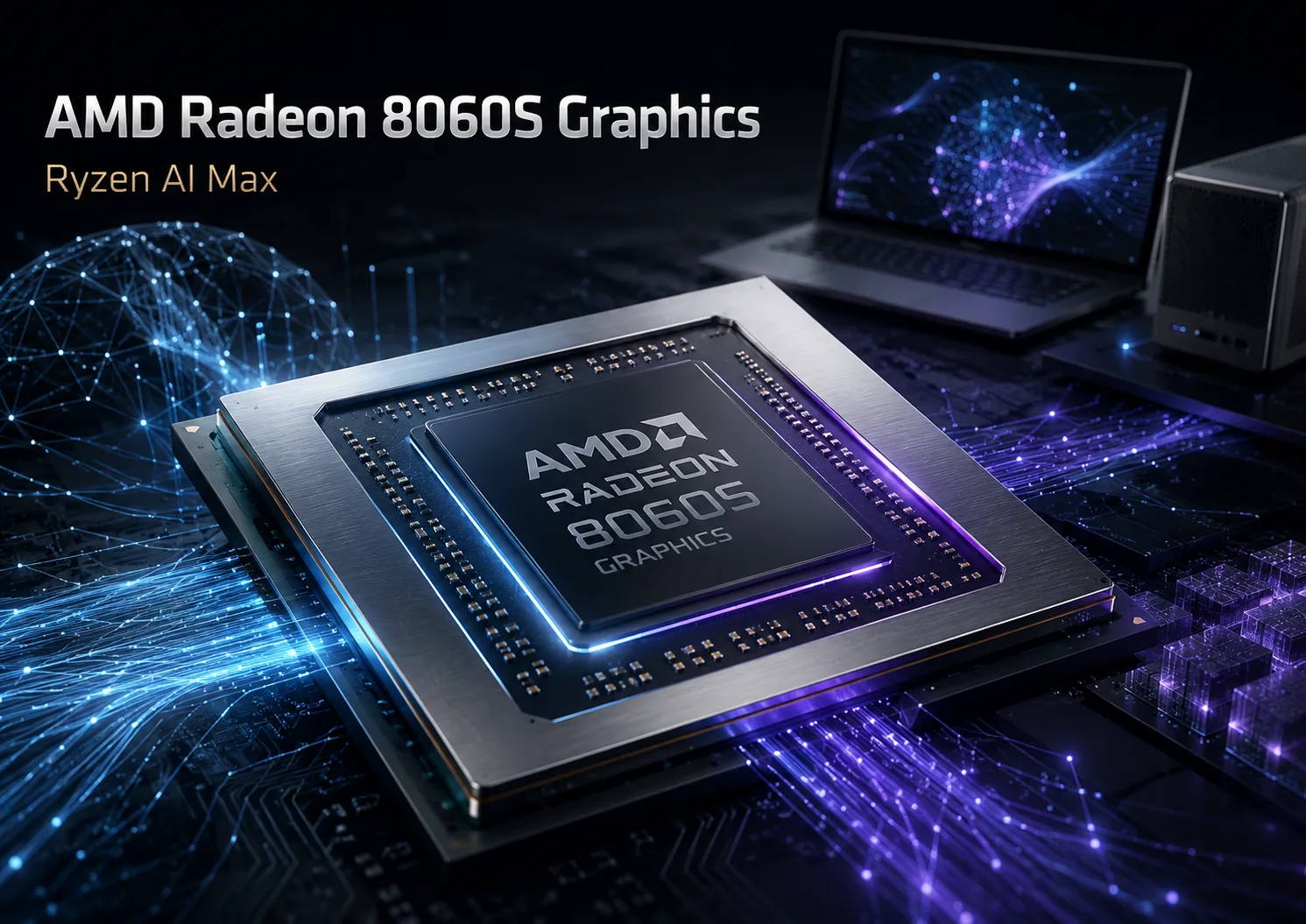
AMD Radeon 8060S Graphics: Integrated Graphics for AMD's AI Platform
AMD Radeon 8060S Graphics is not just powerful integrated graphics for gaming; it should be viewed as the graphical component of Ryzen AI Max, the platform through which AMD aims to carve out a niche in the local AI computer segment.
In the realm of AI, AMD still lags behind its competitors. NVIDIA has CUDA, a mature ecosystem of frameworks, and extensive support in professional software. Ryzen AI Max does not negate this advantage nor does it turn Radeon 8060S into a universal replacement for RTX. AMD's strategy is different: a large unified memory pool, substantial RDNA graphics, and a robust CPU and NPU all within a single chassis.
This is why Radeon 8060S cannot be evaluated solely based on FPS. In gaming, it does appear unusually strong for integrated graphics, but the main focus of Ryzen AI Max is local AI. It won't train large models from scratch on such a device, but they can be executed locally, used for inference, testing pipelines, generating images, and performing small-scale fine-tuning where sufficient memory is available and the required stack is supported.
Why Radeon 8060S is Crucial for Ryzen AI Max
Standard integrated graphics often hit limitations not only based on the number of compute units but also on memory. Even powerful iGPUs quickly face constraints in bandwidth and available capacity. Ryzen AI Max operates differently: Radeon 8060S utilizes the unified memory of the entire platform rather than a separate VRAM.
This does not automatically make it faster than a discrete graphics card. However, it changes the class of tasks where such graphics make sense. For gaming, FPS is essential, while for AI, memory capacity is often the deciding factor. If a model or a large context cannot fit within 8 GB of VRAM, then computational power will not save the day. Ryzen AI Max seeks to provide the client device with a large unified memory pool for running large models and AI workloads without the need for a separate graphics card.
With Ryzen AI Max+ 395, Radeon 8060S features 40 graphics cores, a frequency of up to 2900 MHz, 256-bit LPDDR5x-8000 platform memory, and configurations of up to 128 GB of unified memory. AMD also claims up to 126 TOPS of total AI performance, including NPU capabilities of up to 50 TOPS. For integrated graphics, this represents a significant scale.
Radeon 8060S is not just a “throwaway integration,” but one of the core reasons for the existence of the entire platform. AMD is not attempting to directly compete with NVIDIA in CUDA software. Instead, the company takes a different approach: offering a compact AI machine in the form of a laptop, mini-PC, or workstation, where substantial shared memory is as crucial as the graphical power itself.
Where Radeon 8060S Fits in the Lineup
Radeon 8060S is used in the high-end Ryzen AI Max 300 chips, including Ryzen AI Max+ 395, Ryzen AI Max+ PRO 395, Ryzen AI Max+ 392, and Ryzen AI Max+ 388. It represents the full graphical variant of Strix Halo 300.
Below it are Radeon 8050S and Radeon 8040S. The graphical capability of Radeon 8050S is notably reduced, while Radeon 8040S is an even more entry-level option. The difference between them is not merely cosmetic; these are different levels of iGPUs within the same platform concept.
With the introduction of Radeon 8065S, the status of 8060S needs to be described more accurately. Radeon 8060S remains the high-end graphics option in the Ryzen AI Max 300 series, but it is no longer the absolute maximum of the entire AMD lineup. Radeon 8065S in Ryzen AI Max PRO 400 shares the same wide graphics block but achieves higher frequency and a newer platform with an expanded unified memory limit.
Benchmarks: No Longer a Typical iGPU
In synthetic tests, Radeon 8060S does not perform like typical integrated graphics; instead, it competes with mid-range mobile discrete GPUs. According to Notebookcheck, it sits approximately between GeForce RTX 4060 Laptop and RTX 4070 Laptop, depending on the test and specific device.
| Test | Radeon 8060S | RTX 4060 Laptop | RTX 4070 Laptop |
|---|---|---|---|
| 3DMark Time Spy | ~10842 | ~10250 | ~11732 |
| 3DMark Time Spy Graphics | ~10946 | ~9943 | ~11609 |
These figures serve as important benchmarks, but they should not be interpreted as a guarantee of RTX 4070 levels across all laptops. Radeon 8060S remains integrated graphics with shared memory. Its performance depends on power limits, cooling, chassis, and manufacturer settings. In a well-cooled device, Radeon 8060S may mirror the performance of mobile RTX 4060, but results will be lower in a compact case.
For gaming, the practical performance level is clear: 1080p is the primary mode, often with medium or high settings. 1440p is possible in less demanding games or with FSR. 4K and heavy ray tracing are outside its scope. The strength of Radeon 8060S is not in replacing discrete video cards but in that integrated graphics is for the first time a serious argument in a high-end APU platform.
AI: The Core Purpose of the Platform
The most critical component of Ryzen AI Max is local AI tasks. AMD promotes Ryzen AI Max+ 395 specifically as a platform for generative AI: with substantial unified memory, Radeon 8060S, LLM running, and image generation on the device.
AMD's materials mention Stable Diffusion 3.5 Large, Phi-4 14B, DeepSeek-R1-Distill-Llama-70B, ONNX-GenAI, Ollama, and Amuse. They also indicate 128 GB of unified memory and up to 112 GB of memory available to the GPU. This is not merely a marketing line “AI”; a large unified memory pool genuinely changes which models can be run on a client device.
That said, Radeon 8060S should not be overstated. It is not an accelerator for training large models from scratch, nor a replacement for server GPUs, and it does not magically ensure compatibility with all AI software. The essence of the platform is different: running large models locally, inference, local assistants, image generation, testing pipelines, small-scale training, or fine-tuning where memory is sufficient and where ROCm, PyTorch, or another backend already supports the required configuration.
For local AI, such an approach may be more critical than a conventional discrete graphics card with limited VRAM. In supported tasks, the RTX will often be faster, but if a model cannot fit into memory, speed alone will not solve the problem. Ryzen AI Max attempts to bring to consumer formats what previously often required a separate workstation: a large local memory pool for models and AI workloads.
ROCm, PyTorch, and Limitations
AMD has a significant advantage here: ROCm for Ryzen AI Max is gradually becoming a reality rather than just a promise. In the official ROCm 7.2.1 matrix, gfx1151 and Ryzen AI Max+ 395 are listed, and an official production support configuration for PyTorch 2.9.1 + ROCm 7.2.1 is announced. However, only FP16 is officially validated, and other data types may work but are not guaranteed.
This is an important limitation. In one scenario, a model may function correctly using Radeon 8060S through ROCm or PyTorch, while in another, a tool may require workarounds, function only through the CPU, or not recognize iGPU as a suitable accelerator. Therefore, compatibility must be verified for specific OS, ROCm version, PyTorch version, models, and types of computation.
Radeon 8060S excels not as a universal AI accelerator for any software but as part of a platform where AMD bets on unified memory, ROCm, ONNX, DirectML, Ollama, Amuse, and local models. The hardware is indeed interesting, but the software stack is still catching up.
What Sets It Apart from Radeon 8065S
Radeon 8065S does not devalue Radeon 8060S, but it does shift its positioning. The 8060S remains the high-end graphics of the Ryzen AI Max 300 generation, while 8065S becomes a fresher option for Ryzen AI Max PRO 400.
The main difference lies not in the GPU idea itself, but in the platform. Ryzen AI Max+ PRO 495 specifies Radeon 8065S Graphics, 40 graphics cores, a frequency of up to 3000 MHz, LPDDR5x-8533, and up to 192 GB of memory. For gaming, this is unlikely to make a dramatic difference, but for local AI, the additional memory is more crucial than a slight frequency boost.
Thus, Radeon 8060S has not become weaker with the arrival of 8065S; instead, its position is now clearer: it is a powerful first-generation iGPU in Ryzen AI Max rather than the pinnacle of the entire new lineup.
Main Weakness: Price and Niche
Radeon 8060S cannot be purchased separately. It is part of an expensive Ryzen AI Max platform, so its value is always contingent on the overall price of the device.
If only a gaming laptop is needed, a model with discrete RTX 4060 or RTX 4070 might be more intuitive: separate video memory, DLSS, and a more familiar gaming and professional stack. However, if a compact computer with a strong CPU, large shared memory, and the ability to run local AI models is required, Ryzen AI Max begins to look much more appealing.
This is not a mass platform “for everyone.” It is a costly and niche attempt by AMD to enter local AI from a different angle: not through a mature CUDA ecosystem, but by leveraging a large unified memory pool and integrating CPU, GPU, and NPU within a single chip. CUDA remains NVIDIA's domain, so CUDA-dependent software for Radeon 8060S is not a target scenario.
Conclusion
AMD Radeon 8060S Graphics illustrates why AMD created Ryzen AI Max: not for another iGPU for gaming but for a client AI platform capable of running large models locally, generating images, and facilitating ONNX, Ollama, ROCm, and PyTorch scenarios without a discrete graphics card.
Radeon 8060S does not replace discrete GPUs for all tasks and does not turn a laptop into a server for training large models. Instead, it positions Ryzen AI Max as one of the most unique APU platforms in recent years: a compact system where a large shared memory is just as crucial an argument as graphic power itself.
GPU Comparison
Compare Radeon 8060S Graphics with other GPUs
Basic
Memory Specifications
Theoretical Performance
Miscellaneous
Benchmarks
Compared to Other GPU
Related GPU Comparisons


Share in social media
Or Link To Us
<a href="https://cputronic.com/gpu/amd-radeon-8060s-graphics" target="_blank">AMD Radeon 8060S Graphics</a>