NVIDIA GeForce RTX 5060

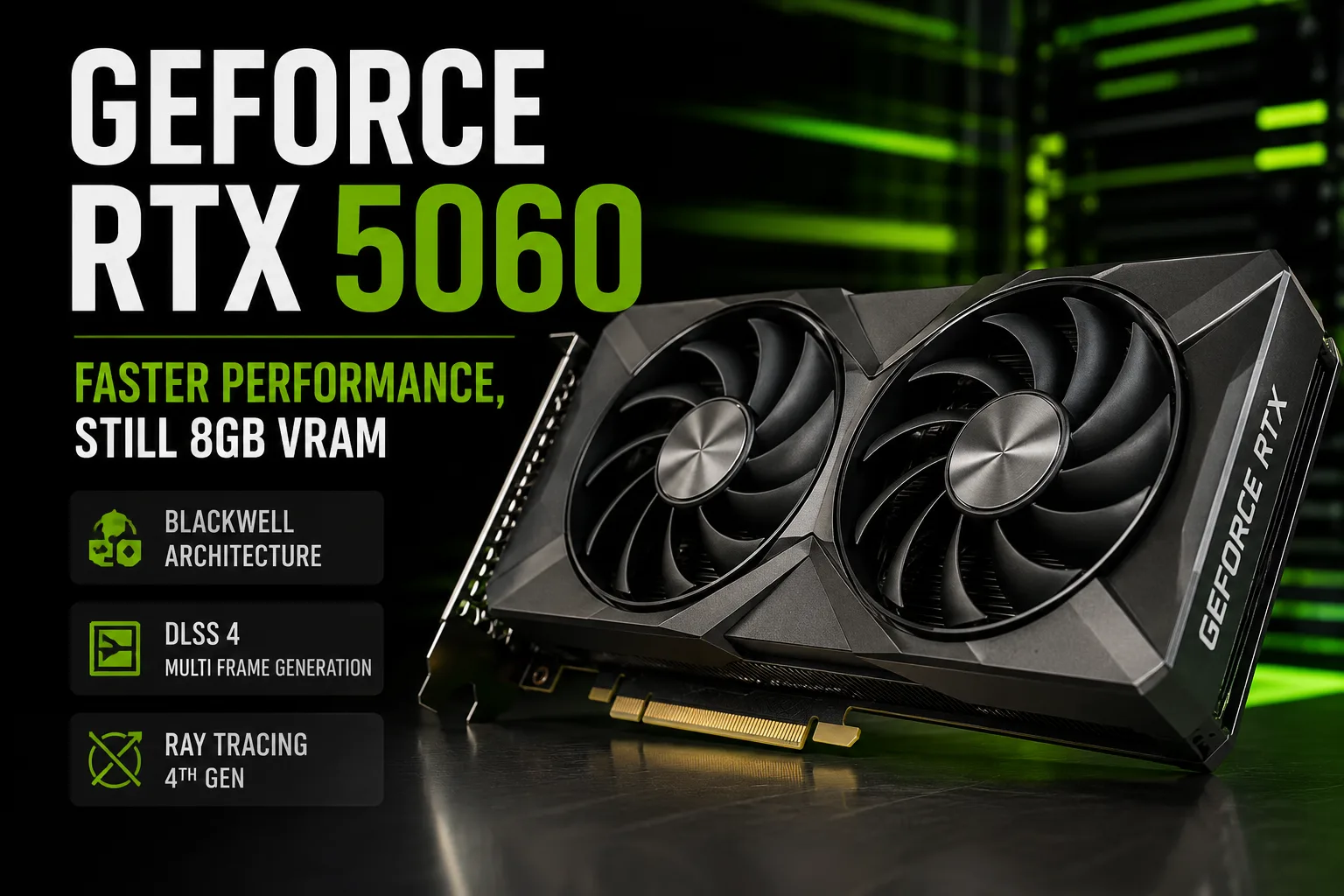
NVIDIA GeForce RTX 5060
NVIDIA GeForce RTX 5060 graphics card review

GeForce RTX 5060: Performance Increased, Video Memory Not

The GeForce RTX 5060 is significantly faster than the RTX 4060, although the starting price remains the same. The performance boost is clearly noticeable at 1080p, and in many games, it is sufficient even for 1440p. The weak spot remains unchanged: 8 GB of video memory is already a limitation for the card in certain demanding games.

Benchmarks of Real GeForce RTX 5060

The production RTX 5060s from different manufacturers show almost identical results. Factory overclocking gives only a few percentage points of improvement, so choosing a specific model should primarily be based on cooling, noise, and price.

Graphics Card 3DMark Fire Strike 3DMark Time Spy Time Spy Extreme
Zotac Gaming GeForce RTX 5060 AMP 36,173 13,901 6,550
KFA2 ROCK(X) GeForce RTX 5060 35,966 13,797 6,498
MSI GeForce RTX 5060 GAMING 35,685 13,736 6,467

The difference between the Zotac AMP and MSI GAMING in Time Spy is about 1.2%. It makes sense to pay extra for the higher version only for more efficient and quieter cooling; the factory overclocking does not provide a noticeable FPS boost.

In Time Spy Graphics, the Zotac Gaming RTX 5060 AMP scored 13,854 points compared to 10,289 for the ASUS Dual RTX 4060 EVO OC-an advantage of about 35%. The RTX 5060 Ti 16 GB scored 16,064 points in the same test.

Performance in Games

Without DLSS and Frame Generation, the RTX 5060 is already fast enough for high settings at 1080p. In many games, the card maintains good FPS even at 1440p.

Game and Settings RTX 4060 RTX 5060 RTX 5060 Ti 16 GB
Cyberpunk 2077, 1080p Ultra 77.1 FPS 112.7 FPS 128.0 FPS
Cyberpunk 2077, 1440p Ultra 43.1 FPS 68.7 FPS 80.9 FPS
Alan Wake 2, 1080p High 57.6 FPS 75.0 FPS 93.9 FPS
Baldur's Gate 3, 1080p Ultra 92.1 FPS 130.3 FPS 147.3 FPS

In Cyberpunk 2077, the transition from RTX 4060 to RTX 5060 yields about 46% improvement at 1080p Ultra and almost 60% at 1440p Ultra. In Alan Wake 2, the gain is more modest but still exceeds 30%.

The GPU itself is fast enough for 1440p. The limitation occurs when the game runs out of 8 GB of video memory.

Where 8 GB Starts to Limit

Fast GDDR7 does not compensate for the small amount of memory: the RTX 5060 has only 8 GB of VRAM. Therefore, a high average FPS does not guarantee that maximum textures will work smoothly without stuttering and delays during loading.

In some modern games, the lack of memory leads to delays in texture loading, stuttering, or forces the user to lower texture quality. DLSS and Frame Generation do not solve this problem, as they themselves require video memory.

At 1440p, the RTX 5060 often shows good FPS, but in new games, the choice of maximum textures must be more careful.

Blackwell, DLSS 4, and Frame Generation

The RTX 5060 supports DLSS 4, Ray Reconstruction, Reflex, and Multi Frame Generation.

Multi Frame Generation significantly boosts the FPS count, but these results cannot be directly compared with standard rendering. The generated frames improve smoothness but do not make the GPU itself faster or compensate for the lack of video memory.

Therefore, it is better to compare the base performance of the card without Frame Generation.

Conclusion

The GeForce RTX 5060 provides a noticeable boost over the RTX 4060: in the tested games, the difference often exceeds 30%.

The main complaint about the RTX 5060 is its 8 GB of video memory. At 1080p, the performance is sufficient even for demanding games, but at 1440p, the memory limit becomes increasingly apparent.

The RTX 5060 is primarily a card for 1080p, although in many games, it is fast enough for 1440p as well. There is no sense in paying extra for a premium RTX 5060 for just a few percentage points of overclocking. If the price difference with the RTX 5060 Ti 16 GB is not significant, the additional cost for the faster GPU and 16 GB of memory seems much more reasonable.

Basic

Label Name
NVIDIA
Platform
Desktop
Launch Date
May 2025
Model Name
GeForce RTX 5060
Generation
GeForce 50
Base Clock
2280 MHz
Boost Clock
2497 MHz
Bus Interface
PCIe 5.0 x8
Transistors
Unknown
RT Cores
30
Tensor Cores
?
Tensor Cores are specialized processing units designed specifically for deep learning, providing higher training and inference performance compared to FP32 training. They enable rapid computations in areas such as computer vision, natural language processing, speech recognition, text-to-speech conversion, and personalized recommendations. The two most notable applications of Tensor Cores are DLSS (Deep Learning Super Sampling) and AI Denoiser for noise reduction.
120
TMUs
?
Texture Mapping Units (TMUs) serve as components of the GPU, which are capable of rotating, scaling, and distorting binary images, and then placing them as textures onto any plane of a given 3D model. This process is called texture mapping.
120
Foundry
TSMC
Architecture
Blackwell

Memory Specifications

Memory Size
8GB
Memory Type
GDDR7
Memory Bus
?
The memory bus width refers to the number of bits of data that the video memory can transfer within a single clock cycle. The larger the bus width, the greater the amount of data that can be transmitted instantaneously, making it one of the crucial parameters of video memory. The memory bandwidth is calculated as: Memory Bandwidth = Memory Frequency x Memory Bus Width / 8. Therefore, when the memory frequencies are similar, the memory bus width will determine the size of the memory bandwidth.
128bit
Memory Clock
1750 MHz
Bandwidth
?
Memory bandwidth refers to the data transfer rate between the graphics chip and the video memory. It is measured in bytes per second, and the formula to calculate it is: memory bandwidth = working frequency × memory bus width / 8 bits.
448 GB/s

Display and Media

Outputs
1x HDMI 2.1b
3x DisplayPort 2.1b

Theoretical Performance

Pixel Rate
?
Pixel fill rate refers to the number of pixels a graphics processing unit (GPU) can render per second, measured in MPixels/s (million pixels per second) or GPixels/s (billion pixels per second). It is the most commonly used metric to evaluate the pixel processing performance of a graphics card.
121.0 GPixel/s
Texture Rate
?
Texture fill rate refers to the number of texture map elements (texels) that a GPU can map to pixels in a single second.
362.9 GTexel/s
FP16 (half)
?
An important metric for measuring GPU performance is floating-point computing capability. Half-precision floating-point numbers (16-bit) are used for applications like machine learning, where lower precision is acceptable. Single-precision floating-point numbers (32-bit) are used for common multimedia and graphics processing tasks, while double-precision floating-point numbers (64-bit) are required for scientific computing that demands a wide numeric range and high accuracy.
23.22 TFLOPS
FP64 (double)
?
An important metric for measuring GPU performance is floating-point computing capability. Double-precision floating-point numbers (64-bit) are required for scientific computing that demands a wide numeric range and high accuracy, while single-precision floating-point numbers (32-bit) are used for common multimedia and graphics processing tasks. Half-precision floating-point numbers (16-bit) are used for applications like machine learning, where lower precision is acceptable.
362.9 GFLOPS
FP32 (float)
?
An important metric for measuring GPU performance is floating-point computing capability. Single-precision floating-point numbers (32-bit) are used for common multimedia and graphics processing tasks, while double-precision floating-point numbers (64-bit) are required for scientific computing that demands a wide numeric range and high accuracy. Half-precision floating-point numbers (16-bit) are used for applications like machine learning, where lower precision is acceptable.
22.756 TFLOPS

Miscellaneous

SM Count
?
Multiple Streaming Processors (SPs), along with other resources, form a Streaming Multiprocessor (SM), which is also referred to as a GPU's major core. These additional resources include components such as warp schedulers, registers, and shared memory. The SM can be considered the heart of the GPU, similar to a CPU core, with registers and shared memory being scarce resources within the SM.
30
Shading Units
?
The most fundamental processing unit is the Streaming Processor (SP), where specific instructions and tasks are executed. GPUs perform parallel computing, which means multiple SPs work simultaneously to process tasks.
3840
L1 Cache
128 KB (per SM)
L2 Cache
32 MB
TDP
145 W
Vulkan Version
?
Vulkan is a cross-platform graphics and compute API by Khronos Group, offering high performance and low CPU overhead. It lets developers control the GPU directly, reduces rendering overhead, and supports multi-threading and multi-core processors.
1.4
OpenCL Version
3.0
OpenGL
4.6
CUDA
12.0 Compute Capability
DirectX
12 Ultimate (12_2)
Power Connectors
1x 16-pin
ROPs
?
The Raster Operations Pipeline (ROPs) is primarily responsible for handling lighting and reflection calculations in games, as well as managing effects like anti-aliasing (AA), high resolution, smoke, and fire. The more demanding the anti-aliasing and lighting effects in a game, the higher the performance requirements for the ROPs; otherwise, it may result in a sharp drop in frame rate.
48
Shader Model
6.7
Suggested PSU
550 W

Benchmarks

FP32 (float)
Score
22.756 TFLOPS
3DMark Steel Nomad
Score
3170
Blender
Score
3614.9
Vulkan
Score
120050
OpenCL
Score
125065

Compared to Other GPU

FP32 (float) / TFLOPS
21.001 -7.7%
3DMark Steel Nomad
3186 +0.5%
3180 +0.3%
3055 -3.6%
3010 -5%
Blender
15026.3 +315.7%
1265.43 -65%
630 -82.6%
Vulkan
382809 +218.9%
152166 +26.8%
76392 -36.4%
49804 -58.5%
OpenCL
368974 +195%
171826 +37.4%
89301 -28.6%
65116 -47.9%