AMD Radeon 8050S Graphics
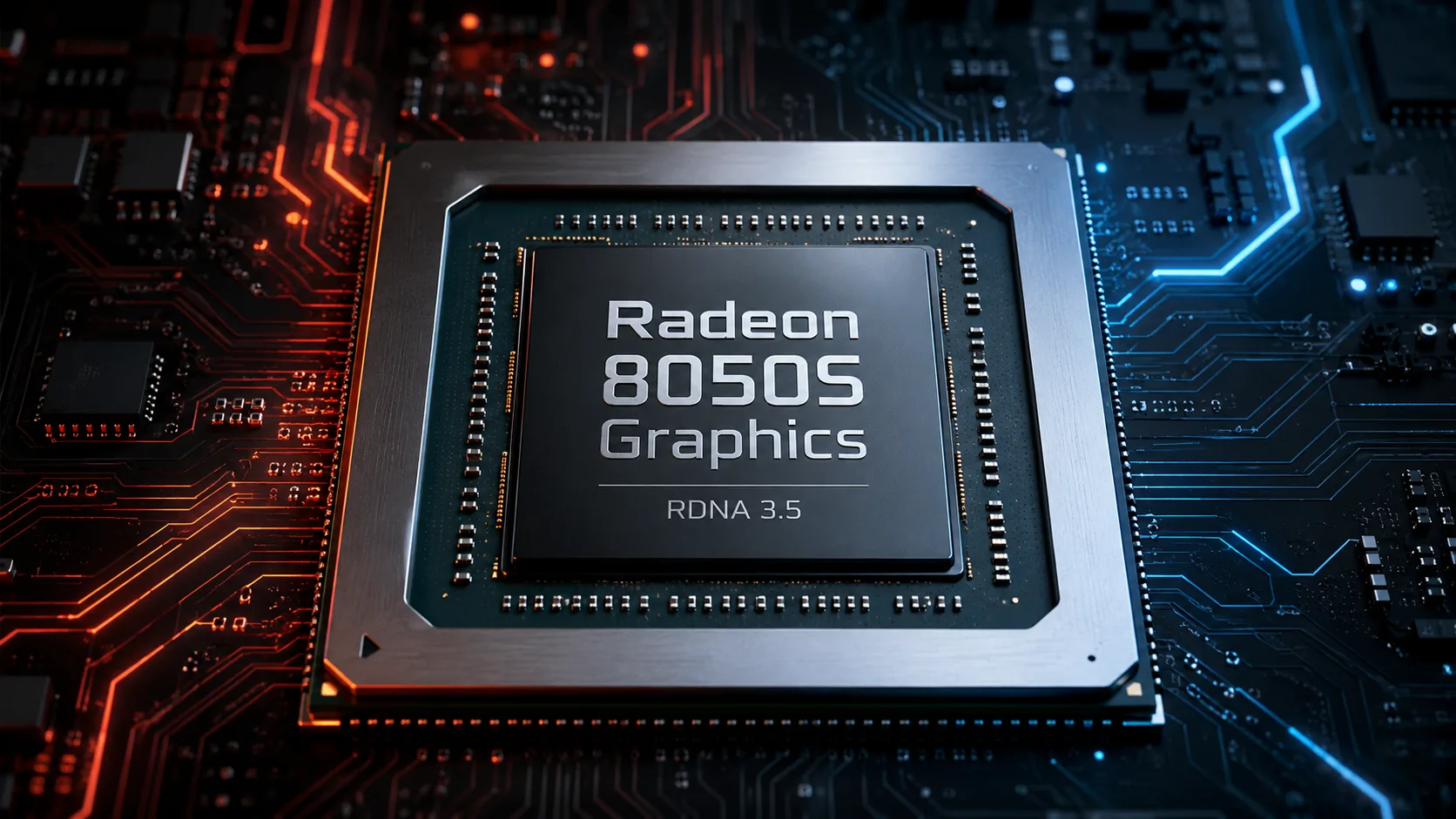
Radeon 8050S Graphics: Built-in Graphics of Ryzen AI Max, Unlike Typical iGPUs
AMD Radeon 8050S Graphics is not a separate graphics card nor a model from the familiar Radeon RX lineup. It is better viewed as a graphics block within Ryzen AI Max and Ryzen AI Max PRO processors. AMD lists the Radeon 8050S in the specifications of specific APU models rather than promoting it as a standalone product.
Formally, it is an integrated graphics solution, but its scale is significantly higher than typical iGPUs like the Radeon 780M, 880M, or 890M. It features 32 RDNA 3.5 graphics units, a high clock speed, and access to the large LPDDR5X memory of the Ryzen AI Max platform. Therefore, the Radeon 8050S is interesting not only for image output and light gaming but also for compact work systems, video editing, 3D applications, local AI tasks, and gaming at 1080p.
What is Officially Known
AMD officially states that the Radeon 8050S Graphics has 32 graphics units and a clock frequency of up to 2800 MHz. The graphics are based on the RDNA 3.5 architecture and operate within the Ryzen AI Max APU, alongside Zen 5 CPU cores, XDNA 2 NPU, and fast unified LPDDR5X memory. In higher configurations, the platform uses 256-bit LPDDR5X memory, and the total RAM capacity can reach up to 128 GB or 192 GB depending on the series.
It is important to note that some parameters relate not only to the Radeon 8050S itself but to the entire Ryzen AI Max platform. The memory bus width, available RAM capacity, power limits, and cooling depend on the specific processor and device. A Radeon 8050S in a well-cooled mini-PC and a Radeon 8050S in a slim chassis with strict limits may feel like different systems.
Shaders, TMU, and ROP: What is Unofficially Known
AMD does not disclose the specific number of shaders, TMUs, and ROPs for the Radeon 8050S separately. However, some parameters can be inferred from the RDNA configuration.
The Radeon 8050S has 32 CUs. In the RDNA architecture, one CU typically contains 64 stream processors, thus the estimated number of shaders can be calculated as: 32 × 64 = 2048 stream processors. Using the same logic, we can estimate about 128 TMUs, assuming 4 texture blocks per CU.
More caution is needed with ROP. The value 64 ROPs appears in third-party databases, but AMD does not specify it separately. The same goes for the approximate FP32 performance of around 11.5 TFLOPS: this is a theoretical calculation rather than a separate official specification line.
For the article and reference page, these values can be used with the note: 32 CUs and a frequency of up to 2800 MHz - official; 2048 shaders and 128 TMUs - estimated; 64 ROPs - from third-party databases.
Where the Radeon 8050S Fits in Ryzen AI Max Graphics
The Radeon 8050S belongs to a small group of graphics configurations within Ryzen AI Max. AMD does not categorize them as a separate family of Radeon 8000S graphics cards, but their specifications make it easy to compare them with each other.
| Graphics | CU | Frequency | Position |
|---|---|---|---|
| Radeon 8040S | 16 | up to 2800 MHz | lower configuration |
| Radeon 8050S | 32 | up to 2800 MHz | middle option |
| Radeon 8060S | 40 | up to 2900 MHz | higher configuration Ryzen AI Max 300 |
| Radeon 8065S | 40 | up to 3000 MHz | higher configuration Ryzen AI Max PRO 400 |
In this context, the Radeon 8050S stands out as a strong middle option. It is significantly more powerful than the Radeon 8040S, as it has twice the number of graphics units. However, the Radeon 8060S and 8065S are still higher class: they have 40 CUs, which is roughly a quarter more graphics capability.
In real devices, the gap can differ from the raw CU difference. Much depends on cooling, power limits, and memory. But the overall logic is simple: 8040S - the lower option, 8050S - the strong middle, 8060S/8065S - the maximum for Ryzen AI Max.
What to Compare with Radeon 8050S
The Radeon 8050S is not very convenient to compare with ordinary integrated graphics solutions. It is larger, broader, and designed for a different platform. However, to understand its level, you can orient in the following way:
| GPU | Class | How to Perceive |
|---|---|---|
| Radeon 890M | strong typical iGPU | significantly lower than Radeon 8050S |
| Radeon 8040S | lower graphics Ryzen AI Max | lower than 8050S due to 16 CUs |
| Radeon 8050S | 32 CUs RDNA 3.5 | powerful integrated graphics of a new class |
| Radeon 8060S | 40 CUs RDNA 3.5 | faster than 8050S |
| GeForce RTX 4050 Laptop | discrete GPU | stronger and more predictable in RT, CUDA, and NVIDIA software |
The main point: the Radeon 8050S is closer to lower discrete mobile GPUs than traditional integrated graphics. However, it still remains part of the APU: it has no dedicated GDDR memory, separate TGP, or independent board.
The comparison with the RTX 4050 Laptop depends on the task. The RTX 4050 is typically safer for ray tracing, CUDA, games with NVIDIA optimization, and professional software. The Radeon 8050S is more interesting in scenarios where compactness, shared memory pool, and the absence of a separate graphics card are crucial.
Estimated Benchmarks for Radeon 8050S
Initial tests of the Radeon 8050S indicate that it exceeds typical integrated graphics levels. In synthetic benchmarks, it is already rivals the lower discrete mobile GPUs, although results still depend on the specific device, cooling, and power limits.
| Test | Radeon 8050S |
|---|---|
| 3DMark Time Spy | around 9000 |
| 3DMark Time Spy Graphics | around 9500-10100 |
| Geekbench 6 OpenCL | around 81000 |
| PassMark G3D | around 16200 |
| Blender GPU | around 1190 |
In terms of performance, this is significantly above typical integrated GPUs like the Radeon 890M and closer to lower discrete mobile solutions. However, comparisons with the GeForce RTX 4050 Laptop or RTX 4060 Laptop will depend on the scenario: in pure rasterization, the Radeon 8050S performs remarkably well for an iGPU, while in ray tracing, CUDA, and professional software, discrete NVIDIA solutions usually remain the safer choice.
Gaming: No Longer Just iGPU, But Still Not a Discrete RTX
In games, the Radeon 8050S is best perceived as powerful integrated graphics for 1080p. In available tests, it shows a level that was previously closer to discrete mobile graphics cards than to typical iGPUs.
| Game | Settings | Resolution | FPS |
|---|---|---|---|
| F1 24 | Low | 1920×1080 | around 179 |
| F1 24 | Medium | 1920×1080 | around 169 |
| Cyberpunk 2077 | Low | 1920×1080 | around 111 |
| Cyberpunk 2077 | Ultra | 1920×1080 | around 63 |
| Cyberpunk 2077 | Ultra, FSR off | 1920×1080 | around 56 |
| Baldur’s Gate 3 | Medium | 1920×1080 | around 86 |
| Baldur’s Gate 3 | High | 1920×1080 | around 70 |
| Doom: The Dark Ages | Medium | 1920×1080 | around 52 |
| Doom: The Dark Ages | High | 1920×1080 | around 41 |
These results illustrate the character of the Radeon 8050S well. At 1080p, it is capable of running modern games not only at minimal settings: Cyberpunk 2077 on Ultra hovers around 60 FPS, Baldur’s Gate 3 on High runs at about 70 FPS, while less demanding projects provide a much larger margin.
However, this is not a guaranteed performance level for any laptop or mini-PC with the Radeon 8050S. Performance will depend on chassis, cooling, power limits, memory, and drivers. At 1440p, the Radeon 8050S can be attempted in lighter games or with FSR, but the primary comfortable scenario remains 1080p.
Heavy ray tracing is also not its strong suit. RDNA 3.5 does support hardware-accelerated tracing, but in such tasks, discrete RTX solutions are typically significantly more reliable.
Work Tasks and AI
In work tasks, the Radeon 8050S might even be more interesting than in gaming. Its strong point is the combination of GPU, CPU, NPU, and unified memory.
For video editing, graphics processing, 3D viewing, UI acceleration, and light rendering, the Radeon 8050S looks promising for an integrated solution. Systems with larger memory capacities are particularly interesting: in some tasks, not only the speed of the GPU is important, but also the ability to keep a large project or model in memory.
AI is more complicated. The Ryzen AI Max appears strong in hardware: it features a CPU, GPU, and NPU on one chip. Unified memory also helps with local experiments on models. However, if the software is geared towards CUDA, discrete NVIDIA solutions will almost certainly be more convenient. If the task works well with AMD ROCm, DirectML, Vulkan, or other compatible acceleration options, the Radeon 8050S can be highly interesting.
Thus, for AI, it should not be viewed as a universal substitute for RTX, but rather as a strong platform for compact local experiments where memory, energy efficiency, and device format are essential.
What to Consider Before Buying
Purchasing a device solely based on the name Radeon 8050S is not advisable. The same graphics can perform differently in different systems.
Key limitations include:
- Cooling and power limits of the specific device;
- Speed and capacity of LPDDR5X memory;
- Manufacturer settings for laptops or mini-PCs;
- Absence of dedicated video memory;
- Dependence on drivers and support for required software;
- Weaker compatibility with CUDA tasks compared to NVIDIA.
The Radeon 8050S is particularly interesting in systems where the manufacturer does not skimp on memory and cooling. In such cases, it can replace lower-end discrete graphics and make the device simpler, more compact, and quieter.
However, if the primary task is maximum FPS, heavy ray tracing, CUDA, professional GPU rendering, or stable operation with software designed for NVIDIA, a discrete graphics card remains a more predictable choice.
Conclusion
Radeon 8050S Graphics is one of the most interesting integrated graphics solutions from AMD. It is not a separate graphics card and is not sold on its own, but it occupies a very strong position within the Ryzen AI Max: 32 CUs RDNA 3.5, a frequency of up to 2800 MHz, and an estimated 2048 stream processors.
The focus with the Radeon 8050S should be on not just the number of blocks, but the entire platform surrounding it. The broad LPDDR5X memory, powerful CPU, NPU, and large integrated GPU make Ryzen AI Max an unusual alternative to laptops and mini-PCs with lower discrete graphics.
It is not a replacement for any graphics card. For CUDA, heavy ray tracing, and professional GPU rendering, it is better to look towards discrete NVIDIA or Radeon RX solutions. But if a compact, versatile computer with very strong integrated graphics is needed, the Radeon 8050S is one of the most successful options in its class.
GPU Comparison
Compare Radeon 8050S Graphics with other GPUs
Basic
Memory Specifications
Theoretical Performance
Miscellaneous
Benchmarks
Compared to Other GPU


Share in social media
Or Link To Us
<a href="https://cputronic.com/gpu/amd-radeon-8050s-graphics" target="_blank">AMD Radeon 8050S Graphics</a>