Apple M4 8 Cores

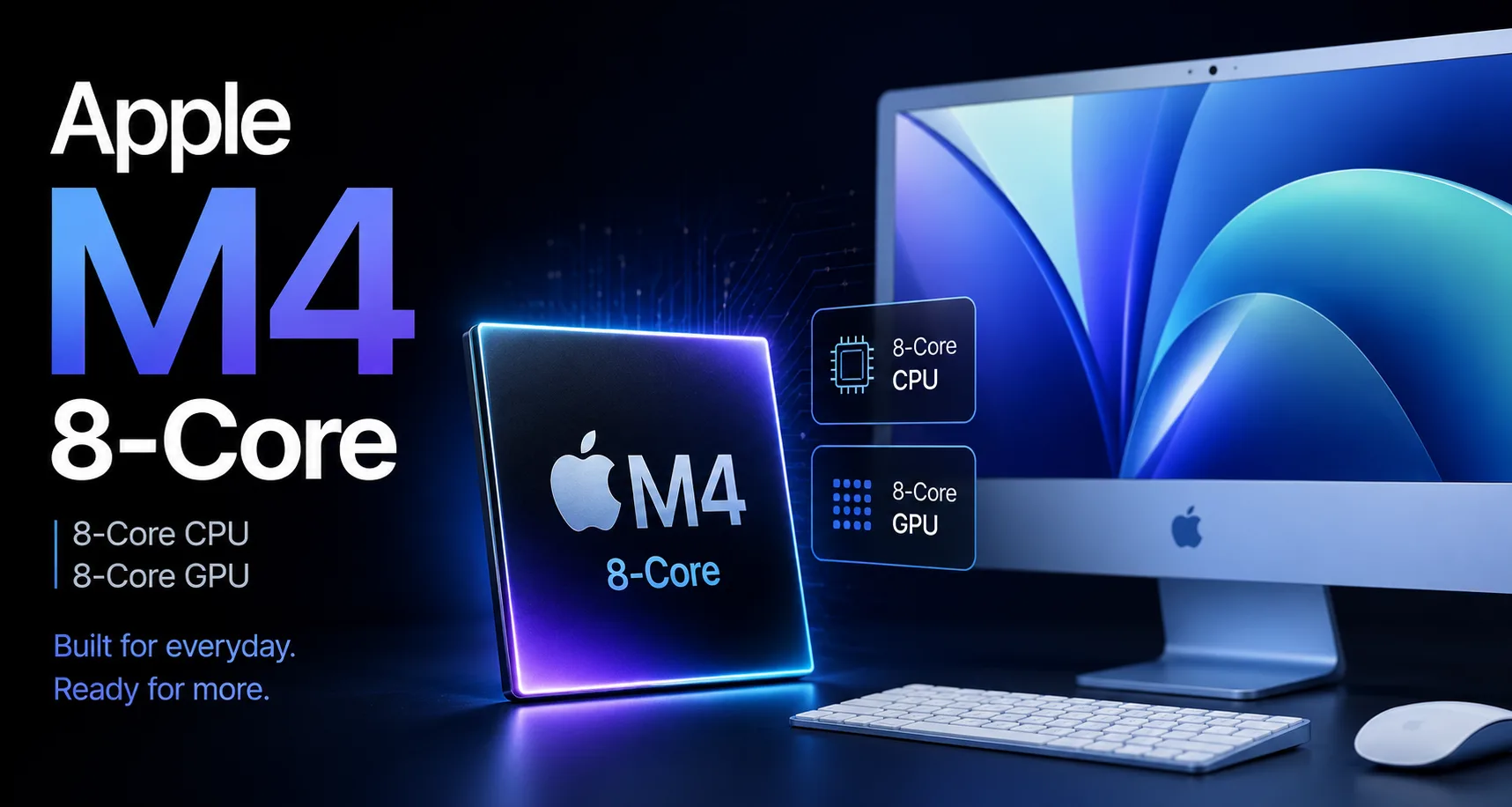
Apple M4 8-Core: The Lower Version of M4 with 8-Core CPU and GPU
The Apple M4 8-Core is the entry-level configuration of the M4 with an 8-core CPU and 8-core GPU. It is used in the basic 24-inch iMac with two ports and differs from the higher versions of the M4 with a smaller number of CPU and GPU cores.
The main question is not whether this version can handle everyday tasks, but whether the entry-level configuration of the iMac is justified. The version with the M4 10-Core offers more cores, a more powerful GPU, and an expanded set of ports.
The M4 8-Core is suitable for browsing, documents, video calls, photos, music, movies, light editing, and home or office tasks. For gaming, 3D work, complex editing, long exports, and heavy multitasking, it's better to look at the M4 10-Core or M4 Pro.
Position Among M4 Configurations
| Configuration | CPU | GPU | Memory | Where It Appears | Key Points |
|---|---|---|---|---|---|
| Apple M4 8-Core | 8 Cores | 8 Cores | 120 GB/s | Basic 24-inch iMac | Entry-level M4 for everyday tasks |
| Apple M4 10-Core / 8-core GPU | 10 Cores | 8 Cores | 120 GB/s | MacBook Air with lower GPU | More CPU cores, but graphics remain lower |
| Apple M4 10-Core / 10-core GPU | 10 Cores | 10 Cores | 120 GB/s | Higher M4 configurations | More CPU and GPU cores in the base M4 series |
| Apple M4 Pro 12-Core | 12 Cores | 16 Cores | 273 GB/s | MacBook Pro and Mac mini | Wider memory, stronger GPU, Thunderbolt 5 |
How M4 8-Core Differs from M4 10-Core
The M4 8-Core uses an 8-core CPU: 4 performance cores and 4 efficiency cores. The M4 10-Core has 4 performance cores and 6 efficiency cores. Single-threaded speeds are almost unchanged because the performance cores belong to the same generation. The difference appears in multitasking and background processes.
The GPU is also entry-level. The M4 8-Core has an 8-core graphics block, while the higher configuration iMac features a 10-core GPU. For macOS interface, browsing, documents, video calls, and standard photo processing, this is not critical. In gaming, GPU-accelerated applications, complex effects, and handling multiple heavy tasks, the 10-core GPU offers greater headroom.
Both the M4 8-Core and M4 10-Core have the same memory bandwidth of 120 GB/s. Thus, the limitation of the M4 8-Core lies not in memory, but in the reduced number of CPU and GPU cores.
Performance in Everyday Tasks
For the basic iMac, the M4 8-Core remains a sufficiently fast configuration: it features performance cores of the current generation, a 16-core Neural Engine, hardware ray tracing, and a media block for H.264, HEVC, ProRes, ProRes RAW, and AV1.
In short tasks, it is close to the higher M4: launching applications, browsing, documents, video calls, and simple photo processing do not require all cores. As a result, in typical home and office workloads, the limitation will more often be the amount of memory, storage, or port selection rather than the chip itself.
Limitations appear with multitasking and GPU load. If dozens of tabs, messengers, cloud syncing, editors, music, and background services are open at the same time, the extra efficiency cores of the M4 10-Core provide an advantage. If gaming, editing, or graphic applications are added, the 10-core GPU also offers benefits.
Memory, Media Block, and AI
The memory bandwidth of the M4 8-Core is 120 GB/s. This level is sufficient for browsing, office applications, photos, video calls, and light video work. Upgrading to the M4 Pro with 273 GB/s is necessary for more demanding workloads.
The media block reduces CPU load during video playback, editing, and exporting. However, the M4 8-Core is not designed for heavy video production. In complex editing, GPU, memory capacity, and sustained performance under load become crucial.
The Neural Engine here is 16-core, like in the higher M4 configurations. It is suitable for macOS system AI functions, speech recognition, image processing, and specific tasks involving the Neural Engine. Intensive local work with models often depends not only on the Neural Engine but also on the GPU, memory, and amount of unified memory.
In Which Models is the Apple M4 8-Core Used?
The Apple M4 8-Core is used in the basic version of the 24-inch iMac. This model features an 8-core CPU, an 8-core GPU, 16 GB of unified memory, SSD starting from 256 GB, and two Thunderbolt / USB 4 ports.
Higher versions of the 24-inch iMac come with the M4 featuring a 10-core CPU and a 10-core GPU. They differ not only in performance but also in the number of ports. Therefore, choosing between the M4 8-Core and M4 10-Core in the iMac is related not only to performance but also to the number of ports.
It is also crucial not to confuse this version with the M4 in the MacBook Air. There, a configuration with a 10-core CPU and an 8-core GPU may be present. Hence, in the name "8-Core," it's important to clarify whether it refers to the CPU, GPU, or a specific device configuration.
Who is the M4 8-Core Suitable For?
The M4 8-Core is suitable for those who choose an iMac for home, office, study, browsing, documents, video calls, music, movies, photos, and light creative work. In these scenarios, moving to the M4 10-Core does not change the class of the device but offers increased graphics, port capacity, and multitasking capabilities.
The entry-level configuration is justified if resource-intensive tasks are performed infrequently and there is little external peripheral. In this scenario, it is more important to choose a sufficient amount of memory and storage than to upgrade to a higher chip configuration.
The M4 10-Core should be chosen if the iMac is being purchased for several years and will be used more actively: more tabs, more background processes, editing, gaming, graphic applications, external drives, and multiple devices on ports. In this case, the additional cost is not only for speed but also for headroom.
Conclusion
The Apple M4 8-Core is the entry-level configuration of the M4 for the basic 24-inch iMac. In everyday tasks, the chip remains fast and retains the core capabilities of the M4 generation: 120 GB/s memory, 16-core Neural Engine, modern media block, and hardware ray tracing.
The main limitation is the smaller headroom for CPU, GPU, and ports compared to the higher iMac configurations. In short tasks, the difference with the M4 10-Core will be minimal. In multitasking, gaming, graphics, editing, and long exports, the higher version is faster and more practical.
The M4 8-Core should be chosen as the basic iMac configuration for regular work. If the computer is being purchased for years and will be used for more than just browsing and documents, the M4 10-Core will provide greater headroom in CPU, GPU, and ports.
CPU Comparison
Compare Apple M4 8 Cores with other CPUs
Basic
CPU Specifications
Memory Specifications
GPU Specifications
AI Specifications
Connectivity
Interfaces and Ports
Benchmarks
Compared to Other CPU
Related CPU Comparisons






Share in social media
Or Link To Us
<a href="https://cputronic.com/cpu/apple-m4-8-cores" target="_blank">Apple M4 8 Cores</a>