Apple M2

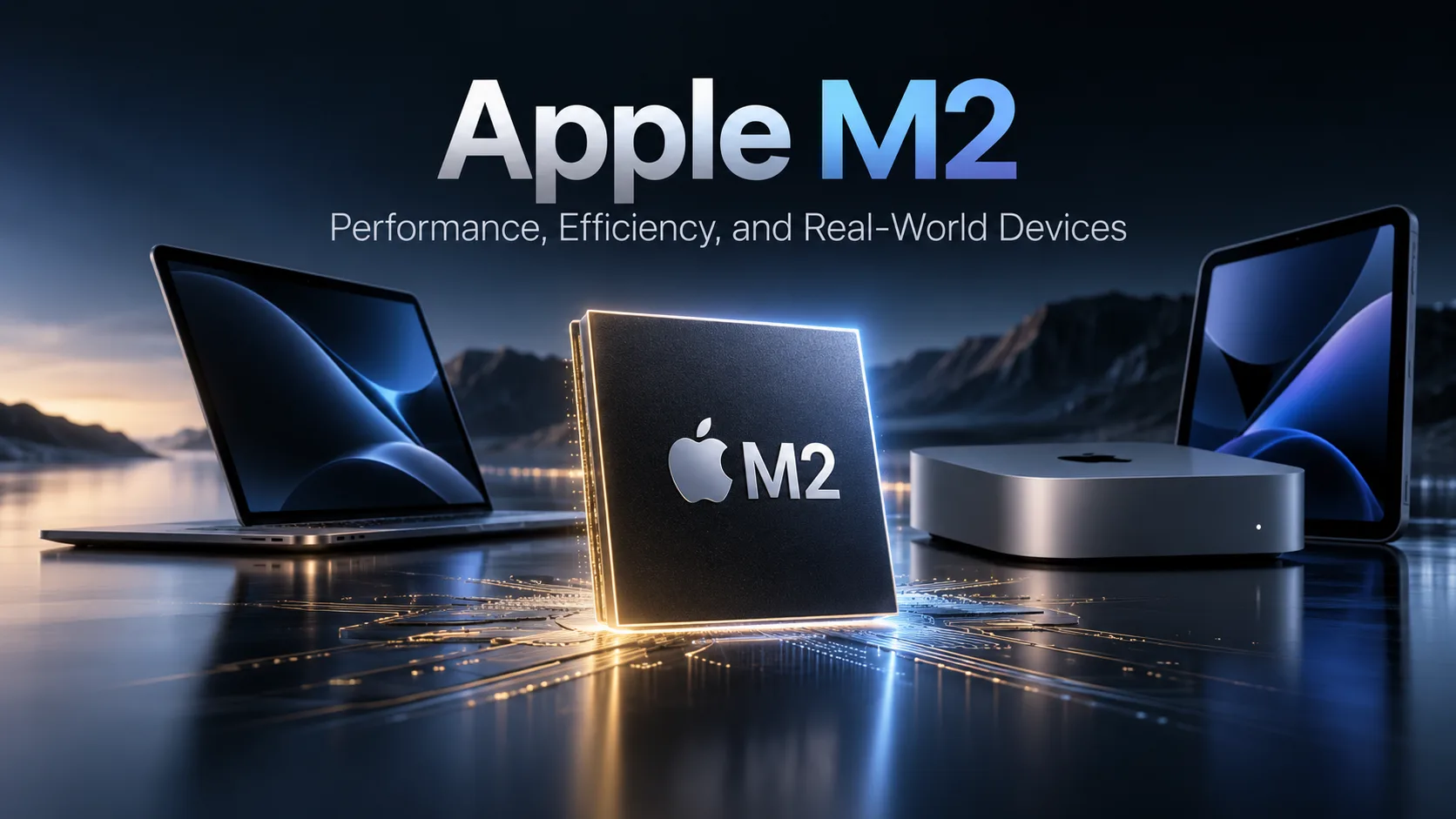
Apple M2 - 8-Core Processor for MacBook Air, Mac mini, and iPad Pro
The Apple M2 was released in 2022 as an evolution of the first M1. The processor retained eight CPU cores-four performance and four efficiency cores-but received faster cores, increased memory bandwidth, and updated integrated graphics. The maximum unified memory capacity increased to 24 GB, while the GPU was available in configurations with 8 or 10 cores.
In 2026, the M2 is already part of previous generations of Apple silicon, but its performance is still sufficient for everyday work, programming, photo editing, and video editing. The difference between devices using the same M2 is small in short tests, although the cooling system has a more noticeable effect under sustained workloads.
Architecture and Key Changes
The M2 is manufactured using an improved 5-nanometer process and contains around 20 billion transistors. The CPU includes four performance cores and four efficiency cores.
Compared with the M1, the CPU architecture changed without an increase in the number of cores. Both the performance and efficiency cores became faster, while unified memory bandwidth increased from 68 to 100 GB/s.
The maximum memory capacity increased from 16 to 24 GB. This is especially important in configurations where the CPU and integrated graphics work with large amounts of data simultaneously.
The M2 was installed in the 13-inch and 15-inch MacBook Air, the 13-inch MacBook Pro, the Mac mini, and some iPad Pro models.
Apple M2 Performance in Real-World Devices
The same M2 was used in both passively cooled MacBook Air models and the actively cooled 13-inch MacBook Pro and Mac mini. As a result, performance in short tests is similar, while models with active cooling can maintain peak performance for longer under sustained multithreaded workloads.
| Device | Geekbench 6 Single-Core | Geekbench 6 Multi-Core | Cinebench R23 Single-Core | Cinebench R23 Multi-Core | Starting price |
|---|---|---|---|---|---|
| MacBook Air 13 M2 (2022) | ~2606 | ~9899 | ~1585 | ~8667 | $1199 |
| MacBook Air 15 M2 (2023) | ~2607 | ~9941 | ~1589 | ~8569 | $1299 |
| MacBook Pro 13 M2 (2022) | ~2638 | ~9958 | ~1581 | ~8745 | $1299 |
| Mac mini M2 (2023) | ~2647 | ~9981 | ~1638 | ~8772 | $599 |
The results show that the difference between devices in Geekbench 6 is usually only a few percent. In short, single-threaded workloads, the chassis has almost no effect on processor speed.
In Cinebench R23, the advantage of the Mac mini and 13-inch MacBook Pro becomes somewhat more noticeable. Active cooling helps them maintain high clock speeds for longer, while the MacBook Air gradually reduces performance after prolonged heating.
For browsing, office applications, programming, and short video exports, this difference is small. It becomes more important during extended rendering, compilation of large projects, and prolonged video processing.
Integrated Graphics, Memory, and Media Engine
The M2 was available with an 8- or 10-core integrated GPU. Compared with the M1, the graphics component became faster, with the most noticeable difference seen when comparing the 10-core M2 with entry-level M1 configurations.
The GPU is still powerful enough for photo editing, video editing, and applications with Metal support. In demanding modern games, however, the M2’s capabilities are already noticeably limited compared with newer generations of Apple silicon.
An important part of the M2 is its media engine, which supports hardware decoding and encoding of H.264, HEVC, ProRes, and ProRes RAW. This makes it possible to export and process video without keeping the CPU under constant maximum load.
The M2 supports 8, 16, or 24 GB of unified memory. The CPU and GPU use a shared pool, so the graphics core does not require separate video memory.
The memory and storage are soldered and cannot be upgraded after purchase. In 2026, a configuration with 16 GB of memory is preferable for development, video editing, processing large photos, and running several demanding applications simultaneously. Versions with 8 GB are better suited to browsing, documents, and less demanding tasks.
Apple M2 in 2026
The M2 still handles browsing, office applications, IDEs, Photoshop, and moderately complex video editing. Results of around 2600 points in Geekbench 6 Single-Core and approximately 9700-10000 in Multi-Core make it possible to use the chip without noticeable limitations for most everyday macOS tasks.
The main gap compared with newer generations of Apple silicon appears in demanding multithreaded workloads and GPU workloads. In these scenarios, the M2’s eight-core CPU and graphics architecture already fall noticeably behind newer chips.
When choosing an M2-based Mac in 2026, the small difference between the MacBook Air, 13-inch MacBook Pro, and Mac mini in short CPU tests should not be the main criterion. Memory capacity, storage, cooling, and the price of the specific device are more important.
The Mac mini handles sustained workloads better thanks to its active cooling, while the MacBook Air delivers nearly the same speed in short tasks and operates without a fan. For development, photo editing, office work, and moderate video editing, the M2 remains quite relevant, but newer generations of Apple silicon are noticeably faster for extended rendering, heavy computations, and modern GPU workloads.
CPU Comparison
Compare Apple M2 with other CPUs
Basic
CPU Specifications
Memory Specifications
GPU Specifications
AI Specifications
Connectivity
Interfaces and Ports
Miscellaneous
Benchmarks
Compared to Other CPU




Share in social media
Or Link To Us
<a href="https://cputronic.com/cpu/apple-m2" target="_blank">Apple M2</a>