AMD Ryzen Z2 Extreme
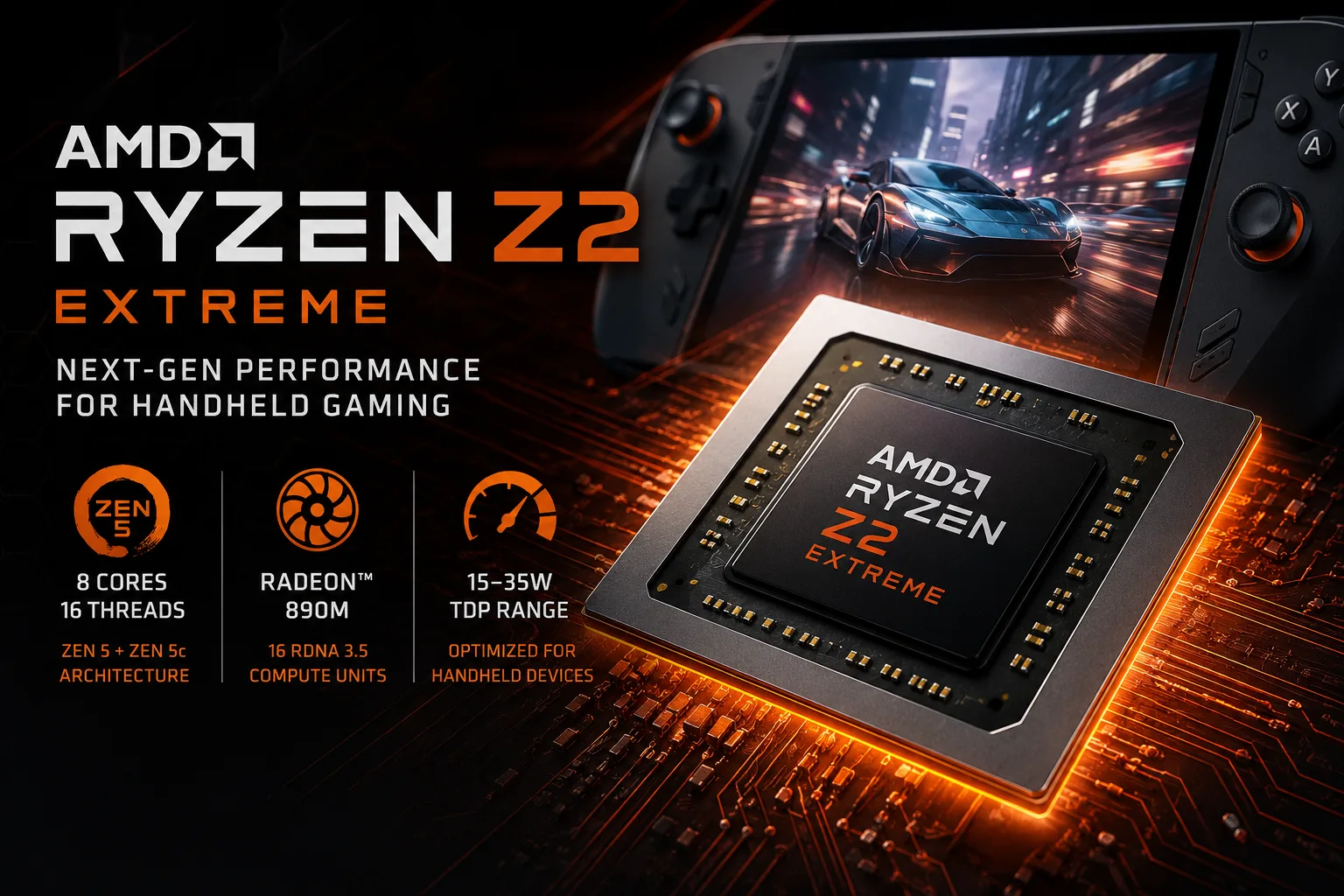
AMD Ryzen Z2 Extreme

AMD Ryzen Z2 Extreme: Hybrid Architecture for Thin and Powerful Laptops

The modern mobile processor market is experiencing an era of hybrid architectures, and AMD is taking another strategic step with the Ryzen Z2 Extreme chip. This system-on-chip (SoC), known by the codename Strix Point, represents an evolution of the platform for the premium segment of thin yet powerful laptops. It combines new computing cores, a powerful integrated graphics processor, and a focus on energy efficiency.

1. Architecture and Process Technology: Hybrid at 4 nm

The Ryzen Z2 Extreme is built on a modern 4-nanometer process technology, which is a key factor for high transistor density and energy efficiency. Its CPU architecture features a hybrid configuration.

  • Core Composition: Eight cores are divided into two groups:

  • 3 Performance Cores. These cores, based on the new Zen 5 microarchitecture, are responsible for high single-thread performance and complex tasks. Their base frequency is 2.0 GHz, with a maximum turbo frequency of up to 5.0 GHz.

  • 5 Efficient Cores. Based on an optimized architecture, these are intended for background and less demanding tasks. The overall configuration of 3+5 cores provides 16 threads through simultaneous multithreading (SMT).

  • Cache Memory: The cache configuration includes:

  • L1: 80 KB per core (combined for data and instructions).

  • L2: 1 MB per core (dedicated to each core).

  • L3: 16 MB (shared across the entire complex). This amount of level 3 cache assists in multi-threaded tasks and gaming.

  • Integrated Graphics: One of the strongest features is the built-in GPU based on the RDNA architecture, which has 16 Execution Units (EUs). The frequency range from 800 MHz to 2900 MHz indicates high performance potential and aggressive dynamic adjustments. This iGPU, especially paired with fast LPDDR5X memory, can handle not only office tasks but also modern games at Full HD resolution on low and medium settings, as well as speed up rendering and video processing.

  • Memory and Peripherals: The processor supports modern types of memory: DDR5-5600 for traditional laptops and ultra-fast LPDDR5X-8000 for ultrathin devices. The presence of ECC memory support is an unexpected and welcome bonus for a mobile platform, enhancing reliability when working with critical data. Support for PCIe 4.0 ensures quick connections with SSDs and external controllers.

2. Power Consumption and TDP: A Balance of 15 Watts

The nominal thermal design power (TDP) of the processor is 15 watts. This is a classic figure for the thin and light laptop (Ultrabook) segment, as well as for powerful convertibles. However, modern AMD platforms actively utilize adaptive technologies (cTDP), allowing laptop manufacturers to adjust this parameter within a certain range. This provides flexibility: the same chip can be installed in both super-light laptops focused on battery life and in bulkier chassis with improved cooling for consistently high performance.

3. Performance in Benchmarks and Real Tasks

Numbers from synthetic benchmarks provide a clear picture of positioning:

  • Single-Thread Speed: Results around 1992 points in Cinebench R23 and 2698 in Geekbench 6 Single Core indicate excellent system response to everyday tasks: quick application launches, interface responsiveness, web browsing, and working with office suites. Turbo mode up to 5.0 GHz is activated precisely in such scenarios.
  • Multi-Threaded Power: Scores of 14281 (Cinebench R23 Multi Core), 12097 (Geekbench 6 Multi Core), and 24640 (PassMark CPU Multi Core) demonstrate solid capabilities for multitasking and professional workloads. With 8 cores and 16 threads, the processor can handle:
  • Photo editing in Lightroom and Photoshop.
  • Video editing in 1080p/4K in DaVinci Resolve or Premiere Pro (with significant acceleration from the iGPU).
  • Programming, working with virtual machines, and databases.
  • Streaming.
  • Gaming: The integrated graphics with 16 EUs and a frequency of up to 2.9 GHz exceed many previous mobile APUs. Paired with LPDDR5X-8000 memory, it will provide comfortable gaming in esports titles (CS2, Valorant, Dota 2) at high settings in Full HD, and can play most modern AAA games on low and medium settings at 720p-1080p resolution. This is an all-in-one solution for mobile gaming without a discrete graphics card.

4. Use Cases: A Versatile Mobile Worker

The Ryzen Z2 Extreme is designed for users who need maximum performance in a compact chassis.

  • Mobile Professionals: Ideal for designers, engineers, analysts, and editors whose work is not always tied to a stationary workstation. The ability to quickly process a project on the go or in a coworking space is invaluable.
  • Technical Specialty Students: The power is sufficient for complex software, code compilation, 3D modeling, and studying with dozens of tabs open simultaneously.
  • Demanding Users: For those who value speed and multitasking in everyday use, who do not want to deal with delays and plan to use the laptop for 4-5 years.
  • Mobile Gamers (casual and esports): As a versatile gaming solution without purchasing a bulky gaming laptop.

5. Battery Life and Energy Saving

The Zen 5 architecture and 4 nm process technology are inherently aimed at high energy efficiency. The hybrid configuration plays a key role: background tasks are automatically assigned to the efficient cores, while performance cores shut down or operate at low frequencies. The integrated GPU also utilizes similar dynamic technologies.

The battery life of a specific laptop will depend on battery capacity, system settings (Windows power-saving mode), screen brightness, and the type of workload. However, the processor provides all modern tools for optimization: aggressive frequency reduction in idle states, fine voltage management, and efficient transitions between states (C-states). In office work or video playback scenarios, one can expect 8-12 hours of battery life in an ultrabook with a battery capacity of about 60-70 Wh.

6. Comparison with Competitors and Evolution

  • Previous Generation AMD (Phoenix, Ryzen 7040/8040 series): The Z2 Extreme is a logical evolution. The main changes include the transition to Zen 5 cores, an increase in the number of efficient cores (5 versus 4 in Phoenix), and further upgrades to the iGPU. This results in gains in single-threaded tasks and even greater flexibility in managing power consumption.
  • Competitors from Intel (Core Ultra "Meteor Lake"): Intel processors also use a hybrid architecture (P-cores + E-cores) and advanced process technology. The comparison comes down to details: efficiency of cores, iGPU performance, and support for specific technologies (like the AI NPU engine). Based on specifications, the Ryzen Z2 Extreme places a serious bet on the graphical component (16 EU RDNA vs. 8 Xe-cores in Core Ultra).
  • Apple Silicon (M3): In the fanless and ultra-thin laptop segment, Apple sets a high standard for performance per watt and battery life. The Ryzen Z2 Extreme is a response from the Windows camp, offering full compatibility with the x86 ecosystem, greater control over the platform, and generally a wider variety of devices across price ranges.

7. Pros and Cons

Strengths:

  • Powerful integrated graphics, enhancing the capabilities of thin laptops without a discrete graphics card.
  • Balanced hybrid architecture of 3+5 cores for effective handling of different types of loads.
  • Support for the fastest LPDDR5X-8000 memory, maximizing the potential of both the CPU and iGPU.
  • 4 nm process for better energy efficiency.
  • Support for ECC memory—a rare and valuable feature for a mobile platform.
  • High maximum frequency (5.0 GHz) for responsiveness in light tasks.

Possible Drawbacks:

  • Only 3 performance cores. For some specialized tasks that rely heavily on CPU multithreading (CPU rendering, compiling very large projects), chips with 6 or 8 full Zen 5 cores may perform better.
  • Support for "only" PCIe 4.0, while competitors and desktop platforms transition to PCIe 5.0. In practice, this is not yet a critical limitation for laptops.
  • Locked multiplier (no overclocking)—but this is not a downside for the target audience.

8. Recommendations for Laptop Selection

Laptops with Ryzen Z2 Extreme will be presented in specific formats:

  • Premium Ultrabooks and Convertibles: Devices weighing 1.1-1.4 kg with metal bodies, high-resolution displays (2.8K-4K OLED), and without a discrete graphics card. Here, the iGPU will perform to its fullest.
  • Compact Workstations: Laptops slightly thicker (1.6-1.8 kg) with enhanced cooling systems that allow the processor to maintain high frequencies for longer under load. Often equipped with 32 GB of memory and fast SSDs.
  • What to Look For When Buying:
  1. Type of Memory: For maximum graphics performance, look for configurations with LPDDR5X-7500/8000. This is soldered onto the board and cannot be replaced later.
  2. RAM Size: A minimum of 16 GB is recommended. For professional tasks, 32 GB is strongly advised.
  3. Cooling System: The more efficient the cooling system (more heat pipes, fans), the higher the sustained performance under prolonged load.
  4. Display: Since the iGPU can handle gaming, it’s worth choosing a model with a good display: high refresh rate (90/120 Hz) for smoothness and low response time.

9. Final Conclusion

The AMD Ryzen Z2 Extreme is not just a processor but an entire platform that expands the capabilities of thin and light laptops. It is perfect for those who refuse to compromise. You need power for work, potential for mobile gaming, long battery life, and all of this in a chassis that weighs no more than 1.5 kilograms.

The key benefits are high-performance integrated graphics for its class, balanced multi-threading, and advanced energy efficiency. This is a processor for those who understand that a modern ultrabook is not only for browsing the internet and documents but also a full-fledged tool for creativity, development, and entertainment.

Basic

Label Name
AMD
Platform
Laptop
Launch Date
June 2025
Model Name
?
The Intel processor number is just one of several factors - along with processor brand, system configurations, and system-level benchmarks - to be considered when choosing the right processor for your computing needs.
Ryzen Z2 Extreme
Code Name
Zen 5 (Strix Point)

CPU Specifications

Total Cores
?
Cores is a hardware term that describes the number of independent central processing units in a single computing component (die or chip).
8
Total Threads
?
Where applicable, Intel® Hyper-Threading Technology is only available on Performance-cores.
16
Performance-cores
3
Efficient-cores
5
Performance-core Base Frequency
2.0 GHz
Efficient-core Base Frequency
2.0 GHz
Performance-core Max Turbo Frequency
?
Maximum P-core turbo frequency derived from Intel® Turbo Boost Technology.
5 GHz
L1 Cache
80 K per core
L2 Cache
1 MB per core
L3 Cache
16 MB shared
Unlocked Multiplier
No
Multiplier
20
Bus Frequency
100 MHz
CPU Socket
?
The socket is the component that provides the mechanical and electrical connections between the processor and motherboard.
FP8
Technology
?
Lithography refers to the semiconductor technology used to manufacture an integrated circuit, and is reported in nanometer (nm), indicative of the size of features built on the semiconductor.
4 nm
TDP
15
Max. Operating Temperature
?
Junction Temperature is the maximum temperature allowed at the processor die.
100 °C
PCIe Version
?
PCI Express is a high-speed serial computer expansion bus standard used for connecting high-speed components, replacing older standards such as AGP, PCI, and PCI-X. It has gone through multiple revisions and improvements since its initial release. PCIe 1.0 was first introduced in 2002, and in order to meet the growing demand for higher bandwidth, subsequent versions have been released over time.
4.0
Instruction Set
?
The instruction set is a hard program stored inside the CPU that guides and optimizes CPU operations. With these instruction sets, the CPU can run more efficiently. There are many manufacturers that design CPUs, which results in different instruction sets, such as the 8086 instruction set for the Intel camp and the RISC instruction set for the ARM camp. x86, ARM v8, and MIPS are all codes for instruction sets. Instruction sets can be extended; for example, x86 added 64-bit support to create x86-64. Manufacturers developing CPUs that are compatible with a certain instruction set need authorization from the instruction set patent holder. A typical example is Intel authorizing AMD, enabling the latter to develop CPUs compatible with the x86 instruction set.
x86-64

Memory Specifications

Memory Type
?
Intel® processors come in four different types: Single Channel, Dual Channel, Triple Channel, and Flex Mode. Maximum supported memory speed may be lower when populating multiple DIMMs per channel on products that support multiple memory channels.
DDR5-5600,LPDDR5X-8000
ECC Memory Support
Yes

GPU Specifications

Integrated Graphics Model
?
An integrated GPU refers to the graphics core that is integrated into the CPU processor. Leveraging the processor's powerful computational capabilities and intelligent power efficiency management, it delivers outstanding graphics performance and a smooth application experience at a lower power consumption.
true
GPU Base Frequency
800 MHz
GPU Max Dynamic Frequency
2900 MHz
Execution Units
?
The Execution Unit is the foundational building block of Intel’s graphics architecture. Execution Units are compute processors optimized for simultaneous Multi-Threading for high throughput compute power.
16

Miscellaneous

PCIe Lanes
16

Benchmarks

Cinebench R23
Single Core Score
1992
Cinebench R23
Multi Core Score
14281
Geekbench 6
Single Core Score
2698
Geekbench 6
Multi Core Score
12097
Passmark CPU
Single Core Score
4155
Passmark CPU
Multi Core Score
24640
Cinebench 2024
Multi Core Score
807

Compared to Other CPU

Cinebench R23 Single Core
2620 +31.5%
1766 -11.3%
1563 -21.5%
1265 -36.5%
Cinebench R23 Multi Core
31456 +120.3%
17607 +23.3%
11391 -20.2%
7463 -47.7%
Geekbench 6 Single Core
3002 +11.3%
2838 +5.2%
2625 -2.7%
2508 -7%
Geekbench 6 Multi Core
13858 +14.6%
12850 +6.2%
11424 -5.6%
10801 -10.7%
Passmark CPU Single Core
4429 +6.6%
4250 +2.3%
4091 -1.5%
3967 -4.5%
Passmark CPU Multi Core
26814 +8.8%
25717 +4.4%
23523 -4.5%
22775 -7.6%
Cinebench 2024 Multi Core
960 +19%
866 +7.3%
785 -2.7%