Intel Core Ultra 5 125H
Intel Core Ultra 5 125H in Laptops: Performance Differences Reach 50%
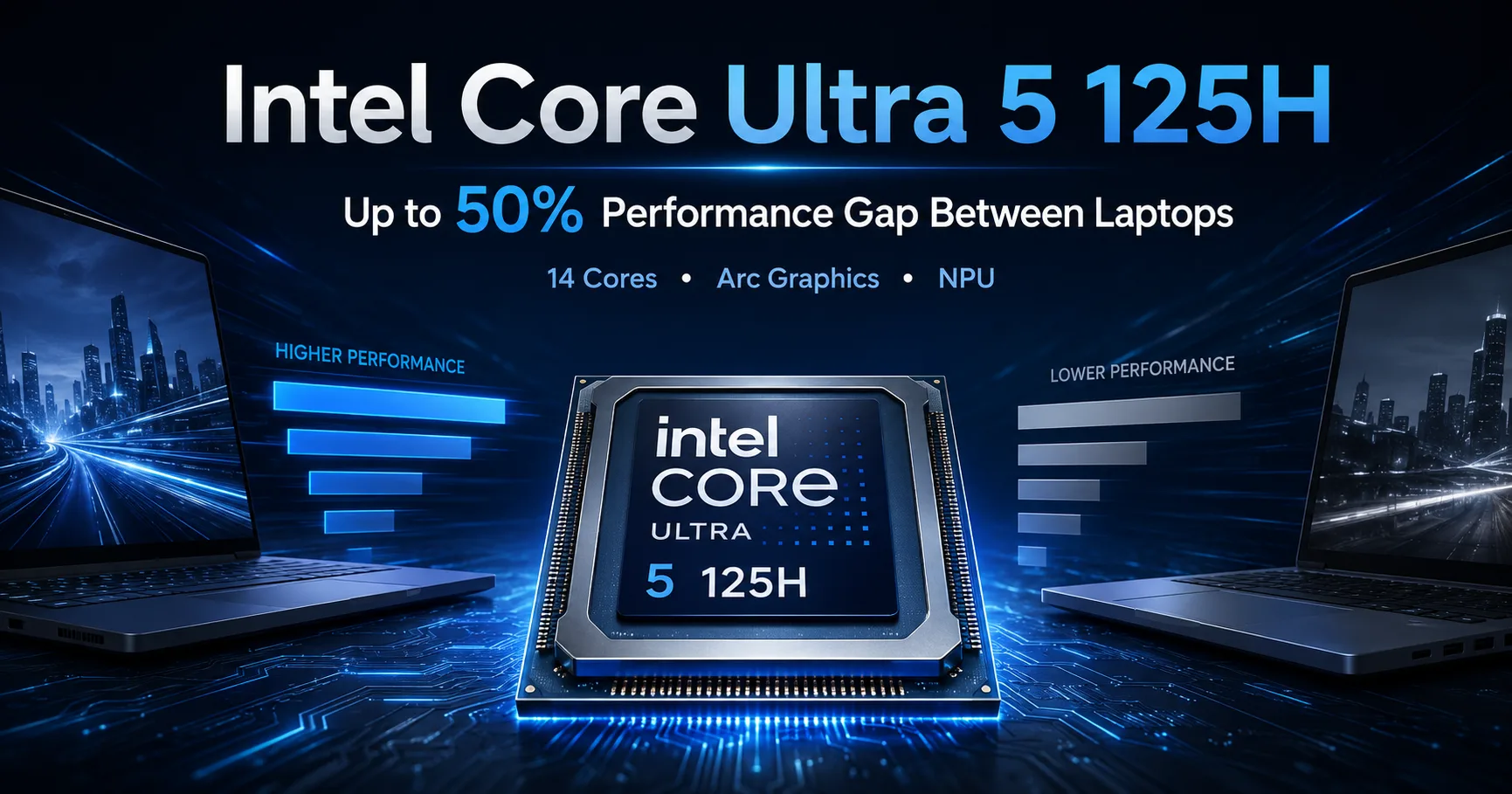
The Intel Core Ultra 5 125H belongs to the first generation of mobile Meteor Lake processors. It combines 14 processor cores, integrated Intel Arc graphics, and a separate NPU. However, having the same chip does not mean the same speed: in tested laptops, the Cinebench R23 Multi results vary by nearly 50%.
| Change | Practical Significance |
|---|---|
| Two LP E-cores | Perform background tasks with lower power consumption |
| Intel Arc Graphics | Noticeably faster than Iris Xe in games and graphic applications |
| Separate NPU | Accelerates compatible image and audio processing tasks |
| Support for LPDDR5X-7467 | Fast memory boosts the performance of integrated graphics |
| Custom Power Limits | The chip appears in both thin and more powerful laptops |
Architecture and Power Limits
The Core Ultra 5 125H features 14 cores and 18 threads: four P-cores with Hyper-Threading, eight E-cores, and two low-power LP E-cores. The performance cores can boost up to 4.5 GHz.
Intel specifies a base power of 28W and a short-term maximum of 115W. In retail laptops, power under sustained load is usually limited to around 25-45W.
In a thin chassis, the processor quickly hits power and thermal limits. A larger laptop with advanced cooling can maintain high frequencies for a longer time. Thus, the results of a specific model are often more important than the nominal specifications of the processor.
Performance in Specific Devices
| Device | PL2 / PL1 | Geekbench 6 Single | Geekbench 6 Multi | Cinebench R23 Multi |
|---|---|---|---|---|
| Alldocube iWork GT Ultra | 64 / 28 W | 2134 | 10 527 | 8419 |
| Lenovo ThinkBook 13x G4 | 51 / 28 W | 2279 | 11 192 | 9194 |
| Samsung Galaxy Book4 Pro 360 | 64 / 30 W | 2310 | 11 571 | 9965 |
| Lenovo IdeaPad Slim 5 14IMH9 | 64 / 40 W | 2258 | 11 555 | 12 620 |
In Geekbench 6 Multi, laptops score between 10,527 and 11,571 points. The gap is not large since the test consists of relatively short loads. It typically concludes before the thin chassis can significantly limit the CPU's power due to heating.
Cinebench R23 Multi creates a sustained load, so the differences between laptops are more pronounced. The Alldocube iWork GT Ultra scores 8,419 points, while the Lenovo IdeaPad Slim 5 achieves 12,620, nearly 50% higher.
The power limit explains only part of the difference. Factors such as cooling, fan algorithms, firmware, memory, and the CPU's thermal threshold also affect the final result. A high PL1 advantage is only beneficial when the laptop can sustain it after warming up.
Among the two Lenovo models, the larger IdeaPad Slim 5 outperforms the thin ThinkBook 13x G4 by 37%. However, their Geekbench 6 Multi results are nearly identical. The comparison illustrates why a short test is insufficient for assessing prolonged load performance.
Single-Core Performance
In Geekbench 6 Single, the tested devices score between 2,134 and 2,310 points. The difference between form factors here is minimal: a single core consumes less power, and the brief load doesn’t have time to sufficiently heat the cooling system.
This level of single-core speed is suitable for office applications, photo processing, browsing, and most development environments. In these scenarios, a thin laptop with the Core Ultra 5 125H generally does not differ significantly from a larger model.
Intel Arc 7-Core
The integrated Intel Arc graphics utilize seven Xe cores and operate at speeds up to 2.2 GHz. The media block supports hardware decoding for AV1, HEVC, and H.264.
In the Lenovo IdeaPad Slim 5, the graphics score around 3,319 points in 3DMark Time Spy Graphics. The Arc 7-Core is significantly faster than the previous Iris Xe: it is capable of handling online games, AAA projects from previous years, and some modern games without a discrete graphics card.
In demanding games, a 1080p resolution often needs to be paired with low settings. In the most intensive projects, reducing the resolution or enabling XeSS may be necessary. High settings in modern AAA games and serious 3D rendering require a discrete GPU.
The performance of integrated graphics is largely determined by memory bandwidth. The best results come from configurations with fast LPDDR5X or full-speed DDR5.
In many thin laptops, the RAM is soldered, so it cannot be upgraded after purchase. For office work and studying, 16 GB is sufficient. For video editing, virtual machines, and large work projects, 32 GB is preferable.
NPU and Local AI Functions
The Intel AI Boost NPU is rated at 11 TOPS, while the integrated graphics are rated at 18 TOPS. The total score from CPU, GPU, and NPU amounts to 33 TOPS.
The NPU accelerates noise suppression, background blur, webcam image correction, and other functions that can leverage this unit. It offloads the CPU and GPU in specific applications, but it is too weak for large language models and rapid local image generation.
The performance of the NPU is notably inferior to that of newer platforms. Therefore, its presence is less important than the quality of the display, cooling, memory capacity, and the specific laptop's price.
What to Look for When Choosing a Laptop
Before purchasing, it's worth checking:
- performance after 10-15 minutes of continuous load;
- CPU power after warming up, not just the brief PL2;
- noise level and case temperature;
- RAM size and type;
- the possibility of replacing the SSD or expanding the memory;
- results from 3DMark and gaming tests of the desired configuration.
It's better to judge cooling quality through cyclic tests. A brief result does not indicate how significantly the laptop will reduce frequencies after several minutes of operation.
Conclusion
The Intel Core Ultra 5 125H is most interesting in laptops without a discrete graphics card. The Arc graphics are notably faster than Iris Xe, and the CPU performance is sufficient for work, development, photo processing, and basic video editing.
However, performance under sustained load heavily depends on cooling and power limits. Two laptops with the same Core Ultra 5 125H can score similarly in Geekbench 6 but show completely different results in extended rendering. Therefore, before purchasing, it's advisable to study tests for specific models rather than relying solely on the processor's name.
CPU Comparison
Compare Core Ultra 5 125H with other CPUs
Basic
CPU Specifications
Memory Specifications
GPU Specifications
Benchmarks
Compared to Other CPU
Related CPU Comparisons








Share in social media
Or Link To Us
<a href="https://cputronic.com/cpu/intel-core-ultra-5-125h" target="_blank">Intel Core Ultra 5 125H</a>