Apple M2 Max

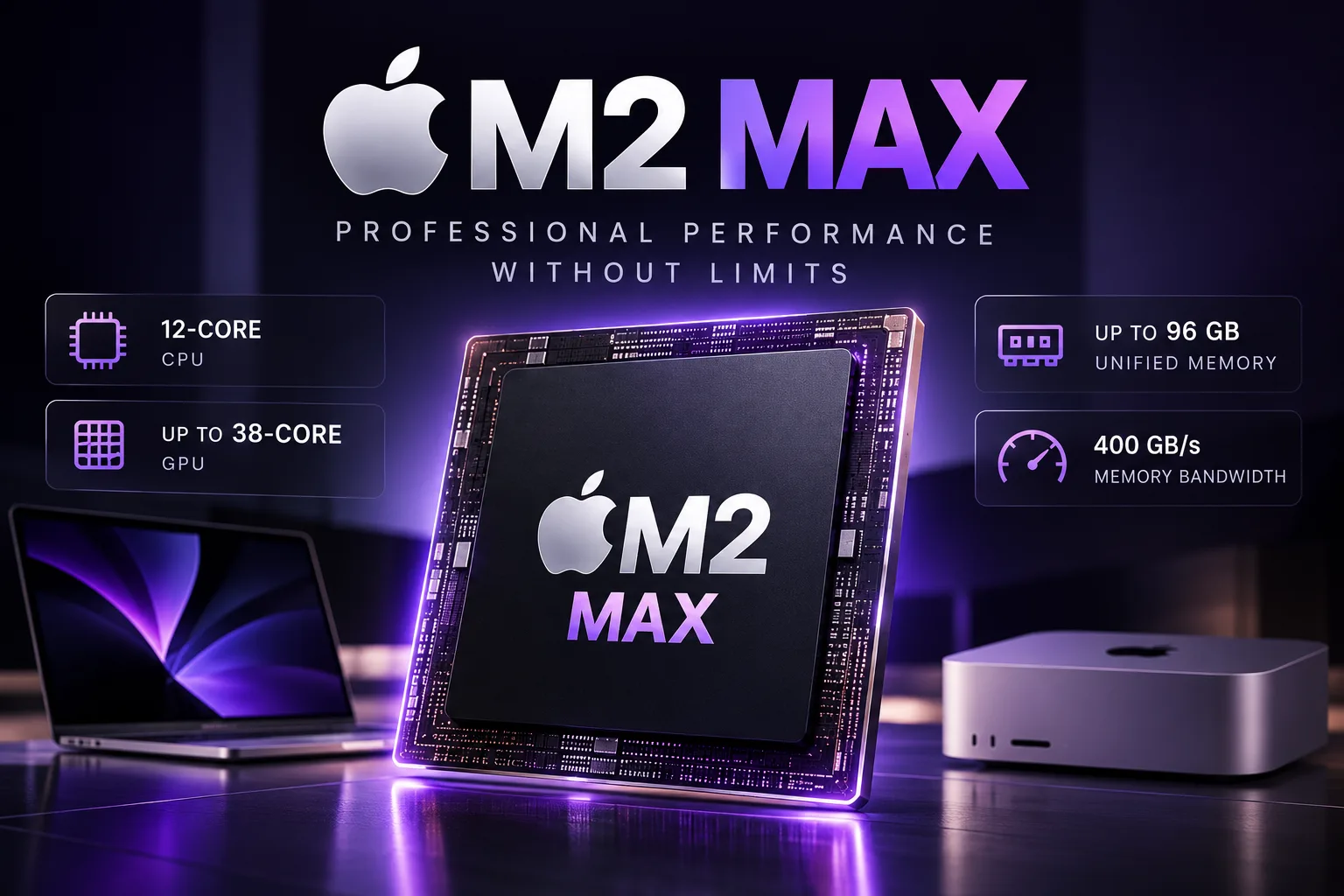
Apple M2 Max - 12-core processor with up to 38-core graphics
The Apple M2 Max was released in January 2023 and used in the MacBook Pro 14, MacBook Pro 16, and Mac Studio. The chip has 12 CPU cores and an integrated GPU with either 30 or 38 cores.
On the CPU side, the M2 Max is close to the higher-end M2 Pro, as both use eight performance cores and four efficiency cores. The M2 Max primarily differs through its more powerful GPU, 400 GB/s memory bandwidth, and support for up to 96 GB of unified memory.
M2 Max architecture and versions
The M2 Max is manufactured using a second-generation 5 nm process and contains approximately 67 billion transistors.
The CPU consists of 12 cores-eight performance cores and four efficiency cores. Unlike the M2 Pro, the M2 Max has no lower-end version with fewer CPU cores.
The chip was available with either a 30-core or 38-core GPU. Both versions support 32 and 64 GB of unified memory, while the 38-core graphics configuration also allows 96 GB to be installed.
Memory bandwidth is 400 GB/s-twice that of the M2 Pro and four times that of the standard M2. The high bandwidth is especially noticeable in GPU workloads and when working with large data sets.
M2 Max performance in real devices
The M2 Max was installed in both laptops and the desktop Mac Studio. All of these systems use active cooling, so the differences in CPU performance are small.
| Device | M2 Max version | Geekbench 6 Single-Core | Geekbench 6 Multi-Core | Cinebench R23 Single-Core | Cinebench R23 Multi-Core | Launch price |
|---|---|---|---|---|---|---|
| MacBook Pro 14 (2023) | 12C CPU / 30C GPU | ~2700 | ~14 750 | ~1640 | ~14 700 | $3099 |
| MacBook Pro 16 (2023) | 12C CPU / 38C GPU | ~2700-2800 | ~14 800-15 100 | ~1625 | ~14 767 | $3499 |
| Mac Studio (2023) | 12C CPU / 30C GPU | ~2700 | ~14 900 | ~1662 | ~14 738 | $1999 |
The 30- and 38-core versions use the same 12-core CPU, so the difference in CPU tests is small.
In Cinebench R23, the Mac Studio and MacBook Pro 16 score around 14,700 points in Multi-Core. The M2 Max version has almost no effect on the speed of CPU rendering, compilation, and other workloads without GPU utilization.
The 38-core version is primarily worthwhile for its faster GPU and support for 96 GB of memory.
M2 Max graphics performance
The GPU is what most clearly distinguishes the M2 Max from the M2 Pro. The higher-end M2 Pro has 19 graphics cores, whereas the M2 Max offers 30 or 38.
| Device | Chip | GPU | 3DMark Wild Life Extreme Unlimited | GFXBench 5 4K Aztec Ruins High | Blender 3.3 Classroom Metal |
|---|---|---|---|---|---|
| MacBook Pro 14 (2023) | M2 Pro | 19 cores | ~12 968 | ~92.1 fps | ~97 s |
| Mac Studio (2023) | M2 Max | 30 cores | ~20 692 | ~145.3 fps | ~83 s |
| MacBook Pro 16 (2023) | M2 Max | 38 cores | ~25 103 | ~179.9 fps | ~51.2 s |
Moving from the 19-core M2 Pro to the 30-core M2 Max increases the Wild Life Extreme score by approximately 60%, while the GFXBench 4K Aztec Ruins score rises by approximately 58%. The 38-core M2 Max scores almost twice as high as the M2 Pro.
The difference is also noticeable between the two M2 Max versions themselves. In Wild Life Extreme, the 38-core GPU is approximately 21% faster, while in GFXBench it is approximately 24% faster.
The difference is even greater in Blender Metal. The Classroom scene renders in approximately 97 seconds on the M2 Pro, 83 seconds on the 30-core M2 Max, and 51 seconds on the 38-core version. In this test, a lower time indicates higher performance.
The tests were conducted on different devices, so the result depends on more than just the number of GPU cores. Nevertheless, the difference between the M2 Pro and M2 Max is significantly larger in graphics tests than in CPU benchmarks.
Memory and media engine
The M2 Max supports 32, 64, or 96 GB of unified memory. The maximum 96 GB is available only with the 38-core GPU.
64-96 GB of memory is primarily needed for large 3D scenes, heavy video editing, virtual machines, and projects with high GPU memory usage.
The M2 Max has hardware decoding for H.264, HEVC, ProRes, and ProRes RAW, two video encoding engines, and two ProRes encoding and decoding engines. The hardware media engines reduce CPU load when exporting and processing multiple video streams.
The memory and SSD are soldered and cannot be upgraded after purchase, so the memory and storage capacity must be selected when buying the device.
Apple M2 Max in 2026
In 2026, the M2 Max remains suitable for compilation, video editing, and heavy multithreaded workloads. Its CPU performance is almost identical to that of the 12-core M2 Pro, so upgrading to the Max for the CPU provides only a small gain.
The M2 Max’s main advantage is its 30- or 38-core GPU combined with 400 GB/s memory bandwidth and support for up to 96 GB of unified memory. Even the 30-core version is significantly faster than the M2 Pro in graphics tests, while the 38-core version extends the lead further.
The largest gaps compared with newer Apple Silicon chips are visible in GPU rendering, modern games, demanding Metal workloads, and local AI workloads.
When buying a Mac with an M2 Max in 2026, the most important factors are the price, memory capacity, and number of GPU cores, since CPU performance is almost identical between the 30C and 38C versions.
CPU Comparison
Compare Apple M2 Max with other CPUs
Basic
CPU Specifications
Memory Specifications
GPU Specifications
AI Specifications
Connectivity
Interfaces and Ports
Miscellaneous
Benchmarks
Compared to Other CPU
Related CPU Comparisons




Share in social media
Or Link To Us
<a href="https://cputronic.com/cpu/apple-m2-max" target="_blank">Apple M2 Max</a>