Intel Core i7-14700
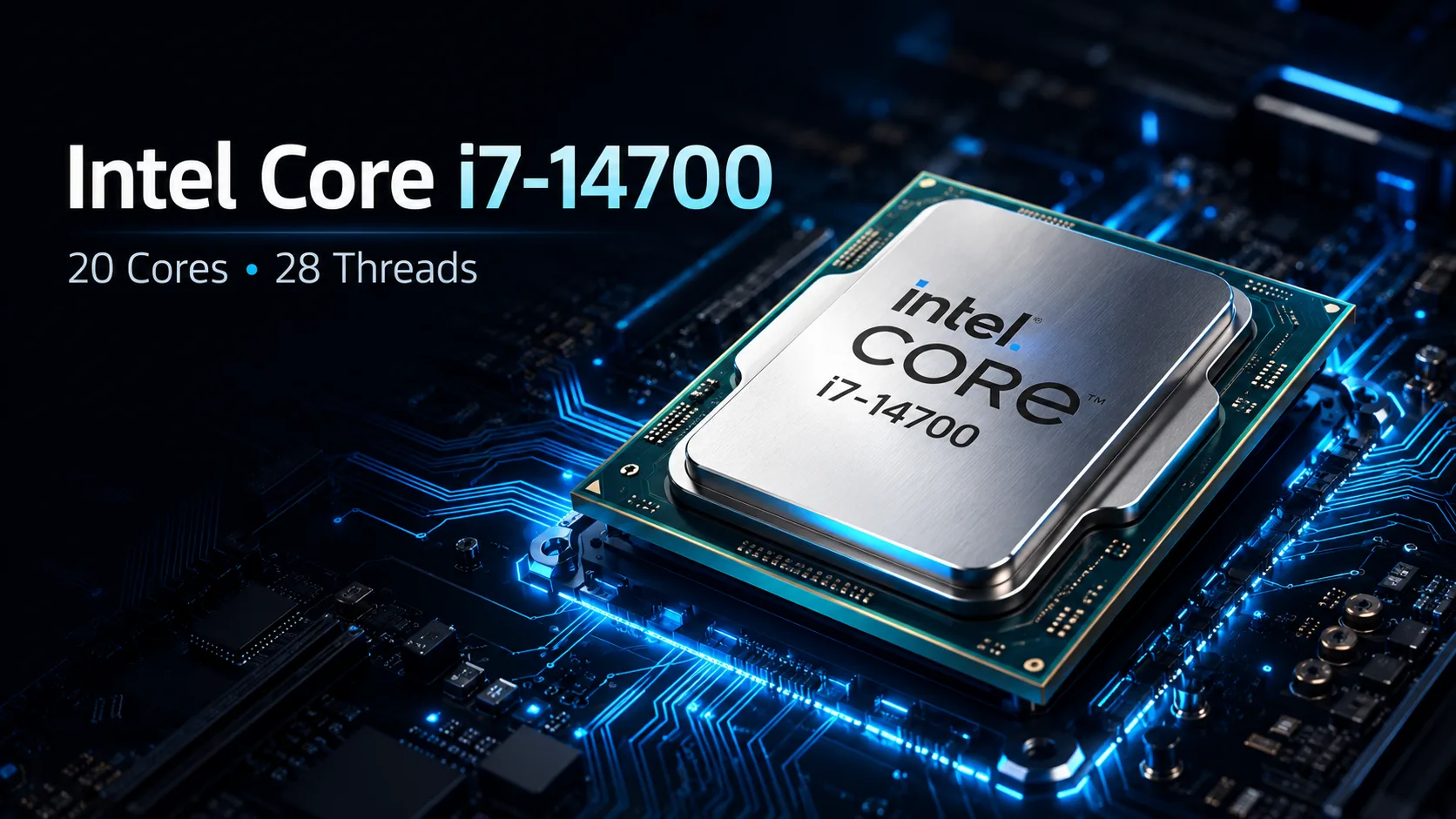
Intel Core i7-14700: 20 Cores, 28 Threads, and Definitely Not 65W Under Load
The Intel Core i7-14700 appears to be a less demanding alternative to the Core i7-14700K: it has lower clock speeds, a locked multiplier, and a specified base power of 65W. However, under full load, power consumption can reach 219W. Therefore, performance results depend not only on the number of cores but also on cooling, power limits in BIOS, and motherboard capabilities.
The main difference from the Core i7-13700 is the four additional E-cores. The configuration has increased from 8 P-cores and 8 E-cores to 8 P-cores and 12 E-cores, totaling 20 cores and 28 threads.
The architecture remains the same, but the processor configuration has been notably enhanced. Compared to other models of the fourteenth generation, the changes are significant: four E-cores have been added, L3 cache has increased to 33MB, and the maximum frequency has risen to 5.4GHz.
| Processor | P-cores + E-cores | Threads | Max Frequency | Base / Max Power |
|---|---|---|---|---|
| Core i7-13700 | 8 + 8 | 24 | 5.2GHz | 65 / 219W |
| Core i7-14700 | 8 + 12 | 28 | 5.4GHz | 65 / 219W |
| Core i7-14700K | 8 + 12 | 28 | 5.6GHz | 125 / 253W |
The Core i7-14700 and 14700K use the same configuration of 8 P-cores and 12 E-cores. They differ in frequencies, power limits, and support for multiplier overclocking.
In Gaming, Additional E-cores Have Almost No Impact on FPS
The primary gaming load is handled by the eight P-cores. Therefore, transitioning to the Core i7-14700 does not yield a performance improvement corresponding to the overall difference in core count.
The twelve E-cores do little to increase average FPS but can support video recording, voice communication, browsers, and other background tasks. The advantage is more noticeable when gaming simultaneously, streaming, and recording: background processes less frequently cause frame rate drops and interface lags.
There's little point in buying the Core i7-14700 just for a few extra frames. In most gaming builds, it's more worthwhile to invest the price difference into a graphics card. This is especially evident at 1440p and 4K, as the system often bottlenecks in the GPU.
In a gaming computer, the Core i7-14700 makes sense primarily for streaming, video recording, and multitasking with demanding applications. For a system that runs only games, its multithreading capability will often go unused.
Video Editing, Rendering, and Compilation are Key Scenarios for Core i7-14700
The main advantage of the processor is evident in tasks that can load many threads simultaneously. It is designed for video editing, rendering, compilation, archiving, and running several virtual machines at once.
The four new E-cores help maintain system responsiveness while exporting video, rendering scenes, or building large projects in the background. Compared to the Core i7-13700, the gain is more significant in prolonged multithreaded workloads rather than in gaming.
The most suitable tasks include:
- Video editing and encoding;
- CPU rendering;
- Compiling large projects;
- Archiving large volumes of data;
- Running multiple virtual machines;
- Streaming and recording;
- Heavy multitasking.
The increased configuration enhances performance without transitioning to the Core i9. For users needing strong multithreaded performance without requiring the maximum desktop platform, this is one of the model's main advantages.
ML and Local AI: GPU Still Handles Main Load
In machine learning tasks, the main limitation usually remains the graphics card and video memory. The Core i7-14700 does not compensate for a weak GPU and will not accelerate large language or generative models as much as a more powerful graphics card would.
The CPU is still important for data preparation and development environment work:
- Processing datasets;
- Compiling libraries;
- Running Docker containers and local services;
- Working with multiple virtual environments;
- CPU inference for small models;
- Parallel load on CPU and GPU.
In a system with a powerful graphics card, the Core i7-14700 can handle data preparation, compilation, and background processes, leaving model computations to the GPU. However, it is not worth purchasing it solely for local neural networks without a corresponding graphics card.
UHD Graphics 770: Not for Gaming, but for Quick Sync and Diagnostics
Intel UHD Graphics 770 is not designed for modern gaming but allows for setup and diagnosis without a dedicated graphics card.
The integrated graphics core is handy if a discrete graphics card has failed or is not yet installed. It also supports Quick Sync-hardware encoding and decoding of video in compatible applications.
For editing and transcoding, Quick Sync support is often more important than the additional 200MHz in the K version. For this reason, the Core i7-14700 may be more desirable than the 14700F model. The F version is only sensible when there is a significant price difference and guaranteed use of a discrete graphics card.
Why the Specified 65W Says Little About Heat
The figure of 65W pertains to the base power, not maximum consumption. In turbo mode, the Core i7-14700 can reach up to 219W. This number should be considered when choosing a cooler and motherboard.
During rendering, compiling, and video encoding, heat approaches the level of the 14700K if the stock power limits are removed in the BIOS. In this mode, the stock cooler will either operate noisily or limit the processor's frequencies.
For sustained operation under full load, the following are needed:
- A powerful tower cooler;
- A case with adequate airflow in and out;
- A motherboard with a power subsystem designed for prolonged high loads;
- Properly set power limits in the BIOS.
A liquid cooling system is not mandatory. A powerful tower cooler is sufficient if the stock limits are not removed. For builds without manual tuning, this is more sensible than trying to hold maximum consumption at all costs.
Core i7-14700 vs. Core i7-14700K
The Core i7-14700K operates at higher frequencies, supports overclocking, and allows consumption up to 253W. The regular version is capped at 5.4GHz and a maximum turbo power of 219W.
In gaming, the difference between them is minimal. In prolonged multithreaded workloads, the 14700K is faster but requires more powerful cooling and a motherboard with an appropriate power subsystem.
The Core i7-14700 makes sense if:
- Overclocking is not planned;
- Integrated graphics are needed;
- High performance in multithreaded tasks is important without moving to the Core i9;
- There is a need to manage noise and power consumption;
- The price difference with 14700K is significant.
Without overclocking, the difference between them usually does not justify the higher cooling and power requirements of the 14700K.
DDR4 or DDR5, but No Future CPU Upgrade
The Core i7-14700 is installed in the LGA1700 socket and supports both DDR4 and DDR5. You can keep your existing DDR4 memory or build a system with more modern DDR5.
This is especially convenient when upgrading a computer based on a twelfth or thirteenth-generation processor. In some cases, updating the BIOS and replacing just the CPU can be enough, keeping the motherboard and RAM.
However, it will not be possible to install a next-generation processor on the same motherboard. The Core i7-14700 makes more sense as a final upgrade for an LGA1700 system. For a new build anticipating future upgrades, this platform is less appealing.
Before installation, it is advisable to update the BIOS and check the power settings. For thirteenth and fourteenth-generation processors, it is especially important to use the latest microcodes and Intel's standard profiles, rather than aggressive factory settings of the motherboard.
Conclusion
The Core i7-14700 is not a processor for purely gaming builds but for a system where gaming is combined with editing, compiling, streaming, or virtual machines. The four additional E-cores are most significant in such workloads.
The main compromise is power consumption. The specified 65W does not reflect the full load mode, where the processor can approach 219W. Therefore, it's not wise to skimp on the cooler and expect quiet operation with the stock cooling solution.
If overclocking is not required, the Core i7-14700 provides most of the capabilities of the 14700K at more moderate frequencies and power limits. For a new purely gaming build, there are more rational options, but as a final upgrade for LGA1700 or as the foundation for a versatile workstation, it looks compelling.
CPU Comparison
Compare Core i7-14700 with other CPUs
Basic
CPU Specifications
Memory Specifications
GPU Specifications
Benchmarks
Compared to Other CPU
Related CPU Comparisons


Share in social media
Or Link To Us
<a href="https://cputronic.com/cpu/intel-core-i7-14700" target="_blank">Intel Core i7-14700</a>