Intel Core Ultra 7 255H

Intel Core Ultra 7 255H vs 265H: The Difference is Mainly in Frequencies
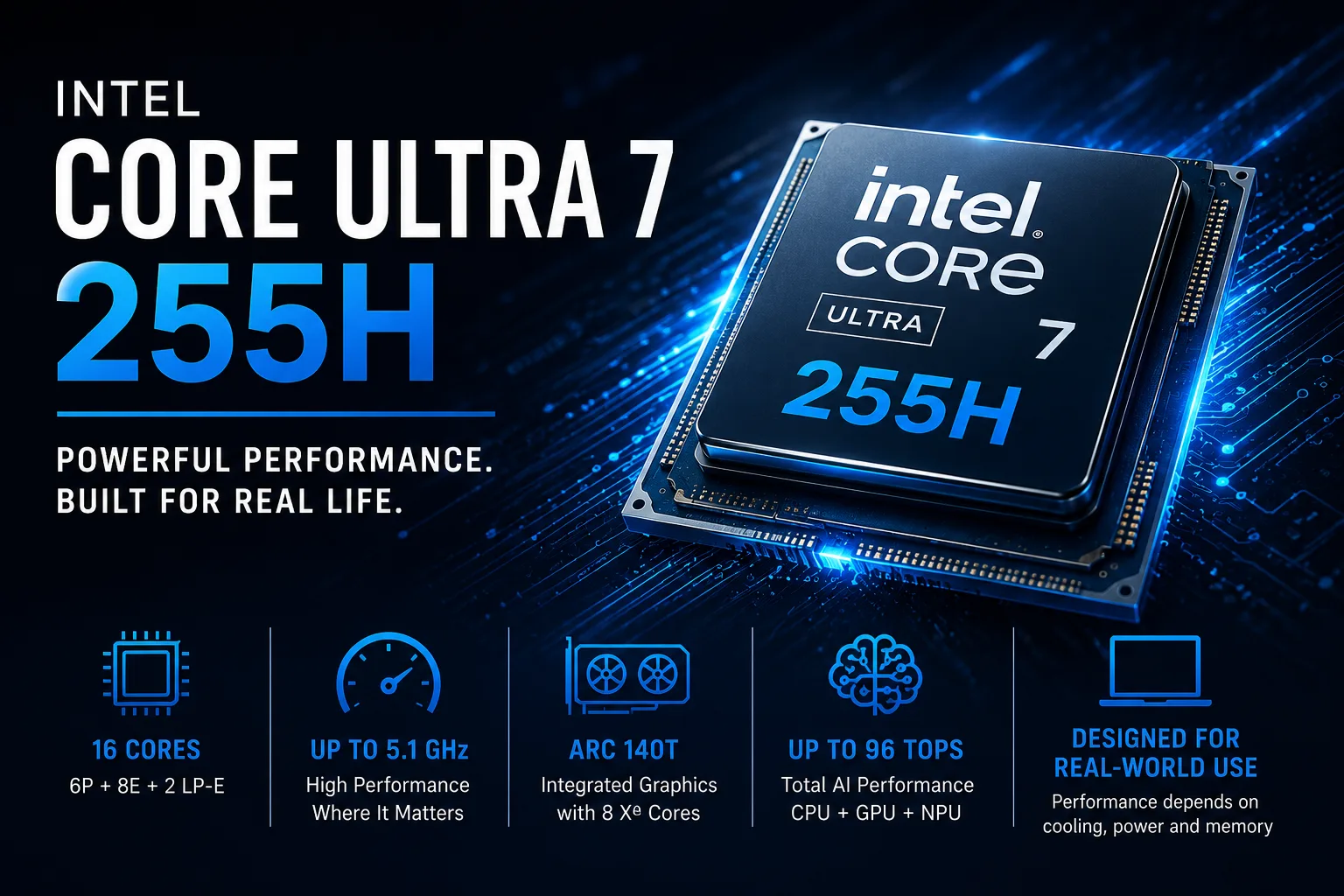
The Intel Core Ultra 7 255H appears to be the junior version of the 265H, but Intel has made very few compromises with this processor. It features the same 16 cores, 24 MB of cache, and Arc 140T graphics. The higher model mainly differs in its higher frequencies, so when choosing a laptop, it is more important to consider cooling, power limits, memory, and price rather than just the CPU index.
16 Cores Without Hyper-Threading
The Core Ultra 7 255H has six performance cores (P-cores) of the Lion Cove architecture, eight efficient cores (E-cores) of the Skymont architecture, and two low-power LP-E cores. In total, it has 16 cores and 16 threads.
The previous Core Ultra 7 155H had more threads-22 compared to 16. The difference is due to Hyper-Threading: in Arrow Lake-H, Intel abandoned virtual threads while transitioning to the new P- and E-cores.
However, having 22 threads does not automatically make the 155H faster. The Core Ultra 7 255H utilizes the Lion Cove and Skymont architectures and operates at higher frequencies. In short tasks and everyday use, this is often more important than the extra virtual threads.
In prolonged tasks, the results depend more significantly on the cooling system. The longer a laptop can maintain high power, the higher the performance.
Arc 140T Makes Discrete Graphics Optional
The Core Ultra 7 255H is equipped with Intel Arc 140T graphics featuring eight Xe cores and a frequency of up to 2.25 GHz. It supports hardware ray tracing and utilizes XMX matrix blocks.
The Arc 140T is significantly better suited for gaming than the previous integrated Intel graphics. It is capable of running online projects, less demanding games, and older AAA releases at reduced resolutions or quality settings.
The graphics also support hardware encoding and decoding for H.264, HEVC, and AV1, with Quick Sync accelerating video exports in compatible programs.
In terms of speed, the Arc 140T is still far behind modern mid-range discrete graphics cards. However, for a work laptop, moderate video editing, and gaming at reasonable settings, a separate GeForce is no longer a necessity.
What Changes Between 235H, 255H, and 265H
| Processor | Cores | Maximum Frequency | Cache | Integrated Graphics |
|---|---|---|---|---|
| Core Ultra 5 235H | 4P + 8E + 2 LP-E | up to 5.0 GHz | 18 MB | Arc 140T, up to 2.25 GHz |
| Core Ultra 7 255H | 6P + 8E + 2 LP-E | up to 5.1 GHz | 24 MB | Arc 140T, up to 2.25 GHz |
| Core Ultra 7 265H | 6P + 8E + 2 LP-E | up to 5.3 GHz | 24 MB | Arc 140T, up to 2.30 GHz |
The 255H has two more P-cores and an additional 6 MB of cache compared to the Core Ultra 5 235H. The extra cores primarily enhance CPU tasks. In gaming, the difference is less significant since both models utilize nearly the same Arc 140T.
There are almost no differences between the 255H and 265H. The 265H has a 200 MHz higher frequency for P-cores, a 100 MHz higher frequency for E-cores, and a 50 MHz higher frequency for the graphics.
Formally, the 265H is faster, but this advantage can easily be negated by different power limits and cooling systems. If two laptops differ only in the processor, it does not make sense to pay significantly more for the 265H.
When prices are similar, it makes more sense to choose a model with a better display, more memory, or more powerful cooling.
What 96 TOPS Means
The claimed 96 TOPS come from the capabilities of the CPU, GPU, and NPU, with the Arc 140T providing the majority of the performance.
The Intel AI Boost NPU delivers up to 13 TOPS and supports energy-efficient features such as noise cancellation, background blur, and gaze correction. Therefore, the 96 TOPS should not be interpreted as the performance of a standalone neural processor.
Why Two Laptops with 255H Perform Differently
The base power of the Core Ultra 7 255H is 28 watts, with short-term consumption reaching up to 115 watts. The actual speed directly depends on the amount of power and heat that a specific chassis can handle.
In a thin laptop, the processor quickly reaches high frequencies but then lowers them due to heating. A model with more robust cooling can maintain high power longer and suffer less speed loss under prolonged workloads.
You cannot determine the cooling efficiency and the manufacturer's power limits solely by the processor name.
Memory is Especially Important for Arc 140T
The Core Ultra 7 255H supports DDR5-6400 and LPDDR5X-8400. The soldered LPDDR5X is typically faster and better suited for integrated graphics, while modular DDR5 can often be replaced or upgraded.
In a laptop without a discrete graphics card, four parameters are particularly important:
- It should have at least 16 GB of RAM.
- The memory should operate in dual-channel mode.
- What is its frequency?
- Is it possible to increase the capacity after purchase?
The Arc 140T uses system memory instead of its own video memory, so single-channel mode and low bandwidth directly reduce its performance.
When 255H is More Beneficial than 235H and 265H
The Core Ultra 7 255H appears to be the most advantageous in laptops without discrete graphics and in models where the Core Ultra 7 265H is offered at a significant markup.
Compared to the Core Ultra 5 235H, it gains two additional P-cores and increased cache. The advantage of the 265H is so minor that it can only be justified by a small price difference.
The Core Ultra 7 255H is nearly a complete Arrow Lake-H configuration with slightly reduced frequencies. With comparable features, choosing the 265H makes sense only with a slight premium.
CPU Comparison
Compare Core Ultra 7 255H with other CPUs
Basic
CPU Specifications
Memory Specifications
GPU Specifications
Interfaces and Ports
Benchmarks
Compared to Other CPU
Related CPU Comparisons




Share in social media
Or Link To Us
<a href="https://cputronic.com/cpu/intel-core-ultra-7-255h" target="_blank">Intel Core Ultra 7 255H</a>