Intel Core Ultra 5 225

Intel Core Ultra 5 225: Entry into Arrow Lake Without the Flagship Overpay
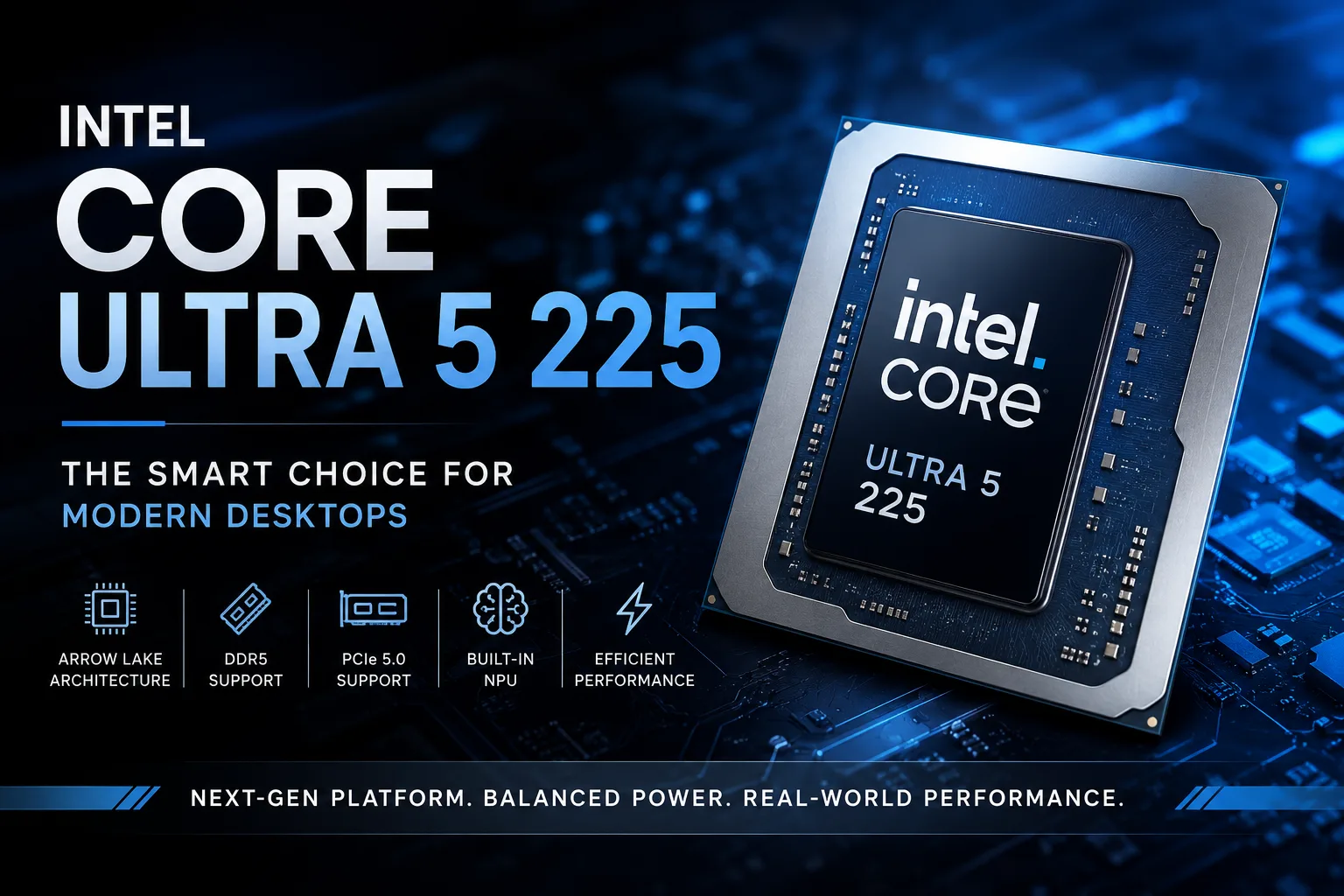
The Intel Core Ultra 5 225 is the entry-level desktop model of Arrow Lake, and its main role is to provide a new platform without the premium for the higher-end Core Ultra processors. The processor is designed not for record-breaking performance, but for mass assembly - for office PCs, home computers, or systems with mid-range discrete graphics cards. The essence of this model lies not in the maximum number of cores, but in a modern feature set: DDR5, PCIe 5.0, an integrated NPU, and moderate cooling requirements.
In terms of specifications, the Core Ultra 5 225 immediately shows its class: 10 cores, 10 threads, a frequency of up to 4.9 GHz, 20 MB of Intel Smart Cache, a base power of 65 W, and a maximum turbo power of 121 W. Here, the main focus is not on frequency, but on the transition to the desktop platform Core Ultra 200. In this model, Intel relies not on Hyper-Threading, but on task separation between powerful P-cores and energy-efficient E-cores.
What Sets Core Ultra 5 225 Apart from Previous Core i5 Models
The Core Ultra 5 225 features 6 performance-oriented P-cores and 4 energy-efficient E-cores. There is no Hyper-Threading, so the 10 cores provide exactly 10 threads. This may raise concerns compared to older Core i5s with more threads, but in a daily PC, responsiveness and stability under mixed workloads are more crucial than sheer thread count.
P-cores handle heavy tasks: launching applications, active web browsing, compiling, photo processing, and gaming with a discrete graphics card. E-cores manage background processes such as messaging apps, updates, system services, and light parallel tasks.
Thus, the Core Ultra 5 225 is particularly suitable for builds where quick responsiveness, low noise levels, and stable performance without expensive cooling are important. It is not a processor for heavy rendering, but its capabilities are more than sufficient for a typical desktop computer.
Where Core Ultra 5 225 Performs Best
The Core Ultra 5 225 is not merely the most affordable entry into Core Ultra. It is more logical to view it as the foundation for a versatile desktop PC.
It is suitable for:
- A home computer for several years;
- An office workstation;
- A PC for programming;
- A build with a mid-range discrete graphics card;
- A compact system unit without extreme cooling;
- Working with a browser, documents, photos, light editing, and multitasking.
In such scenarios, the processor does not need to be the fastest in the lineup. What’s more important is stable responsiveness: quickly opening applications, not lagging due to background tasks, working well with DDR5 and modern peripherals, and not requiring an expensive motherboard or complex cooling.
Integrated Graphics: For Display Output and Media Tasks, Not Gaming
The Core Ultra 5 225 features integrated Intel Graphics with 2 Xe-cores and a frequency of up to 1.8 GHz. It supports modern video outputs, Quick Sync Video, and hardware encoding and decoding for H.264, H.265, and AV1.
However, it won't replace a discrete graphics card. It serves as a practical backup for builds without a GPU: you can connect a monitor, handle office tasks, watch videos, utilize hardware acceleration for media codecs, and easily manage a graphics card replacement.
For gaming, 3D graphics, and heavy editing, a separate graphics card is necessary. Therefore, the Core Ultra 5 225 is better viewed as a processor for a system with a discrete GPU or as the foundation for a silent office PC where gaming performance is not a priority.
NPU is Present, but It’s Not the Main Reason to Buy
The Core Ultra 5 225 includes Intel AI Boost - a separate NPU with a performance of up to 13 TOPS. The total rating for CPU, GPU, and NPU is claimed to be around 23 TOPS Int8.
This sounds convincing, but in a desktop PC, the NPU currently doesn’t dictate the processor choice. It is more of an additional capability than a primary argument. The benefits will emerge only in programs that can actually utilize the NPU. In other cases, the workload will fall on the CPU, GPU, or discrete graphics card.
The AI block in the Core Ultra 5 225 should be seen as a reserve for future software. It is useful as part of a modern platform, but buying this processor solely for the NPU makes little sense.
Where Core Ultra 5 225 is Appropriate, and Where to Opt for a Higher Model
| Scenario | Rating |
|---|---|
| Office, browsing, documents | No questions |
| Home PC | A rational foundation |
| Programming | Suitable for most tasks |
| Gaming with a discrete GPU | Suitable for mid-range graphics cards |
| Gaming on integrated graphics | Only for non-demanding and older games |
| Video editing | Suitable for light and medium projects |
| 3D rendering | Better to look at higher models |
| Local AI tasks | There’s an NPU, but benefits depend on software |
| Compact build | Suitable with normal cooling |
The Main Competitor - Not AMD, but Higher-End Core Ultras
When choosing the Core Ultra 5 225, the main question is whether it makes sense to pay extra for the Core Ultra 5 245 or Core Ultra 7.
If the computer is needed for typical work, browsing, studying, coding, light editing, and gaming with a mid-range graphics card, the entry-level Core Ultra 5 is often the more rational choice. It's better to invest the saved money in an SSD, RAM, graphics card, or a quiet cooler.
However, if the tasks constantly stress all cores-rendering, heavy compilation, virtual machines, processing large projects-the higher models will perform noticeably faster. The Core Ultra 5 225 can handle it, but it will quickly hit its limits: 10 threads become a bottleneck where the workload scales well across cores.
Before Buying: This is a New Platform, Not an Upgrade from LGA1700
The Core Ultra 5 225 uses the FCLGA1851 socket, supports DDR5 up to 6400 MT/s, PCI Express 5.0 and 4.0, with up to 24 PCIe lanes and up to 256 GB of memory.
This is not a processor for old LGA1700 boards. Purchasing the Core Ultra 5 225 almost always means a new platform: a motherboard for LGA1851, DDR5 memory, and a proper cooler. While it is not a hot higher-end model, the turbo power of up to 121 W still demands decent cooling.
Conclusion
The Intel Core Ultra 5 225 is not a processor for records or loud comparisons. It does not possess a vast number of threads, powerful integrated graphics, or frequency headroom like the higher models. Its strengths lie elsewhere: a modern Intel desktop platform, the hybrid architecture of Arrow Lake, DDR5, PCIe 5.0, an integrated NPU, and moderate power and cooling requirements.
The Core Ultra 5 225 is worth considering for those building a new desktop PC who do not wish to overpay for higher-end Core Ultra options. For office work, home use, programming, studying, and builds with mid-range discrete graphics cards, it is a rational choice. However, for heavy multi-threaded tasks or gaming without a graphics card, it’s better to look higher at the start: 10 threads and weak integrated graphics will quickly show the limits of this model.
CPU Comparison
Compare Core Ultra 5 225 with other CPUs
Basic
CPU Specifications
Memory Specifications
GPU Specifications
Interfaces and Ports
Benchmarks
Compared to Other CPU
Related CPU Comparisons


Share in social media
Or Link To Us
<a href="https://cputronic.com/cpu/intel-core-ultra-5-225" target="_blank">Intel Core Ultra 5 225</a>