NVIDIA GeForce RTX 5070 Ti
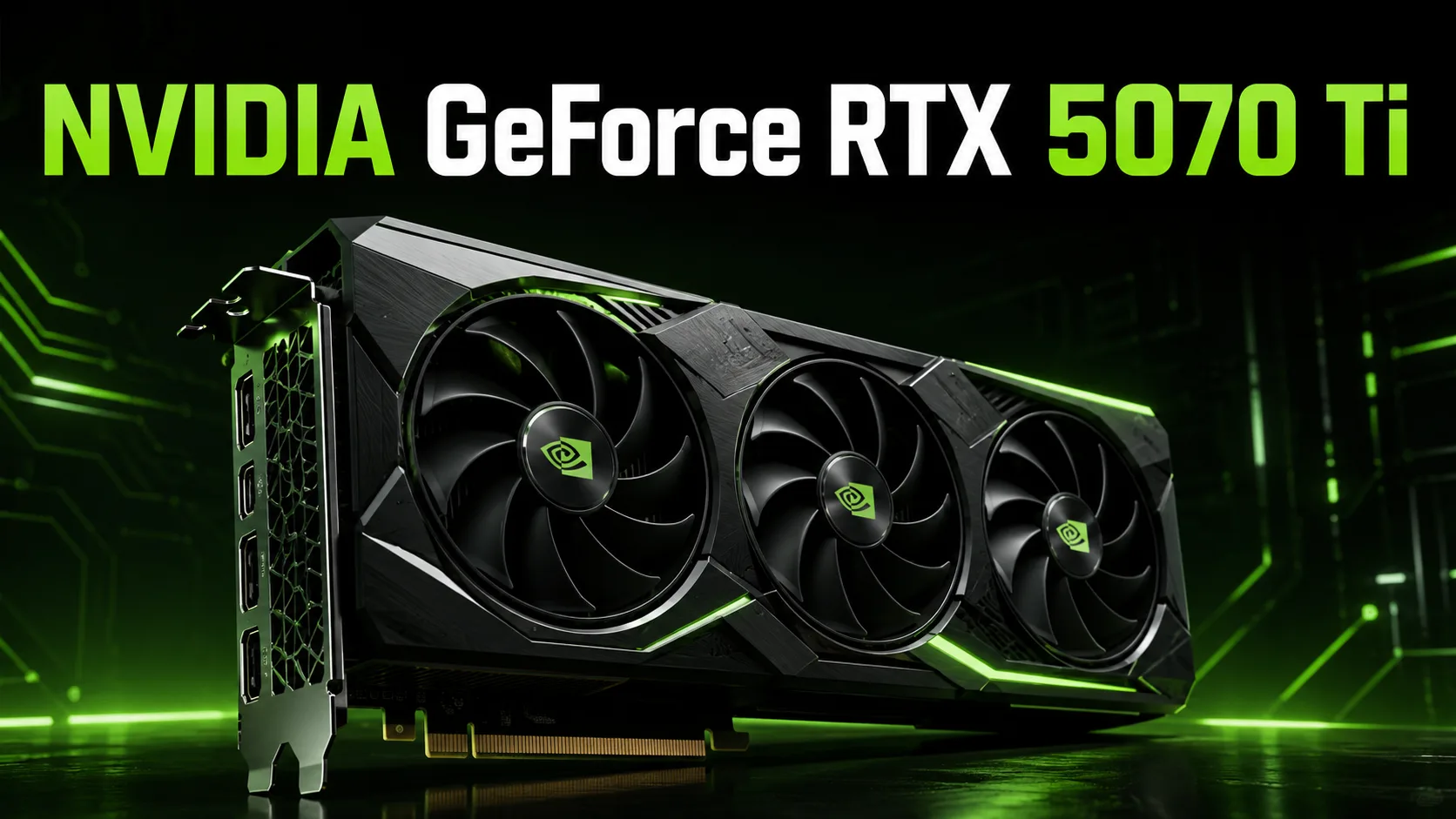
NVIDIA GeForce RTX 5070 Ti
The NVIDIA GeForce RTX 5070 Ti is a high-midrange graphics card built on the Blackwell architecture. It sits between the RTX 5070 and the RTX 5080: noticeably faster than the standard RTX 5070, yet simpler and more affordable than the higher-end model. This option is ideal for those who need a powerful gaming PC for 1440p, a good amount of video memory, and the ability to play in 4K with DLSS.
The main features of the RTX 5070 Ti include 16 GB of GDDR7 memory, a 256-bit bus, high memory bandwidth, 4th generation RT cores, 5th generation Tensor cores, and support for DLSS 4 with Multi Frame Generation. Unlike the models with 12 GB of memory, this card is better suited for demanding games with high textures, ray tracing, and 4K resolution.
Positioning
The RTX 5070 Ti is not a mainstream graphics card for simple Full HD gaming. It is more sensible to consider it as a lower-end high-end option for gaming, streaming, video editing, 3D tasks, and AI challenges. It is suitable for users for whom the RTX 5070 seems too compromised while the RTX 5080 is too expensive.
The primary scenario for the RTX 5070 Ti is gaming at 2560×1440 on high or ultra settings. In this mode, the card provides a good performance buffer and is suitable for fast gaming monitors. It is also appropriate for 4K, but in the most demanding games, it is better to use DLSS.
Key Features of the RTX 5070 Ti
- NVIDIA Blackwell architecture.
- 8960 CUDA cores.
- 16 GB of GDDR7 memory.
- 256-bit memory bus.
- Bandwidth of about 896 GB/s.
- 4th generation RT cores.
- 5th generation Tensor cores.
- DLSS 4 and Multi Frame Generation.
- TGP of 300 watts.
- Recommended power supply - 750 watts.
16 GB of video memory is one of the key advantages of this card. For 1440p, this is more than sufficient, and for 4K, this amount seems significantly more reliable than 12 GB. This is especially important for modern AAA games, projects with ray tracing, large texture packs, and mods.
Gaming Performance
The RTX 5070 Ti performs best at 1440p. In most modern games, it allows for high or maximum settings without feeling like the card is being pushed to its limits. For 1080p, it is already an excessive solution unless it's about esports games with very high FPS.
In 4K, the RTX 5070 Ti can also be used, but much depends on the specific game. In projects without heavy ray tracing, the card can deliver a comfortable performance at high settings. In games with ray tracing or path tracing, it is better to enable DLSS, and sometimes even Frame Generation.
| Scenario | Assessment |
|---|---|
| 1080p | excessive for most games |
| 1440p | best mode for the RTX 5070 Ti |
| 1440p + ray tracing | good results with DLSS |
| 4K | possible, but DLSS is often desirable |
| 4K + path tracing | requires DLSS and Frame Generation in most heavy games |
The RTX 5070 Ti is not at the level of the RTX 5090, where everything can just be maxed out at 4K without worrying about settings. Its strong suit is balance: high speed in 1440p, enough headroom for 4K, and the latest NVIDIA technologies.
DLSS 4 and Multi Frame Generation
DLSS 4 is an important advantage of the RTX 5070 Ti over many last-generation graphics cards. The technology helps to increase FPS through upscaling and frame generation. It is especially noticeable in demanding games where normal performance is already insufficient for high FPS in 4K or with ray tracing.
However, frame generation does not completely replace real performance. If the base FPS is too low, the controls may feel less responsive. Therefore, the ideal scenario is when the RTX 5070 Ti is already delivering an acceptable frame rate, and DLSS and Frame Generation make the visuals significantly smoother.
Ray Tracing
In ray tracing games, the RTX 5070 Ti performs confidently. This is one of the reasons to choose NVIDIA if titles like Cyberpunk 2077, Alan Wake 2, Black Myth: Wukong, Dying Light 2, and other demanding projects with RT effects are important.
In regular rasterization, competitors may be close, but in ray tracing and path tracing, the RTX 5070 Ti usually has more advantages. For path tracing, it is better to consider the card alongside DLSS and Frame Generation, rather than as a solution for native 4K without compromises.
Comparison with Competitors
| Graphics Card | How to perceive it in comparison to the RTX 5070 Ti |
|---|---|
| GeForce RTX 5070 | cheaper but weaker and with less memory |
| GeForce RTX 4070 Ti Super | similar card from the previous generation but without the benefits of Blackwell and DLSS 4 Multi Frame Generation |
| GeForce RTX 5080 | faster but more expensive and belongs to a higher category |
| Radeon RX 9070 XT | main competitor from AMD: strong in regular rasterization, but the RTX 5070 Ti is more interesting for ray tracing, CUDA, AI, and DLSS |
The main competitor from AMD is the Radeon RX 9070 XT. This is also a graphics card with 16 GB of memory and a 256-bit bus, so comparing it with the RTX 5070 Ti is quite logical. The RX 9070 XT can be very strong in regular gaming performance, especially if it is cheaper. However, the RTX 5070 Ti appears more appealing if ray tracing, DLSS, CUDA, Blender, neural network tasks, and applications well-optimized for NVIDIA are prioritized.
If a user selects a card solely for gaming without ray tracing, it is advisable to compare the prices of specific models of the RTX 5070 Ti and the Radeon RX 9070 XT. However, if RT, DLSS, frame generation, AI, and work tasks are required, the RTX 5070 Ti appears to be a more versatile option.
Upgrading from Older Graphics Cards
The transition from RTX 3070, RTX 3070 Ti, RTX 3080, RTX 4070, or RTX 4070 Super will be noticeable. Users will gain not only more FPS but also more memory, new RT/Tensor cores, and support for DLSS 4.
On the other hand, owners of the RTX 4070 Ti Super, RTX 4080, or RTX 4080 Super should consider price and actual tasks. In some cases, the upgrade may be too costly relative to the performance gain.
For Work Tasks
The RTX 5070 Ti is suitable not only for gaming. Thanks to its 16 GB of VRAM, CUDA, Tensor cores, and modern NVENC encoders, it can be used for video editing, streaming, 3D rendering, effects acceleration, working with neural networks, and image generation.
The card is well-suited for home studios, YouTube channels, Blender, DaVinci Resolve, Premiere Pro, and local AI experiments. However, 16 GB of memory is a good but not limitless amount. For heavy large language models, extensive 3D scenes, and professional projects with a vast amount of data, it is better to look at graphics cards with more VRAM.
Power Consumption and Cooling
The RTX 5070 Ti has a TGP of 300 watts, so it requires a quality power supply and a case with proper ventilation. The recommended power supply is 750 watts, but the final requirements depend on the processor, number of drives, overclocking, and the specific version of the graphics card.
Before purchasing, it is essential to check not only the GPU name but also the specifics of the particular model:
- length and thickness of the graphics card;
- type of power connector;
- quality of the cooling system;
- noise level;
- power limit;
- warranty;
- price relative to the RTX 5070, RTX 5080, and Radeon RX 9070 XT.
The RTX 5070 Ti can vary significantly across different manufacturers in terms of temperatures, noise, and dimensions. This is especially important for compact cases.
Who Should Consider the RTX 5070 Ti
The RTX 5070 Ti should be considered if a powerful PC for 1440p with headroom for several years is needed. It is also suitable for those who want to try 4K but are not ready to pay for an RTX 5080 or RTX 5090.
Good scenarios for the RTX 5070 Ti include:
- gaming at 1440p on high and ultra settings;
- 4K with DLSS;
- ray tracing in modern games;
- streaming and recording gameplay;
- video editing;
- Blender and 3D graphics;
- AI tasks and image generation;
- upgrading from the RTX 30 series or lower RTX 40 series.
Not the best choice for simple 1080p gaming, an office PC, or a build with strict budget constraints. In such cases, the RTX 5070 Ti would be excessive.
Conclusion
The NVIDIA GeForce RTX 5070 Ti is a strong graphics card for 1440p, 4K with DLSS, and modern games with ray tracing. It features 16 GB of GDDR7, a 256-bit bus, Blackwell architecture, DLSS 4, and a good reserve for work tasks.
The primary essence of the RTX 5070 Ti is balance. It is not yet an extreme high-end card, but it is already capable of comfortably handling demanding projects, utilizing ray tracing, working with video, and running AI tasks without the obvious limitations of lower models.
If the price is significantly lower than the RTX 5080 and not too close to it, the RTX 5070 Ti appears to be a sensible option in the upper mid-range segment. It is particularly appealing to those building a new PC for 1440p or wanting to upgrade from the RTX 30 series without moving into the most expensive graphics card class.
GPU Comparison
Compare GeForce RTX 5070 Ti with other GPUs
Basic
Memory Specifications
Display and Media
Theoretical Performance
Miscellaneous
Benchmarks
Compared to Other GPU
Related GPU Comparisons


Share in social media
Or Link To Us
<a href="https://cputronic.com/gpu/nvidia-geforce-rtx-5070-ti" target="_blank">NVIDIA GeForce RTX 5070 Ti</a>