Intel Core Ultra 5 250KF Plus

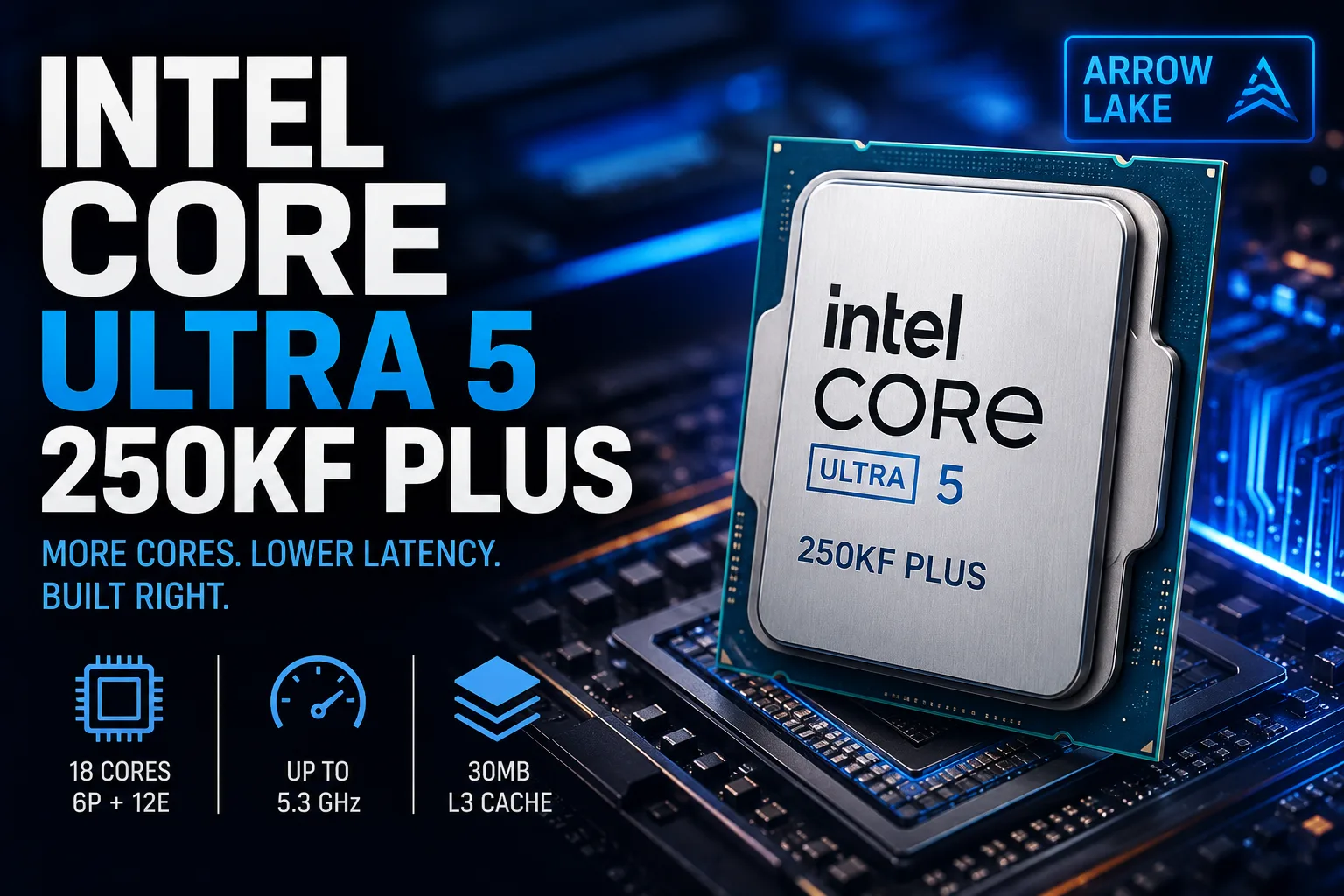
Intel Core Ultra 5 250KF Plus: Arrow Lake That Should Have Been Released Sooner
The Intel Core Ultra 5 250KF Plus is a rare case where the Plus suffix genuinely enhances the processor. The new model features four additional E-cores, more cache, and accelerated inter-tile communication. As a result, Intel has addressed two key shortcomings of the Core Ultra 5 245KF: relatively weak multi-threaded performance and inconsistent results in gaming.
The result is an 18-core mid-range processor that performs almost on par with the Ryzen 5 9600X in gaming but significantly outperforms standard six-core models in rendering, archiving, and other well-parallelized tasks.
What the Plus Suffix Means
The Core Ultra 5 245KF had six P-cores and eight E-cores. The Core Ultra 5 250KF Plus has twelve effective cores, increasing the total core count from 14 to 18.
The Arrow Lake architecture does not use Hyper-Threading, meaning the number of threads matches the number of cores.
| Feature | Core Ultra 5 250KF Plus | Core Ultra 5 245KF |
|---|---|---|
| P-cores | 6 | 6 |
| E-cores | 12 | 8 |
| Cores / Threads | 18 / 18 | 14 / 14 |
| P-core Frequency | up to 5.3 GHz | up to 5.2 GHz |
| L3 Cache | 30 MB | 24 MB |
| Inter-tile Interface Frequency | 3.0 GHz | 2.1 GHz |
| Official Memory Support | DDR5-7200 | DDR5-6400 |
| Integrated Graphics | No | No |
The frequency only increased by 100 MHz, so the main gain is not from the gigahertz. Much more important are the additional E-cores, another 6 MB of L3 cache, and the accelerated inter-tile interface that reduces latency in data exchange.
In terms of E-cores and cache size, the new model comes closer to the Core Ultra 7 265K. The difference remains with the P-cores: the Ultra 7 has eight, while the 250KF Plus has six.
The KF Version Requires a Discrete Graphics Card
The letter F signifies a complete lack of integrated graphics. The motherboard's video outputs will not function, so a discrete graphics card is mandatory.
With the absence of a graphics core, Intel Quick Sync-the hardware block that can accelerate video processing in compatible applications-is also missing. This is not critical for a purely gaming computer, but for tasks like editing, streaming, and transcoding, the standard Core Ultra 5 250K Plus may be more convenient.
If the K and KF versions are priced almost the same, it makes more sense to choose the model with integrated graphics. It can be handy for diagnosing the computer, for temporary use without a graphics card, and for hardware video encoding.
The Core Ultra 5 250KF Plus makes sense only when there is a significant discount and primarily for a system where a discrete graphics card is installed from the start.
Gaming Performance Improved Not with Higher Frequencies
The addition of E-cores does not noticeably increase frame rates by itself. In gaming, the larger cache and accelerated data exchange between tiles had a more significant impact.
On average, the Core Ultra 5 250K Plus is about 12% faster than the Core Ultra 5 245K. The KF version should show the same results since the lack of integrated graphics does not affect the performance of the cores.
Against the Ryzen 5 9600X, the new Intel is almost evenly matched. In some games, the Core Ultra has a slight advantage, while in others, the Ryzen stays ahead. The updated Arrow Lake clearly excels in CPU-dependent projects and scenarios sensitive to memory latency.
This is no longer the Core Ultra 5 that struggled against competitors in gaming PCs. However, Ryzen X3D processors are still faster, making the 250KF Plus interesting primarily as a versatile model rather than the best option solely for gaming.
Additional E-cores are Most Important for Work Tasks
The main advantage of the Core Ultra 5 250KF Plus comes to light in applications capable of utilizing all 18 cores.
Compared to the 245KF, the gains in multi-threaded tests can reach 25-45%. In rendering and archiving, the processor significantly outperforms the six-core Ryzen 5 9600X and comes close to the Core Ultra 7 265K in some cases.
The processor is particularly well-suited for:
- Rendering;
- Compiling large projects;
- Archiving;
- Video exporting;
- Software streaming;
- Heavy multitasking.
The advantage varies by specific application. If the software does not effectively distribute the load between P- and E-cores, the Ryzen may end up being faster. For example, in some Adobe tasks, the additional effective cores offer much less gain than in Blender or Cinebench.
Thus, the 250KF Plus should be viewed not as an all-purpose leader but as an especially strong model for well-parallelized workloads.
Power Consumption and Cooling
The base power consumption of the processor is 125 W, with a maximum turbo power of 159 W. Under sustained multi-threaded loads, it can nearly reach this limit.
A decent tower cooler is sufficient for standard operation. Entry-level compact models are better avoided, but an expensive liquid cooling system is not necessary for this processor either.
The multiplier is unlocked; however, there is not much practical benefit from manual overclocking. The processor already operates close to its optimal frequencies, and additional power consumption rises faster than performance.
LGA1851 Platform
The Core Ultra 5 250KF Plus is installed in the LGA1851 socket and works with motherboards based on Intel's 800 series chipsets. Before installing it into a purchased motherboard, it is advisable to check for the appropriate BIOS version.
Only DDR5 memory is supported. The official limit has increased to DDR5-7200, but it is unnecessary to buy the most expensive kits. Fast DDR5-6000 with low latencies typically provides almost all of the processor's performance without noticeable overpayment.
The integrated NPU Intel AI Boost remains a secondary feature here. In a desktop computer with a discrete graphics card, AI tasks are generally performed more efficiently on the GPU.
Should You Buy the Intel Core Ultra 5 250KF Plus?
The Core Ultra 5 250KF Plus addresses the key shortcomings of the Core Ultra 5 245KF. It has not only gained four additional E-cores but also increased cache and an accelerated inter-tile interface. Therefore, the performance gain is noticeable in both work tasks and gaming.
The processor is best suited for a versatile computer used not only for gaming but also for video editing, code compiling, rendering, or running several heavy programs simultaneously.
For a purely gaming PC, Ryzen X3D remains faster, while the Ryzen 5 9600X offers comparable average frame rates. However, the Core Ultra 5 250KF Plus significantly outperforms standard six-core models in multi-threaded performance.
The main caveat applies to the KF version. With a small price difference, it is better to choose the Core Ultra 5 250K Plus with integrated graphics and Quick Sync. But with a noticeable discount, the 250KF Plus becomes one of the most powerful mid-range processors for a system with a discrete graphics card.
CPU Comparison
Compare Core Ultra 5 250KF Plus with other CPUs
Basic
CPU Specifications
Memory Specifications
GPU Specifications
Interfaces and Ports
Benchmarks
Compared to Other CPU
Related CPU Comparisons


Share in social media
Or Link To Us
<a href="https://cputronic.com/cpu/intel-core-ultra-5-250kf-plus" target="_blank">Intel Core Ultra 5 250KF Plus</a>