AMD Radeon RX 550

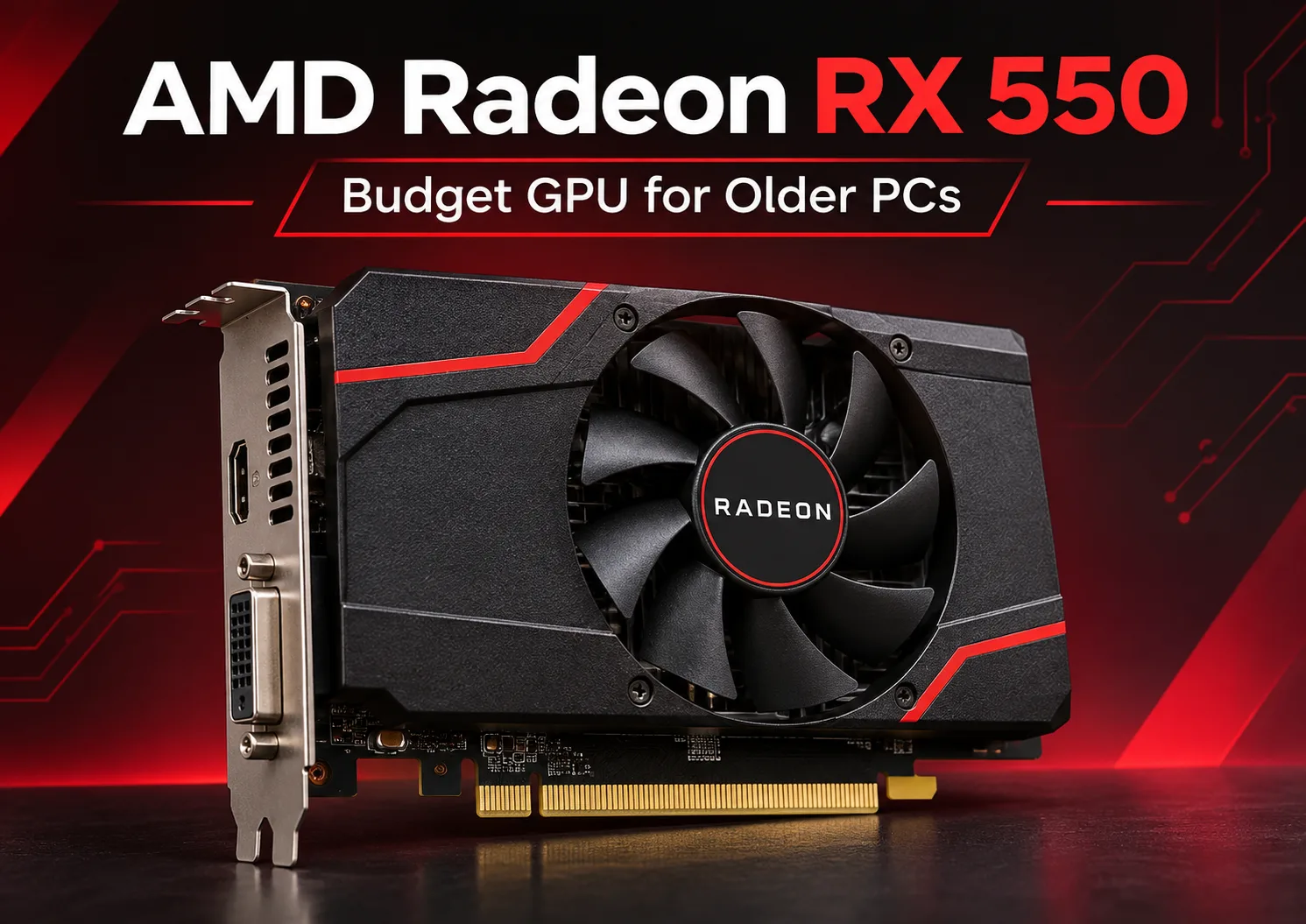
AMD Radeon RX 550: For an Old PC, Not New Games
The AMD Radeon RX 550 was released in April 2017 as a budget graphics card for simple games and office computers. In 2026, its main advantage is not performance but the ability to install a discrete graphics card in an old PC without a powerful power supply.
However, not all RX 550 cards are identical. Alongside the standard version with 512 stream processors, there are variants with 640 processors and even models with a memory bus reduced to 64-bit. Despite having the same name and VRAM capacity, their specifications differ significantly.
Three RX 550 Variants: What to Check
The standard RX 550 is based on the Polaris 12 (Lexa) chip, with the GCN 4.0 architecture and a 14 nm process. It has 512 stream processors, 32 texture units, and 16 rasterization units.
Other versions appeared later. For example, Sapphire released an RX 550 with 640 processors, as well as a model with 512 processors and a 64-bit memory bus.
| Specification | Standard RX 550 | Sapphire 640 SP | Sapphire 64-bit |
|---|---|---|---|
| Stream processors | 512 | 640 | 512 |
| Compute Units | 8 | 10 | 8 |
| Boost Clock | 1183 MHz | 1071 MHz | 1206 MHz |
| Memory bus | 128-bit | 128-bit | 64-bit |
| GDDR5 speed | 7 Gbps | 6 Gbps | 6 Gbps |
| Bandwidth | 112 GB/s | 96 GB/s | 48 GB/s |
| Rated power consumption | 50 W | 65 W | 65 W |
The table compares AMD’s reference configuration, the Sapphire PULSE RX 550 640SP, and the Sapphire PULSE Radeon 550 64BIT. Specifications may differ for other variants.
The 640-processor version has 25% more compute units, but a lower GPU clock and lower memory bandwidth. As a result, it is not necessarily faster than the standard RX 550 in every game.
The 64-bit version has bandwidth of just 48 GB/s, compared with 112 GB/s for the standard card. This is a serious limitation in workloads sensitive to video memory speed.
Memory capacity does not guarantee high performance either. The RX 550 was released with 2 and 4 GB of GDDR5, but the additional 2 GB mainly helps when a game runs out of VRAM. It does not make the GPU itself faster.
Performance: Comparison With the GT 1030, RX 560, and GTX 1050
The RX 550’s closest competitor is the NVIDIA GeForce GT 1030 GDDR5. Comparisons with the Radeon RX 560 and GeForce GTX 1050 are also useful for assessing the card’s capabilities.
The results below are actual ComputerBase results, not calculated FPS values.
| Graphics card | 3DMark Time Spy Graphics | GTA V, FPS | Dota 2, FPS | Overwatch, FPS |
|---|---|---|---|---|
| AMD Radeon RX 550 | 1 115 | 94,1 | 125,4 | 78,2 |
| NVIDIA GeForce GT 1030 GDDR5 | 1 004 | 95,6 | 136,3 | 62,7 |
| AMD Radeon RX 560 | 2 004 | 122,3 | 157,6 | 100,7 |
| NVIDIA GeForce GTX 1050 | 1 851 | 167,3 | 168,3 | 121,1 |
In Time Spy, the RX 550 is approximately 11% faster than the GT 1030 but 44% slower than the RX 560. In games, the balance changes: for example, the GT 1030 is faster in Dota 2, while the RX 550 has the advantage in Overwatch.
The impact of graphics settings is especially noticeable in GTA V. At Normal detail, the card delivers 94,1 FPS, but at maximum settings in another ComputerBase test mode, it manages just 15,5 FPS.
Thus, the RX 550 is suitable for older and undemanding games, but even in games from the mid-2010s, increasing the graphics quality can make gameplay uncomfortable.
What You Can Play on the RX 550
For the RX 550, it is reasonable to target a resolution of 1920 × 1080 with low or moderate graphics settings.
Dota 2, League of Legends, and other undemanding online games remain the most suitable options. In the original GTA V and games of a similar age, much depends on the selected detail level.
Modern demanding games are significantly more challenging for the RX 550. GPU performance is often insufficient even at minimum settings, especially when using a variant with slow memory.
The card supports DirectX 12 and Vulkan but has no hardware ray-tracing blocks. Having 4 GB of VRAM does not eliminate the limitations of the old architecture and the small number of compute units.
Upgrading an Old Computer: Where the RX 550 Is Useful
The RX 550’s main use case today is installing it in an office computer that needs a discrete graphics card.
The reference RX 550 consumes 50 W and does not require an additional power connector. This makes it suitable for some prebuilt systems with low-power power supplies.
However, the specifications of the specific model must be checked: even Sapphire offers models with a rated power consumption of 65 W.
Advantages of the RX 550 for an old PC:
- Compact and low-profile models for small cases.
- Support for multiple monitors via HDMI, DisplayPort, or DVI, depending on the model.
- Hardware decoding of H.264 and H.265 for video playback.
- Higher graphics performance than many older integrated Intel GPUs.
The card does not support hardware AV1 decoding. When playing video in this format, the workload may fall on the CPU.
Before buying, check the graphics card’s dimensions, slot height, power requirements, and available video outputs. If the computer already has sufficiently powerful integrated graphics, installing an RX 550 may not provide any noticeable benefit.
Is the RX 550 Worth Buying in 2026?
When it launched in 2017, the RX 550 cost from $79. Today, some new variants sell for considerably more.
For example, as of November 11, 2026, the specialized VisionTek RX 550 4 GB with four HDMI ports is offered for $199,99. By comparison, the ASRock Challenger Intel Arc A380 6 GB costs $159,99 at Newegg.
The difference in compute performance is substantial: in the 3DMark Time Spy Graphics test, the Arc A380 scores 4 409 points, compared with 1 115 for the RX 550. That is an almost fourfold advantage in a synthetic test, although the difference in game FPS may be different.
However, the Arc A380 is not suitable for every computer. The ASRock Challenger requires an additional 8-pin power connection, while optimal Intel Arc performance requires Resizable BAR support. Therefore, it will not always be possible to replace an RX 550 with it in an old office PC.
Buying a new RX 550 is mainly justified when a system has specific requirements for the case, power supply, or number of video outputs. For gaming on a compatible modern platform, it is more cost-effective to look for a more powerful card.
Conclusion
The AMD Radeon RX 550 is no longer suitable as a universal budget graphics card. It still has enough performance for older games at reduced settings, but its performance is too low for modern titles.
When buying one, it is especially important to check the specific variant: the number of stream processors, memory bus width, clock speeds, and power consumption. RX 550 versions with the same VRAM capacity can differ substantially.
Today, the RX 550 makes sense primarily as a compact graphics card for an old office computer. Buying one new specifically for gaming is not worthwhile at current prices.
GPU Comparison
Compare Radeon RX 550 with other GPUs
Basic
Memory Specifications
Display and Media
1x HDMI 2.0b
1x DisplayPort 1.4a
Theoretical Performance
Miscellaneous
Benchmarks
Compared to Other GPU
Related GPU Comparisons


Share in social media
Or Link To Us
<a href="https://cputronic.com/index.php/gpu/amd-radeon-rx-550" target="_blank">AMD Radeon RX 550</a>