NVIDIA GeForce GTX 1650

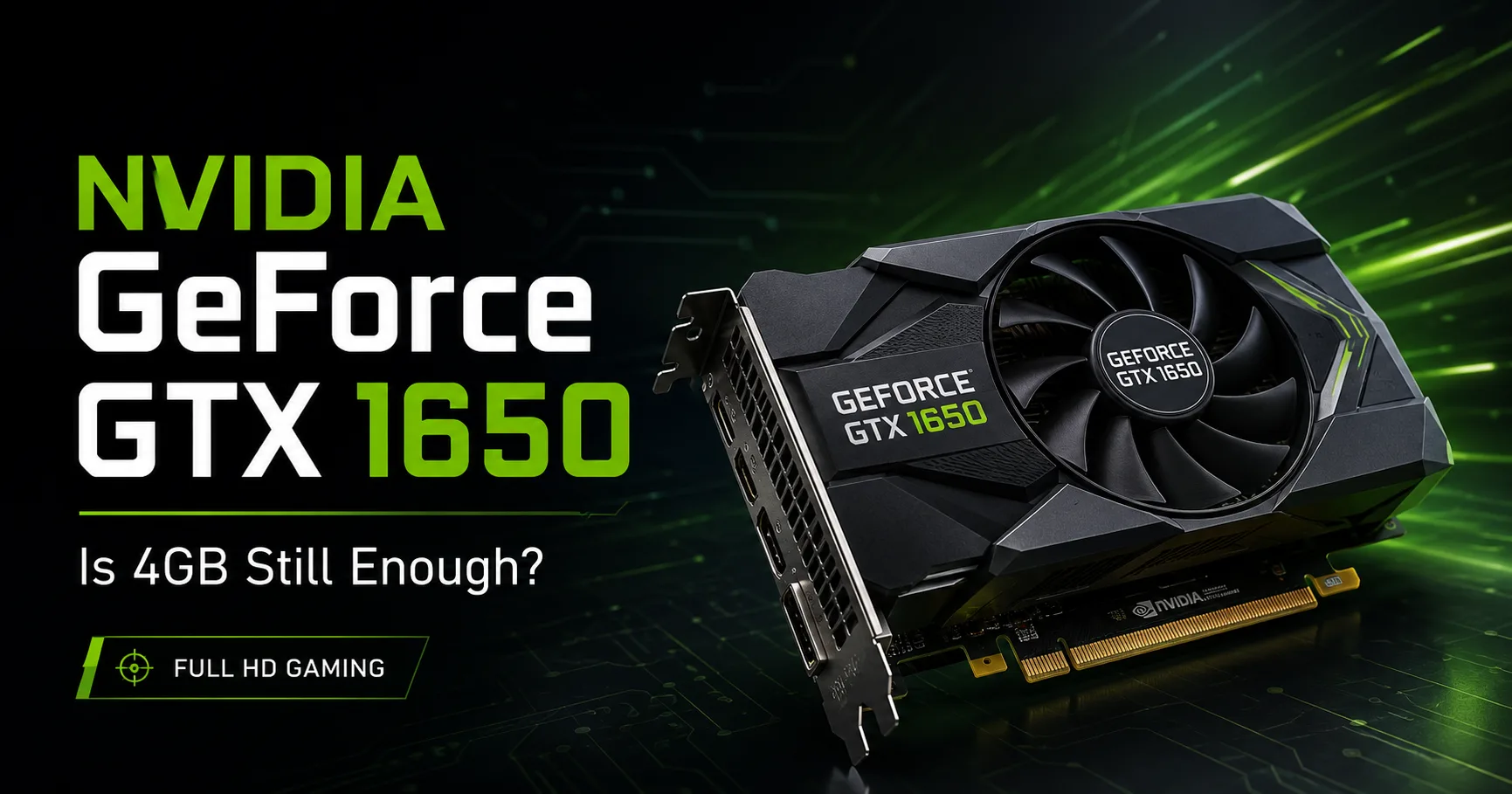
NVIDIA GeForce GTX 1650: What Else Can a 4 GB Graphics Card Do?
The GeForce GTX 1650 still handles online games and many releases from the late 2010s at Full HD resolution. In newer demanding games, one must lower settings, and sometimes specifically reduce texture quality: due to its 4 GB of memory, loading and stuttering occur, and the card lacks DLSS support. Today, the GTX 1650 is primarily interesting for cost-effective upgrades to older PCs and the purchase of used laptops.
Different Versions of GTX 1650 - From GDDR5 to Max-Q
| Version | CUDA Cores | Memory | GPU Frequencies | Power Consumption |
|---|---|---|---|---|
| Desktop GDDR5 | 896 | 4 GB GDDR5, 128 bit | 1485-1665 MHz | 75 W |
| Desktop GDDR6 | 896 | 4 GB GDDR6, 128 bit | 1410-1590 MHz | 75 W |
| Laptop | 1024 | 4 GB GDDR5 or GDDR6, 128 bit | approximately 1380-1560 MHz | around 50 W |
| Laptop Max-Q | 1024 | 4 GB GDDR5, 128 bit | approximately 1020-1245 MHz | around 35 W |
The first desktop version was equipped with GDDR5 memory running at 8 Gbps. Later, a modification with GDDR6 at 12 Gbps became available, but with somewhat lower GPU frequencies. Both are rated at 75 W, which means that most cards can get by with modest cooling and do not require a powerful power supply.
The mobile GTX 1650 usually has 1024 CUDA cores, but a lower power limit restricts its frequencies. The Max-Q version is installed in thin laptops; due to the reduced frequencies, it is usually 10-15% slower than the non-Max-Q GTX 1650 Laptop. Therefore, results for these modifications should be separated or clearly marked in tables.
Before buying a desktop card, it is worth checking if the specific model requires separate power. Standard versions are rated for 75 W, but some factory overclocked cards come with a six-pin connector.
Turing Without Ray Tracing and DLSS
The GTX 1650 uses Turing architecture but lacks the key features of the RTX series. It does not have RT cores for hardware-accelerated ray tracing or tensor cores needed for DLSS.
Support for DirectX 12, Vulkan, G-Sync, and ShadowPlay is retained. However, one should not count on NVIDIA's proprietary scaling or acceptable performance with ray tracing.
The version of the NVENC hardware encoder depends on the graphics chip in use. Cards based on TU117 use the encoder from the Volta generation. Some later models based on TU116 and TU106 are equipped with Turing NVENC, which handles video recording better at a comparable bitrate.
You cannot determine the NVENC version just by the GDDR5 or GDDR6 label; you need to look at the card model and GPU code.
Performance of GTX 1650 in Specific Laptops
The table includes laptops with the standard mobile GTX 1650. Max-Q versions are excluded as the reduced power limit decreases graphics scores and frame rates.
| Laptop | Processor | 3DMark Fire Strike Graphics | 3DMark Time Spy Graphics |
|---|---|---|---|
| HP Omen 15-dc1020ng | Intel Core i5-9300H | 9536 | 3565 |
| ASUS TUF Gaming FX505DT-EB73 | AMD Ryzen 7 3750H | 9428 | 3568 |
| Acer Aspire 7 A715-74G-50U5 | Intel Core i5-9300H | 9423 | 3510 |
| Lenovo Legion 5 17IMH05 | Intel Core i5-10300H | 9423 | 3455 |
The difference between the four laptops is about 1% in Fire Strike Graphics and a little more than 3% in Time Spy Graphics. With proper cooling, the results for the mobile GTX 1650 vary only slightly.
Final scores depend on temperatures, power limits, and driver versions. The table shows a typical range of results rather than ranking the laptops.
What Games Can the GTX 1650 Still Handle?
The GTX 1650 is intended for Full HD, but it did not always maintain 60 FPS on high settings from the start. In tests by Tom’s Hardware, the card surpassed 60 FPS in only four games, and in each case, it fell short compared to the GTX 1060.
Online games are significantly easier for it. Counter-Strike 2, Valorant, Dota 2, League of Legends, and Rainbow Six Siege typically deliver high frame rates even with 4 GB of memory. In such games, FPS is often limited by the CPU rather than the GPU.
Most major releases from the PlayStation 4 and Xbox One era run at Full HD on medium or high settings. In Battlefield V, the mobile GTX 1650 achieved around 60 FPS on the maximum preset, while in The Witcher 3, it provided 34-37 FPS on Ultra.
In newer heavy games, the settings need to be reduced much more significantly. For example, in Hogwarts Legacy, the GTX 1650 is no longer sufficient for consistently smooth gameplay at 1080p on medium settings. A separate issue arises from the lack of video memory, forcing a reduction in texture quality.
In practice, the situation looks like this:
- online and undemanding games - Full HD, medium or high settings;
- games from 2017-2020 - mostly medium, sometimes high settings;
- modern heavy games - low settings, FSR if available, and sometimes lower than 1080p resolution;
- ray tracing should be turned off immediately.
The problem is not only the 4 GB of video memory. The performance of the GPU itself is also insufficient for many new games. Reducing texture quality decreases loading and stuttering but does not add computational power to the graphics card.
Where Else Is the GTX 1650 Useful?
The desktop GTX 1650 consumes up to 75 W and does not require a powerful power supply. Compact versions without separate power can be installed in certain office PCs that are not designed for more powerful graphics cards.
Before buying, it is essential to check the length of the card, the power supply's capacity, and the availability of a six-pin connector if required by a specific model.
In a used laptop, the GTX 1650 is suitable for online gaming, studying, photo editing, and light video editing. However, old gaming models must be checked especially carefully: important factors include temperatures under load, battery condition, and noise level. They often require cleaning of the cooling system and replacement of thermal paste.
Is It Worth Buying a GTX 1650?
Buying a GTX 1650 makes sense only if it's cheap. For a new gaming build, it is no longer suitable: 4 GB of memory is inadequate, there is no DLSS, hardware ray tracing is not supported, and new games often require low settings.
In the second-hand market, it should primarily be compared to the GTX 1060 6 GB, GTX 1650 Super, GTX 1660, and Radeon RX 580 8 GB. They consume more power but work faster or offer more memory.
The main advantage of the desktop GTX 1650 is its low power consumption and compact versions without separate power. This is still beneficial for older office PCs with weak power supplies and tight cases.
In a laptop, you should determine if it is equipped with the GTX 1650 Laptop without Max-Q or the slower Max-Q version. Overheating, single-channel memory, and a weak processor can also significantly reduce FPS.
Therefore, just having the label "GeForce GTX 1650" on the case does not say anything about the actual speed of the laptop.
GPU Comparison
Compare GeForce GTX 1650 with other GPUs
Basic
Memory Specifications
Display and Media
1x HDMI 2.0
1x DisplayPort 1.4a
Theoretical Performance
Miscellaneous
Benchmarks
Compared to Other GPU
Related GPU Comparisons


Share in social media
Or Link To Us
<a href="https://cputronic.com/index.php/gpu/nvidia-geforce-gtx-1650" target="_blank">NVIDIA GeForce GTX 1650</a>