NVIDIA GeForce RTX 3060

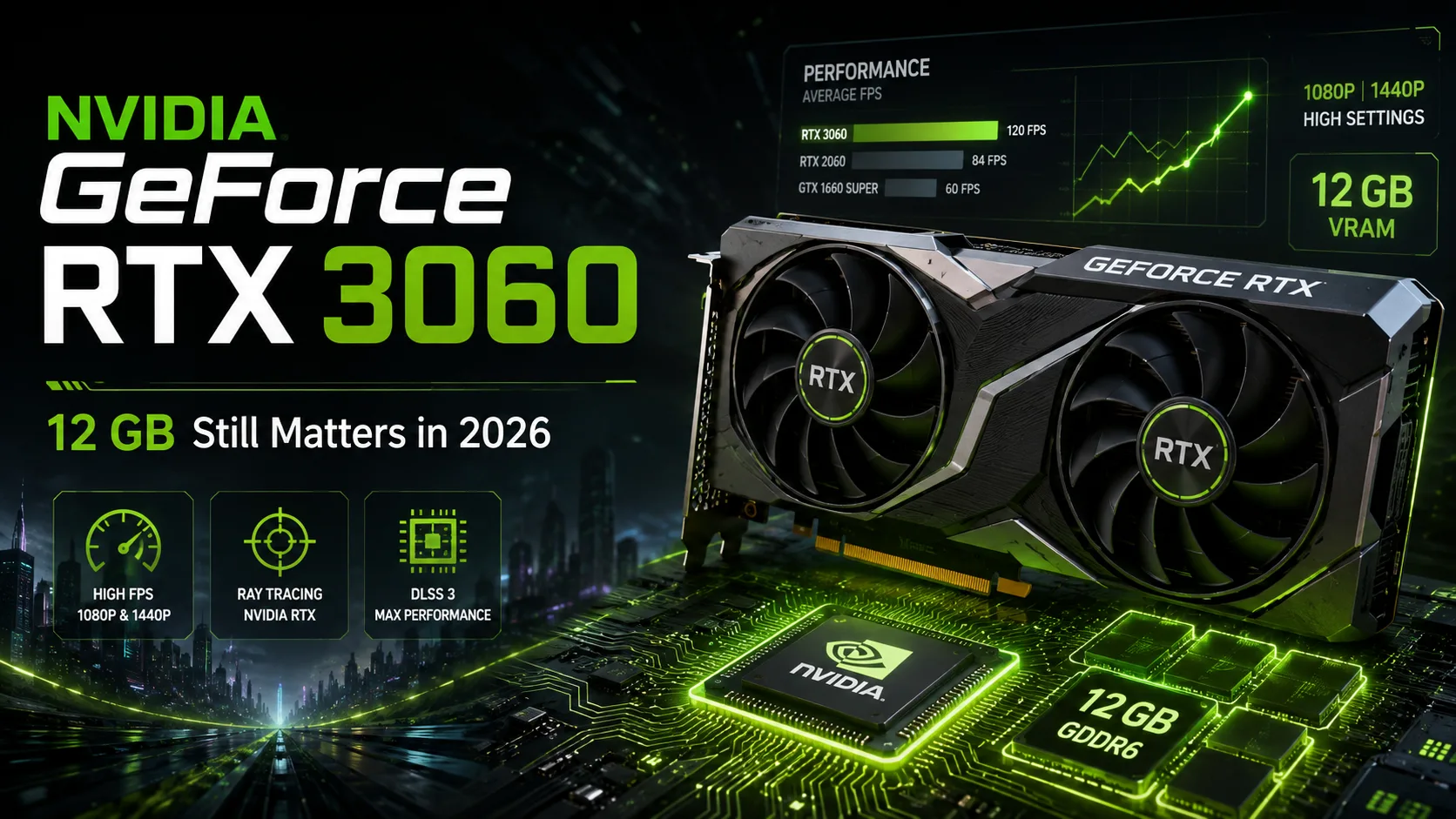
NVIDIA GeForce RTX 3060 in 2026: 12 GB Still Help, but Age Cannot Be Hidden
The GeForce RTX 3060 was released five years ago, but its 12 GB of memory still stand out compared to the newer RTX 4060 and RTX 5060. In Full HD, the card can still handle most games, but when purchasing in 2026, price is everything: in terms of computational performance, it already lags significantly behind modern models.
Why 12 GB Turned Out to Be a Good Solution
The original GeForce RTX 3060 received 3584 CUDA cores and 12 GB of GDDR6 on a 192-bit bus. For a mid-range model from early 2021, such an amount seemed generous, but over time, having extra memory has proven to be more beneficial than initially thought.
The RTX 4060 received 8 GB, and the RTX 5060 also remained at 8 GB. Therefore, the RTX 3060 suffers less in tasks that require more than eight gigabytes of VRAM. This is especially noticeable in demanding games with high texture settings, work projects, and some local AI tasks.
However, having more memory does not compensate for the aging architecture. When a game hits the GPU's performance limits, newer cards quickly pull ahead.
How Fast is RTX 3060 in Modern Games
Recent tests show that in modern games at Full HD, the RTX 3060 12 GB falls significantly behind the RTX 4060 and especially the RTX 5060 on average.
| Graphics Card | Full HD, Rasterization | Full HD, Ray Tracing |
|---|---|---|
| GeForce RTX 3060 12 GB | 57.2 FPS | 39.6 FPS |
| GeForce RTX 4060 8 GB | 70.5 FPS | 45.5 FPS |
| GeForce RTX 5060 8 GB | 89.1 FPS | 54.0 FPS |
In this set of games, the RTX 5060 is about 50% faster than the RTX 3060. The gap in ray tracing performance is also significant.
However, the larger memory size sometimes changes the outcome. In certain demanding games, 8 GB models hit the VRAM limit, while the RTX 3060 12 GB allows for keeping higher texture settings or avoiding stability issues.
The RTX 3060 lags behind newer cards in speed, but its 12 GB of memory sometimes allow it to avoid limitations typical of 8 GB models.
Benchmarks of Specific RTX 3060 Models
NVIDIA's partners have released dozens of RTX 3060 variants with different coolers and factory frequencies. However, the performance differences among them are small.
| Specific Graphics Card | 3DMark Time Spy Graphics | 3DMark Port Royal |
|---|---|---|
| MSI GeForce RTX 3060 Gaming X Trio | 9,026 | 5,172 |
| Gigabyte GeForce RTX 3060 Aorus Elite | 9,010 | 5,155 |
| Gigabyte GeForce RTX 3060 Gaming OC | 8,911 | 5,180 |
| Inno3D GeForce RTX 3060 iChill X3 Red | 8,872 | 5,130 |
| Gigabyte GeForce RTX 3060 Vision OC | 8,794 | 5,094 |
The difference between the fastest and slowest results in Time Spy does not even reach 3%. In games, such a gap is virtually unnoticeable.
When buying a used RTX 3060, it is more important to check the GPU temperatures, the condition of the fans, the absence of artifacts, and stability under prolonged load.
Hidden Context of the Lineup: There Were Several Versions of the RTX 3060
Under the name GeForce RTX 3060, several hardware variants were released.
The main version from 2021 uses GA106 and 12 GB GDDR6 with a 192-bit bus. Later, there were RTX 3060 12 GB versions on a cut-down GA104 chip, and then NVIDIA released the RTX 3060 8 GB with a narrower 128-bit bus. There was also a rare 8 GB version on GA104.
| Variant | GPU | Memory | Bus |
|---|---|---|---|
| RTX 3060 12 GB | GA106 | 12 GB | 192-bit |
| RTX 3060 12 GB GA104 | GA104 | 12 GB | 192-bit |
| RTX 3060 8 GB | GA106 | 8 GB | 128-bit |
| RTX 3060 8 GB GA104 | GA104 | 8 GB | 128-bit |
When purchasing, it's most important to distinguish between 12 GB and 8 GB versions. The later RTX 3060 8 GB not only has less memory but also a narrower bus-128 bits instead of 192 bits. Therefore, it is significantly less appealing than the original 12 GB model.
The practical difference between GA106 and GA104 for gaming is minimal. What matters more is the amount of memory and bus width.
What Ampere Features are Relevant Today
The RTX 3060 supports DLSS Super Resolution, Reflex, CUDA, NVENC, and hardware AV1 decoding.
However, it lacks a number of new features. DLSS Frame Generation is supported starting from the GeForce RTX 40 series, and Multi Frame Generation is available from the RTX 50 series.
In work tasks, the RTX 3060 ages slower. The combination of 12 GB of memory and CUDA cores is still useful for Blender, Stable Diffusion, small local AI models, and other applications where VRAM capacity is more critical than computational performance.
New RTX 3060 in 2026 is Too Expensive
Price has become the main argument against buying a new RTX 3060.
In European retail, new RTX 3060 12 GB cards still appear at around €400, while some older versions are even more expensive. Meanwhile, modern RTX 5060 cards are sold at similar price points.
Buying an RTX 3060 for that kind of money is unwise: a new Blackwell generation card is noticeably faster and offers more modern features.
The situation on the second-hand market is more interesting. The RTX 3060 12 GB can be found for around €250-260, and good deals can be even cheaper.
At a price of about €200, the RTX 3060 12 GB can already be considered a good purchase for a budget Full HD PC, especially if 12 GB of memory and CUDA support are important.
Should You Upgrade from RTX 3060
If the RTX 3060 12 GB is already installed in the computer and used for Full HD gaming, there's no need to replace it just because of its age. In many games, it still provides decent performance.
The RTX 4060 seems like too small of an upgrade for RTX 3060 owners. The RTX 5060 is significantly faster, but its 8 GB of memory make that transition questionable.
For a noticeable upgrade, it's better to look up a class or choose a modern card with larger VRAM. Such a transition will yield not only an increase in FPS but also a more confident performance buffer for the coming years.
Conclusion
The GeForce RTX 3060 12 GB has aged well in terms of memory volume, but its performance now reflects the age of its architecture.
For Full HD, CUDA tasks, and some AI applications, the card is still viable; however, modern models are faster, more energy-efficient, and support newer DLSS technologies.
In 2026, the RTX 3060 is rationally viewed primarily as an existing card or a budget purchase on the secondhand market. Buying a new RTX 3060 at the price of an RTX 5060 is not advisable, and among used options, the 12 GB version is preferable.
GPU Comparison
Compare GeForce RTX 3060 with other GPUs
Basic
Memory Specifications
Display and Media
3x DisplayPort 1.4a
Theoretical Performance
Miscellaneous
Benchmarks
Compared to Other GPU
Related GPU Comparisons


Share in social media
Or Link To Us
<a href="https://cputronic.com/index.php/gpu/nvidia-geforce-rtx-3060" target="_blank">NVIDIA GeForce RTX 3060</a>