AMD Radeon Vega 8

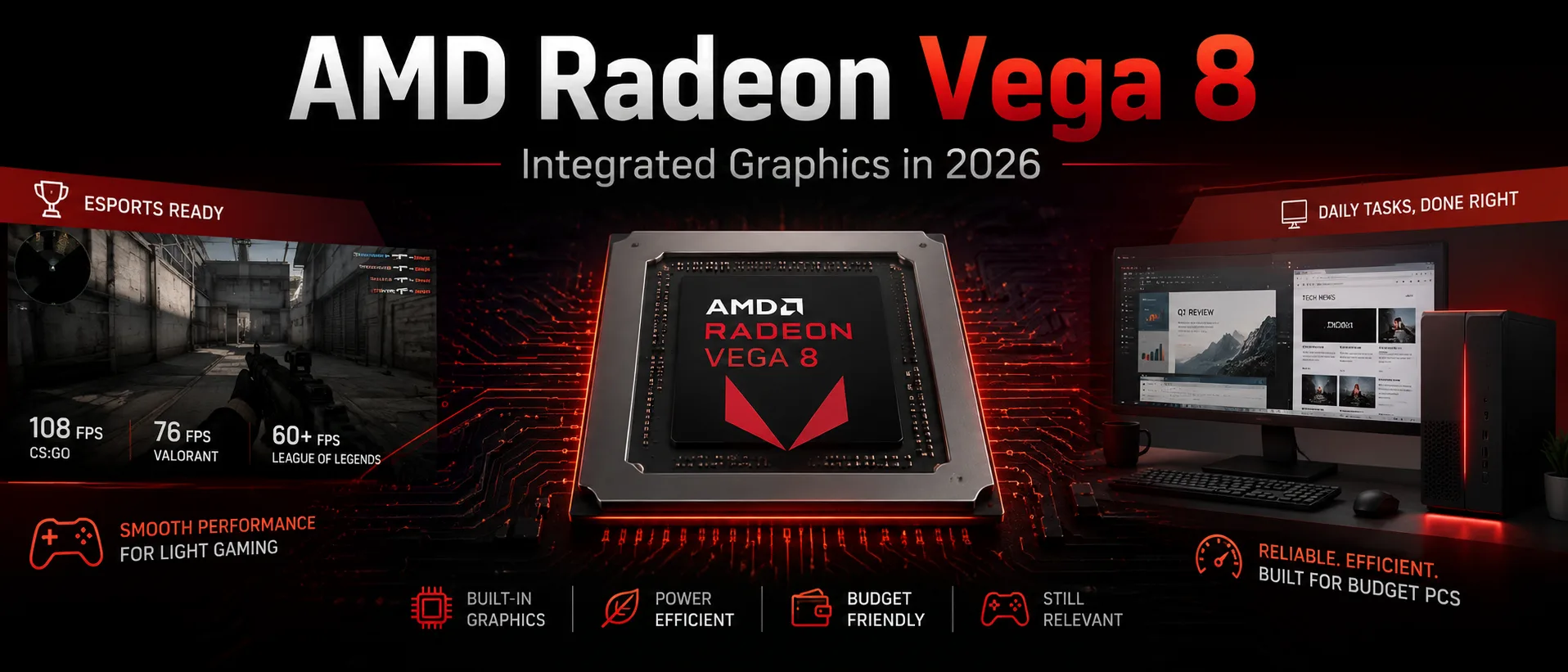
AMD Radeon Vega 8 in 2026: Games, Memory, and Limitations of Integrated Graphics
June 2026
AMD Radeon Vega 8 is integrated graphics for Ryzen G processors on the AM4 platform. In 2026, it lags significantly behind the Radeon 740M, 760M, and 780M, but it is still suitable for budget PCs without a discrete graphics card: office systems, home computers, media centers, and light gaming.
You shouldn't expect modern gaming graphics from Vega 8. Its advantage is not speed but simplicity of assembly: the graphics core is already built into the processor, and a separate graphics card is not needed.
What is Radeon Vega 8
Radeon Vega 8 is AMD's integrated graphics core based on the Vega architecture. In desktop PCs, Vega 8 is most commonly found in Ryzen G series processors for AM4. The graphics core is integrated into the processor and uses the computer's RAM instead of its own video memory.
The main limitation of Vega 8 is memory. It has no separate GDDR memory like a discrete graphics card, so the speed of RAM and dual-channel mode directly affects the frame rate. Performance drops significantly with a single memory module, especially in games.
For a system with Vega 8, it is better to use 16 GB of DDR4 in dual-channel mode, such as 2×8 GB DDR4-3200. The configuration of 1×16 GB lags behind 2×8 GB for integrated graphics, even if the total memory volume is the same.
Where Vega 8 is Still Adequate
In basic tasks, Vega 8 remains sufficient. Browsers, office applications, video, messengers, simple photo editing, and working with multiple monitors do not push the weak graphics core to its limits. In this scenario, the integrated graphics of Ryzen cover the main needs without a discrete graphics card, extra noise, and unnecessary power consumption.
In gaming, the limitations are more noticeable. Vega 8 is suitable for older and less demanding titles but usually requires low settings and sometimes a reduction in resolution. A realistic benchmark is 1080p Low for light games and 720p-900p for heavier ones.
Games: Realistic FPS Benchmarks
Below are benchmarks for the Ryzen 7 5700G with Vega 8 and dual-channel DDR4 memory. On the Ryzen 5 5600G, the results will be lower because it uses Vega 7. A system with a single memory module can also see a noticeable drop in FPS.
| Game | Settings | Approx. FPS | Conclusion |
|---|---|---|---|
| Dota 2 | 1080p, high settings | around 70 FPS | comfortable |
| CS:GO | 1080p, medium settings | around 110 FPS | comfortable, but CS2 is noticeably heavier |
| Rainbow Six Siege | 1080p, Medium | around 65 FPS | playable |
| F1 2020 | 1080p, Low | around 60 FPS | playable |
| GTA V | 1080p, Low/Normal | approximately 45-60 FPS | playable with reduced settings |
| Fortnite | Performance Mode / Low | approximately 40-60 FPS | depends on the map and scene |
| CS2 | 720p-1080p, Low | approximately 35-60 FPS | possible drops |
| Doom Eternal | 1080p, Low | over 40 FPS | playable, but without much headroom |
| Shadow of the Tomb Raider | 1080p, Lowest | around 37 FPS | technically playable, but uncomfortable |
| Assassin’s Creed Valhalla | 1080p, Lowest | around 33 FPS | better to lower resolution |
| Dirt 5 | 1080p, Low | around 39 FPS | on the edge of comfort |
| Watch Dogs: Legion | 1080p, Lowest | around 28 FPS | uncomfortable |
| Cyberpunk 2077 | 720p, Low/FSR | around 25-35 FPS | more of an experiment |
This table illustrates the limits of Vega 8 well. Older and lighter games still run fine. Titles like Dota 2, Valorant, League of Legends, GTA V, and older AAA games can be launched without a discrete graphics card if the settings are kept in check.
The situation is different with new heavy games. Even if a game runs, 1080p often proves too demanding. You have to reduce the resolution to 720p-900p, enable FSR, and deal with drops. Vega 8 is no longer suitable for comfortable 1080p gaming.
Why CS:GO and CS2 Shouldn't Be Compared Similarly
The old CS:GO was well-suited to Vega 8: the integrated graphics could deliver high FPS even at Full HD. CS2 is significantly heavier, so the old results from CS:GO cannot be directly applied to the new game.
For CS2, it's best to immediately aim for low settings, reduced resolution, and dual-channel memory. With a good processor and DDR4-3200, the game can be playable, but you shouldn't expect stable 60 FPS in all scenes.
FSR Helps, but Doesn't Save
FSR can sometimes boost frame rates, but it doesn't compensate for the weak graphics core. On Vega 8, upscaling is useful only as a means to slightly increase FPS in demanding games. At low native resolutions, the image quickly becomes blurry, especially on a Full HD monitor.
Therefore, FSR should be seen as a backup tool. For Dota 2, Valorant, GTA V, and older games, it’s usually not needed. For Cyberpunk 2077, Assassin’s Creed Valhalla, and other heavy projects, it might help run the game but doesn’t make it truly comfortable.
Why Dual-Channel Memory is Essential
Vega 8 uses system RAM. Therefore, dual-channel mode is just as important for it as RAM speed. A single DDR4 module severely limits bandwidth, and integrated graphics hit memory limits quicker than the graphics core itself.
For such a system, it's best to plan for:
- At least 16 GB of RAM;
- Two modules instead of one;
- DDR4-3200 or higher if the system is stable;
- Enabled XMP/DOCP in BIOS;
- Adequate air cooling for the processor.
Increasing the allocated memory for iGPU in BIOS does not inherently increase FPS. It can help specific games avoid errors or a lack of video memory, but overall performance still hinges on the bandwidth of the RAM and the power of the graphics core.
Working with Video and 3D
For video, simple editing, and light photo processing, Vega 8 is sufficient. It allows building a working computer without a separate graphics card and does not require complex cooling.
For heavy editing, 3D rendering, complex effects, and 4K projects, Vega 8 is weak. In DaVinci Resolve, Premiere Pro, or Blender, the limitation will quickly become not just the integrated graphics but the entire class of APU. Simple Full HD projects are possible; heavy projects are already a task for a discrete graphics card.
Vega 8 is not suitable for machine learning, heavy computations, and serious GPU rendering.
Power Consumption and Cooling
The main advantage of Vega 8 is the simplicity of the system. The computer operates without a separate graphics card, takes up less space, consumes less power, and is easier to cool. This is convenient for office PCs, compact cases, or home media centers.
Usually, a decent air cooler and basic case ventilation are sufficient. Liquid cooling is unnecessary for Vega 8. Overclocking the graphics is possible, but the practical gain is typically small: memory, temperature, and APU limits quickly become constraints.
Comparison with Modern Integrated GPUs
The main limitation of Vega 8 is its outdated architecture. New integrated GPUs from AMD on RDNA 2 and RDNA 3 are faster, perform better with modern games, and remain viable for new projects longer.
| Graphics | What Matters |
|---|---|
| Radeon Vega 8 | a cheap base for AM4, adequate for office use and light gaming |
| Radeon 740M | newer architecture, but lower tier |
| Radeon 760M | significantly better for gaming, found in Ryzen 5 8600G |
| Radeon 780M | one of the strongest options among integrated graphics of previous generations |
| Intel Iris Xe / Intel Arc iGPU | performance depends on the CPU and memory, but new solutions are often more appealing than Vega 8 |
If you already have a PC with Ryzen and Vega 8, there’s no need to change such a system for office work, browsing, and video. However, if a system is being purchased from scratch, it’s worthwhile to compare the price with newer APUs. They are more expensive but offer more modern graphics and greater gaming headroom.
For a new build, Vega 8 makes sense only with significant savings. If the price difference with Ryzen 5 8600G or another APU with Radeon 700M is small, it’s better to opt for more modern graphics.
Pros of Vega 8
- Does not require a separate graphics card;
- Covers basic tasks and light gaming;
- Fits well into budget AM4 builds;
- Saves space and energy;
- Suitable for a temporary build before buying a discrete card.
Cons of Vega 8
- Weak performance in modern AAA games;
- Strong dependence on dual-channel memory;
- No hardware ray tracing;
- Vega architecture is outdated;
- New APUs with Radeon 700M are significantly faster;
- Not suitable for 1440p and 4K gaming.
Who is Radeon Vega 8 Suitable For
Vega 8 is sensible for office PCs, home computers, media centers, and temporary builds before purchasing a discrete graphics card. It is sufficient for documents, browsing, video, and basic work.
In games, it is suitable for those who play Dota 2, Valorant, League of Legends, GTA V, older AAA projects, and indie games at low settings. For new games at 1080p, it's better to look for more modern APUs or a discrete graphics card.
FAQ
Is Radeon Vega 8 suitable for gaming in 2026?
Yes, but only for light and older games. A realistic setting is 1080p Low for simple projects and 720p-900p for heavier ones.
Is dual-channel memory necessary for Vega 8?
Yes. A single RAM module significantly lowers FPS because the integrated graphics use system memory instead of its own video memory.
How much RAM is needed for Vega 8?
The optimal minimum is 16 GB in dual-channel mode. The configuration of 2×8 GB DDR4 is usually better than 1×16 GB.
What is better: Vega 8 or Radeon 760M?
Radeon 760M is significantly faster and more modern. Vega 8 makes sense in cheap AM4 systems, while Radeon 760M is better suited for a new build with graphics headroom.
Does Vega 8 have ray tracing?
No. Radeon Vega 8 does not have hardware support for Ray Tracing.
Can Vega 8 be used without a discrete graphics card?
Yes. It is sufficient for office work, video, browsing, and light gaming.
Conclusion
AMD Radeon Vega 8 in 2026 is not a gaming solution but practical integrated graphics for budget AM4 systems. It covers basic tasks, allows for operation without a discrete graphics card, and still handles light games with the right memory.
The main limitation is the lack of headroom. For modern games, heavy editing, 3D tasks, and a new build for years to come, it’s better to choose an APU with Radeon 700M or immediately install a discrete graphics card.
GPU Comparison
Compare Radeon Vega 8 with other GPUs
Basic
Memory Specifications
Display and Media
Theoretical Performance
Miscellaneous
Benchmarks
Compared to Other GPU
Related GPU Comparisons


Share in social media
Or Link To Us
<a href="https://cputronic.com/index.php/gpu/amd-radeon-vega-8" target="_blank">AMD Radeon Vega 8</a>