AMD Radeon 760M

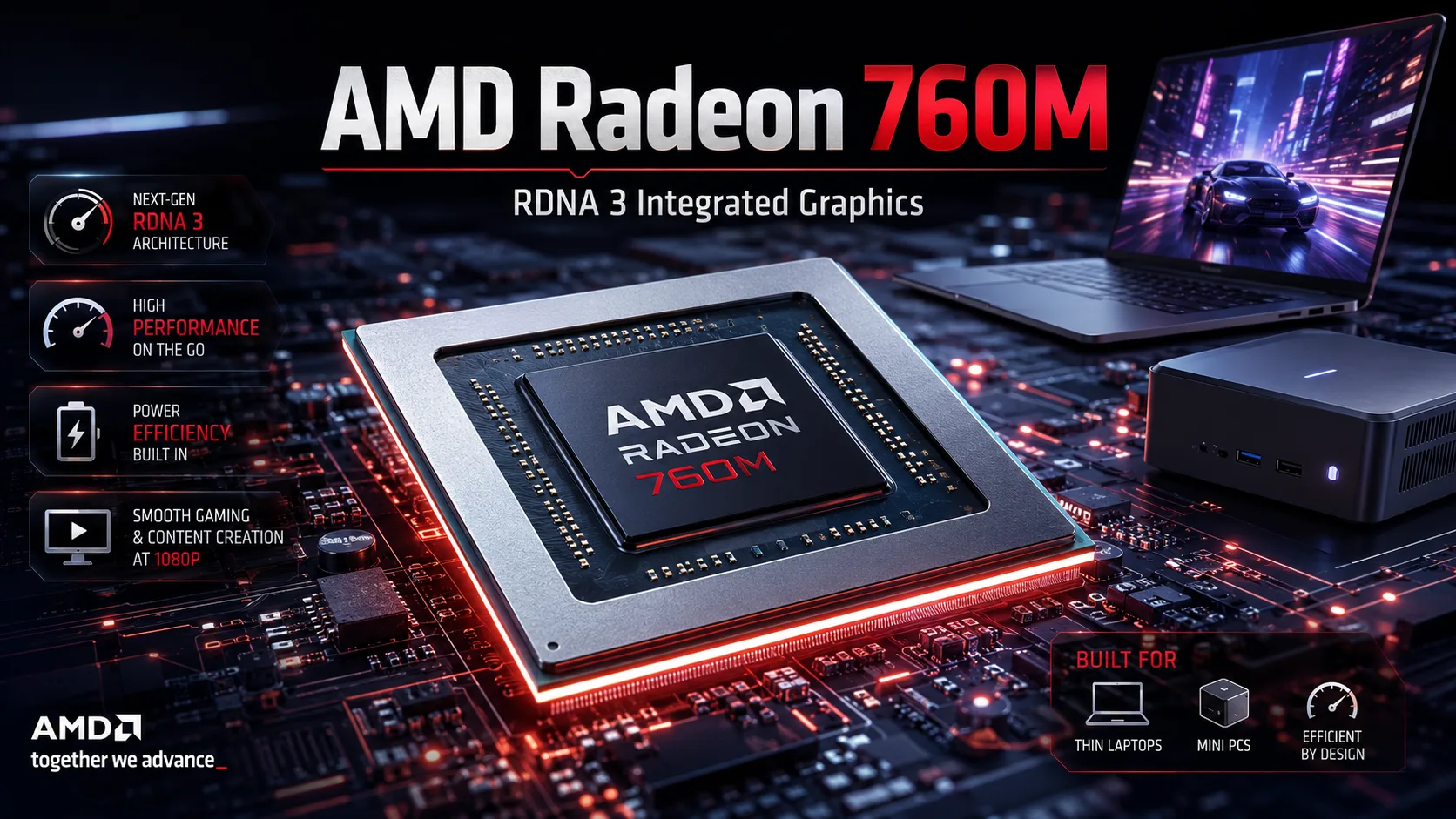
AMD Radeon 760M: Tests in Laptops, Gaming, and Comparison with 680M and 780M
The AMD Radeon 760M is an integrated RDNA 3 graphics solution with 8 compute units and 512 shader processors. It is found in the Ryzen 5 family of Phoenix and Hawk Point processors and holds an intermediate position between the Radeon 740M and the more powerful 780M. The Radeon 760M is sufficiently fast for less demanding and many modern games, although the final performance greatly depends on memory, power limits, and the settings of the specific device.
Radeon 760M in Specific Devices
| Device | Processor | RAM | 3DMark Time Spy Graphics | 3DMark Fire Strike Graphics |
|---|---|---|---|---|
| HP ZBook Firefly 14 G10 A | Ryzen 5 PRO 7640HS | 16 GB | 1,997 | 6,121 |
| Lenovo LOQ 15APH8 | Ryzen 5 7640HS | 16 GB | 2,234 | 6,162 |
| GMKtec NucBox M6 Ultra | Ryzen 5 7640HS | 32 GB | 2,281 | 6,558 |
| Acer Swift Edge 16 SFE16-44 | Ryzen 5 8640U | 16 GB | 2,293 | 6,559 |
| Lenovo Yoga 7 2-in-1 14AHP9 | Ryzen 5 8640HS | 16 GB | 2,495 | 7,004 |
The variance clearly shows the main feature of integrated graphics. In Time Spy Graphics, the Lenovo Yoga 7 scores 2,495 points, while the HP ZBook Firefly scores 1,997. The difference is around 25%, even though both utilize the Radeon 760M.
The reason is not solely related to cooling. Power limits of the processor, frequencies, firmware settings, and memory bandwidth also influence the results. Therefore, it is better to assess the performance of the Radeon 760M based on the specific laptop instead of just relying on the GPU name.
The Lenovo LOQ in this table requires a separate note: the series is often equipped with discrete graphics. The result provided refers specifically to the integrated Radeon 760M.
Why Memory Matters
The Radeon 760M does not have its own GDDR memory; the graphics core utilizes system RAM. This is a key performance factor for iGPUs.
DDR5 or fast LPDDR5X provides the necessary bandwidth for the graphics. Thus, two laptops with the same processor might deliver different results even under similar power limits.
It is especially important to check the memory configuration in models with standard SO-DIMM. A slow or poorly optimized RAM subsystem can significantly reduce the performance of the integrated graphics.
Radeon 760M vs. Radeon 680M and 780M
Despite the transition from RDNA 2 to RDNA 3, the Radeon 760M did not become an unconditional replacement for the Radeon 680M. The older 680M has 12 compute units compared to the 8 in the 760M, placing their real-world performance very close to each other.
The average score of the Radeon 760M in 3DMark Time Spy Graphics is around 2,260 points, while the Radeon 680M scores approximately 2,214. The difference is too small to be considered significant: a specific laptop can easily change the standings.
The Radeon 780M is noticeably faster. With an average score of around 2,657 points, it has an advantage of about 15-20% over the 760M.
Thus, the transition from 680M to 760M does not appear to be a serious upgrade on its own. The jump from 760M to 780M is more noticeable, especially if gaming is among the primary use cases.
Radeon 760M Performance in Games
Gaming tests demonstrate the GPU's performance limits well. In less demanding and competitive titles, comfortable frame rates can be achieved at Full HD, but heavy AAA games quickly force a reduction in settings.
| Game, 1920×1080 | Low | Medium | High |
|---|---|---|---|
| Counter-Strike 2 | ~105 FPS | ~77 FPS | ~39 FPS |
| F1 24 | ~62 FPS | ~54 FPS | ~41 FPS |
| Ghost of Tsushima | ~44 FPS | ~38 FPS | ~31 FPS |
| Cyberpunk 2077 | ~31 FPS | ~24 FPS | ~20 FPS |
| Baldur's Gate 3 | ~30 FPS | ~24 FPS | ~19 FPS |
Counter-Strike 2 and F1 24 work adequately fast even at Full HD. For Cyberpunk 2077 and Baldur's Gate 3, you should expect around 30 FPS at low quality.
In demanding titles, it is wiser to use FSR or lower the resolution. For the Radeon 760M, this approach is more practical than trying to maintain native Full HD at all costs.
Hardware ray tracing is supported, but there is virtually no performance headroom for RT in modern demanding games.
Devices Featuring Radeon 760M
The Radeon 760M can be found in a very diverse range of computers. The Lenovo Yoga 7 2-in-1 utilizes it within a compact convertible with the Ryzen 5 8640HS, the Acer Swift Edge 16 features it in a slim laptop with the Ryzen 5 8640U, and the HP ZBook Firefly 14 includes it in a mobile work system.
There are mini PCs as well. For example, the GMKtec NucBox M6 Ultra combines the Ryzen 5 7640HS with 32 GB of DDR5 and scores 2,281 points in Time Spy Graphics. The form factor itself does not determine the speed of the Radeon 760M; the overall system configuration is what matters.
How Good Is the Radeon 760M
The Radeon 760M represents the minimum level of modern AMD iGPUs at which Full HD gaming becomes practically viable. Esports titles perform reliably, and many heavy games can be run at around 30-60 FPS after adjusting settings.
The Radeon 780M is faster and preferable for only a slight difference in price. However, paying extra just for the upgrade from 760M to 780M may not always be justified: memory, power limits, and the quality of the laptop might be more critical than the difference between the two iGPUs.
The Radeon 760M does not replace a discrete graphics card. However, for a laptop or mini PC without a separate GPU, it provides entry-level gaming graphics. For esports titles, Full HD is suitable without serious caveats, while intensive games usually require Low settings, FSR, or reduced resolution.
GPU Comparison
Compare Radeon 760M with other GPUs
Basic
Memory Specifications
Display and Media
Theoretical Performance
Miscellaneous
Benchmarks
Compared to Other GPU
Related GPU Comparisons


Share in social media
Or Link To Us
<a href="https://cputronic.com/index.php/gpu/amd-radeon-760m" target="_blank">AMD Radeon 760M</a>