NVIDIA GeForce RTX 5070

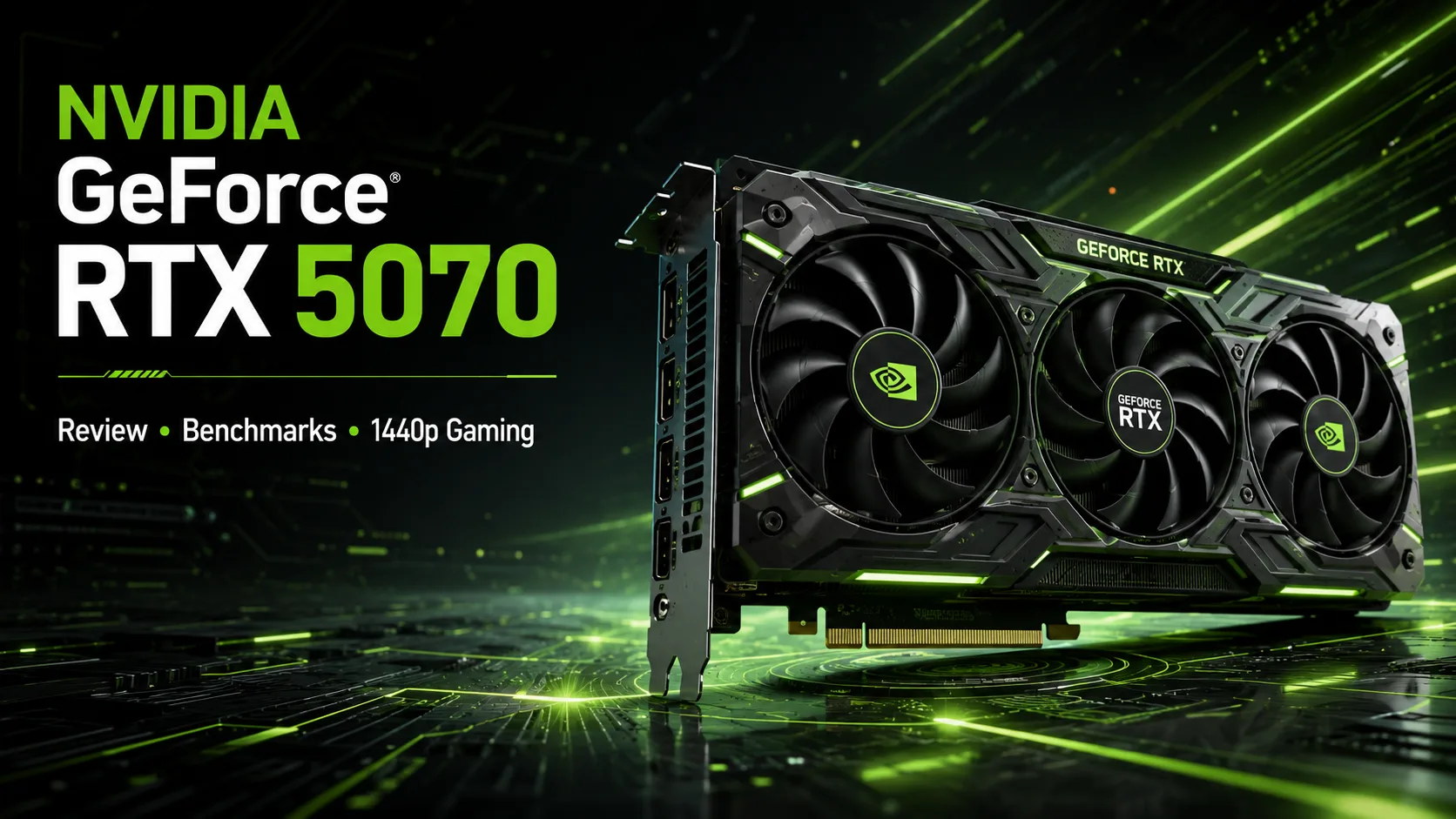
NVIDIA GeForce RTX 5070: Tests, Performance, and Versions of the Graphics Card
The NVIDIA GeForce RTX 5070 is a 1440p graphics card that NVIDIA initially marketed as an alternative to the RTX 4090 when using DLSS 4. Without frames generated by neural networks, the reality is much more mundane: in regular rasterization, the RTX 5070 is only slightly faster than the RTX 4070 Super. Therefore, the new model is primarily interesting to owners of the RTX 3070, RTX 3060 Ti, and older models. Upgrading from the RTX 4070 Super to the RTX 5070 is almost pointless.
Results of Specific GeForce RTX 5070 Versions
All graphics cards in the table were tested by Hardwareluxx on the same setup. Performance was measured in 3DMark, temperature was checked in Indiana Jones and the Great Circle, and noise levels were measured under load using 3DMark Speed Way.
| Graphics Card | 3DMark Speed Way | 3DMark Steel Nomad | GPU Temperature in Indiana Jones | Noise in 3DMark Speed Way |
|---|---|---|---|---|
| MSI GeForce RTX 5070 Gaming Trio | 5,975 | 5,124 | 60.3 °C | 38.1 dBA |
| Gigabyte GeForce RTX 5070 Gaming OC | 5,954 | 5,032 | 54.9 °C | 40.6 dBA |
| NVIDIA GeForce RTX 5070 Founders Edition | 5,882 | 5,035 | 69.9 °C | 47.9 dBA |
The difference between the three versions in 3DMark does not exceed 2%. Factory overclocking has little impact on performance: the MSI Gaming Trio and Gigabyte Gaming OC are only symbolically faster than the Founders Edition.
The cooling systems vary significantly. Gigabyte shows the lowest GPU temperature, MSI operates quieter, while the compact Founders Edition runs noticeably hotter and louder. The choice of RTX 5070 version should be based on noise, size, and price rather than just a few dozen megahertz of factory overclocking.
Performance in Games
The primary resolution for the RTX 5070 is 2560 × 1440. At this resolution, the card handles most modern games at high and maximum settings. Regular ray tracing can often be utilized with the quality mode of DLSS; however, heavy path tracing requires scaling and frame generation.
Compared to the RTX 4070, the increase in performance can be around 20%, but when compared to the RTX 4070 Super, the new model appears much weaker-the average difference is usually limited to a few percent. The RTX 5070 Ti is approximately 18-20% faster, comes with 16 GB of memory, and is significantly better suited for 4K.
Upgrading from an RTX 3070 or RTX 3070 Ti appears more convincing. Users gain higher FPS, 12 GB of memory instead of 8 GB, enhanced ray tracing, a modern video encoder, and support for DLSS 4. Beyond the RTX 4070 Super, the upgrade mainly involves new features of the Blackwell architecture.
Why 12 GB of Memory is a Weak Spot
The RTX 5070 is equipped with 12 GB of GDDR7 memory on a 192-bit bus. The fast memory provides a bandwidth of 672 GB/s, but its physical capacity remains the same as that of the RTX 4070 and RTX 4070 Super.
For most 1440p games, 12 GB is sufficient. Problems are more likely to arise at 4K, especially with maximum textures, heavy ray tracing, and the use of graphical mods. The main imbalance of the RTX 5070 is the combination of a relatively powerful GPU with a limited memory capacity.
The RTX 5070 Ti and Radeon RX 9070 feature 16 GB of memory and encounter memory capacity limits much less frequently. This does not render the RTX 5070 unfit for 4K, but it diminishes its appeal as a long-term purchase.
DLSS 4 and Multi Frame Generation
Multi Frame Generation is the main functional advantage of the RTX 5070. The technology inserts up to three additional frames between rendered ones and significantly improves image smoothness in supported games. Along with DLSS Super Resolution, it allows heavy ray tracing to be used without drastically dropping the displayed frame rate.
However, MFG does not turn the RTX 5070 into an RTX 4090. The generated frames do not increase the original rendering speed and do not eliminate input lag. The technology works best when the game already delivers at least 50-60 true FPS. With low base performance, the counter may display a three-digit value, but responsiveness will remain noticeably worse.
RTX 5070 vs. Radeon RX 9070
The main competitor to the RTX 5070 is the Radeon RX 9070. The AMD card features 16 GB of memory and outperformed the RTX 5070 in rasterization tests by about 8% at 1440p and 11% at 4K according to Tom’s Hardware.
In ray tracing, the difference depends on the specific game. The RTX 5070 is particularly convincing in projects with heavy RT effects, good optimization for NVIDIA, and support for DLSS. However, the RX 9070 is already capable of competing with it in standard ray tracing modes and does not appear undoubtedly weaker across all RT loads.
For a purely gaming system, the RX 9070 is often more attractive due to its higher raster performance and 16 GB of memory. The RTX 5070 is preferable for CUDA, local neural networks, and certain productivity applications, while its main arguments in gaming remain DLSS and Multi Frame Generation.
Which RTX 5070 Version to Choose
MSI Gaming Trio is suitable for a quiet computer. In tests, it operated significantly quieter than other models while maintaining normal GPU temperatures.
Gigabyte Gaming OC provides better cooling for the GPU, but under load, it is noisier than MSI. This is a good choice for warm cases where minimal noise is not the top priority.
Founders Edition occupies two slots and is about 242 mm long. It is suitable for compact systems, but its smaller size comes at the cost of higher temperatures and noise levels. MSI and Gigabyte are larger, measuring over 320 mm in length and approximately 2.5 slots in thickness.
A high-priced RTX 5070 is a poor purchase. A few percent of factory overclocking does not justify the price approaching that of the RTX 5070 Ti. It's worth paying extra only for a quiet cooling solution, suitable dimensions, or a longer warranty.
Power Consumption and System Requirements
The nominal power of the RTX 5070 is 250 W, with a recommended power supply rating of at least 650 W. It uses a 16-pin PCIe cable or an adapter from two eight-pin connectors.
The graphics card features 6,144 CUDA cores, a Boost clock of 2.51 GHz, one ninth-generation NVENC encoder, and hardware support for AV1. In real games, power consumption often remains below the stated limit, but under heavy loads, the card can draw the full 250 W.
Conclusion
The GeForce RTX 5070 is a fast graphics card for 1440p with good ray tracing capabilities, support for DLSS 4, CUDA, and modern video encoding. After an upgrade from the RTX 3070, RTX 3060 Ti, or an older model, it provides a significant improvement.
As a generational upgrade, the RTX 5070 appears weaker. The gap from the RTX 4070 Super is minimal, 12 GB of memory limits its capacity for 4K, and the Radeon RX 9070 offers 16 GB and higher raster performance.
The RTX 5070 makes sense to buy for NVIDIA technologies, productivity applications, or at a truly attractive price. Overpaying for a premium version with the same 12 GB GPU is not advisable.
GPU Comparison
Compare GeForce RTX 5070 with other GPUs
Basic
Memory Specifications
Display and Media
3x DisplayPort 1.4a
Theoretical Performance
Miscellaneous
Benchmarks
Compared to Other GPU
Related GPU Comparisons


Share in social media
Or Link To Us
<a href="https://cputronic.com/gpu/nvidia-geforce-rtx-5070" target="_blank">NVIDIA GeForce RTX 5070</a>