AMD Radeon 610M
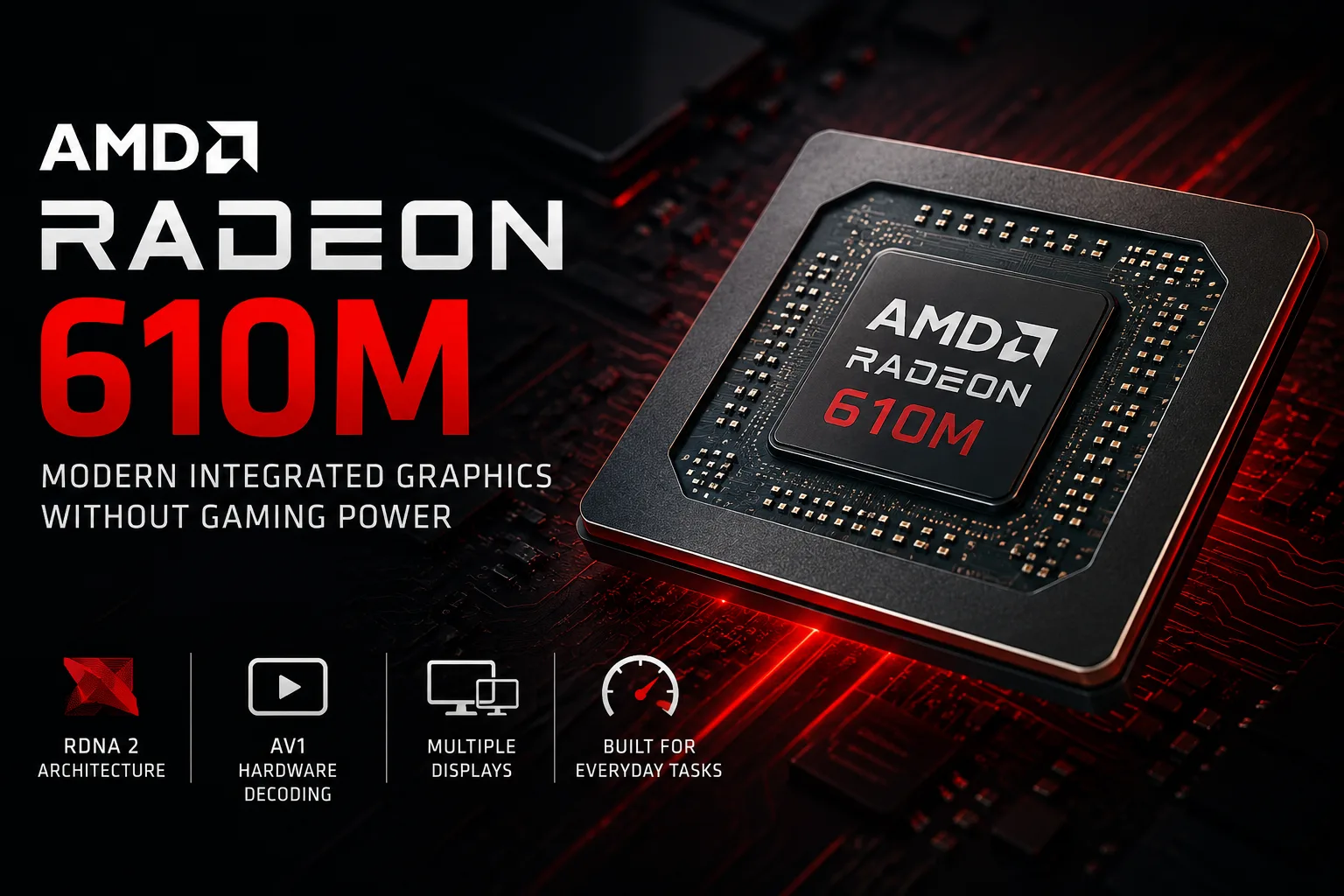
AMD Radeon 610M: A Modern GPU Block Without Gaming Power
The name Radeon 610M may create inflated expectations. The integrated graphics utilize the RDNA 2 architecture, support modern video codecs, and video outputs, but the graphics block consists of only 2 Compute Units and 128 shaders. This is an entry-level GPU: suitable for image output, video, browsing, and simple tasks, rather than serious 3D loads.
The purpose of the Radeon 610M is not to replace gaming graphics. AMD uses a modern media block and RDNA 2 architecture here in a minimal configuration. For multimedia and everyday tasks, this is useful, but in games, it quickly runs into a limitation in the number of compute units.
Where the Radeon 610M is Found
The Radeon 610M appears in budget mobile AMD Ryzen and Athlon processors on the Mendocino platform. You can find it in the Ryzen 3 7320U, Ryzen 5 7520U, Athlon Gold 7220U, and other chips on the same platform. These processors are designed for affordable thin laptops, where price, battery life, and basic tasks are more important than graphics performance.
The Radeon 610M is also present in powerful mobile Ryzen HX processors. Here, its role is different: to handle video output while games and heavy graphics tasks are managed by a discrete graphics card. Therefore, the presence of the Radeon 610M in an expensive processor does not mean that the laptop is weak. In such systems, it often functions as a utility video core alongside a separate NVIDIA GeForce or AMD Radeon.
Specifications of the AMD Radeon 610M
| Parameter | AMD Radeon 610M |
|---|---|
| Architecture | RDNA 2 |
| Graphics Type | Integrated |
| Compute Units | 2 |
| Stream Processors | 128 |
| TMU / ROP | 8 / 4 |
| Clock Speed | up to 1.9-2.2 GHz, depends on CPU |
| Memory | System DDR5/LPDDR5 |
| Dedicated VRAM | No |
| DirectX | 12_2 |
| Vulkan | 1.3 |
| Hardware Decoding | AVC, HEVC, VP9, AV1 |
| Performance Class | Entry-level |
The main specification is the 2 Compute Units. The Radeon 660M has 6 CU, while the Radeon 680M and 780M have 12 CU each. The higher-end integrated Radeon versions boast significantly larger graphics blocks, making direct comparisons with the Radeon 610M incorrect. This is not "almost a 680M," but the very basic variant of integrated AMD graphics on RDNA 2.
Performance
In typical tasks, the Radeon 610M is usually sufficient. The Windows interface, browser, office applications, video calls, YouTube, and online streaming do not require high 3D performance. Hardware video decoding, including AV1, makes the 610M more useful for multimedia than for gaming.
In graphics benchmarks, the performance level remains entry-level.
| Test | Approximate Result for Radeon 610M |
|---|---|
| 3DMark Time Spy Graphics | around 500-550 |
| 3DMark Fire Strike Graphics | around 1800 |
| 3DMark 11 Performance GPU | around 2600-2700 |
| PassMark G3D | around 1300 |
Based on these results, the Radeon 610M is close to basic integrated solutions like Intel UHD and lower-end Radeon Vega. It is more modern functionally, but in speed, it remains in the lower tier.
Comparison with Other Integrated GPUs
| Graphics | Class | What to Expect |
|---|---|---|
| Radeon 610M | Basic | Office, video, light gaming |
| Intel UHD Graphics | Basic | Similar scenario, depends on CPU generation |
| Iris Xe 32 EU | Entry-level | Slightly better in light games, but also with limitations |
| Radeon Vega 6 | Old entry-level | Similar 3D performance but weaker in modern features |
| Radeon 660M | Notably higher | More capable for low settings in games |
| Radeon 680M / 780M | Higher in the integrated graphics class | Significantly more suitable for 720p and 1080p Low |
This comparison is important when choosing a laptop. If the specifications mention a Radeon 610M, do not expect the level of higher-end integrated Radeon GPUs. It is sufficient for office and video tasks, but for gaming, look for Radeon 660M, 680M, 760M, 780M, or discrete graphics.
Games on the Radeon 610M
The gaming ceiling of the Radeon 610M is limited to older projects, 2D games, indie games, and some undemanding online games. For acceptable fps, low settings, reduced resolution, and fast RAM are often necessary.
| Type of Game | Realistic Scenario |
|---|---|
| 2D, indie, visual novels | Generally without issues |
| Older games from the 2010s | Low or medium settings, depending on the game |
| Dota 2, League of Legends, Valorant | Low settings, 720p-1080p Low |
| Counter-Strike 2 | Only with significant setting reductions |
| GTA V, Skyrim, old Tomb Raider | Possible on low settings |
| Cyberpunk 2077, Starfield, Hogwarts Legacy | Practically unsuitable for this level of graphics |
The Radeon 610M uses system RAM, so memory has a significant impact on performance. Single-channel mode, low bandwidth, or strict power limits can considerably reduce fps. For such a small graphics block, this is particularly important: there is little room for compute units.
Why RDNA 2 Doesn’t Make Radeon 610M Fast
RDNA 2 provides the Radeon 610M with modern features but does not change its performance class. Speed in 3D depends not only on architecture but also on the number of execution blocks, memory, and the CPU’s thermal envelope.
The Radeon 610M faces three limitations at once: 2 CU, shared system memory, and a frequent installation in thin, budget laptops. Therefore, it is more accurately assessed as modern entry-level graphics rather than a stripped-down gaming Radeon.
Tasks That the Radeon 610M Can Handle
The Radeon 610M is suitable for an affordable laptop for browsing, documents, video, video calls, studying, and light gaming. For such a scenario, a discrete graphics card is unnecessary: the 610M handles basic graphics tasks without complicating cooling requirements.
Do not choose a laptop with a Radeon 610M if modern gaming, 3D graphics, GPU rendering, heavy video editing, or neural network tasks are needed. In such cases, the limitation will not be the age of the architecture but the minimal configuration of the GPU itself.
Conclusion
The AMD Radeon 610M is basic integrated graphics with a modern architecture, good media block, and minimal 3D performance. It makes sense in a cheap laptop for office work, studying, and video. In a gaming laptop or workstation for graphics, it serves only as a supplementary video core.
RDNA 2 makes the Radeon 610M modern in features, but it does not push it out of the entry-level class. The main limitation here is the only 2 Compute Units.
GPU Comparison
Compare Radeon 610M with other GPUs
Basic
- AMD Ryzen 3 7320C
- AMD Ryzen 3 7320U
- AMD Ryzen 5 40
- AMD Ryzen 5 7520C
- AMD Ryzen 5 7520U
- AMD Ryzen 5 7645HX
- AMD Ryzen 7 7745HX
- AMD Ryzen 7 7840HX
- AMD Ryzen 7 8745HX
- AMD Ryzen 7 8840HX
- AMD Ryzen 9 7845HX
- AMD Ryzen 9 7940HX
- AMD Ryzen 9 7945HX
- AMD Ryzen 9 7945HX3D
- AMD Ryzen 9 8940HX
- AMD Ryzen 9 8945HX
- AMD Ryzen 9 9850HX
- AMD Ryzen 9 9955HX
- AMD Ryzen 9 9955HX3D
Memory Specifications
Display and Media
Theoretical Performance
AI Features
Miscellaneous
Benchmarks
Compared to Other GPU
Related GPU Comparisons

Share in social media
Or Link To Us
<a href="https://cputronic.com/gpu/amd-radeon-610m" target="_blank">AMD Radeon 610M</a>