AMD Radeon Vega 5
AMD Radeon Vega 5: Why Old Integrated Graphics Depend So Much on Memory
June 2026
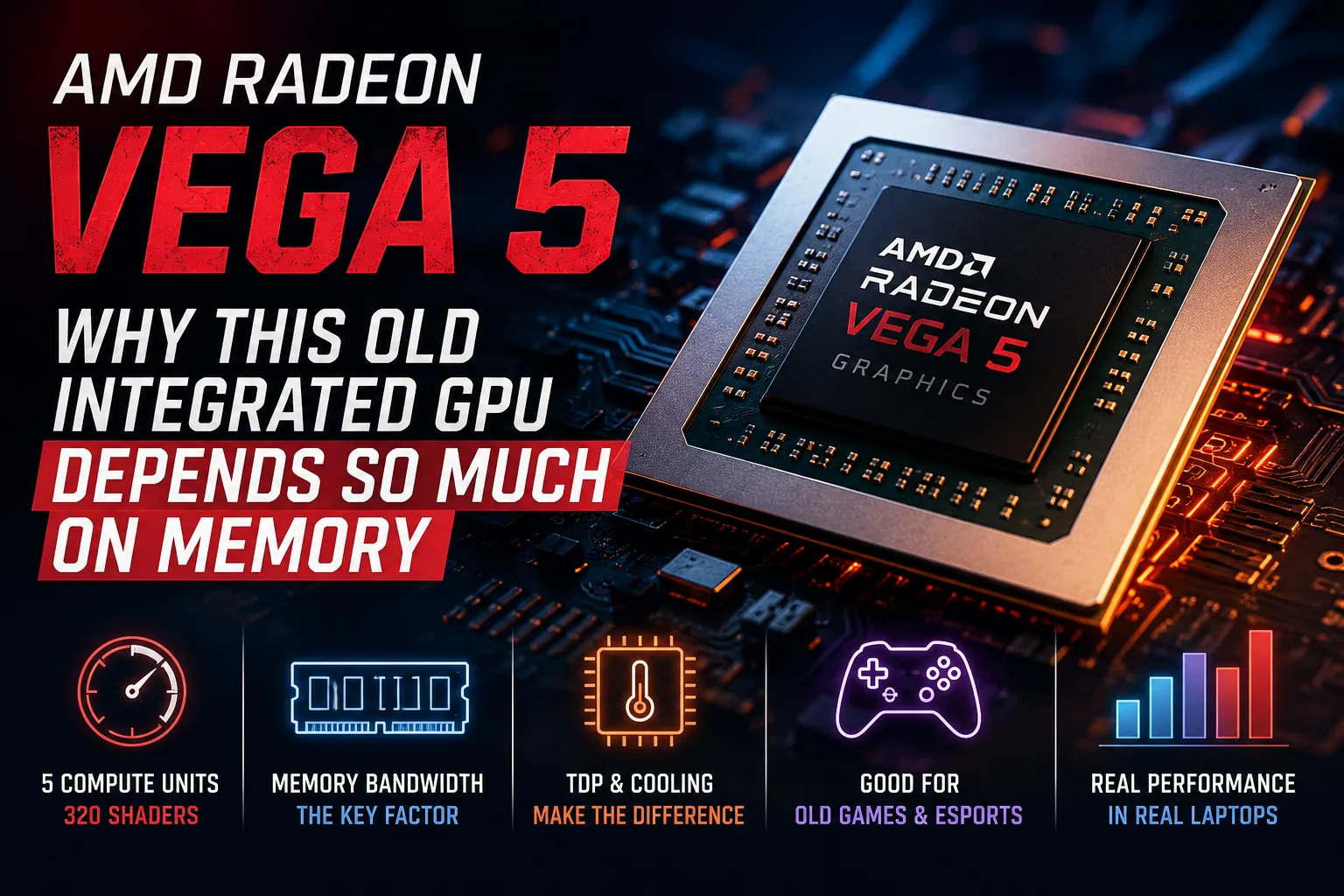
AMD Radeon Vega 5 is the entry-level integrated graphics in the mobile Ryzen 4000U series. It features 5 compute units and 320 shaders on paper, but the actual FPS often depends more on factors like memory, power limit, and the cooling system of the laptop. In a thin model with single-channel RAM, Vega 5 quickly hits the memory bandwidth ceiling, while in a well-configured machine, it can still handle older games and less demanding esports titles.
What is Radeon Vega 5
Radeon Vega 5 is a graphics block based on the Vega architecture within AMD’s mobile APUs. It was used in Ryzen 4000U, including the Ryzen 3 4300U and some related Ryzen 3 PRO models. It is not a standalone graphics card; the GPU is integrated into the processor and has no dedicated memory.
| Parameter | AMD Radeon Vega 5 |
|---|---|
| Graphics Type | Integrated |
| Architecture | Vega |
| Compute Units | 5 |
| Shaders | 320 |
| GPU Frequency | Up to 1400 MHz |
| Theoretical FP32 Performance | Around 0.9 TFLOPS |
| Memory | Utilizes the laptop's RAM |
| Where Found | Mobile Ryzen 4000U |
| Main Limitations | Memory, TDP, and Cooling |
For budget laptops with Ryzen 4000U, this represented an upgrade over basic office graphics. Vega 5 didn’t turn ultrabooks into gaming machines, but managed the interface, video playback, web browsing, and some older games.
Why the Same Vega 5 Can Perform Differently
Vega 5 lacks its own power limit and dedicated video memory. The graphics operate within the overall power limit of the APU, sharing the power budget and cooling with the CPU cores. If the laptop is thin, has single-channel memory, and the power limit is reduced, GPU frequencies quickly drop.
In practice, the most critical factors for Vega 5 are:
- Dual-channel memory versus single-channel;
- Standard power limit for the APU without aggressive throttling by the manufacturer;
- Cooling that prevents the APU from reducing frequencies after a few minutes of load;
- Sufficient RAM, as part of the memory is allocated to the integrated graphics.
Thus, the specific laptop model is as important as the Vega 5 specification itself.
Performance in Games
Radeon Vega 5 is not designed for new AAA games. Its reasonable use case includes older games, lightweight online projects, and esports disciplines. It often makes sense to target 720p or 768p at low settings. In lightweight games, 1080p is possible, but typically without high settings.
Here are some approximate gaming benchmarks:
| Game | Settings | Approx. FPS |
|---|---|---|
| Apex Legends | 1280×720, Low | Around 51 |
| Battlefield V | 1280×720, Low | Around 45 |
| Overwatch | 1366×768, Medium | Around 68 |
| Rainbow Six Siege | 1920×1080, High | Around 39 |
| CS:GO | 1366×768, High | Around 85 |
These results should be viewed as guidelines rather than guarantees for any laptop. For integrated graphics, memory configuration and cooling can significantly alter outcomes compared to differences between adjacent iGPU models.
Comparison with Vega 6, Vega 7, and Radeon 610M
Vega 5 is interesting because it doesn't always lose to new lower-end iGPUs as much as one might expect considering its age. For example, the Radeon 610M uses the newer RDNA 2 architecture but has only 2 compute units and 128 shaders. While Vega 5 has an older architecture, it has a greater number of shaders.
| GPU | Architecture | Shaders | Comparison Rationale |
|---|---|---|---|
| Radeon Vega 5 | Vega | 320 | Entry-level iGPU of Ryzen 4000U, memory-dependent |
| Radeon Vega 6 | Vega | 384 | Slightly faster under similar conditions |
| Radeon Vega 7 | Vega | 448 | Significantly better for older games |
| Radeon 610M | RDNA 2 | 128 | Newer architecture but heavily cut down |
This does not make Vega 5 modern. RDNA graphics has higher efficiency, better media blocks for video decoding and output, and more relevant support for technologies. However, in older games and simple graphical tasks, Vega 5 does not always score as low as one might expect from an older entry-level iGPU.
The unique feature of Vega 5 is that while it is old by age, it does not automatically fall behind newer lower-end solutions when it comes to shader count. Its issue is not just its architecture but the lack of headroom; single-channel memory or a thin chassis quickly diminish performance.
Tasks Suitable for Radeon Vega 5
Radeon Vega 5 is sufficient for a daily-use laptop: Windows interface, browsing, office tasks, video playback, and basic photo editing. For such scenarios, a dedicated graphics card is unnecessary.
Weaknesses are evident in new games, 3D tasks, and projects that heavily tax memory. High-resolution textures, complex lighting, and open worlds quickly hit the ceiling of system RAM and the limited resource of integrated graphics. Even if a game runs, comfortable FPS often requires minimal settings and reduced resolution.
What to Look for When Buying a Laptop with Vega 5
In 2026, a laptop with Radeon Vega 5 makes sense only as a budget or second-hand option. When choosing, not only the processor and graphics name are important, but also the specific configuration of the device.
It is better to check a few things:
- Is there dual-channel memory support?
- Can the RAM be increased?
- Is the laptop limited by small amounts of soldered memory?
- What is the power limit of the APU in the specific model?
- How does the laptop perform under prolonged load?
- Are there reviews specifically for this model, not just the processor?
If the laptop with Vega 5 has 8 GB of single-channel memory with no upgrade potential, it’s better to avoid it even for older games. It may still be suitable for browsing and documents, but the graphical reserve will be too limited.
Is It Worth Buying a Laptop with Vega 5 in 2026?
Purchasing a laptop for Vega 5 is no longer advisable. This is old integrated graphics meant more for basic tasks and older games. However, as part of an affordable Ryzen laptop, it remains suitable for everyday use.
The best use case is browsing, video, documents, older games, simple online projects, and esports at low settings. For new demanding games, video editing with heavy effects, and GPU processing, it is better to look for newer iGPUs or discrete graphics.
Conclusion
AMD Radeon Vega 5 is the minimum standard for an inexpensive laptop in 2026. With dual-channel memory and proper cooling, it is still adequate for browsing, video, and older games. However, with single-channel RAM and a constrained TDP, performance quickly hits memory limitations and frequency stability suffers.
GPU Comparison
Compare Radeon Vega 5 with other GPUs
Basic
Memory Specifications
Display and Media
Theoretical Performance
AI Features
Miscellaneous
Benchmarks
Compared to Other GPU
Share in social media
Or Link To Us
<a href="https://cputronic.com/gpu/amd-radeon-vega-5" target="_blank">AMD Radeon Vega 5</a>