AMD Radeon Vega 3
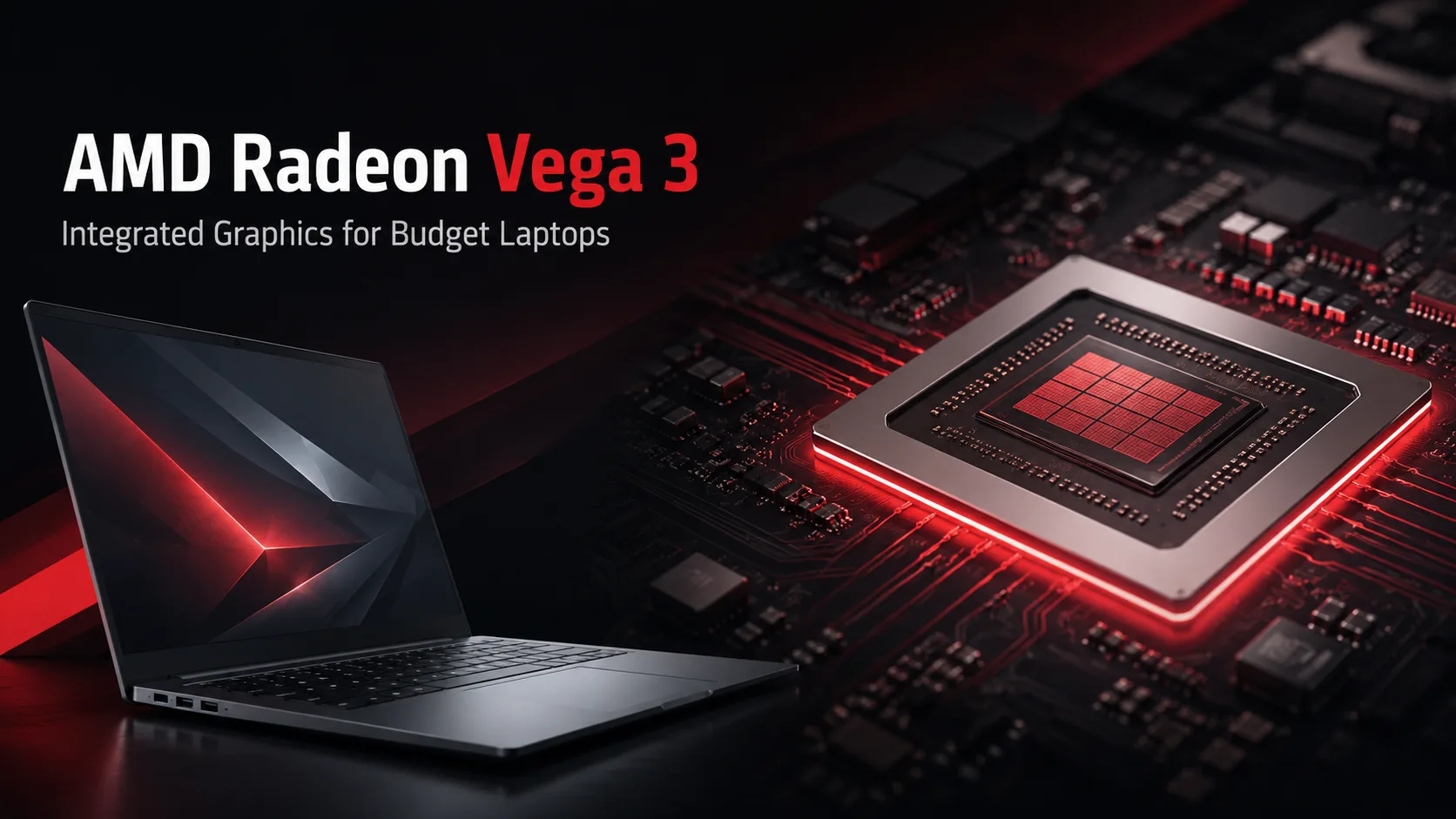
AMD Radeon Vega 3: the entry-level Vega for basic laptops and old games
AMD Radeon Vega 3 was included in budget laptops not for gaming, but for basic graphics without a dedicated graphics card. It was meant to make the system a bit more versatile: Windows, video, browsing, simple graphics, and old games at low settings. As the lowest variant of Vega, it’s not reasonable to expect much headroom, but it's also incorrect to dismiss it as a useless "placeholder."
In terms of specifications, Vega 3 is at the lower end of the family: 3 compute units, 192 shaders, and shared system memory instead of dedicated VRAM. However, having just CU and shaders is not enough. Speed is influenced not only by the GPU core but also by RAM, cooling, power limits, and the specific APU. Therefore, two laptops with Radeon Vega 3 can perform quite differently.
What is Radeon Vega 3
Radeon Vega 3 has appeared in budget AMD APUs, such as the Athlon 300U and Ryzen 3 3200U. This is the entry-level Vega integrated GPU without dedicated memory, separate power package, and headroom for heavy graphics.
The main limitation of Vega 3 is the bandwidth of the RAM. In office tasks, this hardly matters, but in games it quickly becomes a bottleneck. A single RAM module cuts down on bandwidth, and the integrated graphics struggle not against the core clock but against memory limitations.
| Factor | Why it matters for Vega 3 |
|---|---|
| Dual-channel RAM | Provides a noticeable boost for integrated graphics |
| SSD instead of HDD | Accelerates the system more than it seems for the GPU |
| 8 GB RAM or more | Minimum for Windows, browsing, and light gaming |
| Cooling | Affects CPU and GPU frequencies under load |
| TDP settings | The same GPU behaves differently in different laptops |
Where Vega 3 is still sufficient
Vega 3 does not compete with discrete graphics cards. Its domain is everyday tasks without heavy 3D graphics: Windows interface, browsing, office applications, video calls, and video playback. For a cheap laptop, this is more important than comparison with gaming GPUs, which it cannot compete with anyway.
Vega 3 is best suited for tasks that do not place high demands on graphics: documents, spreadsheets, YouTube, online streaming, messaging, and simple image processing. In such scenarios, users are more likely to hit a slow storage drive, 4 GB of RAM, or a weak processor than the graphics unit itself.
Thus, a laptop with Vega 3 should not be dismissed solely based on the name of the graphics. If the configuration is not cut down to the bare minimum, it can still be a viable option for study, remote work, and home tasks.
Gaming: only old titles and only with compromises
In games, Vega 3 relies on three conditions: low settings, reduced resolution, and dual-channel memory. Without these, even less demanding titles can perform worse than expected.
| Game / type of game | Realistic scenario |
|---|---|
| League of Legends, Dota 2 | Low settings, usually playable |
| World of Tanks, War Thunder | Low settings, better to reduce resolution |
| GTA V | 720p, minimal settings, no headroom |
| CS:GO and older online games | Highly dependent on RAM and cooling |
| Minecraft without heavy mods | Playable at moderate settings |
| Modern AAA games | Better not to expect |
The main mistake is to expect Vega 3 to behave like a discrete GPU. It can launch older games, but it quickly falters in projects with heavy textures, open worlds, and high memory usage. Even a browser with a dozen tabs can eat into some of the resources needed for a game.
For older titles, Vega 3 is still acceptable. For modern games, it lacks compute units, memory bandwidth, and dedicated VRAM. Launching a game does not mean playing it comfortably.
Why dual-channel memory is critical for Vega 3
A discrete graphics card has its own VRAM. Vega 3 uses the laptop's regular RAM. Therefore, a single RAM module instantly cuts the bandwidth.
This is especially important for integrated graphics. 2×4 GB is often better for Vega 3 than one 8 GB module. The amount of memory is important, but dual-channel mode for such a GPU can have a more noticeable effect.
When buying a used laptop, it’s important to look not only at the processor but also at the memory configuration. One slot, soldered RAM without a second channel, or 4 GB as a base is a reason to bargain or skip the purchase. Vega 3 already operates at a minimal level, so weak memory noticeably reduces its speed.
Vega 3 vs Vega 6 and Vega 8
By name, Vega 3 seems close to Vega 6 and Vega 8, but the difference is significant. Vega 3 has 3 compute units, Vega 6 has 6 CU, and Vega 8 has 8 CU. The older versions have more execution units, higher frame rates in older games, and better performance in graphic tasks.
| GPU | Positioning |
|---|---|
| Radeon Vega 3 | Minimum level for basic tasks and old games |
| Radeon Vega 6 | More competent integrated graphics for light gaming |
| Radeon Vega 8 | The most noticeable step up among older Vega iGPUs |
If the prices are close, a laptop with Vega 6 or Vega 8 will be the better buy. Vega 3 should only be considered at a significantly lower price or for very simple requirements: browsing, documents, video, and old games without demands.
Should you buy a laptop with Radeon Vega 3
A laptop with Vega 3 makes sense only as a budget working option. It’s worth considering if price, simple tasks, and minimal gaming load are important. For study, office use, travel, remote access, movies, and documents, this may be sufficient.
Before purchasing, it’s best to check four things:
- Is there an SSD?
- How much RAM is installed?
- Is the memory working in dual-channel mode?
- Does the laptop overheat under load?
If the device has 4 GB of RAM, a slow HDD, and weak cooling, Vega 3 will not save the system. With an SSD, 8-16 GB RAM, and normal temperatures, such a laptop will be noticeably more responsive.
Conclusion
AMD Radeon Vega 3 should be evaluated as entry-level integrated graphics for cheap laptops, not as a gaming solution. It is suitable for Windows, browsing, video, office tasks, and some older games but quickly hits limitations with memory and weak cooling. If the laptop has an SSD, 8-16 GB RAM, and dual-channel mode, such a configuration can still be a justifiable purchase. For modern games, video editing, and heavy graphics, Vega 3 is already too weak.
GPU Comparison
Compare Radeon Vega 3 with other GPUs
Basic
Memory Specifications
Display and Media
Theoretical Performance
AI Features
Miscellaneous
Benchmarks
Compared to Other GPU
Related GPU Comparisons

Share in social media
Or Link To Us
<a href="https://cputronic.com/gpu/amd-radeon-vega-3" target="_blank">AMD Radeon Vega 3</a>