AMD Radeon Graphics 2-Core
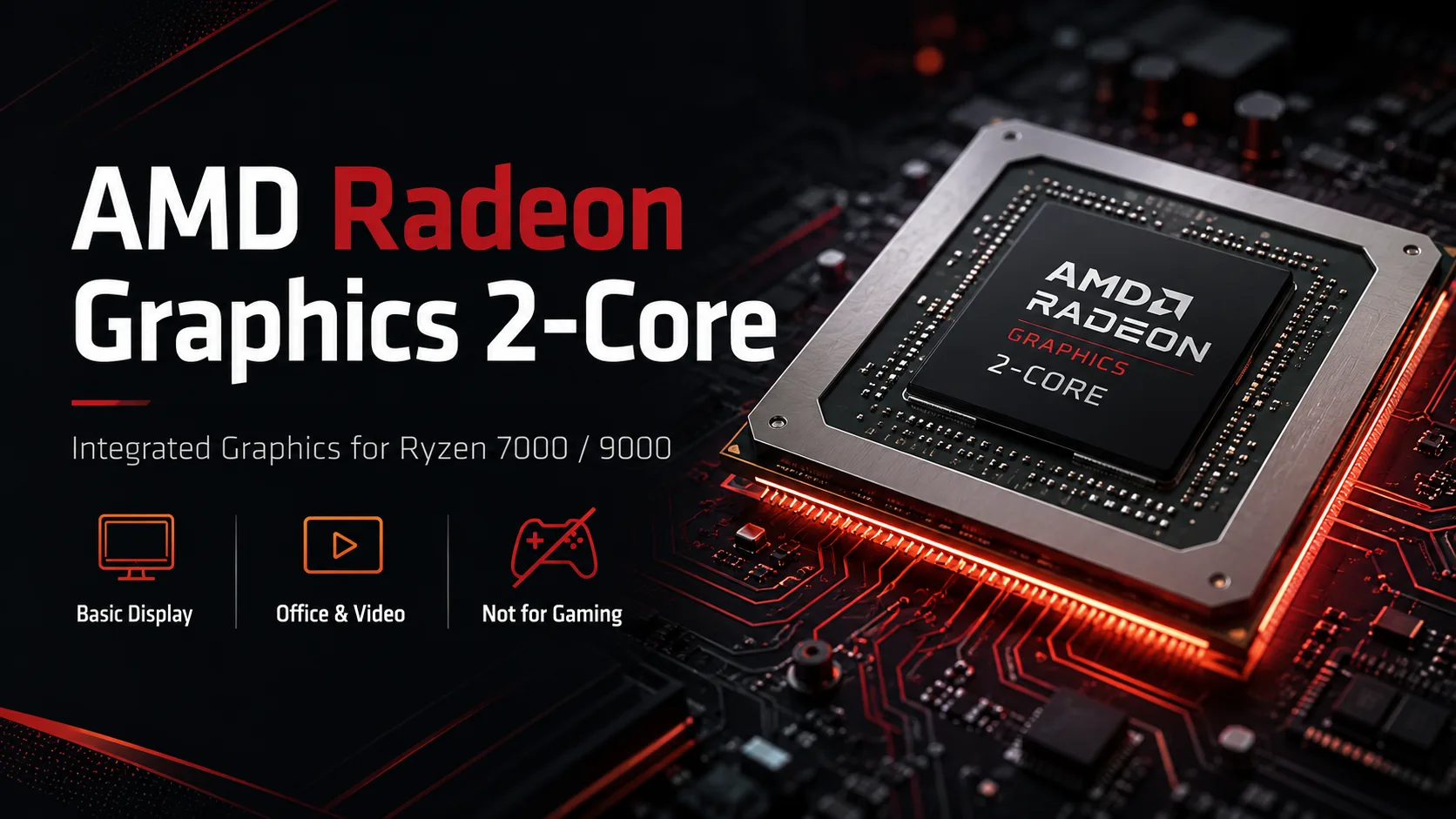
AMD Radeon Graphics 2-Core: Simple iGPU in Ryzen 7000 and Ryzen 9000
AMD Radeon Graphics 2-Core is a basic integrated graphics solution in desktop Ryzen 7000 and Ryzen 9000. It is not designed for gaming but rather for basic PC startup without a dedicated graphics card: to display BIOS/UEFI, install the operating system, open a browser, output video, and temporarily work without the main GPU. This is not a full-fledged APU GPU, but a utility iGPU within a regular Ryzen.
In specifications, AMD typically refers to this graphics as simply AMD Radeon Graphics-without an index like Vega 2, Radeon 610M, or Radeon 740M. The name AMD Radeon Graphics 2-Core is conveniently used to distinguish it from other built-in Radeon graphics.
What AMD Radeon Graphics 2-Core Is
AMD Radeon Graphics 2-Core can be found in desktop Ryzen 7000, Ryzen 9000, and Ryzen PRO 9000. This iGPU is present, for example, in Ryzen 5 7600, Ryzen 5 9600X, Ryzen 7 9700X, Ryzen 9 9950X3D, and Ryzen 5 PRO 9655.
In terms of class, this is the most basic integrated graphics solution AMD offers for desktop Ryzen: 2 graphics cores, a frequency of up to 2200 MHz, using shared system memory instead of dedicated VRAM. It is significantly weaker than mobile Radeon 740M, 760M, 780M, and 840M because it is primarily designed for image output and light 2D tasks.
| Parameter | AMD Radeon Graphics 2-Core |
|---|---|
| Type | Integrated Graphics |
| Class | Basic Desktop iGPU |
| Graphics Cores / CU | 2 |
| Shaders | 128 |
| Architecture | RDNA 2 |
| Frequency | Up to 2200 MHz |
| Video Memory | Uses system RAM |
| Main Task | Image output and light graphics |
This is not a "cheap gaming Radeon," but a minimal graphics block to ensure the PC can boot without a dedicated graphics card.
Why AMD Added Such an iGPU
Many older Ryzen CPUs without a "G" index lacked integrated graphics. Without a dedicated graphics card, such a PC could not output any image at all. This is not always a problem for gaming computers, but it can be inconvenient for builds, diagnostics, office PCs, or servers.
AMD Radeon Graphics 2-Core solves this problem. With it, you can build a computer without a graphics card, check hardware, update the BIOS, install Windows or Linux, and connect a monitor to an office system. In service scenarios, this is more important than FPS in games.
This iGPU is particularly useful when a graphics card is unnecessary, broken, sold, or has not yet been purchased. For a powerful Ryzen, this is not a gaming advantage, but a means to operate without a separate graphics card.
Where It Is Sufficient
AMD Radeon Graphics 2-Core is adequate for the Windows interface, browsers, office applications, messengers, online videos, and system setup. Two graphics cores are sufficient for 2D interfaces and multimedia.
In a standard office PC, this graphics solution may completely replace a dedicated graphics card. If tasks are limited to documents, spreadsheets, email, browsing, and video conferencing, a separate GPU is often unnecessary.
Suitable scenarios include:
- Office computer;
- Home PC without gaming;
- Diagnostics and system installation;
- Temporary operation without a dedicated graphics card;
- Media player or simple server with a monitor;
- Browsing, video, documents, and remote access.
Gaming: Only Light Projects
In games, AMD Radeon Graphics 2-Core quickly reaches its limits. It has very few compute units, no dedicated video memory, and performance depends on system RAM. Modern games are not suitable for it.
Light projects can be run. Dota 2, League of Legends, older online games, 2D indie titles, simple strategies, and undemanding 3D games can operate on low settings. However, the margins are minimal: transitioning to 1080p, high settings, or heavy scenes quickly reduces FPS.
| Game / Scenario | Realistic Assessment |
|---|---|
| Dota 2 | Low or medium settings |
| League of Legends | Low settings, usually without serious load |
| Older 2D Games & Indie | Most suitable |
| Older 3D Games | Only low settings |
| GTA V | More of an experiment than a normal scenario |
| Modern AAA Games | Don't expect it to perform |
AMD Radeon Graphics 2-Core does not compete with Radeon 740M, 760M, or 780M. Even if a game launches, it does not mean gameplay will be comfortable. This iGPU is better viewed as a backup graphics solution with the bonus of simple games.
Why This Is Not Vega 2
Due to its two graphics cores, this iGPU is sometimes mistakenly called Vega 2. This is incorrect. Vega 2 is an older integrated graphics solution based on the Vega architecture, which appeared in budget mobile APUs. AMD Radeon Graphics 2-Core in Ryzen 7000/9000 is a modern basic iGPU based on RDNA 2.
This distinction is important for base specifications. If referred to as Radeon Vega 2, it creates a mix of different generations, architectures, and class devices.
| Name | What It Is |
|---|---|
| Radeon Vega 2 | Old mobile iGPU based on Vega |
| Radeon 610M | Basic mobile iGPU of the new generation |
| AMD Radeon Graphics 2-Core | Basic desktop iGPU in Ryzen 7000/9000 |
| Radeon 740M / 760M / 780M | Stronger mobile iGPUs |
For the processor card, it is better to use the short notation: AMD Radeon Graphics 2-Core. In specifications, you can add: 2 CU, 128 shaders, up to 2200 MHz.
Comparison with Radeon 610M and Radeon 740M
In terms of level, AMD Radeon Graphics 2-Core is closest to Radeon 610M. Both belong to the basic class and are not designed for serious gaming. The difference lies in where they are used: Radeon 610M is more commonly found in mobile processors, while AMD Radeon Graphics 2-Core is in desktop Ryzen CPUs.
Radeon 740M is noticeably superior. It has more graphics cores, higher gaming performance, and different intended use: it is a lower-end iGPU for light gaming, not just basic graphics for booting a PC. Radeon 760M, 780M, and 840M are even stronger.
| Graphics | Class |
|---|---|
| AMD Radeon Graphics 2-Core | Basic iGPU in desktop Ryzen |
| Radeon 610M | Basic mobile iGPU |
| Radeon 740M | Lower-end iGPU for light gaming |
| Radeon 760M / 780M | Noticeably stronger integrated graphics |
| Radeon 840M | Modern iGPU above basic level |
If you need a computer without a dedicated graphics card for work, AMD Radeon Graphics 2-Core is sufficient. If gaming is required, it is better to look at APUs with stronger integrated graphics or install a separate graphics card right away.
Should This Graphics Solution Be Considered When Choosing a Processor
Yes, but not as a gaming argument. The presence of AMD Radeon Graphics 2-Core is convenient because it ensures that the processor does not leave the PC without video output in the absence of a dedicated graphics card. This is useful during assembly, maintenance, and regular office work.
For Ryzen 5, Ryzen 7, or Ryzen 9, this iGPU does not make the processor a replacement for Ryzen G or mobile APUs with powerful integrated graphics. It does not change the class of the system or negate the need for a dedicated graphics card if the PC is intended for gaming, 3D work, video editing, or applications using GPU acceleration.
It is important for the buyer to understand the boundaries:
- Office, browser, video, and diagnostics - yes;
- Light gaming - with compromises;
- Modern gaming - no;
- Heavy graphics, editing, and 3D - a discrete graphics card is required.
Conclusion
AMD Radeon Graphics 2-Core is a simple integrated graphics solution in desktop Ryzen 7000 and Ryzen 9000. It is necessary for booting a PC without a dedicated graphics card, diagnostics, office tasks, browsers, and video. For light gaming, it can still be used with compromises, but modern games, video editing, and heavy 3D graphics require a separate graphics card.
The key point is not to confuse it with Vega 2. This is not the old Vega, but a separate modern iGPU with 2 graphics cores. For base specifications, it is better to use the name AMD Radeon Graphics 2-Core and not promise more than it can truly deliver.
GPU Comparison
Compare Radeon Graphics 2-Core with other GPUs
Basic
- AMD Ryzen 5 7500
- AMD Ryzen 5 7500X3D
- AMD Ryzen 5 7600
- AMD Ryzen 5 7600X
- AMD Ryzen 5 7600X3D
- AMD Ryzen 5 9600
- AMD Ryzen 5 9600X
- AMD Ryzen 7 7700
- AMD Ryzen 7 7700X
- AMD Ryzen 7 7700X3D
- AMD Ryzen 7 7800X3D
- AMD Ryzen 7 9700X
- AMD Ryzen 7 9800X3D
- AMD Ryzen 7 9850X3D
- AMD Ryzen 9 7900
- AMD Ryzen 9 7900X
- AMD Ryzen 9 7900X3D
- AMD Ryzen 9 7950X
- AMD Ryzen 9 7950X3D
- AMD Ryzen 9 9900X
- AMD Ryzen 9 9900X3D
- AMD Ryzen 9 9950X
- AMD Ryzen 9 9950X3D
- AMD Ryzen 9 9950X3D2 Dual Edition
Memory Specifications
Display and Media
Theoretical Performance
AI Features
Miscellaneous
Benchmarks
Compared to Other GPU
Share in social media
Or Link To Us
<a href="https://cputronic.com/gpu/amd-radeon-graphics-2-core" target="_blank">AMD Radeon Graphics 2-Core</a>