Intel Xeon E5-2673 v3

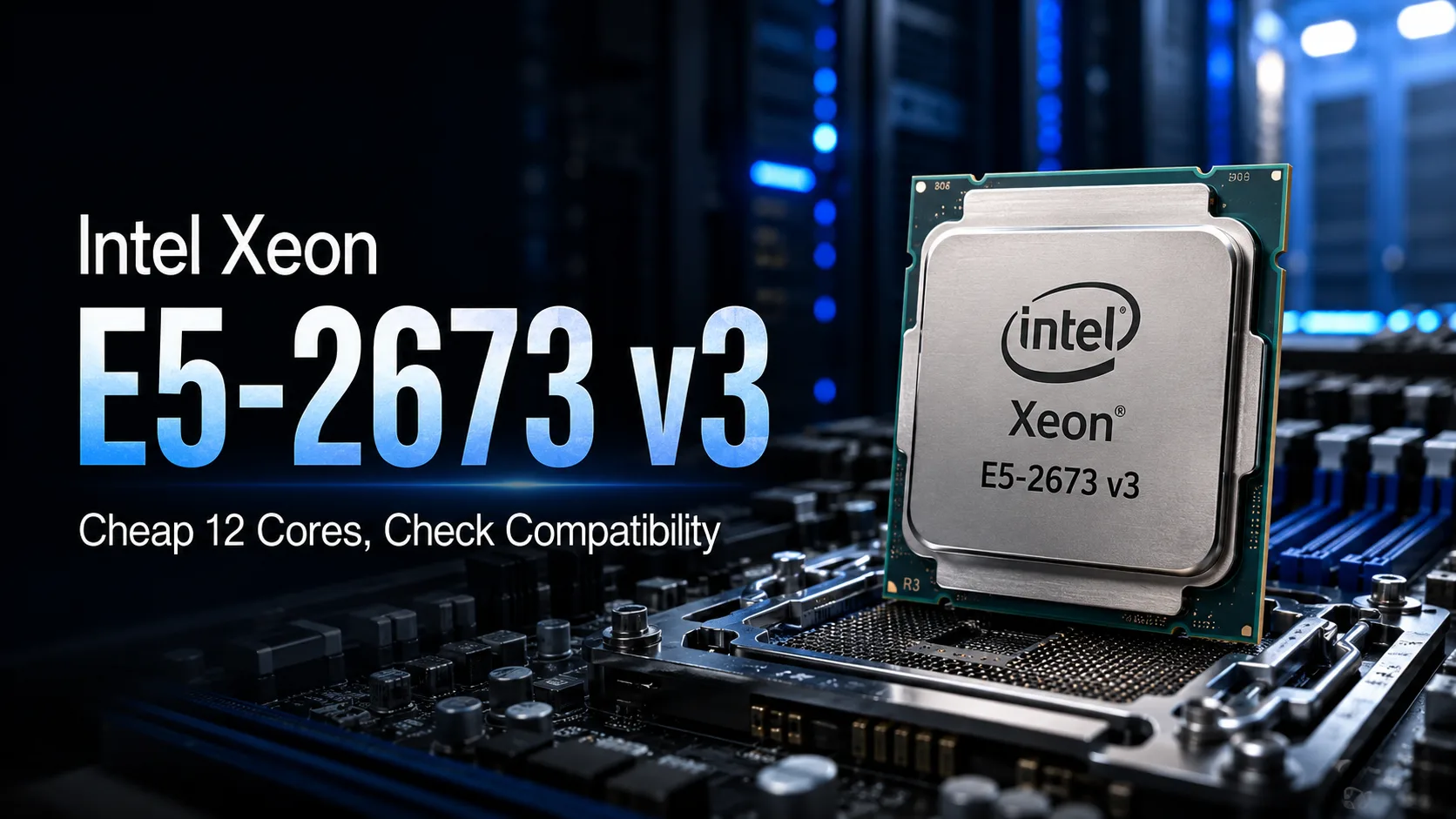
Intel Xeon E5-2673 v3: Affordable 12 Cores, But Compatibility Must Be Verified
The Intel Xeon E5-2673 v3 is not listed in the Intel ARK catalog, although this 12-core processor was used in Microsoft Azure's infrastructure. Intel supplied it to large customers outside of the open retail lineup, and now these chips are sold in budget LGA2011-3 kits with server memory. However, mere socket compatibility is not enough: before purchasing, it's essential to verify the BIOS, memory type, and compatibility of the specific motherboard revision.
Where the E5-2673 v3 Came From and Why It’s Not in Intel ARK
The E5-2673 v3 belongs to the Haswell-EP generation. It has 12 cores, 24 threads, a base frequency of 2.4 GHz, and a maximum frequency of up to 3.2 GHz. Architecturally, it is a typical Haswell-EP, but the model did not make it into Intel's open retail lineup.
The processor gained recognition due to Microsoft Azure, where it was used for multi-threaded virtual machines with a high memory capacity.
The absence of a page in ARK does not inherently indicate a counterfeit. The issue lies elsewhere: there is almost no official documentation for this model. Therefore, the E5-2673 v3 is often not listed in compatibility lists, although some motherboards recognize and run it.
Where 12 Cores and 24 Threads Are Useful
The E5-2673 v3 is intended for tasks that can utilize many threads. Twenty-four threads can either accelerate one well-parallelized task or allow multiple heavy processes to run simultaneously.
Practical use cases include:
- Home lab with multiple virtual machines;
- File server with additional services;
- Workstation for extended CPU rendering;
- Encoding multiple videos;
- Compiling large projects;
- System with 64-128 GB of ECC memory.
In a typical home PC, most of the 24 threads remain underutilized. Browsers, office applications, and many games rarely gain significant benefits from such a thread count. In these tasks, a high clock speed across a few cores and low memory latency are more critical.
Thus, a modern Core i5 or Ryzen 5 is usually faster in browsers, office applications, and other short workloads. The E5-2673 v3 makes sense only for regular multi-threaded work.
DDR3 or DDR4: Which Memory to Buy
The E5-2673 v3 is available in kits with both DDR4 and on Chinese motherboards with server DDR3.
Most LGA2011-3 motherboards use quad-channel DDR4. However, some Chinese models support server DDR3 Registered modules, which are often sold in inexpensive kits. Thus, the ability to install 64-128 GB of memory remains one of the main arguments in favor of such a platform.
The type of memory is determined by the specific model and revision of the motherboard, the layout of the slots, the chipset, and the BIOS. Installing DDR3 on a board with DDR4 connectors is impossible, and ECC support does not guarantee compatibility with all server modules.
You need to check five things:
- Is DDR3 or DDR4 being used?
- Are ECC Registered modules supported?
- What is the maximum capacity of an individual module?
- Is E5-2673 v3 confirmed to work?
- Do all four memory channels function?
Four modules are needed not to boot the computer but to utilize all memory channels.
Which Motherboards Are Suitable
The least risky option is a kit with confirmed compatibility for the E5-2673 v3 and pre-installed memory. When purchasing components separately, the likelihood of incompatibility increases.
HUANANZHI X99-T8
For builds with DDR3, the HUANANZHI X99-T8 is most commonly considered. The manufacturer explicitly lists E5-2673 v3 among compatible processors.
The board features eight DDR3 slots and is designed for high-capacity server memory. Its main purpose is to obtain 64-128 GB of RAM at a low cost for virtual machines or a home server.
Different revisions of the X99-T8 exist, so it's crucial to confirm their revision number, memory type, and BIOS version before ordering.
HUANANZHI X99-F8 and X99-TF
The HUANANZHI X99-F8 is often used in systems with DDR4. It has more memory and PCI Express slots, making it easier to install multiple drives and additional controllers.
The X99-TF comes in versions for both DDR3 and DDR4. Both types of memory cannot be used simultaneously.
Before purchasing, you must confirm that E5-2673 v3 works specifically with the chosen revision. Solely claiming support for the Xeon E5 v3 family is insufficient.
Supermicro X10SRA and X10SRL-F
Supermicro boards are better documented and designed for prolonged server workloads. The X10SRA and X10SRL-F support the Xeon E5-2600 v3 family and server DDR4 ECC.
However, the rare E5-2673 v3 may be absent from the official list of processors, so its functionality needs to be verified separately. Additionally, a Supermicro board on the secondary market may cost more than a Chinese kit with a processor and memory.
Desktop Boards from ASUS, Gigabyte, MSI, and ASRock X99
Desktop X99 motherboards have standard sizes, user-friendly UEFI, and detailed documentation on connectors. However, the E5-2673 v3 is often missing from their compatibility lists.
Without confirmed operation on the same model and revision of the board, such a purchase remains a gamble.
What to Check for Chinese X99
The X99 designation does not indicate which chipset, PCI Express layout, and power system are used on the board. Different revisions may have various server chipsets, and the functionality of drives, lane distribution, and VRM quality can differ significantly.
The four most critical checks are:
- Power circuit cooling;
- Actual distribution of PCI Express lanes;
- Shared use of M.2 and SATA lanes;
- BIOS limitations.
For a 12-core processor, effective VRM cooling is particularly important. Under prolonged load, a weak power system can overheat, causing the processor to throttle.
A large tower cooler does not always effectively cool the VRM area. Therefore, a separate fan near the socket can sometimes be more effective than just increasing the size of the CPU cooler.
Labels indicating LGA2011-3 on the cooler specifications are also insufficient; you must verify the type of frame (Square ILM or Narrow ILM).
Intel Xeon E5-2673 v3 in Gaming
For an already assembled system, the E5-2673 v3 is still viable, but there’s no point in buying it solely for gaming.
At a target of around 60 FPS, focusing on the graphics card, the difference in performance with a newer processor might be minor. However, in CPU-intensive scenes, Haswell-EP quickly hits its limitations with lower clock speeds and memory latency: FPS drops become more pronounced, and frame times less stable.
A modern six-core processor often outperforms it in such scenarios despite having half the number of physical cores.
For competitive gaming, a monitor with 144-240 Hz, or a flagship graphics card, it’s better to choose a more modern platform.
Cost of the Processor Is Just One Part of the Expenses
The price of a single E5-2673 v3 says nothing about the total cost of the completed computer. In addition to the processor, you will need:
- A compatible motherboard;
- A server memory kit;
- An appropriate cooler;
- A power supply with a power reserve;
- Separate VRM cooling;
- Sometimes adapters for fans and drives.
A kit comprising a processor, motherboard, and 64 GB of memory makes sense for a home server or multiple virtual machines, provided its price is significantly lower than that of a modern platform.
If everything must be purchased separately, with BIOS updates and cooling adjustments, the cost benefits quickly disappear.
Conclusion
The Intel Xeon E5-2673 v3 offers 12 cores and allows for the construction of a system with a large amount of inexpensive server memory. However, it is a rare OEM processor, so compatibility cannot be determined solely by the LGA2011-3 socket.
It's better to acquire the E5-2673 v3 as part of a kit that has already been tested with installed memory. When assembling from individual parts, the low price of the processor itself rapidly loses its advantage.
CPU Comparison
Compare Xeon E5-2673 v3 with other CPUs
Basic
CPU Specifications
Memory Specifications
Interfaces and Ports
Benchmarks
Compared to Other CPU
Related CPU Comparisons


Share in social media
Or Link To Us
<a href="https://cputronic.com/cpu/intel-xeon-e5-2673-v3" target="_blank">Intel Xeon E5-2673 v3</a>