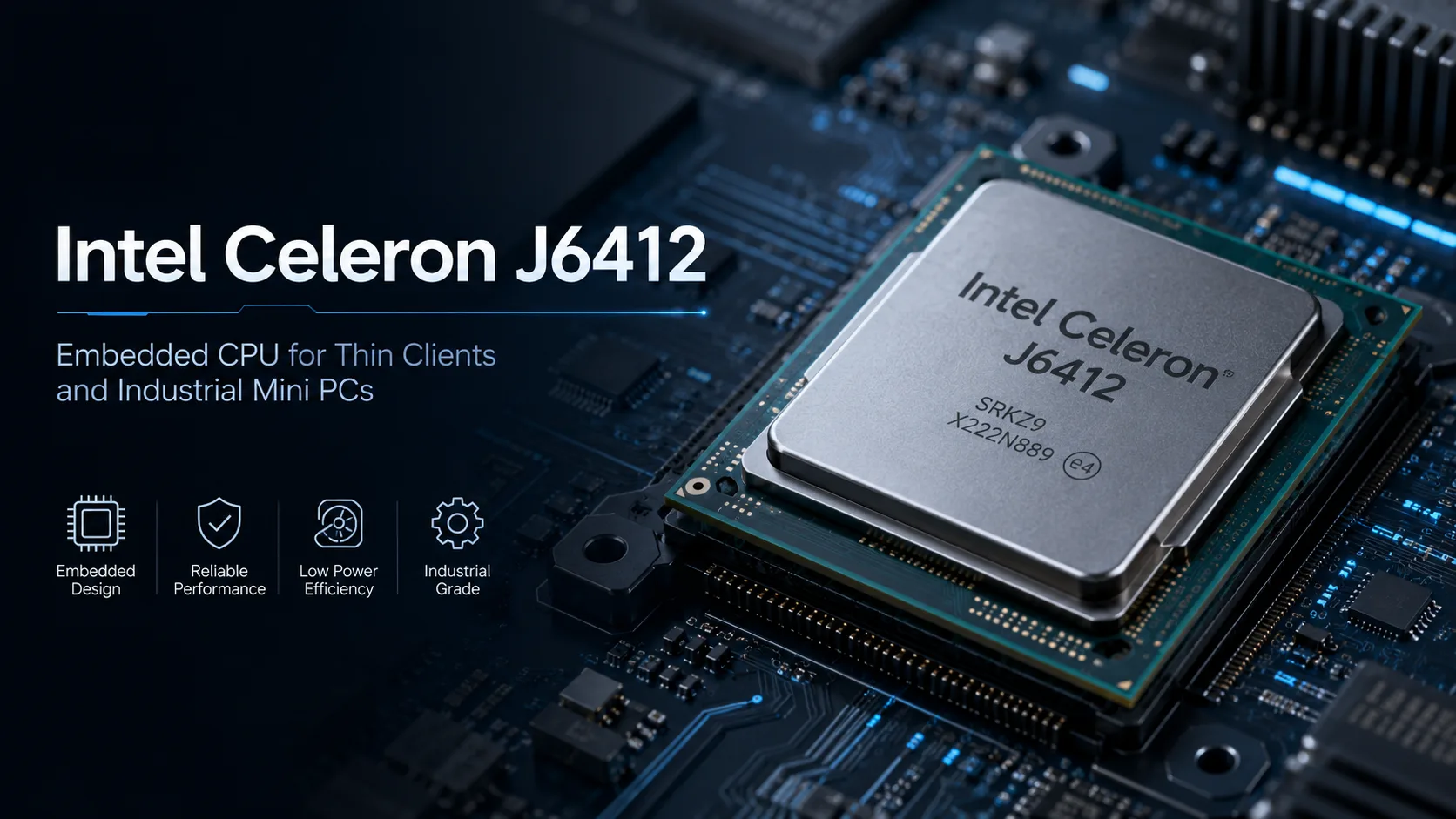
Intel Celeron J6412

Intel Celeron J6412

Intel Celeron J6412: A Review of a Budget Mobile Processor for Everyday Tasks

In the world of mobile processors, there is a clear division into flagship, mid-range, and budget solutions. The Intel Celeron J6412 belongs to the latter category, offering the bare minimum required performance for basic tasks. This chip, based on the Tremont architecture and produced using a 10-nanometer manufacturing process, targets ultra-budget laptops, net tops, and specialized industrial systems. In this review, we will explore its features, performance, and ideal usage scenarios in detail.

Architecture and Technical Specifications

The Intel Celeron J6412 processor is built on the Tremont microarchitecture, which is part of the Elkhart Lake platform. This architecture is optimized for high energy efficiency.

Key CPU Parameters:

  • Number of Cores and Threads: 4 cores, 4 threads. The absence of Hyper-Threading technology means that each physical core handles only one data stream.
  • Clock Frequencies: The base frequency is 2.0 GHz. In Turbo mode (Intel Turbo Boost), the processor can briefly boost one or more cores up to 2.6 GHz to handle peak loads.
  • Cache Memory: The cache configuration is typical for this range: 64 KB L1 per core, 1.5 MB shared L2 cache, and 4 MB of last-level L3 cache.
  • Manufacturing Process: Produced using Intel's 10-nanometer technology.

Integrated Graphics: The processor includes an Intel UHD Graphics core with 16 execution units (EU), based on the Gen11 architecture. Its tasks include image output, video decoding, and handling lightweight 3D applications. It supports multi-monitor output and hardware decoding of popular video codecs.

Power Consumption and Thermal Design Power (TDP)

One of the main features of the Celeron J6412 is its low power consumption.

  • Nominal TDP: 10 Watts. This is the thermal package that system manufacturers use when designing cooling and power.
  • TDP Flexibility: In real devices, manufacturers may adjust this parameter (cTDP) within a certain range, for example, lowering it for systems with passive cooling or slightly increasing it for mini-PCs.
  • Temperature Range: The maximum operating temperature is rated at 105°C.

Such a low TDP allows for the creation of devices:

  • With passive (silent) cooling.
  • With very compact and lightweight cooling systems.
  • With long battery life.

Performance in Real Tasks

Evaluating practical performance is aided by synthetic tests and typical user scenarios.

Synthetic Tests (Approximate Values):

  • Geekbench 6: Single-core score ~442 points, multi-core score ~1205 points.
  • PassMark: Single-core rating ~1375, multi-core ~3840.

These figures clearly position the processor in the basic performance segment.

Office Work and Web Browsing: The processor handles basic tasks well:

  • Working with documents in MS Office, Google Docs.
  • Browsing web pages with several tabs open.
  • Communicating through messengers and video calls. However, when opening dozens of heavy tabs in a browser, slowdowns may occur. Here, sufficient RAM is important (a minimum of 8 GB is recommended).

Multimedia:

  • Video Playback: Hardware decoding of video formats up to 4K H.264/HEVC (H.265) and VP9 allows for movie watching without burdening the CPU cores.
  • Media Editing: Simple photo operations in basic editors are possible, but for video processing or work in professional packages, this processor is not suitable.

Gaming: The integrated UHD Graphics 16EU is not designed for gaming. It can only run old or extremely undemanding 2D projects at low settings. Modern 3D games will run unacceptably slowly or not at all.

Turbo Mode (Turbo Boost): Intel Turbo Boost technology temporarily increases the frequency to 2.6 GHz when thermal and power reserves allow. In practice, this means:

  • Faster responsiveness during short bursts of workload.
  • You cannot expect consistent operation at maximum frequency in multi-threaded loads due to limited TDP.
  • In compact devices with passive cooling, turbo mode may have a very short runtime.

Usage Scenarios: Who Needs the Celeron J6412?

This processor is not for everyone. Its niche is clearly defined.

Ideal Scenarios:

  1. Budget laptops for basic tasks: Devices for students, schoolchildren, or as a second home laptop.
  2. Office systems: For working with a limited set of applications (e.g., 1C, office suites, accounting programs).
  3. Educational devices: Inexpensive laptops for school classes.
  4. Portable media centers and net tops: Compact systems for video output or functioning as thin clients.
  5. Embedded and industrial systems: Digital signage, POS terminals, automation equipment.

Who it is NOT Suitable For:

  • Gamers: Discrete graphics and a more powerful CPU are needed for gaming.
  • Professionals: Photographers, video editors, programmers working with complex software.
  • Users requiring high multitasking: Those accustomed to working simultaneously with dozens of tabs and heavy applications.

Battery Life and Power-Saving Technologies

The low power consumption of the Celeron J6412 directly affects battery life, but the final autonomy also depends on other components: battery capacity, display, storage.

Impact on Battery Life:

  • A processor with a 10 W TDP is one of the most economical in the x86 lineup. In a laptop with a typical battery capacity (40-45 Wh), it can provide 7-10 hours of operation during light tasks.
  • In idle mode, consumption can drop to fractions of a watt.

Power-Saving Technologies:

  • Dynamic frequency and voltage management: The processor constantly adapts its parameters to the current load.
  • Deep sleep modes (C-states): In periods of inactivity, cores are turned off.
  • Energy-efficient Tremont architecture: Designed to perform more work per watt.
  • Efficient integrated graphics: A modern video decoder offloads work from the main cores.

Comparison with Competitors and Previous Generations

Within Intel Lineup: The Celeron J6412 is from a more modern generation than processors based on the Goldmont Plus architecture (e.g., Celeron J4125). Switching to 10 nm and the Tremont architecture resulted in:

  • IPC (instructions per cycle) improvement.
  • Higher frequencies.
  • Enhanced energy efficiency.
  • Support for faster memory (DDR4-3200, LPDDR4X-3733). Compared to modern Intel Core i3/i5 processors, the Celeron J6412 significantly lags in performance.

Competitors from AMD: The closest competitors are AMD Athlon Silver processors (e.g., 3050U) or some models of AMD Athlon Gold. Modern AMD solutions in this class may have an advantage in multi-threaded performance due to supporting SMT (Simultaneous Multithreading). However, the choice of a specific solution often depends on the price positioning of the final device.

Apple Silicon (M1): Comparison with Apple M1 is inappropriate, as these are processors from different price and performance leagues.

Advantages and Disadvantages of the Processor

Strengths:

  • Very low power consumption and heat output: Allows for the creation of thin, lightweight, and silent devices.
  • Sufficient performance for basic tasks: Well-balanced for office suites, browsers, and media.
  • Modern manufacturing process and architecture: 10 nm and Tremont provide better efficiency.
  • Good media support: Presence of a video core with 4K hardware decoding.
  • Support for fast memory: Compatible with DDR4-3200 and LPDDR4X-3733.

Weaknesses and Limitations:

  • Low absolute performance: Not suitable for resource-intensive tasks, gaming, or professional software.
  • Lack of multi-threading (Hyper-Threading): 4 physical cores handle only 4 threads.
  • Weak integrated graphics: Not for gaming or graphics work.
  • Limited supported memory capacity: Maximum of 32 GB.
  • No support for ECC memory.

Recommendations for Choosing a Laptop with the Celeron J6412

If you are considering a device with this processor, pay attention to other components.

Type of Device: These will be purely budget laptops (often with 11-15 inch screens), 2-in-1 convertibles or ultra-budget ultrabooks.

Key Parameters to Check:

  1. RAM: Minimum 8 GB. A configuration with 4 GB of RAM will severely limit the system.
  2. Storage: Must be SSD (preferably NVMe or SATA SSD). This is an important component for system responsiveness.
  3. Display: A matte screen with Full HD resolution (1920x1080) is recommended.
  4. Ports and Wireless Interfaces: Ensure the presence of necessary ports. Support for Wi-Fi 5 (802.11ac) or Wi-Fi 6 is a plus.
  5. Case Material and Build Quality: Plastic is often used in the budget segment.
  6. Battery Capacity: The higher the watt-hours (Wh), the longer the autonomy.

Final Thoughts

The Intel Celeron J6412 is a specialized tool for a narrow range of tasks. Its key benefits include extremely low power consumption, adequate performance for everyday digital life, and an affordable price.

It is ideally suited for:

  • Users who need an inexpensive laptop solely for studying, working with documents, and watching movies.
  • As a corporate terminal or device for web application work.
  • For creating a compact and quiet home media system.

This processor is a reasonable compromise when the budget is limited, and performance requirements are minimal. It is not designed for growth: you will not be able to "upgrade" the system for heavier tasks. Therefore, purchasing a laptop with the Celeron J6412 should be done with a clear understanding that it is a reliable performer for basic scenarios. With the right expectations and paired with sufficient RAM and an SSD, it will become an economical assistant.

Basic

Label Name
Intel
Platform
Laptop
Launch Date
January 2021
Model Name
?
The Intel processor number is just one of several factors - along with processor brand, system configurations, and system-level benchmarks - to be considered when choosing the right processor for your computing needs.
Celeron J6412
Code Name
Elkhart Lake
Foundry
Intel
Generation
Celeron (Tremont)

CPU Specifications

Total Cores
?
Cores is a hardware term that describes the number of independent central processing units in a single computing component (die or chip).
4
Total Threads
?
Where applicable, Intel® Hyper-Threading Technology is only available on Performance-cores.
4
Performance-core Base Frequency
2 GHz
Performance-core Max Turbo Frequency
?
Maximum P-core turbo frequency derived from Intel® Turbo Boost Technology.
2.6 GHz
L1 Cache
64 KB per core
L2 Cache
1.5 MB shared
L3 Cache
4 MB shared
Bus Frequency
100 MHz
Multiplier
20.0
Unlocked Multiplier
No
CPU Socket
?
The socket is the component that provides the mechanical and electrical connections between the processor and motherboard.
Intel BGA 1493
Technology
?
Lithography refers to the semiconductor technology used to manufacture an integrated circuit, and is reported in nanometer (nm), indicative of the size of features built on the semiconductor.
10 nm
TDP
10 W
Max. Operating Temperature
?
Junction Temperature is the maximum temperature allowed at the processor die.
105°C
PCIe Version
?
PCI Express is a high-speed serial computer expansion bus standard used for connecting high-speed components, replacing older standards such as AGP, PCI, and PCI-X. It has gone through multiple revisions and improvements since its initial release. PCIe 1.0 was first introduced in 2002, and in order to meet the growing demand for higher bandwidth, subsequent versions have been released over time.
3

Memory Specifications

Memory Type
?
Intel® processors come in four different types: Single Channel, Dual Channel, Triple Channel, and Flex Mode. Maximum supported memory speed may be lower when populating multiple DIMMs per channel on products that support multiple memory channels.
DDR4-3200, LPDDR4-3200, LPDDR4-3200X-3733
Max Memory Size
?
Max memory size refers to the maximum memory capacity supported by the processor.
32 GB
Memory Channels
?
The number of memory channels refers to the bandwidth operation for real world application.
2
Max Memory Bandwidth
?
Max Memory bandwidth is the maximum rate at which data can be read from or stored into a semiconductor memory by the processor (in GB/s).
51.2 GB/s
ECC Memory Support
No

GPU Specifications

Integrated Graphics Model
?
An integrated GPU refers to the graphics core that is integrated into the CPU processor. Leveraging the processor's powerful computational capabilities and intelligent power efficiency management, it delivers outstanding graphics performance and a smooth application experience at a lower power consumption.
UHD Graphics 16EU

Miscellaneous

PCIe Lanes
8

Benchmarks

Geekbench 6
Single Core Score
442
Geekbench 6
Multi Core Score
1205
Passmark CPU
Single Core Score
1375
Passmark CPU
Multi Core Score
3840

Compared to Other CPU

Geekbench 6 Single Core
506 +14.5%
478 +8.1%
411 -7%
379 -14.3%
Geekbench 6 Multi Core
1516 +25.8%
1364 +13.2%
1089 -9.6%
973 -19.3%
Passmark CPU Single Core
1434 +4.3%
1402 +2%
1332 -3.1%
1285 -6.5%
Passmark CPU Multi Core
4255 +10.8%
4046 +5.4%
3655 -4.8%
3500 -8.9%