Apple M5 iPad

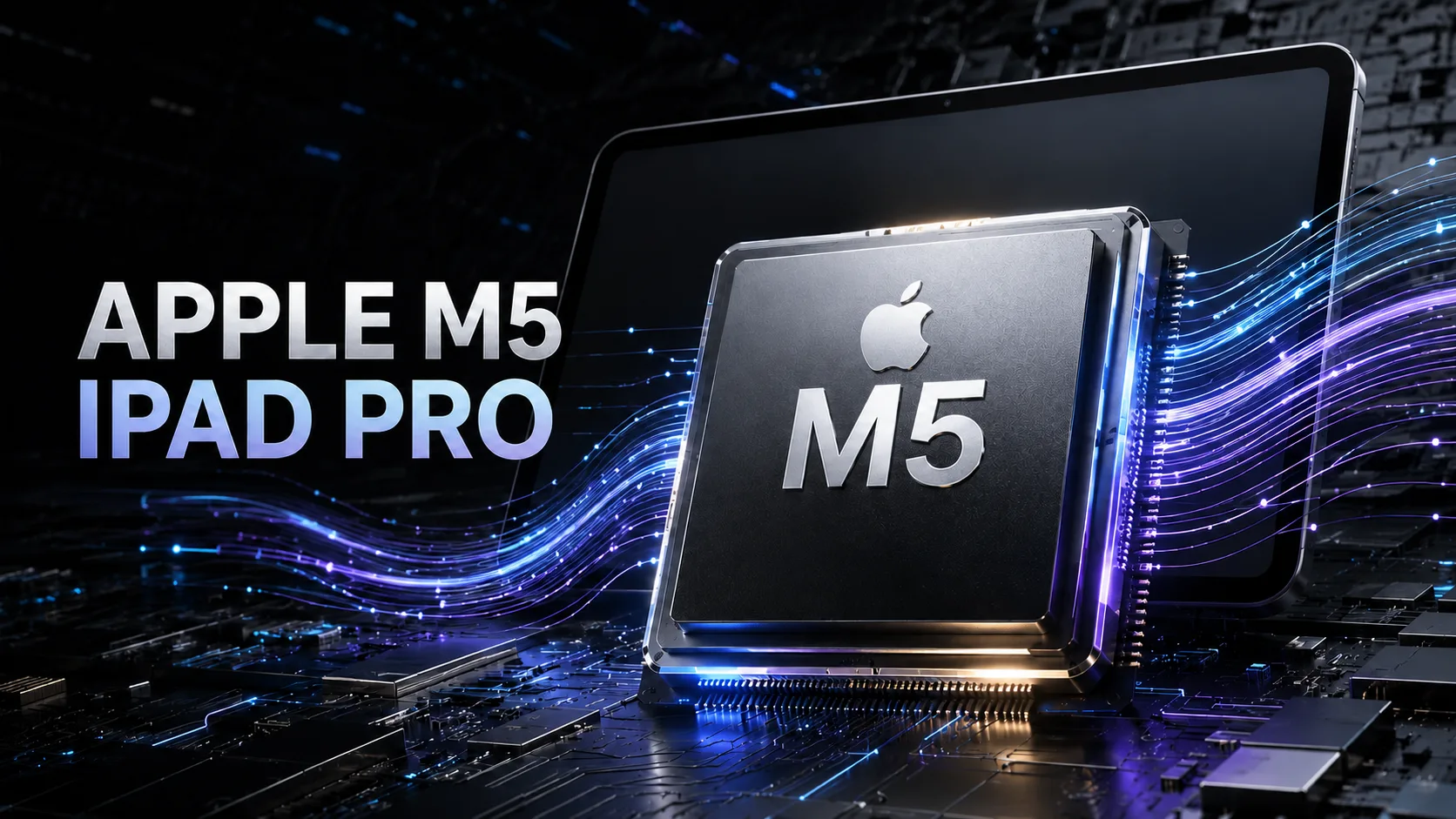
Apple M5 in iPad Pro: GPU one-third faster in Geekbench Metal, 10-core CPU only from 1 TB
The main changes in the Apple M5 for the 2025 iPad Pro have affected the GPU and memory subsystem. In Geekbench 6 Metal, the new graphics processor scores around 74-75 thousand points compared to 54-56 thousand for the M4, while the combined memory bandwidth has increased to 153 GB/s. Two versions of the M5 are available for the iPad Pro, with the choice dependent on storage capacity.
One M5 - Two CPU Configurations
It is not possible to separately choose the number of cores or the amount of RAM.
| Storage | CPU | Combined Memory | GPU | Bandwidth |
|---|---|---|---|---|
| 256 or 512 GB | 3 performance + 6 efficiency cores | 12 GB | 10 cores | 153 GB/s |
| 1 or 2 TB | 4 performance + 6 efficiency cores | 16 GB | 10 cores | 153 GB/s |
The additional performance core provides about 7% improvement in Geekbench 6 Multi-Core and has little to no effect on single-threaded speed. For large projects, the transition from 12 to 16 GB of memory is more important, as it is shared by the CPU, GPU, and Neural Engine.
All configurations come with the same 10-core GPU. The advantage of the higher models lies in the additional 4 GB of memory, which aids in handling large scenes, lengthy video projects, and local AI models.
Hidden Context of the Lineup
This scheme was first implemented by Apple in the iPad Pro with the M4: a ten-core CPU and 16 GB of memory were only available in the higher configurations. The M5 continues this division but increases the base memory size from 8 to 12 GB.
| Generation | Year | CPU Configuration | Main Change |
|---|---|---|---|
| M1 | 2021 | 8 cores | The first chip of the M family in iPad Pro |
| M2 | 2022 | 8 cores | 10-core GPU and ProRes hardware acceleration |
| M4 | 2024 | 9 or 10 cores | Dynamic Caching and hardware ray tracing |
| M5 | 2025 | 9 or 10 cores | Neural Accelerator in each GPU core and 153 GB/s memory |
M5 is manufactured using a 3nm third-generation process. The separation into 9- and 10-core versions has been retained since the M4, while significant changes have affected the GPU and memory subsystem.
Performance in Real iPad Pros
The table below shows individual Geekbench 6 results for specific configurations. These are not averages; results can vary based on the version of iPadOS, device temperature, and the release of the test itself.
| Device | Configuration | Geekbench 6 Single | Geekbench 6 Multi | Geekbench 6 Metal |
|---|---|---|---|---|
| iPad Pro 11″ M5 | 9 cores, 12 GB | 4 121 | 15 358 | 74 937 |
| iPad Pro 13″ M5 | 9 cores, 12 GB | 4 133 | 15 437 | 74 995 |
| iPad Pro 13″ M5 | 10 cores, 16 GB | 4 142 | 16 484 | 74 283 |
| iPad Pro 13″ M4 | 10 cores, 16 GB | 3 750 | 14 571 | 53 792 |
In individual runs, the M5 outperforms the comparable M4 by about 10-14% in single-threaded and by 13-18% in multi-threaded modes. Both the nine-core and ten-core versions show similar Single-Core results, so the additional core does not significantly change the speed of short single-threaded tasks.
The difference between the 11-inch and 13-inch models in short tests is minimal.
GPU as the Main Update
The ten-core GPU features a separate Neural Accelerator in each core and a third-generation ray tracing engine. The new accelerators perform matrix operations directly on the GPU and complement the 16-core Neural Engine.
In Geekbench 6 Metal, the performance gain over the M4 is about one-third. In real applications, results depend on support for the new architecture.
In Apple's tests, rendering with ray tracing in Octane X was accelerated by up to 1.5 times. Image generation in Draw Things - up to two times, and AI video upscaling in DaVinci Resolve - up to 2.3 times. These factors cannot be directly applied to other AI workloads.
The gain appears only in applications that utilize Metal, Core ML, or other Apple-optimized frameworks. Code running on the CPU does not engage the new GPU accelerators.
What Faster Memory Delivers
The bandwidth of the combined memory has increased from 120 to 153 GB/s. The CPU, GPU, and Neural Engine operate from a single pool of data, so the acceleration affects multiple types of workloads simultaneously.
The increased bandwidth aids in processing high-resolution video, working with complex graphics, and running neural networks locally. Increasing the initial memory size to 12 GB also reduces the number of application and tab unloads from memory.
The advantage of 16 GB is primarily evident in high-resolution layered images, large 3D scenes, extended timelines, and AI models. In drawing, photo processing, and moderately complex editing, the difference between configurations is smaller.
Peak Speed and Passive Cooling
The iPad Pro does not use a fan, so the results of short Geekbench runs cannot be considered constant performance. In load tests, the final result for the 11-inch model was 66-79% of the first run, depending on the scenario.
Short tasks manage to finish before noticeable frequency drops occur. However, during prolonged rendering and extended graphical workloads, performance declines, whereas an actively cooled MacBook Pro with M5 can maintain maximum speed for longer.
Diagnostic tests show the frequency of the tablet version of M5 at around 4.4 GHz. Therefore, the M5 results from the MacBook Pro cannot be directly transferred to the iPad, despite having the same processor name.
Media and Connectivity: Where M5 Ends
The media block hardware encodes and decodes H.264, HEVC, and ProRes, supports ProRes RAW, and decodes AV1. It accelerates video export and reduces the load on the main computing cores.
A separate Apple N1 chip handles Wi-Fi 7, Bluetooth 6, and Thread. In Wi-Fi + Cellular models, mobile connectivity is provided by the C1X modem. These capabilities relate to the iPad Pro 2025 platform but are not part of the M5.
Conclusion
For drawing, photo processing, moderate editing, and most everyday tasks, models with 256 or 512 GB of storage are sufficient. Upgrading to 1 or 2 TB is justified when working on large projects, requiring 16 GB of memory, or choosing nanotextured glass. The additional CPU core alone does not justify upgrading to the higher configuration.
Owners of iPad Pro with M1 or M2 will see a noticeable boost in graphics power, expanded memory, and hardware ray tracing. When upgrading from M4, the primary gains come from the GPU and AI accelerators. If applications do not utilize them, the practical difference between generations is minimal.
SOC Comparison
Compare Apple M5 iPad with other SOCs
Basic
GPU Specifications
Connectivity
Memory Specifications
Miscellaneous
- AIFF
- CAF
- MP3
- MP4
- WAV
- H.265
- AV1
- VP9
Benchmarks
Tablets with M5 iPad


Comparison of Devices with M5 iPad
Compared to Other SoC
Related SoC Comparisons




Share in social media
Or Link To Us
<a href="https://cputronic.com/soc/apple-m5-ipad" target="_blank">Apple M5 iPad</a>