NVIDIA GeForce GTX 660

NVIDIA GeForce GTX 660: Tests of Different Versions, FPS in Games, and Whether It's Worth Buying Today
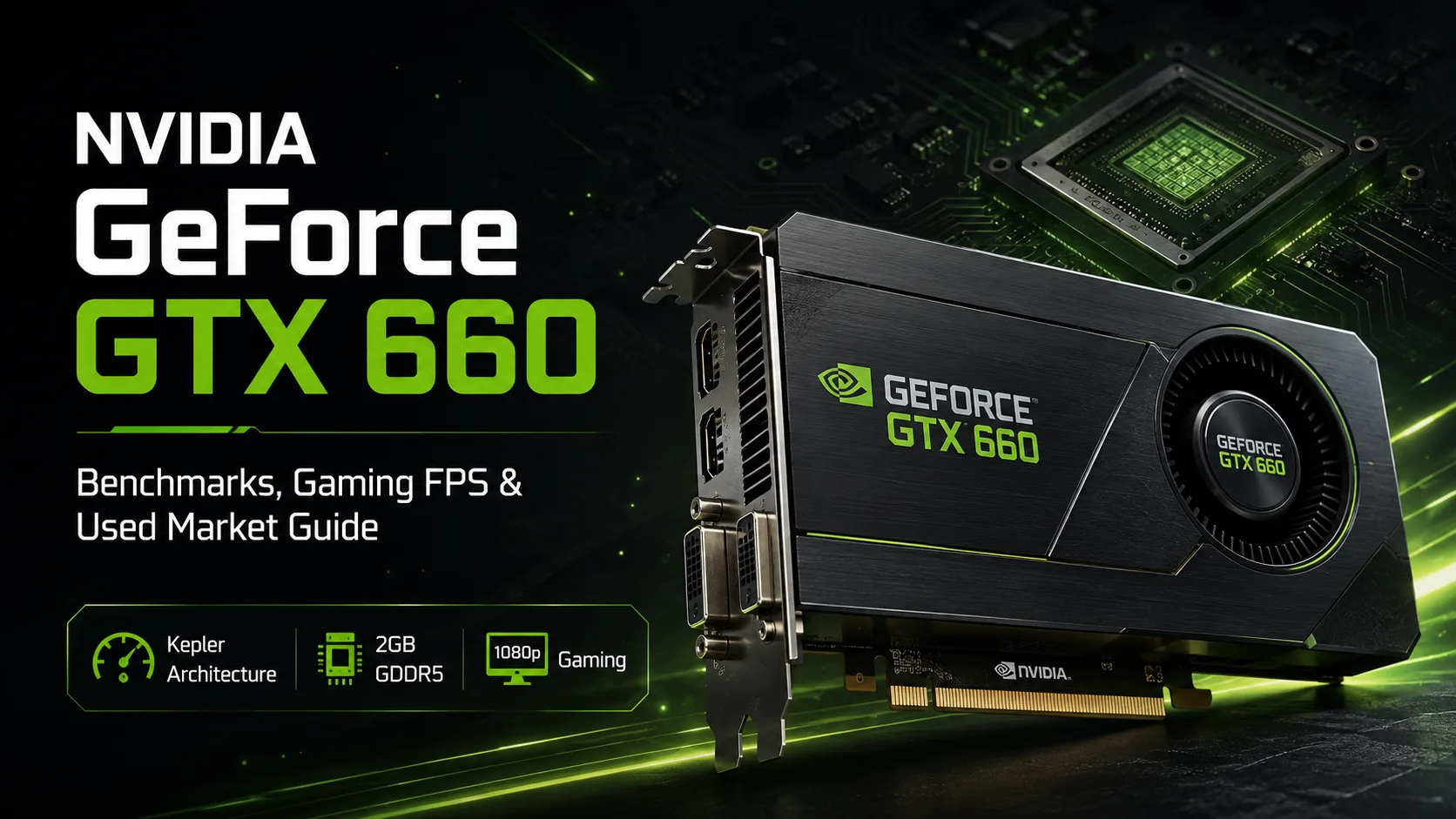
The NVIDIA GeForce GTX 660 was released in 2012 as a mid-range graphics card for gaming in Full HD. The retail version featured the Kepler architecture, 960 CUDA cores, and 2 GB of GDDR5 memory. Today, the GTX 660 is mainly interesting as a cheap card for older games: the performance of the GK106 is still sufficient for many projects from the DirectX 9-11 era, but the 2 GB of video memory and discontinued driver support severely limit its performance in newer games.
Results of Specific GeForce GTX 660 Models
The GTX 660 was produced by ASUS, MSI, EVGA, Gigabyte, Point of View, and other manufacturers. Most models differed in factory overclocking and cooling systems, but the performance difference between them was usually minimal.
Below are the results of four non-reference GTX 660 models tested in the same system.
| Graphics Card | GPU Base / Boost | 3DMark 11 |
|---|---|---|
| ASUS GTX660-DC2T-2GD5 DirectCU II TOP | 1072 / 1137 MHz | 7082 |
| EVGA GeForce GTX 660 SC 2GB | 1046 / 1111 MHz | 6807 |
| Point of View GTX 660 Ultra Charged | 1084 / 1163 MHz | 6645 |
| MSI N660 TF 2GD5/OC Twin Frozr | 1033 / 1098 MHz | 6632 |
The ASUS DirectCU II TOP turned out to be faster than the other test participants. Meanwhile, the Point of View Ultra Charged had a higher claimed Boost frequency, but it did not provide any advantage over the ASUS card.
The gap between the four cards is less than 7%. On the secondary market, the condition of the cooling system and the board itself is now significantly more important than a minor factory overclock.
GTX 660 and GTX 660 OEM - Not the Same Card
Under the GeForce GTX 660 name, NVIDIA released two significantly different versions.
| Parameter | GTX 660 | GTX 660 OEM |
|---|---|---|
| CUDA Cores | 960 | 1152 |
| Base Frequency | 980 MHz | 823 MHz |
| Boost | 1033 MHz | 888 MHz |
| Video Memory | 2 GB GDDR5 | 1.5 or 3 GB GDDR5 |
The OEM modification used a different GPU configuration and was mainly found in pre-built computers. Therefore, the results of the GTX 660 OEM should not be mixed in the same sample with the standard retail GTX 660 solely based on the adapter name.
When adding old results to the database, it is advisable to check the number of CUDA cores, clock speeds, and memory size of the specific card.
GTX 660 Performance in Games
Game tests clearly show the initial positioning of the GTX 660. In projects of its time, the card was primarily aimed at 1920×1080 resolutions with high or maximum settings.
| Game | Settings | GTX 660 |
|---|---|---|
| Battlefield 3 | 1080p, Ultra | ~42-45 FPS |
| The Witcher 2 | 1080p, Ultra | ~48-51 FPS |
| Sleeping Dogs | 1080p, Ultra | ~53-55 FPS |
For games from the early 2010s, this is still an acceptable level. Many projects from that period can be run in Full HD without dropping to minimum settings.
With modern games, the situation is much worse. The main limitation is the 2 GB VRAM: heavy textures quickly fill up the video memory, causing drops in performance and data loading issues, while some new games either run poorly or aren't designed for such an old architecture at all.
Power and System Requirements
The reference GTX 660 has a rated power consumption of about 140 W and uses one six-pin power connector. NVIDIA recommended a system power supply of at least 450 W.
For an old office PC, however, the more important factor is that the GTX 660 requires a separate 6-pin power supply, which means it cannot be installed into just any prebuilt system.
Driver Support Has Ended
The GTX 660 belongs to the Kepler generation of desktop graphics cards. NVIDIA stopped releasing full Game Ready Drivers for such models in 2021, and the period for subsequent security updates has also concluded.
For older games, this is not critical: existing drivers are already well-optimized for projects from that time. However, there will be no fixes for new releases, optimization of modern game engines, or support for new features for the GTX 660.
Buying the GTX 660 on the Secondary Market
The age of a specific unit is now more important than whether it was released by ASUS, MSI, or EVGA. Most remaining GTX 660 cards are already over ten years old.
Before buying, it's worth checking:
- Stable performance under load without artifacts;
- GPU temperature;
- Condition and noise of the fans;
- Functionality of video outputs;
- Condition of the six-pin power connector.
Dried thermal paste and worn-out fans are common for cards of this age. Replacing the thermal paste may help with temperatures, but it does not resolve issues related to memory degradation, power delivery, or the GPU itself.
Overpaying for a supposed GTX 660 TOP or SuperClocked just for factory overclocking is nearly pointless. It’s better to choose a unit that operates stably and has functional cooling.
GTX 660 Today: Only for Old Games and Budget Builds
The GTX 660 should only be considered at a very low price. For older games and as a temporary PC solution, its performance is still sufficient, but the 2 GB of memory and lack of current drivers virtually exclude it from modern gaming builds.
When choosing between several GTX 660 units, it's better to get the most reliable one instead of overpaying for factory overclocking or a more expensive version from ASUS, MSI, or EVGA.
GPU Comparison
Compare GeForce GTX 660 with other GPUs
Basic
Memory Specifications
Display and Media
1x HDMI 1.4a
1x DisplayPort 1.2
Theoretical Performance
Miscellaneous
Benchmarks
Compared to Other GPU


Share in social media
Or Link To Us
<a href="https://cputronic.com/index.php/gpu/nvidia-geforce-gtx-660" target="_blank">NVIDIA GeForce GTX 660</a>