NVIDIA Tesla P100 PCIe 16 GB
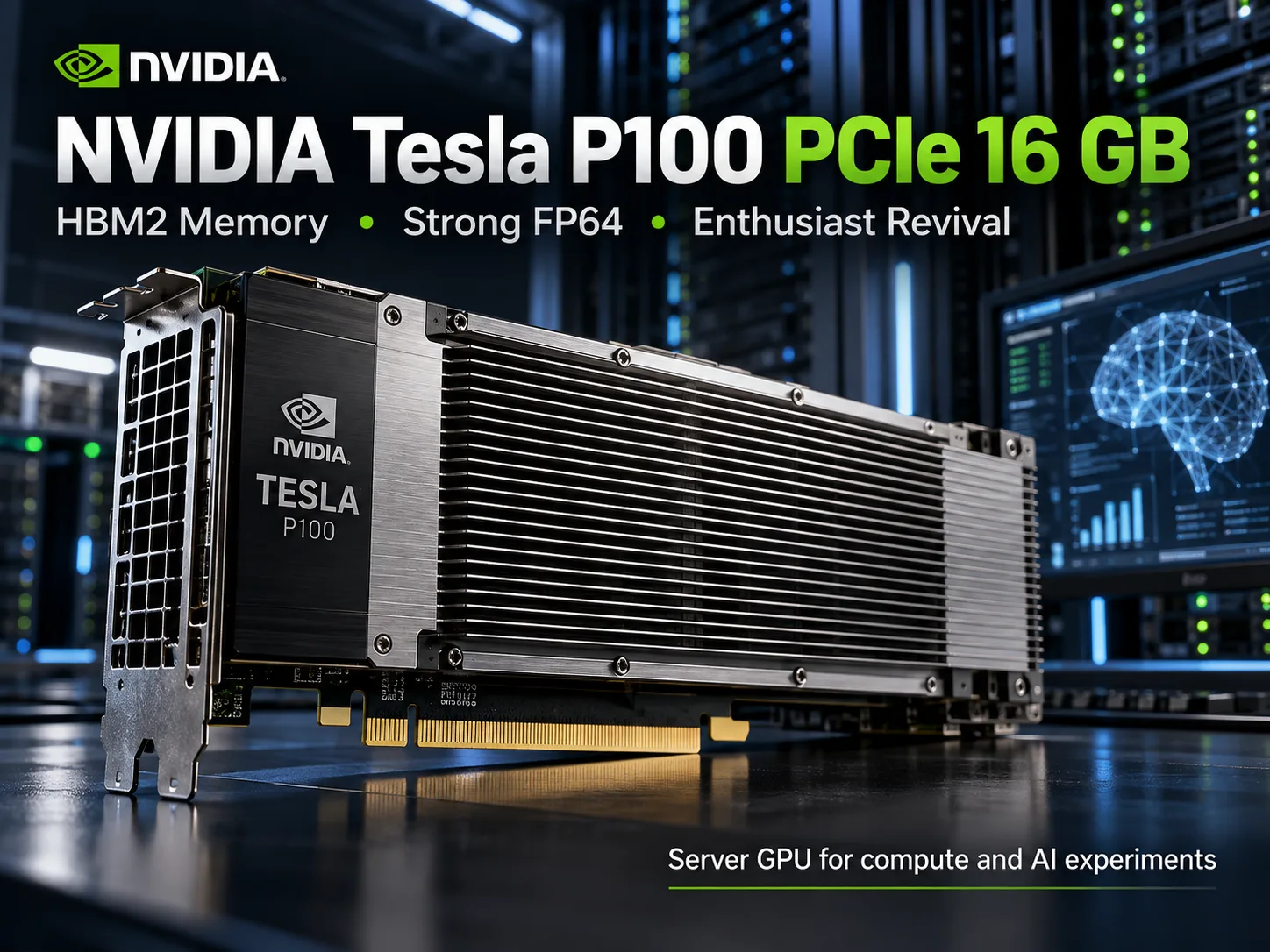
NVIDIA Tesla P100 PCIe 16 GB: Why the Old Tesla Has Attracted Enthusiasts Again
The NVIDIA Tesla P100 PCIe 16 GB was released in 2016 as an accelerator for scientific computing and supercomputers. Ten years later, decommissioned server cards have found a second life: enthusiasts are buying them for home servers, experiments with neural networks, and CUDA applications. The reason is simple: 16 GB of HBM2 memory and high computing performance are now available at a low price. But the low price comes with drawbacks: passive cooling, increasingly outdated CUDA support, and no Tensor Cores.
How the P100 Differs from the P40 and V100
The Tesla P100 is built on the 16 nm GP100 processor based on the Pascal architecture. It has 3584 CUDA cores and a 4096-bit memory bus. Its key feature is its powerful FP64 units, which were virtually absent from consumer graphics cards of that generation.
| Specification | Tesla P100 PCIe | Tesla P40 | Tesla V100 PCIe |
|---|---|---|---|
| Architecture | Pascal | Pascal | Volta |
| CUDA cores | 3584 | 3840 | 5120 |
| Memory | 16 GB HBM2 | 24 GB GDDR5 | 16 GB HBM2 |
| Memory bandwidth | 732 GB/s | 346 GB/s | 900 GB/s |
| FP32 | 9.3 TFLOPS | 12 TFLOPS | 14 TFLOPS |
| FP64 | 4.7 TFLOPS | ~0.375 TFLOPS | 7 TFLOPS |
| Tensor Cores | No | No | 640 |
The P40 has more video memory, but the P100 offers more than twice the memory bandwidth, as well as approximately 12.5 times the theoretical FP64 performance.
The V100 is considerably more powerful than both cards. Its advantage lies not only in its computational speed, but also in its Tensor Cores, which accelerate operations used in machine learning.
Benchmark Performance
In Geekbench 7 OpenCL, the P100 PCIe occupies an intermediate position between the Tesla T4 and GeForce RTX 3060. The server-grade V100, based on the Volta architecture, is more than twice as fast.
| Graphics card | Geekbench 7 OpenCL |
|---|---|
| NVIDIA Tesla V100 SXM2 16 GB | 152,601 |
| NVIDIA GeForce RTX 3060 | 88,251 |
| NVIDIA Tesla P100 SXM2 16 GB | 87,454 |
| NVIDIA Tesla P100 PCIe 16 GB | 71,673 |
| NVIDIA Tesla T4 16 GB | 60,483 |
These are aggregated Geekbench Browser results obtained on different systems. They are suitable for general GPU comparisons, but do not show the speed of FP64 scientific calculations or language-model workloads.
The P100 PCIe is approximately 19% faster than the T4, but 18% slower than its own SXM2 version. However, the SXM2 model requires a specialized server platform and cannot be installed in a standard PCIe slot.
Why the P100 Is Still Interesting for Computing
FP64 is used in scientific applications for calculations that require high numerical precision, including physical-process modeling, computational fluid dynamics, and certain engineering tasks.
For example, when performing double-precision matrix operations, the Tesla P100 offers a theoretical performance of 4.7 TFLOPS, compared with approximately 0.375 TFLOPS for the P40. The difference is enormous, although the actual speedup depends on the algorithm, the amount of memory traffic, and the efficiency of the application.
HBM2 memory also helps with workloads that process large data sets. Its 732 GB/s bandwidth is particularly useful for intensive reading and writing. ECC support further improves the reliability of long-running calculations.
Therefore, the P100 cannot be considered simply an outdated graphics card. In compatible scientific applications, it is still capable of doing useful work.
A Second Life on the Used Market
By 2026, the Tesla P100 had attracted the attention of home-server owners and enthusiasts experimenting with inexpensive hardware. Cards that previously operated in data centers are appearing on the used market at prices completely out of proportion to their original cost.
In October 2026, listings for P100 PCIe 16 GB cards priced at approximately $100-160 were appearing on U.S. eBay. Some enthusiasts report buying them for $75-80. The price depends on the card’s condition, the seller, and the region.
For a relatively small amount of money, buyers get 16 GB of video memory with high bandwidth. This is precisely what attracts people building home computing servers or trying to run local LLMs without purchasing expensive modern accelerators.
However, the P100 is not an ordinary graphics card that can simply be installed in a computer:
- Cooling. The card has a passive heatsink and is designed for a powerful directed airflow. A separate fan with a duct is usually required for a home PC.
- Power. It uses an eight-pin CPU/EPS connector. A standard PCIe 8-pin cable must not be connected without checking the pinout.
- Compatibility. Some older motherboards require Above 4G Decoding to be enabled.
- Software. New CUDA libraries do not always support the Pascal architecture. Some applications have to be compiled manually with older dependencies.
Before buying, it is worth requesting the results of nvidia-smi diagnostics, checking for memory errors, and confirming whether the card has undergone an extended stress test. An inexpensive unit with faulty HBM2 is practically useless.
Is the P100 Suitable for Local Neural Networks?
The P100 can run compatible language models in quantized formats. Its 16 GB of memory is enough for many models in the 7-8 billion parameter class, as well as some larger models with a suitable quantization level and context size.
However, high memory bandwidth does not compensate for the lack of Tensor Cores. In addition, the GP100 has no native BF16 support, while Compute Capability 6.0 limits compatibility with modern ML libraries.
Starting with CUDA 13.0, NVIDIA dropped support for compiling for Pascal. Developing on the P100 requires using CUDA 12.x and suitable library versions. This does not mean that all older applications have stopped working, but installing modern ML stacks has become more difficult.
The P100 is suitable for LLM experiments, especially if you already own the card. However, when buying specifically for language models, it is worth comparing it with the 24 GB P40 and the V100. The former allows larger models to be stored entirely in memory, while the latter offers Tensor Cores and considerably higher computational performance. More memory does not guarantee a higher generation speed.
Is It Worth Buying a Tesla P100 in 2026?
At a price of around $100, a working P100 PCIe 16 GB remains attractive to enthusiasts who are willing to arrange the cooling themselves and configure CUDA. This is especially true when an inexpensive accelerator for FP64 calculations is needed.
The purchase is less obvious for local LLMs. In addition to the card itself, buyers must account for cooling, power requirements, power consumption of up to 250 W, and the time needed to configure compatible software. If the main goal is convenient support for modern models, the V100 or newer RTX cards are preferable.
The Tesla P100 has not become a modern graphics card simply because of its low price. But as an inexpensive computing accelerator with 16 GB of HBM2, it has retained its niche. It is interesting hardware for scientific calculations and experimentation. For a general-purpose home PC and trouble-free AI workloads, it is a poor choice.
GPU Comparison
Compare Tesla P100 PCIe 16 GB with other GPUs
Basic
Memory Specifications
Display and Media
Theoretical Performance
Miscellaneous
Benchmarks
Compared to Other GPU
Related GPU Comparisons


Share in social media
Or Link To Us
<a href="https://cputronic.com/gpu/nvidia-tesla-p100-pcie-16-gb" target="_blank">NVIDIA Tesla P100 PCIe 16 GB</a>