Intel Core Ultra 7 255U

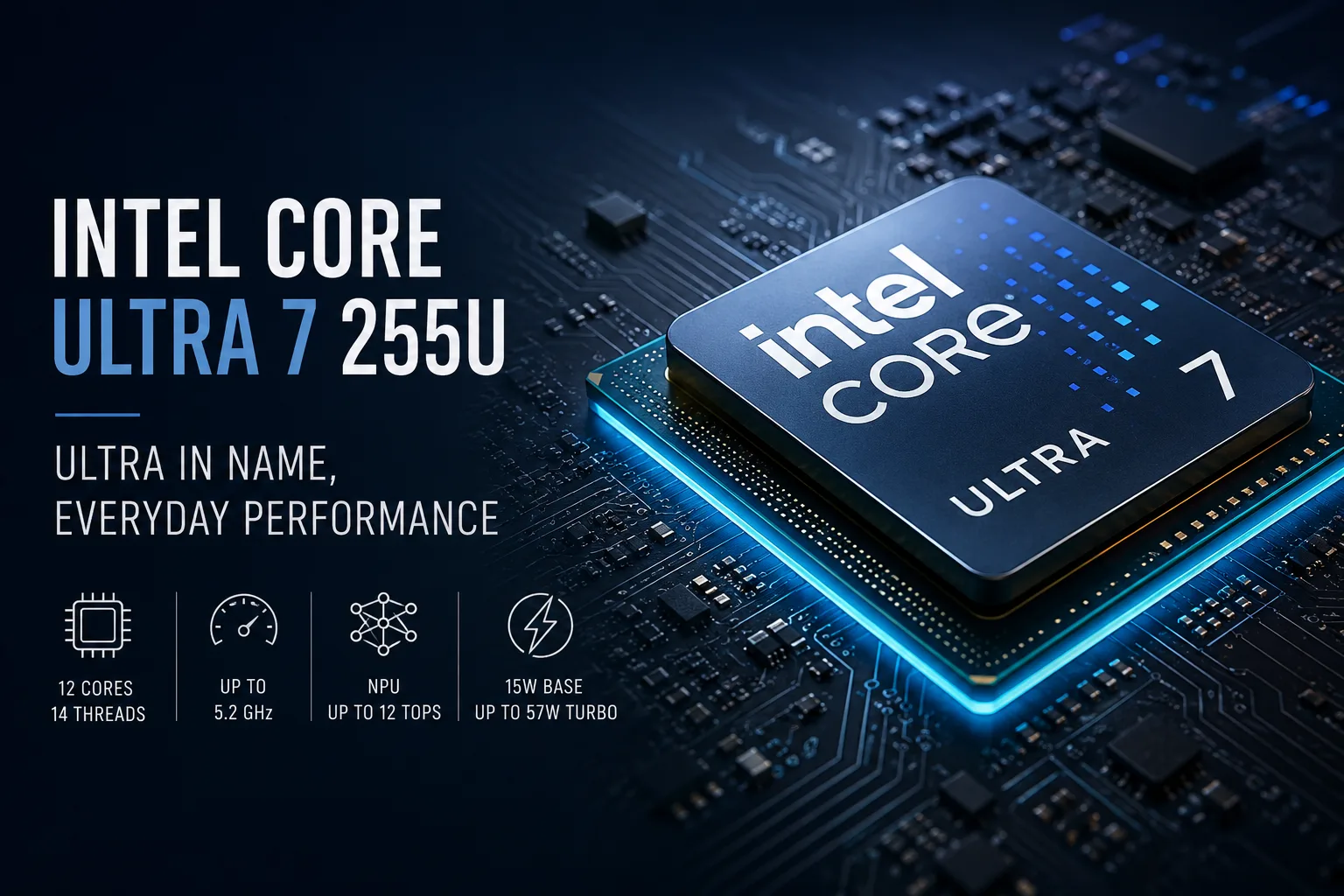
Intel Core Ultra 7 255U: Ultra in the Name, Office Character Inside
The Intel Core Ultra 7 255U looks more solid than it performs in real laptops. The name includes Ultra, with clock speeds reaching 5.2 GHz, and a separate NPU promises local AI, but this is neither a replacement for the H-series nor a processor for heavy workloads. This chip is designed for thin work laptops: quick response times, moderate power consumption, quiet operation, and battery life are more important than benchmark records.
The essence of the 255U lies not in peak power but in balance. It does not turn an ultrabook into a gaming machine and does not attempt to replace powerful mobile chips. Its task is more grounded: to accelerate browsing, office applications, video calls, light photo editing, and everyday multitasking.
What Lies Behind the U Index
The letter U is more important here than the word Ultra. The Core Ultra 7 255U belongs to the low-voltage mobile series: the base power is 15W, with a short-term turbo limit of up to 57W. The processor can accelerate sharply but is not designed for long heavy loads in a thin chassis.
Inside, there are 12 cores and 14 threads: 2 performance P-cores, 8 energy-efficient E-cores, and 2 low-power LP E-cores. The two performance cores may seem modest outside the context of the U-series. For an economical mobile class, this configuration is logical: P-cores handle short heavy bursts, E-cores maintain background tasks, and LP E-cores reduce power consumption in light scenarios.
Therefore, it is more accurate to evaluate the Core Ultra 7 255U not as a “truncated flagship” but as a processor for a laptop that spends most of the day working with browsers, spreadsheets, documents, messaging apps, video calls, and email.
Performance: Quick in Short Tasks, Dependent on Chassis
The strength of the Core Ultra 7 255U lies in short bursts of acceleration. Opening a heavy webpage, launching an application, switching between windows, unpacking archives, or returning to a dozen open tabs - there’s enough headroom for these tasks.
However, under prolonged load, the specific laptop determines everything. One chassis may allow the chip to maintain high power for longer, while another might quickly lower frequencies for silence and temperature. In one laptop, the 255U will be energetic, while in another, it will soon hit power limits.
For office work, studying, and home use, this is sufficient. For prolonged rendering, heavy compilation, 3D work, and serious video editing, it’s better to look at the Core Ultra H-series or laptops with more powerful cooling.
Integrated Graphics: The Main Limitation of the 255U
The CPU part of the Core Ultra 7 255U does not seem to be a weak point for a thin laptop, but the graphics remain basic. It uses Intel Graphics with 4 Xe-cores, rather than full-fledged Arc graphics from higher models.
For interfaces, video, and browsing, this level of graphics is sufficient. It can handle external displays, streaming video, hardware encoding, simple clips, and basic media content processing. It supports AV1, HEVC, H.264, and Quick Sync Video.
However, gaming is not its strong suit. Older projects, simple online games, and esports titles at low settings are possible, but buying a laptop with the 255U specifically for gaming is not recommended. The main limitation of this processor is not the CPU but the integrated graphics.
NPU Exists, But It’s Not Copilot+ Level
The Core Ultra 7 255U features a separate AI block, Intel AI Boost. It’s needed for noise suppression, camera effects, and local AI functions in applications that can utilize the NPU.
However, this does not make the 255U a full-fledged Copilot+ PC. The NPU performance here is below the required level, so purchasing a laptop with this processor solely for local AI is not advisable.
The AI block in the 255U is an auxiliary part of the platform, not the reason for purchase. The main purpose of the processor remains the same: a thin laptop, quick response, moderate energy consumption, and basic integrated graphics.
Choosing a Laptop with 255U Shouldn't Be Based Solely on the Processor
The Core Ultra 7 255U supports LPDDR5/X up to 8400 MT/s and DDR5 up to 6400 MT/s. There is also PCIe 4.0 and Thunderbolt 4. For a thin laptop, this significantly impacts actual usability: a fast SSD, external monitors, docking stations, and quick memory often matter more than the slight difference between neighboring CPUs.
Thus, a laptop with the 255U should not be chosen based solely on the processor name. The screen, memory, battery, and cooling can easily negate the advantage of a successful chip.
When choosing, the following are particularly important:
- 16 or 32 GB of memory and upgradeability;
- Brightness, resolution, and type of matrix;
- Battery capacity;
- Noise and cooling behavior under load.
A weak screen, 16 GB of soldered memory without headroom, or a noisy chassis can quickly spoil the impression, even if the processor itself is a good choice.
Main Points About Intel Core Ultra 7 255U
| Feature | What It Means |
|---|---|
| 12 cores and 14 threads | Headroom for office multitasking |
| 2 P-cores + 8 E-cores + 2 LP E-cores | Quick bursts + efficiency in light tasks |
| Up to 5.2 GHz | Good responsiveness under short loads |
| 15W base power | Processor is suited for compact laptops |
| Up to 57W in turbo | Actual speed depends on cooling |
| Intel Graphics 4 Xe-core | Sufficient for video, browsing, and interface tasks |
| Basic integrated graphics | Not intended for heavy gaming |
| NPU up to 12 TOPS | AI block exists, but not at Copilot+ level |
| Thunderbolt 4 and PCIe 4.0 | Convenient for docking stations, fast SSDs, and external monitors |
Who Is the Core Ultra 7 255U Suitable For
The Core Ultra 7 255U is worth considering for those looking for a thin laptop without discrete graphics, and who do not plan to push it with gaming, 3D, or long renders.
Its strong points include quiet operation, quick response times, battery life, video calls, documents, browsing, light photo editing, and simple videos. This is a processor for a workday, not for showcasing maximum numbers.
If a laptop is needed for gaming, heavy editing, 3D graphics, or long computations, the 255U will not be the best choice. In such tasks, power, cooling, and integrated graphics limitations will become apparent more quickly.
Should You Buy a Laptop with Intel Core Ultra 7 255U
The Core Ultra 7 255U does not sell record power. Instead, it offers a different set of qualities: quick response, moderate power consumption, a fresh platform, and the ability to assemble a thin laptop without discrete graphics. There’s a lot of marketing in the name, but the processor honestly fulfills the role of the U-series.
It’s worth buying not because of the word Ultra or the AI label. One should look at the specific laptop: screen, memory, battery, cooling, weight, and price. If the configuration is balanced, the Core Ultra 7 255U will serve as a solid foundation for a work device.
In summary: the Core Ultra 7 255U is not a hidden flagship but a base for a thin work laptop. The key is not to overpay for the word Ultra and not to expect the capabilities of the H-series.
CPU Comparison
Compare Core Ultra 7 255U with other CPUs
Basic
CPU Specifications
Memory Specifications
GPU Specifications
Interfaces and Ports
Benchmarks
Compared to Other CPU
Related CPU Comparisons


Share in social media
Or Link To Us
<a href="https://cputronic.com/cpu/intel-core-ultra-7-255u" target="_blank">Intel Core Ultra 7 255U</a>