Intel Core i5-14400
Intel Core i5-14400: A New Number Without a New Processor
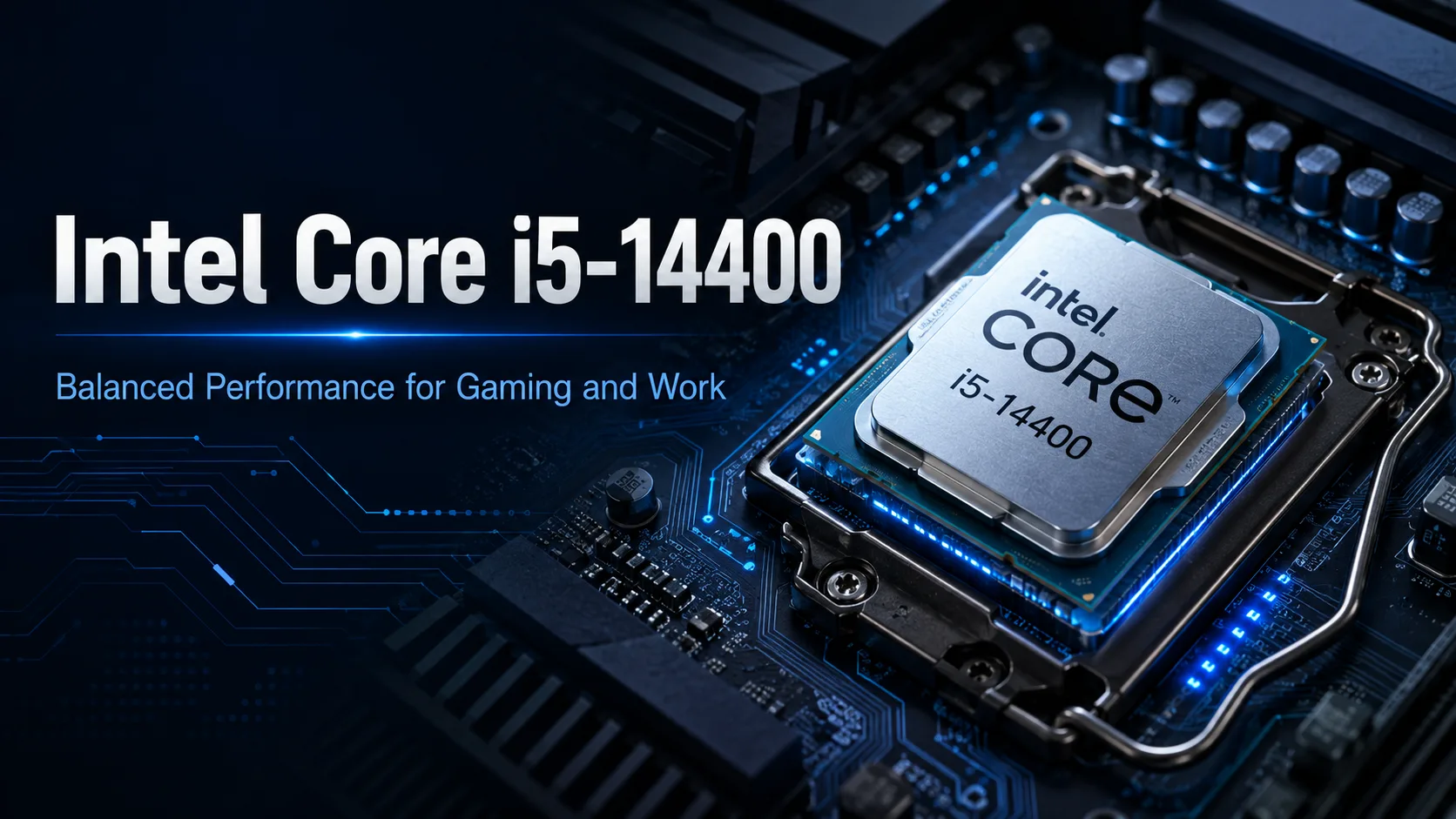
The Intel Core i5-14400 is hardly different from the Core i5-13400: Intel has retained the same configuration and has only slightly increased the frequencies. In games, this difference is usually lost in the margin of error, and in productivity applications, it does not change the performance class. However, at the right price, this processor remains a solid foundation for a gaming or universal computer on the LGA1700 platform.
The main problem with the Core i5-14400 is not its low speed but its too-close neighbors. The Core i5-13400 offers almost the same performance for less, while the Core i5-14500 is significantly faster in multi-threaded tasks for a small premium. Therefore, one should evaluate this model not by its affiliation to the 14th generation, but by its price relative to these two processors.
Core i5-13400 with Slightly Higher Frequencies
The Core i5-14400 features 6 performance (P) cores, 4 energy-efficient (E) cores, and 16 threads. The maximum frequency of the P cores reaches 4.7 GHz, while the E cores hit 3.5 GHz. The third-level cache is 20 MB.
The Core i5-13400 has the same configuration but slightly lower frequencies: up to 4.6 GHz for the P cores and up to 3.3 GHz for the E cores. The Core i5-14400 does not have additional cores, increased cache, or a new architecture.
| Processor | Cores and Threads | Maximum Frequency | Practical Difference |
|---|---|---|---|
| Core i5-12400 | 6 / 12 | 4.4 GHz | No E cores, weaker in multi-threading |
| Core i5-13400 | 10 / 16 | 4.6 GHz | Almost equal to Core i5-14400 |
| Core i5-14400 | 10 / 16 | 4.7 GHz | Slight frequency increase |
| Core i5-14500 | 14 / 20 | 5.0 GHz | Noticeably faster in productivity tasks |
In single-threaded tests, the Core i5-14400 usually outperforms the Core i5-13400 by a few percent. In multi-threaded workloads, the result depends on power limits and cooling, but there is not a significant gap either. This is not an upgrade worth changing from an already installed Core i5-13400.
The Core i5-14500 looks more convincing: eight E cores instead of four, 20 threads, and 24 MB cache give it a real advantage in rendering, encoding, compiling, and other long-duration workloads.
Gaming: Performance is Sufficient, but Not Worth Overpaying
The six P cores of the Core i5-14400 are enough for most modern games. The four E cores help with background tasks: messengers, game clients, browsers, video recording, and system processes.
The processor fits well into mid-range builds, especially designed for 1440p resolution. At this workload, the final frame rate is often limited by the graphics card, so upgrading to a Core i7 does not always provide a proportional increase.
Limitations become more noticeable in other scenarios:
- A powerful graphics card and 1080p resolution;
- A monitor with a refresh rate of 240 Hz and higher;
- Strategy games, simulations, and online games with a high CPU load;
- The desire to achieve the most stable minimum frame rate.
For a typical system with a 60-165 Hz monitor, the capabilities of the Core i5-14400 are sufficient. However, it is almost no faster than the Core i5-13400 on its own, so it is not worth paying a significant difference just for a newer index.
Work Tasks: Four E Cores Are Still Useful
Against the backdrop of the Core i5-12400 and older six-core models, the Core i5-14400 feels much more confident in multitasking. The additional E cores help in compiling, photo processing, archiving, and video editing, as well as keeping the system responsive during background loads.
The processor is suitable for:
- Development and compilation of medium projects;
- Local containers and one or two moderately loaded virtual machines;
- Photo processing and batch conversion;
- Video editing at 1080p and moderate work with 4K;
- Parallel work with a browser, editor, and several background applications.
For occasional editing or compiling, upgrading to a Core i7 is not necessary. However, if multi-threaded loads occur daily, the Core i5-14500 often proves to be more cost-effective: the additional four E cores significantly reduce task execution time more than the frequency increase in the Core i5-14400.
AI and Machine Learning: The GPU is Key
The Core i5-14400 does not have a separate NPU. The processor can perform inference for small models, prepare data, and serve a development environment, but the performance of generative AI in such a system will mainly depend on the graphics card and the amount of video memory.
For local language models, image generation, and other neural network tasks, the Core i5-14400 serves well as a supplementary CPU. It will not be a serious limitation for a mid-range graphics card, but there’s no point in buying it specifically for AI workloads. The spare budget is better directed towards a GPU with larger memory and sufficient RAM.
Integrated Graphics: Not for Gaming, but as a Backup
The standard Core i5-14400 is equipped with Intel UHD Graphics 730. It is insufficient for modern demanding games, but the integrated core remains useful in other scenarios.
It allows a computer to run without a discrete graphics card, check the system in case of GPU failure, and utilize Intel Quick Sync for hardware video encoding and decoding. The latter will be useful during editing, video conversion, screen recording, and media server operation.
The Core i5-14400F differs in that it lacks integrated graphics. It is advisable to choose this version when there will definitely be a discrete graphics card in the computer and where noticeable savings can be made. With a small price difference, the standard Core i5-14400 is more practical: the backup video output simplifies diagnostics in case of GPU problems.
DDR4 - A Platform Advantage, Not a Core i5-14400 One
The processor supports DDR4-3200 and DDR5-4800. This allows for building an inexpensive system on B660 or B760 with DDR4 or utilizing an existing memory kit.
However, compatibility with DDR4 cannot be considered a unique advantage of the Core i5-14400. The same is offered by the Core i5-12400 and Core i5-13400. This is a strong point of the entire LGA1700 platform, which is especially important during partial computer upgrades.
Purchasing an expensive Z790 motherboard for the Core i5-14400 is usually pointless. The multiplier is locked, making it more practical to choose a B760 motherboard with adequate cooling for the power delivery circuits, the necessary number of M.2 slots, and compatible memory type.
When installing the processor into a 600 series motherboard, it is important to check the BIOS version beforehand. A matching socket does not guarantee that the system will boot with outdated firmware.
Power Consumption and Cooling
Intel specifies a base power of 65 W; however, the maximum turbo power reaches 148 W. In gaming, the processor typically does not stay near this limit constantly, but during rendering and other prolonged loads, power consumption noticeably increases.
The stock cooler manages standard operations but may become noisy under load. An inexpensive tower cooler with a 120mm fan will lower temperatures and be noticeably quieter.
This is particularly relevant for motherboards that increase or completely remove standard turbo power limits. Performance increases slightly, but so do heat and consumption.
When to Buy the Core i5-14400
The choice depends on the price difference between neighboring models.
The Core i5-14400 is justified when its price is nearly the same as the Core i5-13400, or when a version with integrated graphics is needed for a budget LGA1700 system.
The Core i5-13400 is more advantageous if it is significantly cheaper. The performance difference is too small to justify overpaying for the newer index.
The Core i5-14500 is better if the additional cost is minimal and the computer is regularly used for editing, rendering, compiling, or heavy multitasking.
The Core i5-14400F is more sensible when there will definitely be a discrete graphics card in the build, and the price difference can be invested in an SSD, memory, or cooling.
Conclusion
The Intel Core i5-14400 is not a new generation in the traditional sense, but a slightly faster version of the Core i5-13400. For owners of the predecessor, there is little sense in upgrading, and when purchasing a new computer, price is what ultimately matters.
The processor remains fast enough for gaming, development, editing, and everyday multitasking. It has integrated graphics, DDR4 support, and a wide selection of inexpensive motherboards. However, almost all these advantages are also available with the Core i5-13400.
The Core i5-14400 is worth considering when it is only slightly more expensive than its predecessor. If there is a noticeable price increase, it is more profitable to save with the Core i5-13400, and if the difference is small with the Core i5-14500, it makes sense to pay extra for the additional E cores. Otherwise, the new number remains the only truly noticeable upgrade.
CPU Comparison
Compare Core i5-14400 with other CPUs
Basic
CPU Specifications
Memory Specifications
GPU Specifications
Benchmarks
Compared to Other CPU
Related CPU Comparisons


Share in social media
Or Link To Us
<a href="https://cputronic.com/cpu/intel-core-i5-14400" target="_blank">Intel Core i5-14400</a>