Intel Core 7 240H

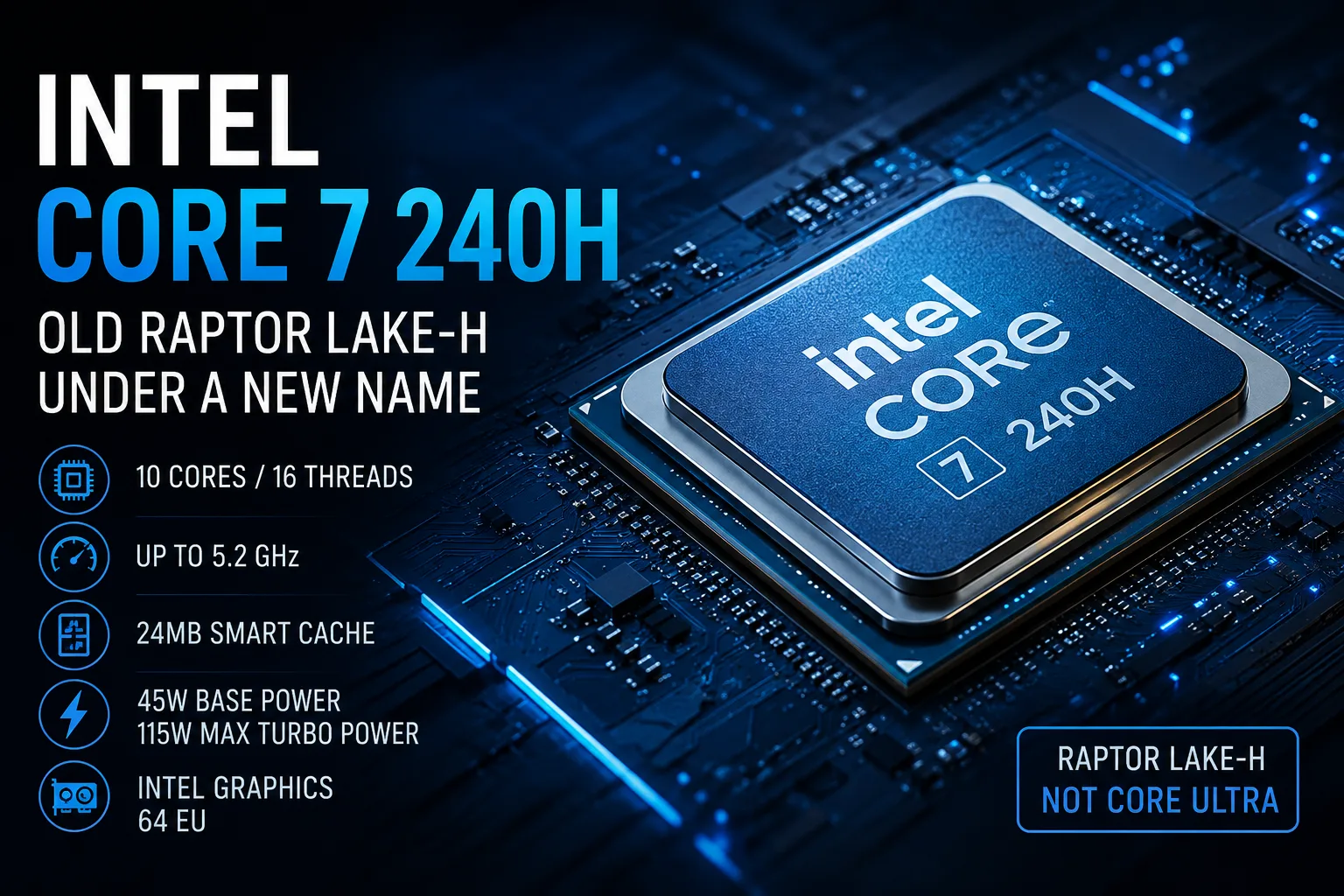
Intel Core 7 240H: Old Raptor Lake-H Under a New Name
The Intel Core 7 240H belongs to the mobile series of Intel Core Series 2, but inside it is neither a new architecture nor Core Ultra. It is Raptor Lake-H with a new name: 10 cores, high turbo frequency, and a focus on CPU performance.
The Core 7 240H remains a fast mobile processor by itself. It performs best in laptops with discrete graphics, where the integrated GPU is almost irrelevant. When choosing such a laptop, consider price, cooling, display, and graphics card rather than the Core 7 index.
What Kind of Processor Is This
The Intel Core 7 240H is built on the Raptor Lake architecture and the Intel 7 process technology. The configuration includes 10 cores and 16 threads: 6 performance P cores and 4 efficient E cores.
The maximum frequency of the P cores reaches 5.2 GHz, while the E cores can go up to 4.0 GHz. Intel Smart Cache is 24 MB. The base power is rated at 45 watts, while the maximum turbo power is 115 watts.
| Characteristic | Intel Core 7 240H |
|---|---|
| Architecture | Raptor Lake |
| Cores / Threads | 10 / 16 |
| P Cores | 6 |
| E Cores | 4 |
| Maximum Frequency | up to 5.2 GHz |
| Cache | 24 MB |
| Base Power | 45 W |
| Maximum Turbo Power | 115 W |
| Process Technology | Intel 7 |
| Integrated Graphics | Intel Graphics, 64 EU |
In terms of specifications, this is a powerful mid-range mobile processor. The main caveat is that it is easily confused with Core Ultra 7, although it belongs to a different Intel line.
Not Core Ultra: This is the Raptor Lake-H Line
The Core 7 240H is an H-series processor without an NPU and graphics at the Core Ultra level. Its task is to provide high CPU performance in conventional workloads: browser with numerous tabs, office tasks, development, photo processing, light editing, and gaming alongside a discrete graphics card.
Therefore, it is more appropriate to compare it not with Core Ultra 7 as a new platform but with the old Core i7-H models: Core i7-12650H, Core i7-13620H, Core i7-13700H, and similar models. In essence, the Core 7 240H is closer to these chips: high frequencies, 6 P cores, 24 MB cache, and a high power limit.
If a user already has a laptop with a recent Core i7-H, transitioning to the Core 7 240H is unlikely to yield significant gains. However, a new laptop may present improvements not only in the CPU but also in the graphics card, display, memory, and cooling.
Performance Depends on the Laptop
The Core 7 240H should handle work tasks and multitasking effectively. Six performance cores provide high speed in single-threaded workloads, and 16 threads assist in applications capable of distributing tasks among cores.
However, for the H series, the implementation of the specific laptop is always crucial. In a thin chassis and in a gaming laptop with robust cooling, this chip will yield different results. Under low power limits, it will quickly lose part of its frequency advantages, while with good cooling, it can sustain higher boosts for longer.
Therefore, when evaluating a laptop with the Core 7 240H, it is important to look beyond just the processor. Power limits, cooling efficiency, noise, graphics card, and display quality are crucial. The Core 7 index alone does not guarantee a successful model.
Core 7 240H vs. Core 7 250H
The Core 7 240H is not the higher-end option in the lineup. The Core 7 250H features 14 cores and 20 threads: the same 6 P cores but now with 8 E cores instead of 4. This is a significant advantage for multi-threaded tasks.
For gaming and everyday tasks, the Core 7 240H remains sufficient, especially in a laptop with a discrete graphics card. However, if the models are priced nearly the same, the Core 7 250H is better suited for heavy multitasking and workloads that utilize all cores.
The Core 7 240H makes sense to choose when the rest of the configuration is superior: a more powerful graphics card, better display, more memory, better cooling, or significantly lower price.
Integrated Graphics - A Weak Spot
The integrated Intel Graphics in the Core 7 240H has 64 execution units and a clock speed of up to 1.55 GHz. It is suitable for image output, video playback, office work, and basic tasks. It includes Quick Sync, hardware support for H.264/H.265, and AV1 decoding.
It is not advisable to choose a laptop solely based on this graphics capability. For gaming and heavy 3D workloads, the Core 7 240H is better considered in conjunction with a discrete graphics card. Without a dGPU, its integrated graphics appear modest compared to the Radeon 780M/880M and Intel Arc in the Core Ultra.
This is why the Core 7 240H is more interesting in laptops with a dedicated graphics card. In such a combination, the CPU handles the CPU tasks, while the graphics workload is transferred to the RTX or another dGPU.
A Platform Without Significant Cuts
Despite its old foundation, the Core 7 240H does not appear to be lacking in platform capabilities. It supports DDR5-6400, LPDDR5/X-6400, DDR4-3200, and LPDDR4X-4267. The maximum memory capacity is up to 96 GB.
It also supports Thunderbolt 4, PCIe Gen 5, and up to 28 PCIe lanes. This is sufficient for a productive mid-range laptop. A fully-featured work or gaming laptop can be built on the Core 7 240H without notable platform limitations.
When to Consider the Core 7 240H
The Core 7 240H is sensible in budget gaming and versatile laptops where a balance of price, graphics card, and cooling is essential. It is best suited for models with discrete graphics at the RTX 4050 or RTX 4060 level.
It is worth considering when:
- The laptop is significantly cheaper than alternatives based on Core Ultra or Core 7 250H;
- There is a discrete graphics card;
- The cooling system is not compromised;
- CPU performance matters more than AI features;
- There is no need for a substantial upgrade from recent Core i7-H models.
It is better to avoid the Core 7 240H in two scenarios. The first is if there is a nearby laptop with Core 7 250H for almost the same price. The second is if better battery life, stronger integrated graphics, or an NPU for modern AI features are required. In that case, it makes more sense to look towards Core Ultra or Ryzen AI.
Conclusion
The Intel Core 7 240H is not a new class of mobile processors, but rather Raptor Lake-H under a new name. It is fast, straightforward, and sufficiently strong for work and gaming laptops, but does not offer a noticeable architectural leap.
The main advantages are 6 performance cores, high frequency, 24 MB cache, a decent platform, and good collaboration with discrete graphics. The main drawbacks are weak integrated graphics, lack of an NPU, and a small performance gap from recent Core i7-H chips.
The Core 7 240H should be chosen not for its fresh name, but for the specific laptop. If the price, cooling, display, and graphics card are favorable, it is a reasonable choice. If the model is more expensive solely because of the Core 7 index, it is better to look at the Core 7 250H, Core Ultra, or AMD competitors.
CPU Comparison
Compare Core 7 240H with other CPUs
Basic
CPU Specifications
Memory Specifications
GPU Specifications
Interfaces and Ports
Benchmarks
Compared to Other CPU
Related CPU Comparisons


Share in social media
Or Link To Us
<a href="https://cputronic.com/cpu/intel-core-7-240h" target="_blank">Intel Core 7 240H</a>