Apple M4 iPad

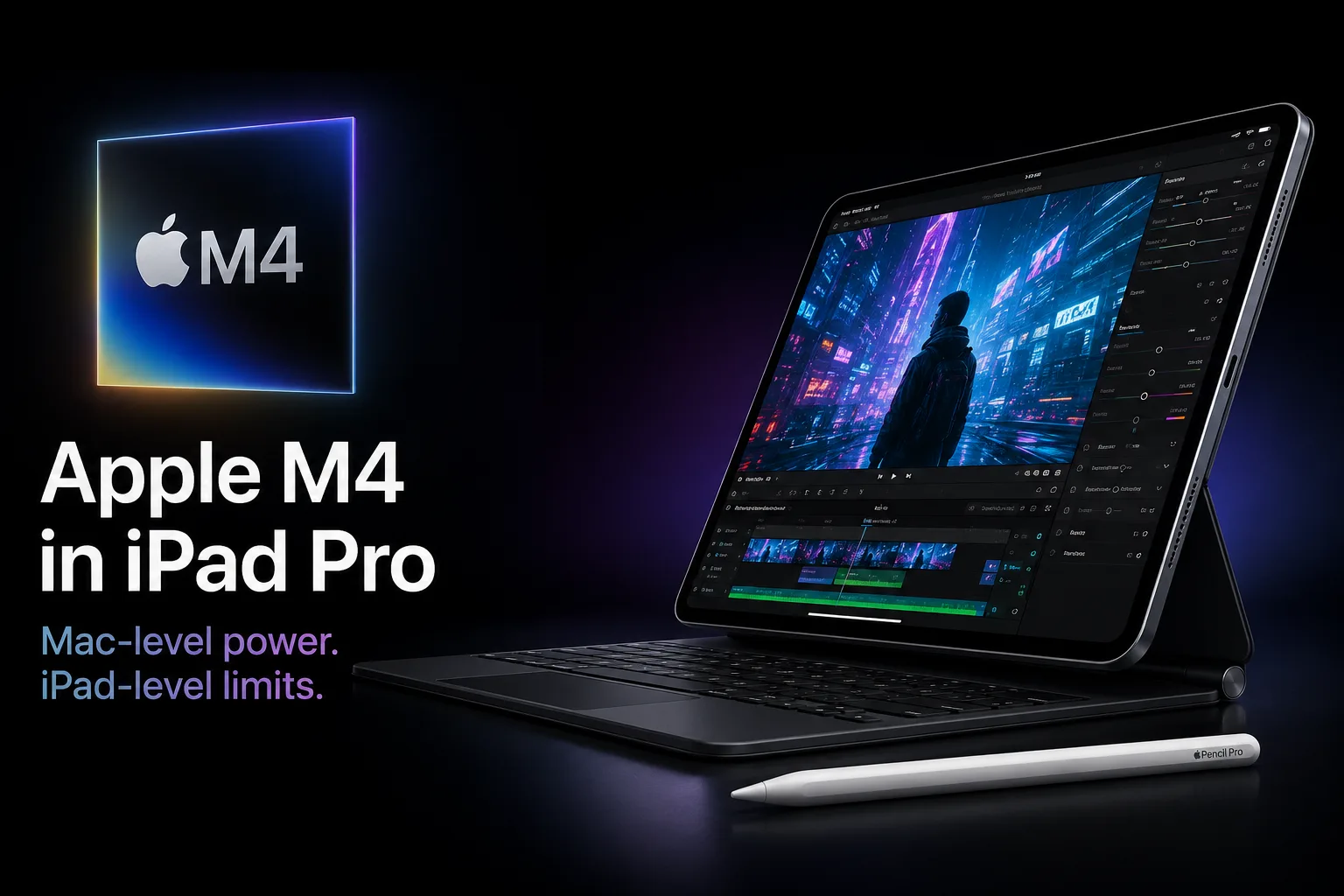
Apple M4 in iPad Pro: Mac Power, iPad Limitations
Apple M4 was initially released in iPad Pro, rather than in Mac. Compared to M2, it is significantly faster in CPU performance, features more modern graphics, and includes a Neural Engine for local processing of neural network tasks. However, the main limitation lies not in the chip's speed, but in the types of tasks that iPadOS allows at that level.
Two M4 Configurations in iPad Pro
The 2024 iPad Pro uses two configurations of Apple M4. The 256 GB and 512 GB models come with a 9-core CPU: 3 performance cores and 6 efficiency cores. The 1 TB and 2 TB models have a 10-core CPU: 4 performance cores and 6 efficiency cores. Thus, the name M4 does not imply the same configuration of CPU and memory.
| iPad Pro M4 Version | CPU | GPU | RAM | Memory Bandwidth |
|---|---|---|---|---|
| 256 / 512 GB | 9 cores, 3P + 6E | 10 cores | 8 GB | 120 GB/s |
| 1 / 2 TB | 10 cores, 4P + 6E | 10 cores | 16 GB | 120 GB/s |
This difference affects not only benchmark results. The version with 16 GB RAM is better suited for larger projects, multilayer graphics, video editing, and heavy multitasking. However, Apple has reserved 16 GB only for the higher configurations with 1 or 2 TB of storage.
CPU Performance
In CPU tasks, M4 is significantly faster than M2. In Geekbench 6, the iPad Pro with M4 scores around 3670-3700 points in single-core and 13200-13800 points in multi-core. In comparison, the iPad Pro with M2 typically scores about 2600 points in single-core and 9800-9900 points in multi-core.
The difference is most noticeable in tasks that heavily load the CPU: video export, processing large RAW files, complex projects in Logic Pro, 3D applications, heavy documents, and local AI functions. In web browsing, notes, messaging, and video playback, the difference is harder to notice. For such scenarios, M1 still does not appear weak.
In CPU tasks, M4 in iPad Pro is already closer to Apple Silicon in MacBooks than to standard tablet SoCs. However, this does not make iPad Pro a direct replacement for MacBook: macOS is more convenient for file management, external devices, background processes, and long-duration work tasks.
Graphics and Metal
M4 has a 10-core GPU with Dynamic Caching, hardware ray tracing, and mesh shading. These features are important for 3D, gaming, and professional applications, provided the software can utilize them. However, the GPU alone does not solve the issue of applications for iPadOS.
In the Metal benchmark, the M4 iPad Pro scores about 54-55 thousand points. This is higher than the M2 iPad Pro, but the jump in GPU performance is not as pronounced as in CPU performance. The main limitation is not the GPU, but rather the suite of applications available for iPadOS: there are fewer heavy games, 3D software, and professional scenarios compared to macOS or Windows.
Thus, the graphics capabilities of M4 are primarily important for rendering, video processing, 3D work, and applications that use ray tracing, mesh shading, and Metal acceleration.
Neural Engine and AI Tasks
M4 features a 16-core Neural Engine with a performance of up to 38 TOPS. This block is necessary for local AI functions: speech recognition, image processing, generative features in applications, and acceleration of professional tasks.
However, TOPS should not be viewed as a direct equivalent of FPS or Geekbench points. The Neural Engine alone will not speed up regular browsing or video playback. Gains will only be seen where the application actually utilizes the NPU, GPU, and shared memory.
Major Limitations of M4 in iPad
M4 in iPad Pro is not limited by speed but rather by the form factor of the device. The tablet is thin and lacks active cooling, so it is not designed to perform at the level of a MacBook Pro under prolonged heavy load. Short tasks are completed quickly, but extended rendering, gaming, or exporting can hit thermal limits and power constraints.
Another limitation is iPadOS. The system has made significant advances in multitasking, external displays, and professional applications, but it is still less flexible than macOS or Windows. Working with files, external devices, background processes, and certain professional software is still more convenient on a laptop.
Conclusion
In CPU tasks, the Apple M4 in iPad Pro is already close to the Apple Silicon chips found in MacBooks. Relative to M2, the increase is particularly noticeable in single-threaded and multi-threaded applications, graphics have become more modern, and the Neural Engine is better suited for local AI functions. However, the processor alone is a weak argument for purchase.
The iPad Pro M4 is justified for drawing, video editing, photo processing, 3D work, using the Apple Pencil Pro, and tasks that value the OLED screen, thin body, and high performance. For browsing, movies, notes, and standard study, M4 is excessive.
M4 is not a limitation here. The limitation is the attempt to replace a laptop with a tablet where macOS, active cooling, and a classic workflow are essential.
SOC Comparison
Compare Apple M4 iPad with other SOCs
Basic
GPU Specifications
Connectivity
Memory Specifications
Miscellaneous
Benchmarks
Tablets with M4 iPad


Comparison of Devices with M4 iPad
Compared to Other SoC
Related SoC Comparisons





Share in social media
Or Link To Us
<a href="https://cputronic.com/index.php/soc/apple-m4-ipad" target="_blank">Apple M4 iPad</a>