AMD Radeon Vega 7

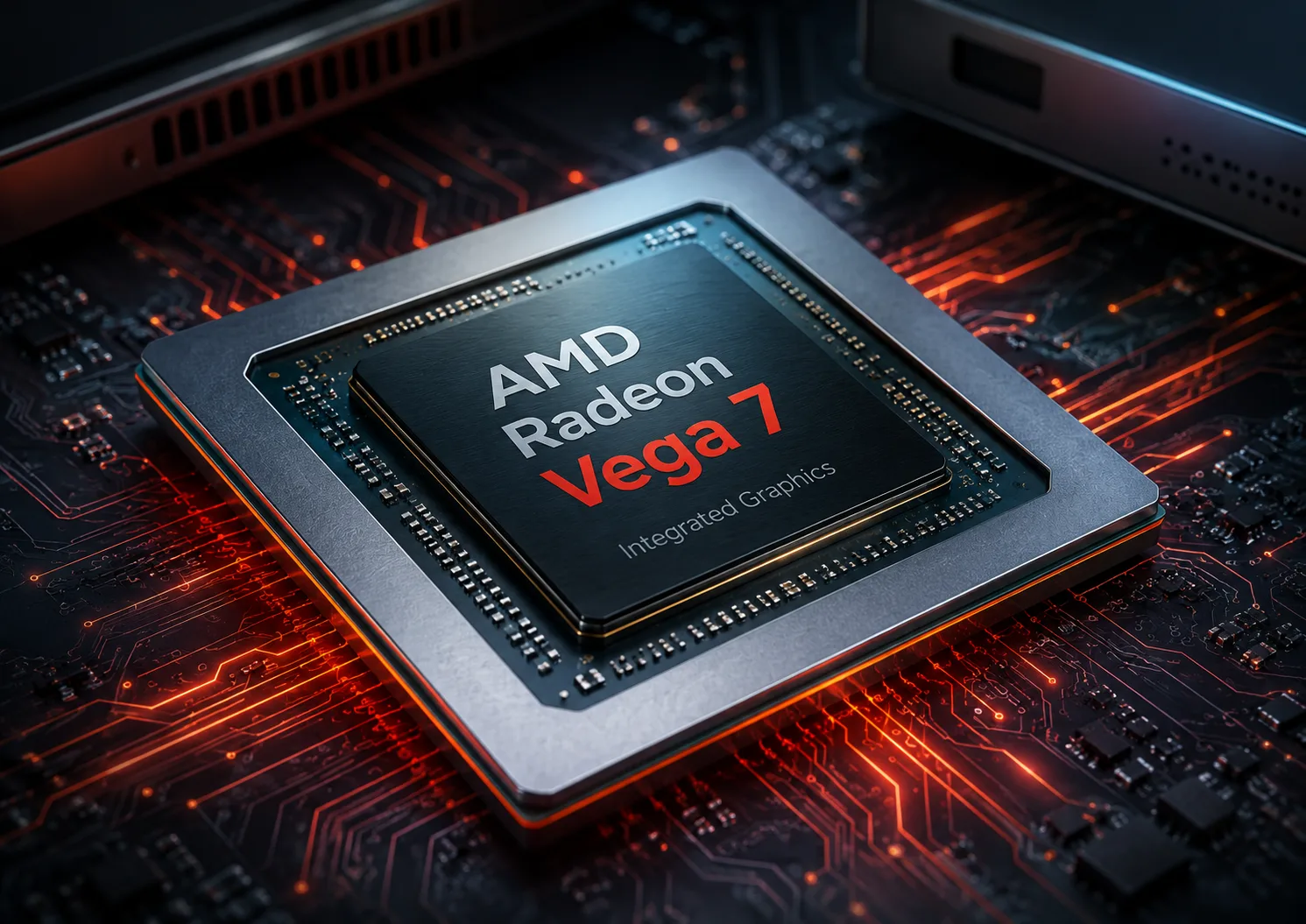
Radeon Vega 7 in 2026: What the Integrated Graphics of Ryzen Can Do
AMD Radeon Vega 7 is integrated graphics that cannot be evaluated solely by its name. In one laptop, it can perform quite well for everyday tasks and light gaming, while in another, it may significantly underperform due to slow memory, modest cooling, or low CPU power limits.
By 2026 standards, Vega 7 is no longer seen as modern. It is built on the old Vega architecture, featuring 7 compute units and 448 shaders. However, it’s premature to completely write it off: in budget laptops, mini-PCs, and desktop APUs, it can still handle basic tasks without a discrete graphics card.
The key is not to expect the level of a modern gaming iGPU. Radeon Vega 7 shines not in turning a laptop into a gaming machine but in allowing an affordable Ryzen to manage office work, video playback, browsing, and some less demanding games.
What is Radeon Vega 7 and Where is It Found
Radeon Vega 7 is the integrated graphics block in AMD Ryzen processors. In AMD's official specifications, this graphics is often simply labeled as AMD Radeon Graphics, while the name Vega 7 is typically used in reviews and spec databases to differentiate it from Vega 6, Vega 8, and other variants.
| Feature | Radeon Vega 7 |
|---|---|
| Type | Integrated Graphics |
| Architecture | Vega / GCN 5 |
| Compute Units | 7 |
| Shaders | 448 |
| Video Memory | Uses system RAM |
| Typical Frequencies | Approximately 1800-2000 MHz |
| DirectX | 12 |
| Class | Basic iGPU for office work, video, and light gaming |
Radeon Vega 7 has been found in various mobile and desktop Ryzen models. It’s worth noting that the graphics frequency can vary; therefore, the same name does not always imply identical performance.
| Processor | Device Type | Graphics Frequency |
|---|---|---|
| Ryzen 5 5500U | Laptops | Up to 1800 MHz |
| Ryzen 5 5600U | Laptops | Up to 1800 MHz |
| Ryzen 5 5625U | Laptops | Up to 1800 MHz |
| Ryzen 5 7430U | Laptops | Up to 1800 MHz |
| Ryzen 5 7530U | Laptops | Up to 2000 MHz |
| Ryzen 5 PRO 7530U | Laptops / Business Models | Up to 2000 MHz |
| Ryzen 5 5600G | Desktop PCs | Up to 1900 MHz |
| Ryzen 5 PRO 4650G | Desktop PCs / OEM | Up to 1900 MHz |
This table illustrates the peculiarity of Vega 7: it has appeared not only in the older Ryzen 4000/5000 series but also in newer models like the Ryzen 5 7430U and Ryzen 5 7530U. Hence, a newer processor number does not always mean a new graphics architecture. The graphics frequency of the Ryzen 5 7530U is raised to 2000 MHz, yet it still utilizes the Vega architecture, simply under the neutral name AMD Radeon Graphics.
Why Vega 7 Works Differently in Various Devices
The main mistake is to think that all Vega 7s are the same. This is not a discrete graphics card with its own memory and separate cooling. It operates within the processor and uses shared system memory.
This is critical for integrated graphics. If a laptop has 16 GB of RAM in dual-channel mode, Vega 7 can perform significantly better. However, if it only has 8 GB of memory or operates in single-channel mode, the graphics quickly hit the RAM bandwidth limit.
Performance is influenced by:
- Frequency of the iGPU itself;
- CPU power limit;
- Cooling in the laptop or mini-PC;
- Frequency of the RAM;
- Single-channel or dual-channel RAM mode.
In office tasks, such differences might go unnoticed. However, in games, 3D benchmarks, and heavy interfaces, they become apparent quickly. Therefore, when choosing a device with Vega 7, it’s more important to consider not only the processor name but also the memory configuration.
Performance in Games
Radeon Vega 7 is suitable for light gaming, older titles, and esports disciplines but struggles with modern heavy games. At Full HD, settings often need to be lowered to low, and for more demanding games, 720p or scaling might be necessary.
| Scenario | What to Expect from Vega 7 |
|---|---|
| Office, Browser, Video | No problems |
| Older Games | Usually fine at 720p/1080p on low or medium settings |
| Dota 2, League of Legends, Valorant | Playable, but better to lower settings |
| Fortnite, CS2 and similar games | Possible, but with compromises |
| Modern AAA games | Often uncomfortable |
| Video Editing, 3D, Heavy Graphics | Not its class |
For a non-demanding user, this is sufficient. For example, if a laptop is needed for studying, work, movies, and occasional light gaming, Vega 7 won't pose a problem. However, if gaming is one of the primary uses, it’s better to look at the Radeon 660M, 680M, 740M, 760M, 780M, or a discrete graphics card right away.
It's also important to note that Vega 7 is not only aging in terms of FPS. It lacks the future-proofing potential that newer RDNA graphics blocks possess. Even if a specific game runs acceptably today, new projects and updates can quickly degrade the experience.
Comparison with Other Integrated GPUs
Within AMD's older lineup, Vega 7 sits between Vega 6 and Vega 8. Vega 8 is usually faster due to a greater number of compute units, but the difference depends on the specific processor, frequency, and memory configuration.
| Integrated Graphics | Level Relative to Vega 7 | Comments |
|---|---|---|
| Radeon Vega 6 | Slightly Weaker | Fewer compute units |
| Radeon Vega 8 | Slightly Faster | Higher variant of the same architecture |
| Intel UHD Graphics | Often Weaker | Depends on Intel generation |
| Intel Iris Xe | Generally Faster | Especially with good memory configuration |
| Radeon 660M | Noticeably Modern | RDNA 2, better efficiency and platform |
| Radeon 680M | Much Stronger | A different class of integrated graphics |
| Radeon 740M/760M/780M | More Modern and Promising | RDNA 3, better future-proofing |
The key takeaway here is not to compare iGPUs solely on the number of shaders. For example, the Radeon 660M may seem less impressive in dry figures but is built on the newer RDNA 2 architecture and typically operates with faster DDR5 or LPDDR5 memory. Thus, in real tasks, the newer iGPUs often prove to be significantly more interesting than the old Vega 7.
Where Vega 7 is Still Relevant
In 2026, Radeon Vega 7 still makes sense in budget devices. It is suitable for:
- Office work;
- Browsing and messaging;
- Video playback;
- Video calls;
- Studying;
- Simple gaming;
- Light photo editing;
- Mini-PCs without discrete graphics.
The best scenario for Vega 7 is an affordable Ryzen laptop with 16 GB of RAM in dual-channel mode. In this configuration, the integrated graphics operate much more confidently and are less limited by memory.
The worst scenario is a cheap laptop with 8 GB of RAM in single-channel mode. On paper, it may have the same Ryzen and the same Vega 7, but in reality, the graphics would be weaker, and part of the memory would be taken up by the iGPU itself. For a modern laptop, such a configuration already seems cramped.
Should You Buy a Device with Radeon Vega 7
Buying a device with Vega 7 is worth it not because of the graphics itself but because of the good overall price of the laptop or mini-PC. If the model is affordable, has a decent Ryzen, 16 GB of RAM, and fits office tasks, Vega 7 is quite acceptable.
However, if there is a similarly priced device with Radeon 660M, 680M, 740M, 760M, or 780M, it’s better to choose the newer graphics. The difference will not only be in gaming. Newer iGPUs typically offer better performance headroom, more modern media blocks, higher energy efficiency, and faster memory handling.
For gaming, Vega 7 should be considered only as a minimal option. It can run light projects but should not be the main reason for purchasing a laptop.
Conclusion
AMD Radeon Vega 7 is an old but still functional integrated graphics solution. It doesn't turn a laptop into a gaming machine but allows affordable Ryzen systems to handle office work, video, browsing, and simple games adequately.
Its main drawback is its dependence on the overall configuration of the device. Without dual-channel memory, Vega 7 quickly loses some of its potential. With good RAM and decent cooling, it can be quite pleasant for basic tasks, but it no longer competes with modern integrated GPUs.
In 2026, Radeon Vega 7 should be seen as a budget option without any future-proofing. If the price is good, it can be a buy. If there is an option to choose Ryzen with Radeon 660M or newer, it’s better not to cling to Vega 7. It is no longer an advantage but merely an acceptable minimum for a budget device.
GPU Comparison
Compare Radeon Vega 7 with other GPUs
Basic
Memory Specifications
Display and Media
Theoretical Performance
Miscellaneous
Benchmarks
Compared to Other GPU
Related GPU Comparisons


Share in social media
Or Link To Us
<a href="https://cputronic.com/index.php/gpu/amd-radeon-vega-7" target="_blank">AMD Radeon Vega 7</a>