AMD Radeon RX 9070 GRE
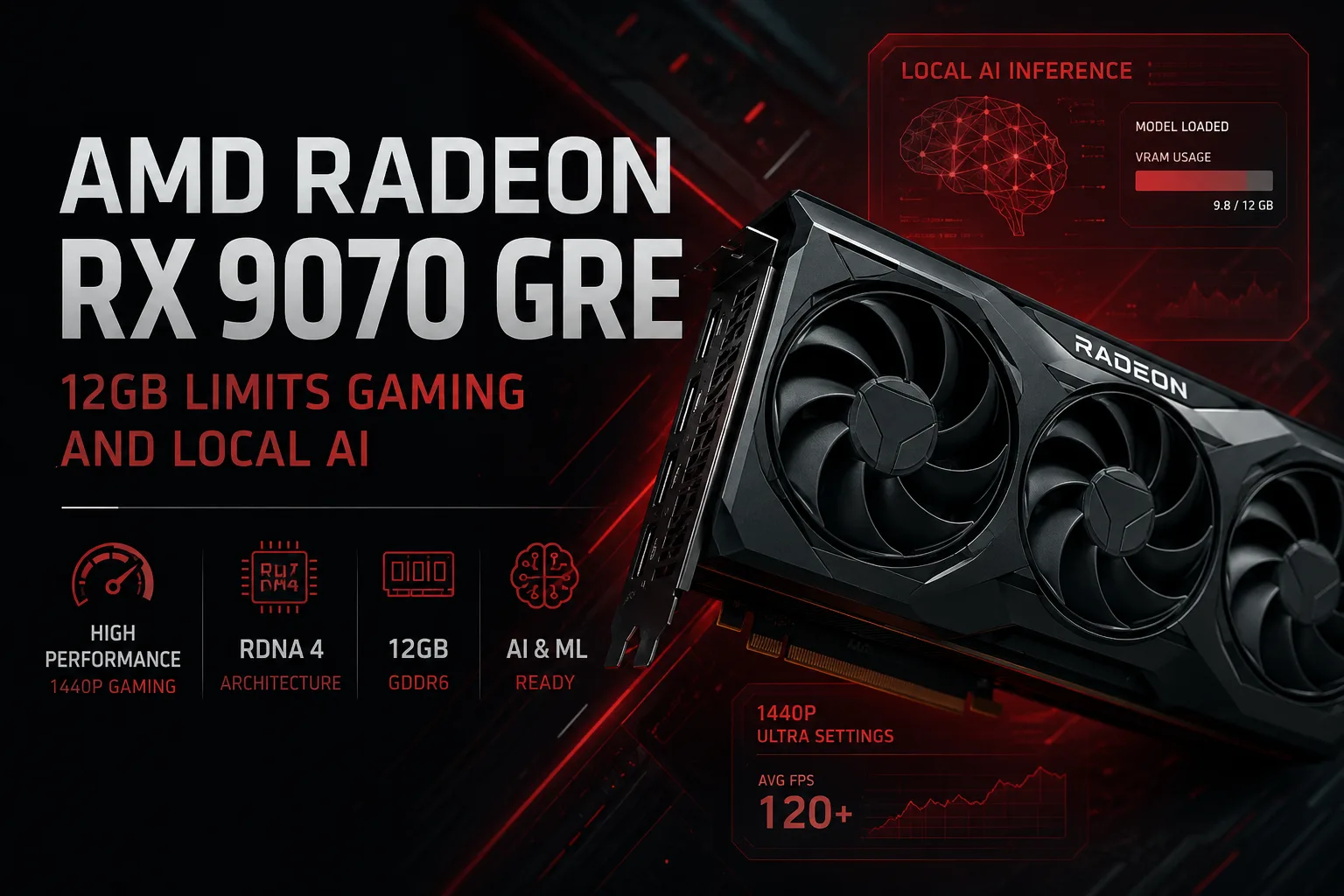
AMD Radeon RX 9070 GRE: 12 GB Limiting for Gaming and Local AI
The AMD Radeon RX 9070 GRE occupies an intermediate position between the RX 9060 XT and the RX 9070, but it's hard to simply call it a "mid-range" model. In terms of computational power, it's closer to the RX 9070, consuming the same amount of energy while the main cut comes in memory: 12 GB of GDDR6 and a 192-bit bus instead of 16 GB and 256 bits.
In gaming, this compromise is manifested more strongly at 4K than at 1440p. In local AI, the limitation is noticeable immediately: the amount of video memory affects not only speed but also the capability to load the model entirely. Therefore, the appeal of the RX 9070 GRE is primarily determined by its price relative to the standard RX 9070.
A Cut-Down RX 9070, Not an Enhanced RX 9060 XT
The Radeon RX 9070 GRE features 48 compute units, 3072 stream processors, 48 ray tracing accelerators, and 96 AI accelerators. The gaming frequency is set at 2220 MHz, while Boost reaches 2790 MHz. The peak FP32 performance is listed at 34.3 TFLOPS.
In comparison, the RX 9070 has 56 compute units and 3584 stream processors. Its peak FP32 performance reaches 36.1 TFLOPS. The gap in theoretical performance seems small since GRE partially compensates for the disabled blocks with a higher frequency.
However, a high Boost doesn't replace the missing execution units. In heavy gaming scenes, ray tracing, and prolonged computational workloads, the standard RX 9070 will maintain its advantage.
Position of the RX 9070 GRE in the Lineup
| Specification | Radeon RX 9060 XT 16GB | Radeon RX 9070 GRE | Radeon RX 9070 |
|---|---|---|---|
| Compute Units | 32 | 48 | 56 |
| Stream Processors | 2048 | 3072 | 3584 |
| Video Memory | 16 GB GDDR6 | 12 GB GDDR6 | 16 GB GDDR6 |
| Memory Bus | 128 bits | 192 bits | 256 bits |
| Bandwidth | 320 GB/s | 432 GB/s | 640 GB/s |
| Infinity Cache | 32 MB | 48 MB | 64 MB |
| Typical Power Consumption | 160 W | 220 W | 220 W |
| Primary Use Case | 1080p and 1440p | 1440p | 1440p and 4K |
In terms of GPU size, the RX 9070 GRE is much closer to the RX 9070. However, the memory configuration looks odd: the lower RX 9060 XT 16GB has more VRAM, despite significantly lower computational power.
Memory as the Main Compromise
The RX 9070 GRE is equipped with 12 GB of GDDR6 running at 18 Gbps. The memory is connected via a 192-bit bus, providing a bandwidth of 432 GB/s. The Infinity Cache size is 48 MB.
The RX 9070 features 16 GB of GDDR6 running at 20 Gbps, a 256-bit bus, and 64 MB of Infinity Cache. Its bandwidth reaches 640 GB/s-almost 50% more than that of GRE.
At 1440p, twelve gigabytes do not yet turn the card into a problematic purchase. Most games fit into this volume, and high computational performance allows for maximum or near-maximum settings.
But the headroom is limited for a graphics card of this class. Heavy textures, modifications, ray tracing, and the shift to 4K quickly increase VRAM consumption. When memory runs low, the advantage of a powerful GPU is partly lost due to subsystems pulling from system memory and the need to lower certain settings.
A Fast Graphics Card for 1440p
The primary resolution for the RX 9070 GRE is 2560 × 1440. In AMD's published test suite, the card shows between 82 to 144 frames per second in modern games at high or maximum settings. These results are provided by AMD and serve as a benchmark, not a substitute for independent testing.
For monitors with a refresh rate of 120-165 Hz, this performance is sufficient in many titles. The most demanding ray tracing modes will require scaling back or reducing some parameters, but in regular rasterization, the RX 9070 GRE performs confidently.
At 4K, the card can also deliver acceptable frame rates, especially with FSR. However, it is here that 12 GB and the 192-bit bus begin to further separate it from the RX 9070. For occasional gaming at 4K, GRE is suitable, but as a permanent 4K card, the higher model is notably more convincing.
FSR, Ray Tracing, and Media Engine
The RX 9070 GRE supports RDNA 4 generation technologies, including FSR Redstone, frame generation, Radeon Anti-Lag, Radeon Super Resolution, and HYPR-RX. The card also has hardware support for encoding and decoding AV1, H.264, and H.265.
The ray tracing accelerators in RDNA 4 are more powerful than those in previous generations of Radeon, yet the most demanding RT modes remain a heavyweight burden. In these scenarios, FSR works not as a pleasant addition but as a practical method to maintain high frame rates.
Power Consumption as in RX 9070
The typical power consumption of the RX 9070 GRE is 220 W-exactly the same that AMD lists for the RX 9070. The card uses two eight-pin connectors for power, with a recommended PSU of 650 W.
The GRE saves money, but not electricity. The card will require a case with proper ventilation and a complete cooling system. It isn't always wise to overpay for the most massive partner versions: an expensive RX 9070 GRE can come close in price to the more powerful RX 9070.
Overclocking also does not eliminate the main drawback. Adding extra megahertz to the core doesn't turn 12 GB into 16 GB, nor does it convert a 192-bit bus into a 256-bit one.
RX 9070 GRE in Local AI and Machine Learning
The RX 9070 GRE has 96 second-generation AI accelerators and supports low-precision matrix operations. However, the TOPS metrics do not tell much about real performance: the result depends on the specific model, the framework used, the type of data, and the quality of software optimization.
What’s much more important is that the RX 9070 GRE is officially supported by the ROCm platform. On Linux, Radeon supports PyTorch, TensorFlow, JAX, and ONNX Runtime, as well as tools for running LLMs and generative models. The RX 9070 GRE is present in the current matrix of compatible hardware.
In practice, the card can be used for the following tasks:
- Image generation in Stable Diffusion and ComfyUI;
- Running quantized local language models;
- Inference of PyTorch and ONNX models;
- Computer vision and image processing;
- Training small models and LoRA tuning;
- Experiments with custom HIP applications.
For inference and engagement with local AI, its capabilities are sufficient. Issues begin with the growth of the model or workflow. Some VRAM is taken up by weights, context, intermediate tensors, and the application itself. In image generators, memory is additionally consumed by high resolution, batch processing, ControlNet, and other extensions.
Hence, 12 GB is not just a smaller reserve for the future. Some tasks that fit within 16 GB on the RX 9070 will have to run on GRE with more aggressive quantization, reduced context, lower resolution, or partial data offloading to system memory. The latter option allows for running larger models but usually slows down performance.
The RX 9070 GRE is not designed for full training of large neural networks. Its strengths lie in local inference, content generation, educational projects, and small experiments.
Windows is Now Supported, But Linux Remains Broader
The situation on Windows has improved. The RX 9070 GRE officially supports ROCm Runtime, HIP SDK, and ROCm Debugger, and the current version of the platform provides PyTorch for Radeon on Windows.
However, software support between the two systems is still not equal. On Windows, PyTorch is officially stated, while Linux additionally offers TensorFlow, JAX, and ONNX Runtime, as well as a more mature set of tools for training and inference. Some ROCm mathematical libraries remain available only on Linux.
For local execution of pre-trained models, Windows can now be considered a viable option. For development, training, and experimentation with various frameworks, Linux remains a more flexible environment.
Before purchasing a Radeon for a specific professional application, it's still worth checking its requirements. ROCm support does not guarantee that any application primarily written for CUDA will work without adjustments or an alternative backend.
Why RX 9070 Is Preferable for AI
In gaming, four additional gigabytes might not yield a noticeable difference for a long time. In machine learning, they critically affect the ability to accomplish a task.
The RX 9070 offers:
- More space for weights and context for the local LLM;
- Less dependency on offloading layers to system memory;
- More freedom when working with high resolution;
- The ability to use more complex chains in ComfyUI;
- Additional headroom for training and LoRA tuning;
- Higher memory bandwidth.
At the same power consumption, the RX 9070 not only received a more powerful GPU, but also a significantly better memory subsystem. Therefore, for a mixed-use computer intended for both gaming and AI, the upgrade to the higher card is more justified than for a purely gaming system.
When It Makes Sense to Buy RX 9070 GRE
The Radeon RX 9070 GRE appears justified if:
- It is significantly cheaper than the RX 9070;
- The primary resolution remains 1440p;
- 4K is used only occasionally;
- Local AI is limited to inference and moderate models;
- Required applications officially work via ROCm;
- Saving money is more important than additional VRAM headroom.
With a small price difference, these arguments lose strength. The RX 9070 offers more compute units, 16 GB of memory, and a 256-bit bus at the same listed 220 W.
Price is the Deciding Factor
Global sales of the Radeon RX 9070 GRE began on June 2, 2026, at a recommended price of $549. This is the same price as the standard RX 9070 at the time of its launch, although direct comparisons of recommended prices set at different times should be done with caution.
Nevertheless, the positioning of GRE remains contentious. It lags behind the RX 9070 in GPU, memory size, and bandwidth, but does not save on power. Hence, purchasing it makes sense only with a notable discount relative to the higher model.
Conclusion
The AMD Radeon RX 9070 GRE is a powerful graphics card for 1440p, which significantly outperforms the RX 9060 XT in computational performance and supports the current ROCm stack.
Its weak point is not the GPU itself but the 12 GB of memory and 192-bit bus. In gaming, this primarily limits the headroom for 4K and future projects. In local AI, the consequences are noticeable right now: less VRAM narrows the choice of models and complicates heavy workflows.
At a substantial discount, the RX 9070 GRE appears to be a strong gaming card and a feasible platform for local AI. With a small price difference from the RX 9070, it's wiser to pay more for the 16 GB: the additional memory is more beneficial in both a long-term gaming system and in professional tasks.
GPU Comparison
Compare Radeon RX 9070 GRE with other GPUs
Basic
Memory Specifications
Display and Media
Theoretical Performance
Miscellaneous
Benchmarks
Compared to Other GPU
Related GPU Comparisons


Share in social media
Or Link To Us
<a href="https://cputronic.com/index.php/gpu/amd-radeon-rx-9070-gre" target="_blank">AMD Radeon RX 9070 GRE</a>