Intel Core Ultra 7 355
Intel Core Ultra 7 355: A Fresh Panther Lake That Shouldn't Be Judged by Its Name Alone
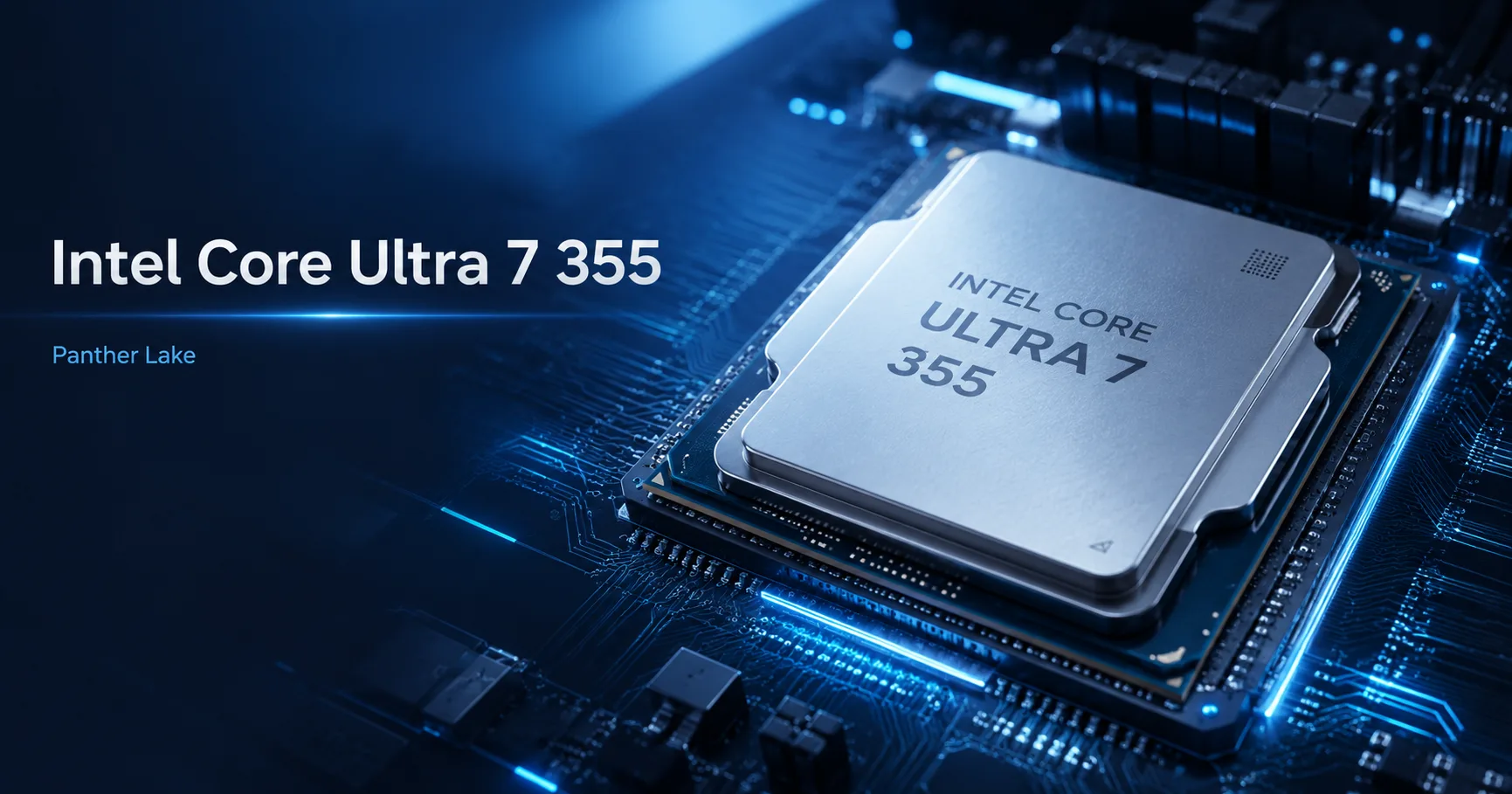
The Intel Core Ultra 7 355 is a mobile processor from the Panther Lake generation, designed for thin notebooks and compact systems. On paper, it looks impressive: Core Ultra 7, Intel’s 18A process technology, frequencies up to 4.7 GHz, an NPU for AI tasks, and modern integrated graphics. However, the main nuance here lies not in the number 7, but in the actual class of the chip. It's not part of the H-series or a hidden flagship, but an economical 25-watt processor intended for devices where balance, battery life, and moderate heat generation are more important.
The Core Ultra 7 355 has 8 cores and 8 threads: 4 performance P-cores and 4 low-power E-cores. There are no regular E-cores here. This 4+0+4 layout well illustrates the processor's character: it should quickly respond to short tasks, work efficiently in the background, and operate quietly when unnecessary. However, under heavy, prolonged loads, it has no competition against 12-16 core H models.
The Main Deception of the Name
The Core Ultra 7 355 is easy to overrate. The name includes “Ultra 7”, it’s from a fresh generation, and has high frequencies-so a buyer might expect nearly top-tier mobile performance. But with Intel's lineup, it’s essential to look not just at Ultra 5/7/9, but also at the suffix.
The Core Ultra 7 355 lacks the H suffix. For comparison, the Core Ultra 7 356H also belongs to Ultra 7 but features 16 cores, 16 threads, and 18 MB of cache. The Core Ultra X7 358H also gets enhanced graphics with Intel Arc B390. Thus, the Core Ultra 7 355 is not “almost H,” but rather a separate economical version for thin laptops.
| Model | Cores / Threads | Cache | Graphics | Class |
|---|---|---|---|---|
| Core Ultra 7 355 | 8 / 8 | 12 MB | Intel Graphics | Thin notebooks |
| Core Ultra 7 356H | 16 / 16 | 18 MB | Intel Graphics | High-performance H models |
| Core Ultra X7 358H | 16 / 16 | 18 MB | Intel Arc B390 | H models with strong iGPU |
There’s another confusion: the Core Ultra 7 355 belongs to Core Ultra Series 3, but it’s not “Core Ultra 3”. Series 3 is the Panther Lake generation, while Ultra 7 is the model level within the lineup. Therefore, the right question to ask when buying is not “is this an Ultra 7?” but “which Ultra 7 is it?”.
Performance and Limitations
In everyday tasks, the Core Ultra 7 355 should feel swift. Browsing, office work, video calls, messaging, light photo editing, programming, and managing multiple tabs are its typical workloads. High single-thread performance helps the system remain responsive, while the 25-watt class suits thin chassis.
However, 8 threads present a significant limitation. This processor feels good in short bursts, but it doesn't handle prolonged full-load operations well. In short tests and regular workloads, it performs well, but during lengthy renders, heavy compilations, editing, or 3D tasks, it quickly lags behind larger chips.
In early benchmarks, the Core Ultra 7 355 displays the performance level of a fast thin laptop: about 2735 points in Geekbench 6 Single-Core, around 11500 points in Geekbench 6 Multi-Core, and approximately 21000 points in PassMark CPU Mark. This is a solid result for an economical mobile processor, but not on the level of full H/HX platforms.
Graphics and NPU
There’s also a nuance with graphics. The Core Ultra 7 355 belongs to Panther Lake, but this is not the version with the powerful Arc B390. Instead, it utilizes Intel Graphics with 4 Xe-cores and a frequency of up to 2.5 GHz. This is sufficient for interfaces, video, office work, light gaming, and basic GPU acceleration, but don't expect the capabilities of higher-end Core Ultra X models.
The NPU in the Core Ultra 7 355 is noticeably more interesting for its class: Intel specifies up to 49 TOPS INT8. This is useful for local AI functions like camera effects, noise suppression, Windows Studio Effects, and applications that can utilize OpenVINO, WindowsML, WebNN, or ONNX Runtime. However, it’s not a replacement for a discrete GPU for heavy image generation, large language models, or serious AI inference.
Who Should Consider the Intel Core Ultra 7 355
This processor makes sense in premium thin laptops, business models, lightweight work devices, and compact PCs. It is well-suited for work, study, travel, browsing, documents, video calls, light coding, and basic media processing. It would be particularly favorable in a laptop with a good display, fast memory, quiet cooling, and decent battery life.
For gaming, 3D work, heavy editing, rendering, and sustained multi-threaded loads, it’s better to look higher: at Core Ultra H, Core Ultra X, the HX series, or powerful Ryzen AI/Ryzen HS processors. The Core Ultra 7 355 is not bad, but it shouldn't be purchased based solely on the appealing Ultra 7 label.
Conclusion
The Intel Core Ultra 7 355 is a fresh and interesting Panther Lake but not a hidden flagship. Its strength lies in balance: a modern platform, Intel 18A, quick responsiveness, an NPU, good media capabilities, and moderate power consumption. Its weak points are 8 threads and not as powerful integrated graphics as the higher-end Panther Lake X models.
Purchasing the Core Ultra 7 355 should not be based on the number 7 in its name, but rather on the right laptop built around it. In a lightweight, quiet, and efficient device, it presents a strong option. In a high-end laptop “for everything,” it’s already a reason to closely examine H models and competitors.
CPU Comparison
Compare Core Ultra 7 355 with other CPUs
Basic
CPU Specifications
Memory Specifications
GPU Specifications
Interfaces and Ports
Benchmarks
Compared to Other CPU
Related CPU Comparisons



Share in social media
Or Link To Us
<a href="https://cputronic.com/index.php/cpu/intel-core-ultra-7-355" target="_blank">Intel Core Ultra 7 355</a>