Intel Core 7 150U

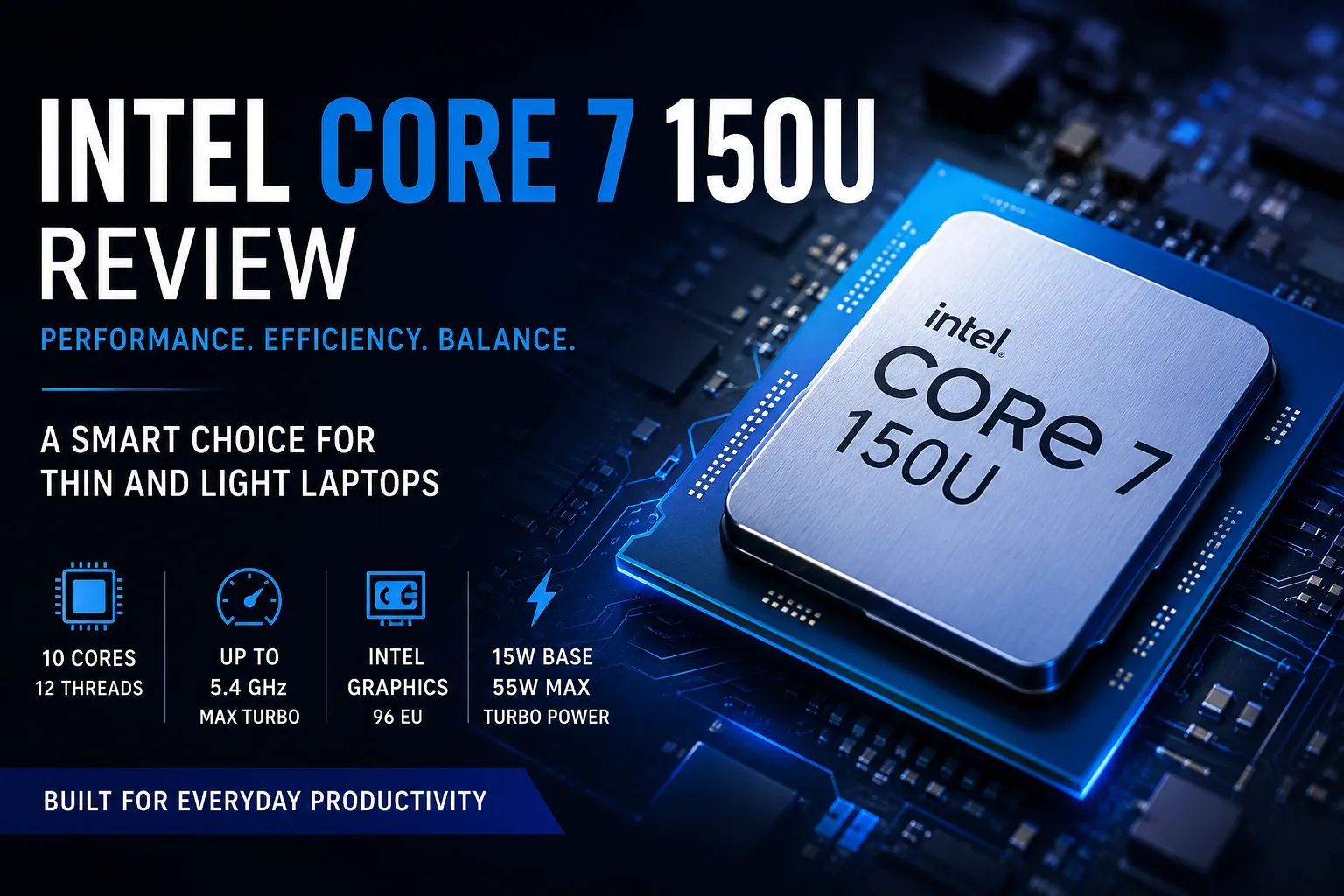
Intel Core 7 150U - Overview of the Processor for Thin Laptops
The Intel Core 7 150U is a mobile processor from the Intel Core Series 1 designed for thin laptops, office models, and lightweight work devices. It is well-suited for browsing, documents, spreadsheets, video calls, studying, and everyday multitasking, but it is not intended for heavy gaming, video editing, 3D rendering, or sustained high-load tasks across all cores.
The main focus of the Core 7 150U is not on record power but on comfort. The name Core 7 sounds impressive, but the letter U is more significant than the number 7: it is an energy-efficient processor for compact laptops where quick responsiveness, moderate heating, and decent battery life are valued.
What You Need to Know About the Core 7 150U
The Intel Core 7 150U is built on the Raptor Lake architecture and belongs to the Intel Core Series 1 lineup. It is not Core Ultra or a new architectural platform, but rather a senior version of the already familiar mobile U-series from Intel.
The processor features 10 cores and 12 threads: 2 performance P-cores and 8 energy-efficient E-cores. The maximum frequency reaches up to 5.4 GHz, the cache size is 12 MB, the base power is 15W, and the maximum turbo power is 55W. The integrated graphics is Intel Graphics with 96 execution units.
On paper, the Core 7 150U looks powerful, but its real character is defined by the two P-cores. They provide quick responsiveness for short tasks, while the E-cores assist with background processes and multitasking. This configuration is effective for a thin laptop, but its ceiling is lower than that of more powerful mobile chips.
Performance of the Intel Core 7 150U
In everyday use, the Intel Core 7 150U feels lively. It quickly launches applications, handles a browser with many tabs confidently, manages office tasks well, and performs adequately with several programs running simultaneously.
Typical tasks for this processor include:
- Browsing, email, messaging, and video calls;
- Documents, spreadsheets, Notion, CMS, CRM, and web administration;
- Studying, remote work, and online meetings;
- Light photo editing;
- Basic programming;
- Everyday multitasking.
In these scenarios, the Core 7 150U doesn’t come off as weak. On the contrary, a good laptop with this processor can feel faster than one would expect from the 15W class. The high turbo frequency helps in aspects where users most often notice speed: launching applications, switching windows, interface responsiveness, and web browsing.
However, if a heavy load is sustained for long periods and all cores are stressed, the magic ends. In such cases, a lot depends on cooling, power limits, and the specific laptop's settings. In one chassis, the Core 7 150U may maintain frequencies steadily, while in another, it might quickly drop power in favor of silence and temperature control.
Why the Core 7 150U Can Be Overrated
The main trap of the Core 7 150U is its name. Users see Core 7 and may expect almost flagship-level performance. In reality, this is an upper energy-efficient chip, not a processor for everything.
This is not a drawback but a question of proper expectations. For a thin work laptop, the Core 7 150U can be better than a hotter processor requiring a bulky chassis and active cooling. However, it should not be purchased as an “almost gaming” or “almost professional” chip.
In simpler terms: the Core 7 150U shines not where maximum power is needed, but where a laptop should work quickly, quietly, and without excessive heating every day.
Gaming and Integrated Graphics
The integrated Intel Graphics with 96 execution units is suitable for video playback, external displays, the Windows interface, office graphics, and basic visual tasks. For an everyday laptop, this is sufficient.
Gaming performance is more modest. The Core 7 150U can handle older titles, undemanding online games, and light indie graphics, but modern AAA games and heavy 3D loads are outside its territory. For gaming, it’s better to choose a laptop with a discrete graphics card or a more powerful next-gen integrated graphics.
Memory is also crucial. Integrated graphics significantly depend on RAM bandwidth, so dual-channel setup is preferable. Slow or single-channel memory can noticeably limit graphical performance.
Intel Core 7 150U vs Core 5 120U and Core i7-1355U
The Core 7 150U is more logically compared to neighboring U-processors. This way, it's clear that this is the upper version of the familiar platform, not a leap into another class.
| Processor | Cores / Threads | Frequency | Graphics | Power | Comments |
|---|---|---|---|---|---|
| Intel Core 7 150U | 10 / 12 | up to 5.4 GHz | 96 EU | 15 / 55 W | The fastest option in the group |
| Intel Core 5 120U | 10 / 12 | up to 5.0 GHz | 80 EU | 15 / 55 W | Similar base, lower frequencies, weaker iGPU |
| Intel Core i7-1355U | 10 / 12 | up to 5.0 GHz | 96 EU | 15 / 55 W | Very close predecessor |
Compared to the Core 5 120U, the Core 7 150U offers higher frequencies and a stronger integrated graphics. This is a plus but not an upgrade to a higher class. In actual laptops, the difference will depend on cooling, memory, and power limits.
The difference with the Core i7-1355U is even subtler. The Core 7 150U can be considered a slightly faster, more recent version of a similar 15W platform. Upgrading a good laptop for the Core i7-1355U just for the Core 7 150U usually doesn't make sense. However, when purchasing a new device, the Core 7 150U seems reasonable if the price is not inflated.
Which Laptop with the Core 7 150U Should You Buy?
The processor itself does not make a laptop good. The Core 7 150U performs best in balanced models where the manufacturer has not skimped on memory, SSD, display, and cooling.
It is optimal to look for a configuration with at least 16GB of RAM, a fast SSD, a good IPS or OLED display, decent cooling, and a reasonable price. 32GB of RAM would be a bonus, especially if the laptop is intended for several years of use.
If choosing between a laptop with the Core 7 150U with a mediocre display and 16GB of RAM and a model with the Core 5 120U with a better screen, 32GB of RAM, and a larger SSD, the second option might be more sensible. In this class, it’s not just the processor that matters, but the whole laptop as a package.
Frequently Asked Questions
Is the Intel Core 7 150U suitable for gaming?
Only for older and less demanding games. For modern projects, it’s better to get a laptop with a discrete graphics card.
Is the Intel Core 7 150U better than the Core 5 120U?
Yes, but not dramatically. The Core 7 150U has higher frequencies and stronger integrated graphics, but much depends on the specific laptop.
Is the Intel Core 7 150U better than the Core i7-1355U?
Generally a little better, but these processors are closely related. The Core 7 150U appears to be a more recent and slightly faster version of a similar platform.
Is it worth buying a laptop with the Intel Core 7 150U?
Yes, if you need a thin work laptop for office use, browsing, studying, and everyday multitasking. For gaming, video editing, and 3D work, it’s better to choose a more powerful class of devices.
Conclusion
The Intel Core 7 150U is a good processor for thin work laptops, provided one doesn’t buy it solely based on its name. It performs well in everyday tasks, manages multitasking adequately, requires no massive cooling, and is suitable for mobile devices.
Its strength lies not in maximum performance but in balance. In a good chassis with proper memory, a fast SSD, and adequate cooling, the Core 7 150U can feel like a successful foundation for a compact work machine.
However, in a poor laptop with cost-cutting on the display, memory, and cooling, it can easily turn into an ordinary U-chip with an expensive label. Thus, it is wise to choose not just based on the Core 7 on the sticker, but on the specific laptop as a whole.
CPU Comparison
Compare Core 7 150U with other CPUs
Basic
CPU Specifications
Memory Specifications
GPU Specifications
AI Specifications
Benchmarks
Compared to Other CPU
Related CPU Comparisons


Share in social media
Or Link To Us
<a href="https://cputronic.com/index.php/cpu/intel-core-7-150u" target="_blank">Intel Core 7 150U</a>