Intel Celeron N4020
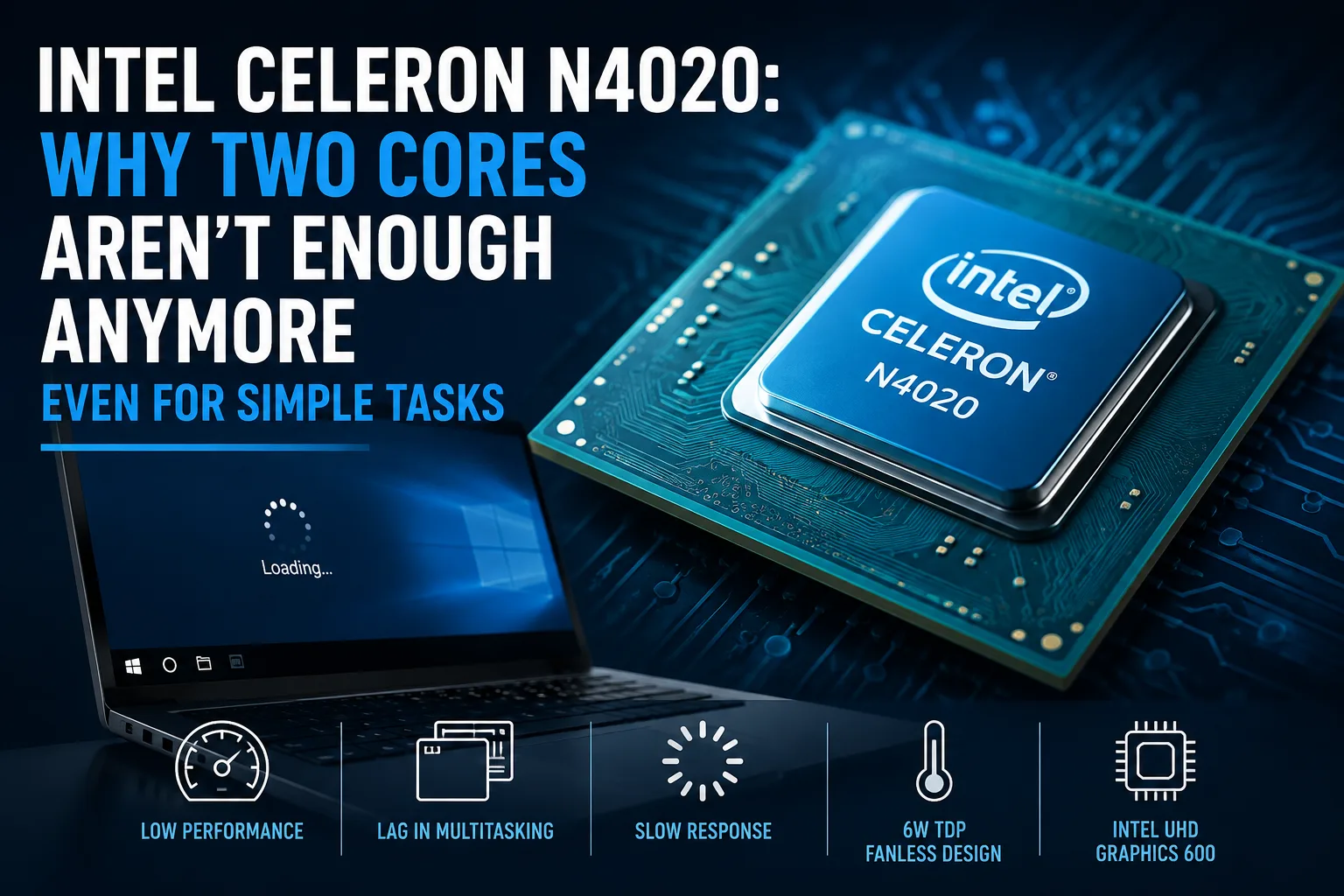
Intel Celeron N4020: Why Two Cores Are No Longer Enough Even for Simple Tasks
The Intel Celeron N4020 is a dual-core entry-level processor that was used in budget laptops, Chromebooks, and educational devices. With a thermal design power of 6 watts, manufacturers could use passive cooling, but the performance was insufficient for reliable multitasking even at the time of the chip's release.
Today, the N4020 still allows for document editing, video watching, and keeping several simple tabs open. However, updates, antivirus, and other background processes in Windows easily consume a significant portion of its resources.
Intel Celeron N4020 Results in Laptops
| Device | RAM | Operating System | Geekbench 6 Single-Core | Geekbench 6 Multi-Core |
|---|---|---|---|---|
| ASUS VivoBook E410MAB | 4 GB DDR4 | Windows 11 | 382 | 593 |
| HP 250 G8 | 4 GB DDR4 | Windows 10 | 378 | 531 |
| Lenovo V15-IGL 82C3 | 4 GB DDR4 | Windows 10 | 342 | 589 |
| Lenovo IdeaPad 1 14IGL05 | 4 GB DDR4 | Windows 11 | 322 | 614 |
In Geekbench 6, laptops score between 320-380 points in the single-core test and 530-610 points in the multi-core test. The variance reaches approximately 20%, but none of the tested models elevate the N4020 beyond the most basic level of performance.
Even a few additional background processes significantly impact the results on the N4020. Cooling plays a lesser role; with a TDP of 6 watts, the processor typically does not reach critical temperatures. The main limitation becomes the combination of a slow processor, 4 GB of memory, and an eMMC storage.
What the Results Mean for Everyday Use
The maximum frequency of 2.8 GHz helps under short single-core loads but does not compensate for the lack of additional cores and threads. When multiple programs are running simultaneously, both cores quickly become fully utilized.
With an SSD, such a laptop is suitable for documents, simple spreadsheets, messengers, and video playback. However, a few heavy tabs, a video call, or installing updates can quickly consume available resources: programs open with delays, pages scroll jerkily, and the interface responds slowly to commands.
For active multitasking, the capabilities of the N4020 are already insufficient. Even switching between a browser, a document, and a messenger often takes several seconds.
Why 4 GB of Memory and eMMC Make Laptops Even Slower
Most models with the N4020 were released with 4 GB of RAM. For normal operation of Windows 11, this amount is too small; a significant portion of memory is occupied by the operating system itself, leading to frequent data being offloaded to the swap file.
Reading data from the swap file on an eMMC drive takes significantly longer than on an SSD. As a result, the system can freeze for extended periods even without the CPU being fully loaded. In such a configuration, the processor, lack of memory, and slow storage simultaneously limit performance.
The 8 GB memory and SSD version opens programs faster and less frequently accesses the swap file. However, the capabilities of the N4020 itself do not change-additional memory and a fast drive only eliminate two other sources of slow performance.
When choosing a laptop, three characteristics are important:
- Type of storage - SSD is preferred over eMMC;
- Amount of RAM - 8 GB is desirable;
- Possibility of memory replacement or expansion.
A model with 4 GB of memory and eMMC makes sense only as a cheap device for a single specific scenario, such as working with a cash register program or connecting to a remote desktop.
Intel UHD Graphics 600
The integrated Intel UHD Graphics 600 contains 12 execution units and runs at a frequency of up to 650 MHz. Its capabilities are sufficient for the system interface, video playback, and simple 2D applications.
Some older games can run at 720p with minimum settings, but even then, the frame rates often drop below a comfortable level. Modern games, video editing, and 3D applications are far beyond the capabilities of the UHD Graphics 600. In games, performance is additionally limited by the low speed of the central cores.
Which Laptops Feature Intel Celeron N4020
In addition to the models listed in the table, the Celeron N4020 can be found in Acer Aspire 1, Lenovo 100e Chromebook, and numerous compact educational laptops.
Devices with the same processor can vary significantly in responsiveness. SSDs, 8 GB of memory, and a lighter operating system make the interface noticeably more responsive.
Before purchasing a compact model, it's important to check if the memory is soldered and if the storage can be replaced. If both components are non-removable, it will not be possible to improve the weak configuration after purchase.
What Tasks is the N4020 Still Suitable For?
The capabilities of the N4020 are sufficient for a limited set of tasks:
- Documents and simple spreadsheets;
- Video viewing and remote access;
- Undemanding cash register, warehouse, or educational software.
Under ChromeOS or a lightweight Linux distribution, the system usually responds faster since fewer resources are consumed by background services.
For photo editing, heavy development environments, running multiple applications simultaneously, and modern games, the performance of the N4020 is insufficient.
Is It Worth Buying a Laptop with Intel Celeron N4020?
A laptop with the Celeron N4020 should no longer be considered as a primary working device. Even basic operations in modern Windows are accompanied by pauses, and the typical 4 GB of memory and eMMC make the system even slower.
Such a model is worth purchasing only for its low price and a specific task-provided that an SSD is installed inside. For a primary laptop, it is advisable to seek a more modern quad-core processor, at least 8 GB of RAM, and an SSD.
CPU Comparison
Compare Celeron N4020 with other CPUs
Basic
CPU Specifications
Memory Specifications
GPU Specifications
Interfaces and Ports
Benchmarks
Compared to Other CPU
Related CPU Comparisons


Share in social media
Or Link To Us
<a href="https://cputronic.com/index.php/cpu/intel-celeron-n4020" target="_blank">Intel Celeron N4020</a>