Apple M3
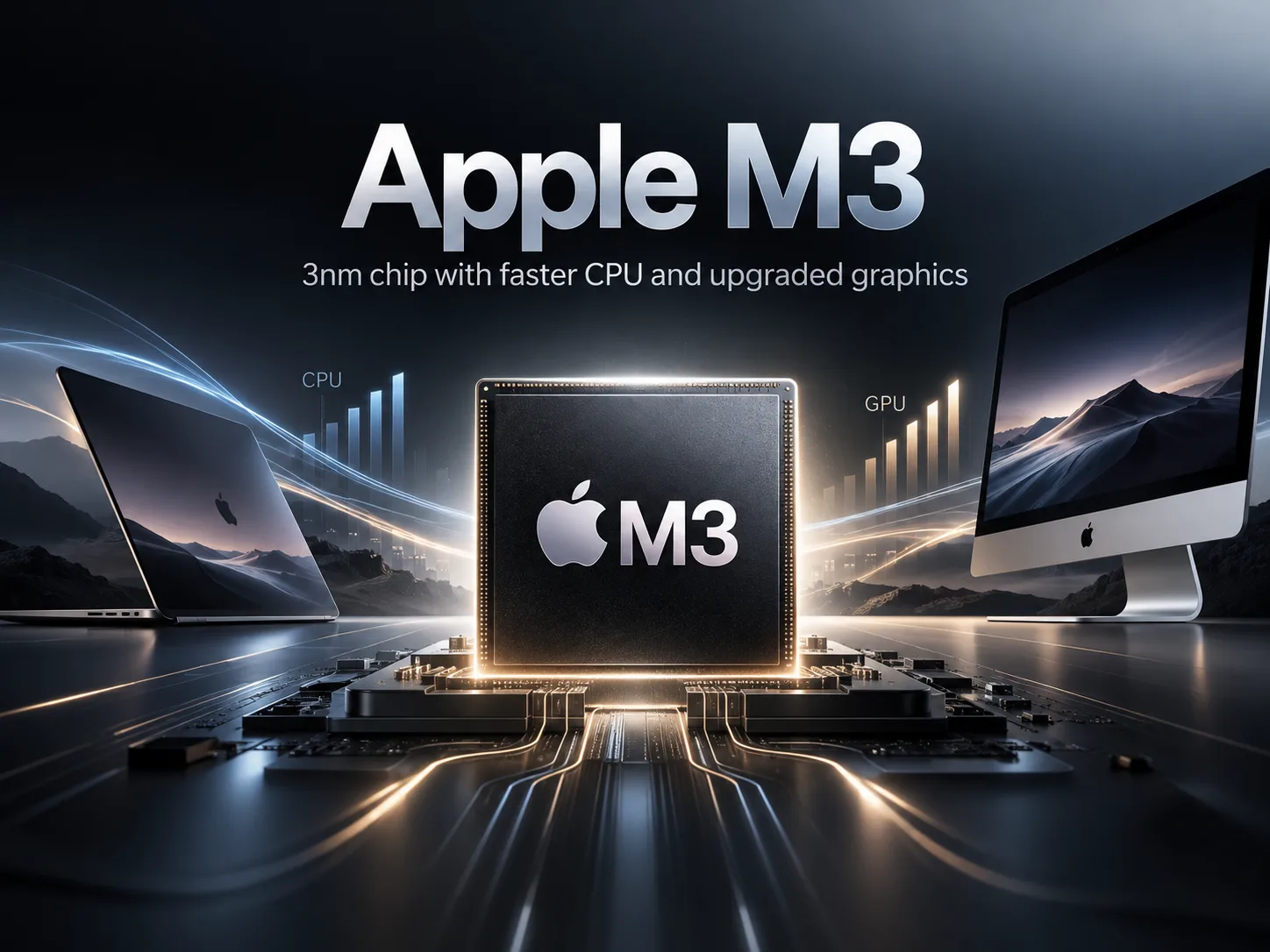
Apple M3: A 3nm Chip with a Fast CPU and a New GPU Architecture
Apple M3 was released in fall 2023 and belongs to the first generation of Apple processors for Mac manufactured using a 3nm process. Its CPU has eight cores-four performance cores and four efficiency cores. CPU performance increased compared with the M2, while the main architectural changes affected the GPU: Dynamic Caching, hardware-accelerated ray tracing, and mesh shading were introduced.
In 2026, the M3 is no longer part of Apple Silicon’s current generation, but it still delivers high performance in professional and everyday tasks. It powered the 13-inch and 15-inch MacBook Air, the 14-inch MacBook Pro, and the iMac; later, the M3 also appeared in the iPad Air.
CPU Performance
In Geekbench 6, the M3 typically scores around 3,000-3,100 points in Single-Core and approximately 12,000 points in Multi-Core. Typical results for the M2 MacBook Air are around 2,600 and 10,000 points, respectively.
Moving from the M2 to the M3 delivers approximately an 18-20% improvement in both single-threaded and multi-threaded tests. With the same configuration of eight CPU cores, the gain comes from the updated core architecture and the new process technology.
Results are also affected by the cooling system in the specific device. In short Geekbench runs, the MacBook Air and MacBook Pro differ little, but under a sustained full load, the Air’s passive cooling begins to limit performance.
Apple M3 in Specific Devices
| Device | Geekbench 6 Single | Geekbench 6 Multi | Cinebench 2024 Single | Cinebench 2024 Multi | Starting Price |
|---|---|---|---|---|---|
| MacBook Air 13 M3 | 3,026 | 12,034 | 141 | 576 | $1,099 |
| MacBook Air 15 M3 | 3,130 | 12,066 | 142 | 598 | $1,299 |
| MacBook Pro 14 M3 | 3,099 | 11,966 | 140 | 712 | $1,599 |
Prices are those at launch in the United States.
The three laptops produce almost identical Geekbench results. In Cinebench 2024 Multi-Core, the impact of cooling is more noticeable: the 14-inch MacBook Pro scores 712 points versus 576-598 for the MacBook Air, or approximately 19-24% more.
The difference becomes important during sustained rendering, video exports, and compilation of large projects. In short workloads, the Air and Pro deliver similar performance.
M3 Graphics vs. M2
The main architectural changes in the M3 compared with the M2 affected the GPU. Macs used versions with 8 and 10 GPU cores, while the iPad Air later received a variant with a 9-core GPU.
The new generation introduced Dynamic Caching, hardware-accelerated ray tracing, and mesh shading. However, the size of the improvement depends heavily on the specific workload.
M2 and M3 with a 10-Core GPU
| Device | Geekbench 6 Metal | Blender Classroom Metal |
|---|---|---|
| MacBook Air 15 M2, 10-core GPU | 45,460 | 237 sec |
| MacBook Air 15 M3, 10-core GPU | 47,699 | 129 sec |
In Geekbench 6 Metal, the M3’s advantage is approximately 5%. This test does not use hardware-accelerated ray tracing, so it does not reflect one of the M3 GPU’s key new features.
In Blender, the Classroom render time is reduced from 237 to 129 seconds-approximately 46%.
The difference between the generations therefore depends heavily on the workload. In standard graphics tests, the improvement may be modest, while in rendering, the M3’s new architecture delivers a significantly larger gain.
The base M3 falls noticeably behind the M3 Pro and M3 Max. The higher-end processors have more GPU cores and greater memory bandwidth, which is especially important for 3D rendering and demanding video editing.
Memory and Media Engine
The M3 supports up to 24 GB of unified memory with 100 GB/s of bandwidth. The CPU and GPU share a common pool without dedicated video memory.
The first M3 MacBook Air models were also sold with 8 GB of memory. In fall 2024, Apple made 16 GB the standard memory capacity for the M2 and M3 MacBook Air, so the secondary market includes identical models with different amounts of memory.
8 GB is still enough for browsing, documents, and lightweight applications, but for development, active multitasking, and working with large files, it is better to look for a 16 GB configuration.
The M3 supports hardware encoding and decoding for H.264, HEVC, and ProRes, as well as ProRes RAW decoding. Hardware decoding is available for AV1.
What Changed After the M4 Arrived
The M3’s position in 2026 is clearer when compared with its successor.
| Device | Geekbench 6 Single | Geekbench 6 Multi | Cinebench 2024 Multi | Starting Price |
|---|---|---|---|---|
| MacBook Air 15 M3 | 3,130 | 12,066 | 598 | $1,299 |
| MacBook Air 15 M4 | 3,655 | 14,901 | 874 | $1,199 |
The M4 Air turned out to be faster than the M3 while also launching at a lower starting price. The base configuration of the M4 generation also came with 16 GB of unified memory.
Therefore, in 2026, the M3 should primarily be evaluated based on the actual price of a specific computer. If an M3 Air costs close to an M4 model, the savings are too small. With a substantial price difference, the M3 remains a reasonable choice, especially with 16 GB of memory.
Conclusion
The Apple M3 delivered approximately an 18-20% CPU improvement over the M2, along with more substantial changes to the GPU architecture. In Geekbench 6 Metal, the difference between the 10-core M2 and M3 is small, but in Blender, the M3 completes the same render significantly faster.
The MacBook Air and MacBook Pro produce similar results in short CPU tests, while the MacBook Pro’s active cooling helps under sustained loads.
In 2026, the M3 is primarily worthwhile when available at a substantial discount compared with M4 models. Among M3 configurations, versions with 16 GB of unified memory are preferable.
CPU Comparison
Compare Apple M3 with other CPUs
Basic
CPU Specifications
Memory Specifications
GPU Specifications
AI Specifications
Connectivity
Interfaces and Ports
Miscellaneous
Benchmarks
Compared to Other CPU



Share in social media
Or Link To Us
<a href="https://cputronic.com/index.php/cpu/apple-m3" target="_blank">Apple M3</a>