NVIDIA GeForce RTX 5050 9 GB
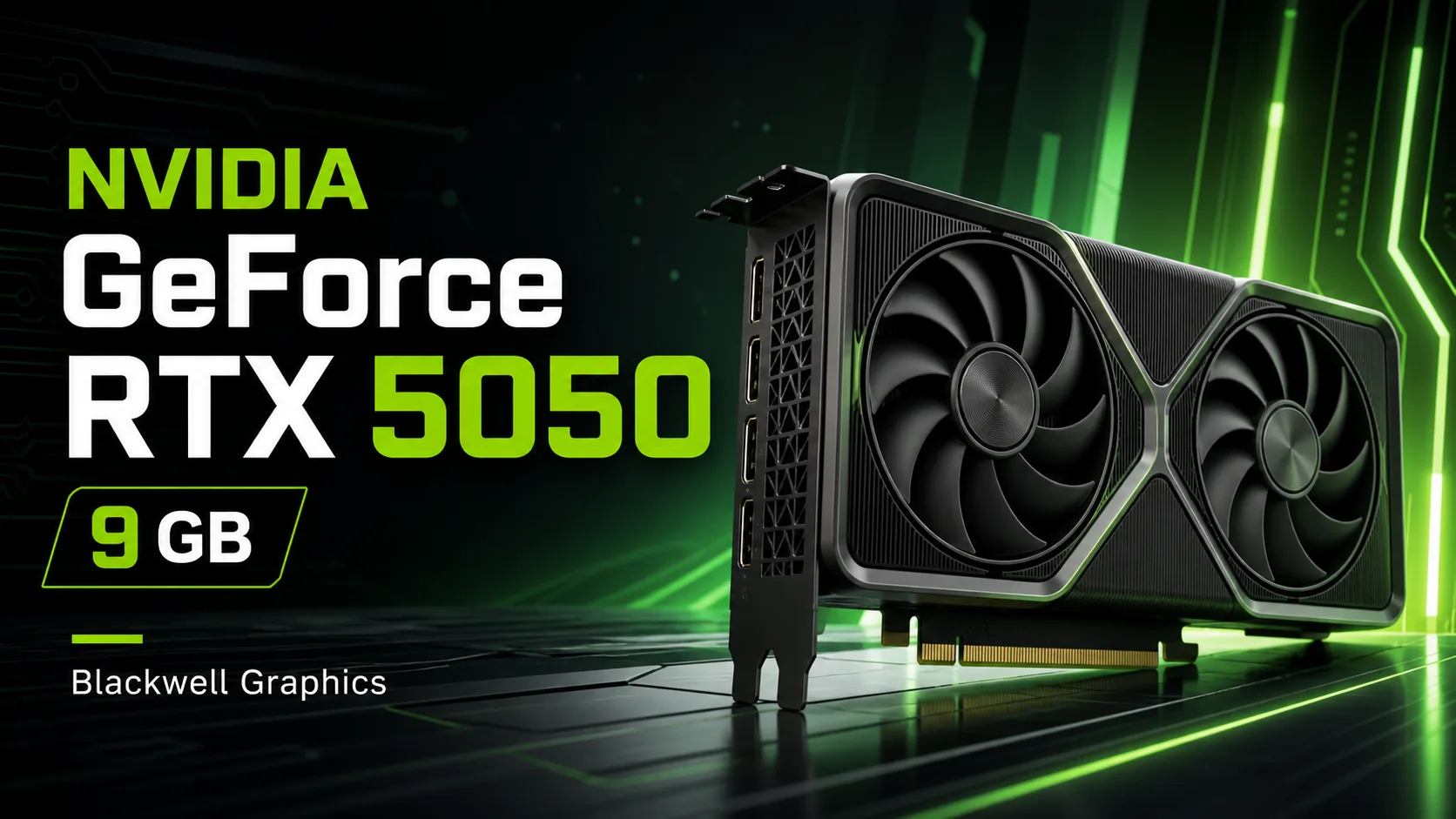
NVIDIA GeForce RTX 5050 9 GB: What is Known About the Possible GDDR7 Version
The NVIDIA GeForce RTX 5050 9 GB is currently considered not as a fully confirmed graphics card, but rather as an anticipated or potential revision of the lower-end RTX 5050 model. The official version of the RTX 5050 is already known as a budget graphics card of the Blackwell generation with 8 GB of GDDR6 memory and a 128-bit bus. The 9 GB variant is interesting because, according to preliminary data, it may feature faster GDDR7 memory but with a narrower 96-bit bus.
At first glance, such a configuration seems strange: the memory capacity increases by only 1 GB while the bus width decreases. However, GDDR7 operates significantly faster, so the overall memory bandwidth might even turn out to be slightly higher than that of the standard RTX 5050 8 GB. If these details are confirmed, the RTX 5050 9 GB will not represent a new class of performance, but rather a more modern version of the same budget graphics card.
What the RTX 5050 9 GB Represents
The RTX 5050 9 GB can be seen as an entry-level gaming graphics card with support for modern NVIDIA technologies. It should belong to the Blackwell generation and retain the key capabilities of the RTX 50 series: hardware ray tracing, next-generation tensor cores, DLSS 4, and frame generation.
The main purpose of such a card is to provide affordable Full HD gaming. This is not a solution for ultra settings at 1440p and not a graphics card for heavy professional tasks. Its purpose is to give users access to contemporary NVIDIA technologies within the most accessible segment.
If the 9 GB version does indeed launch, it could be slightly more interesting than the standard RTX 5050 8 GB. The additional memory and the switch to GDDR7 would provide a slight future-proofing, especially in games where 8 GB of VRAM is starting to limit texture settings.
Expected Specifications
| Parameter | NVIDIA GeForce RTX 5050 9 GB |
|---|---|
| Architecture | NVIDIA Blackwell |
| CUDA Cores | around 2560 |
| Video Memory | 9 GB GDDR7 |
| Memory Bus | 96 bits |
| Memory Speed | around 28 Gbps |
| Bandwidth | around 336 GB/s |
| RT Cores | 4th generation |
| Tensor Cores | 5th generation |
| DLSS | DLSS 4 |
| Main Class | Full HD gaming |
These specifications should be considered preliminary for now. The final parameters may vary depending on the version of the card, manufacturer, power limits, and factory overclocking.
Main Difference from the RTX 5050 8 GB
The standard RTX 5050 uses 8 GB of GDDR6 and a 128-bit memory bus. The RTX 5050 9 GB version, according to preliminary data, is expected to switch to GDDR7 but adopt a 96-bit bus. This is a compromise solution: the bus width decreases, but the memory itself is faster.
| Parameter | RTX 5050 8 GB | RTX 5050 9 GB |
|---|---|---|
| Memory Type | GDDR6 | GDDR7 |
| Memory Size | 8 GB | 9 GB |
| Memory Bus | 128 bits | 96 bits |
| Bandwidth | around 320 GB/s | around 336 GB/s |
| Graphics Card Class | budget Full HD | budget Full HD |
In practice, the difference between 8 and 9 GB will not be huge. This is not an increase that dramatically changes the graphics card class. However, in certain games, the extra gigabyte may help avoid drops in performance, texture loading issues, and limitations at high-quality settings.
Gaming Performance
The RTX 5050 9 GB will be most sensibly used at a resolution of 1920x1080. In esports games and not-so-demanding titles, the card should maintain a comfortable frame rate. In modern AAA games, settings will need to be adjusted: in some cases, high graphical quality can be retained, while in others, it's better to lower textures, shadows, reflections, or ray tracing.
The main advantage of the card is its support for DLSS 4. In games where high-quality upscaling and frame generation are present, the RTX 5050 9 GB should perform noticeably better than one might expect from a lower-end model. However, it is important to understand that DLSS does not make a budget graphics card flagship. If the base performance is low, frame generation does not always save from poor responsiveness in controls.
The best scenario for this card is Full HD, medium or high settings, DLSS Quality or Balanced, and moderate use of ray tracing. For 1440p, ultra textures, and heavy ray tracing, it is better to look at higher-end models.
Is the RTX 5050 9 GB Suitable for Work?
For simple work tasks, the RTX 5050 9 GB can be quite useful. It will be suitable for hardware-accelerated video, light editing, photo processing, streaming, working with multiple monitors, and simple 3D scenes. The presence of modern RT and Tensor cores also makes the card interesting for experimenting with AI tools.
However, 9 GB of video memory is still a small amount. For serious work involving neural networks, heavy 3D, large projects in Blender, or professional editing at high resolution, it is better to choose graphics cards with 12, 16 GB of VRAM or more. The RTX 5050 9 GB is more of an affordable entry into the RTX ecosystem than a fully-fledged work card.
Who is the RTX 5050 9 GB Suitable For?
This graphics card may appeal to those building a budget gaming PC who want modern NVIDIA features without buying an expensive model. It is suitable for Full HD monitors, online games, popular single-player projects, home multimedia computers, and light creative work.
Good scenarios for the RTX 5050 9 GB include:
- Full HD gaming;
- esports projects;
- budget PC with DLSS 4 support;
- replacement for old graphics cards like GTX 1650, GTX 1660, or RTX 3050;
- home computer for gaming, video, and everyday tasks.
Not the best choice for:
- 1440p gaming at ultra settings;
- heavy ray tracing;
- professional 3D rendering;
- large AI models;
- purchasing at a significant markup compared to the RTX 5050 8 GB.
Should You Wait for the RTX 5050 9 GB?
The appeal of the RTX 5050 9 GB will greatly depend on its price. If this version turns out to be only slightly more expensive than the standard RTX 5050 8 GB, it could become a more worthwhile purchase. GDDR7, slightly increased memory capacity, and a bit higher bandwidth make it more appealing for new games.
However, if the price approaches that of the RTX 5060, the purchase will become questionable. The difference between 8 and 9 GB is too small to justify spending as if it were a full upgrade to a higher class. In that case, it would be wiser to choose a more powerful graphics card with a larger GPU and memory headroom.
Conclusion
The NVIDIA GeForce RTX 5050 9 GB appears to be a possible update to the lower-end graphics card of the Blackwell generation. The main feature of this version is the switch to 9 GB of GDDR7 with a 96-bit memory bus. This is an unusual configuration, but due to the high speed of GDDR7, it may offer slightly better bandwidth than the standard RTX 5050 8 GB GDDR6.
That said, the RTX 5050 9 GB should not be overestimated. It is still a budget graphics card for Full HD, not an all-purpose solution for heavy gaming and professional tasks. Its attractiveness will depend on price. If the cost remains close to that of the RTX 5050 8 GB, the 9 GB version could be a more interesting option. If, however, the price is significantly higher, it would be smarter to look towards the RTX 5060 or other more powerful models.
GPU Comparison
Compare GeForce RTX 5050 9 GB with other GPUs
Basic
Memory Specifications
Display and Media
3x DisplayPort 2.1b
Theoretical Performance
Miscellaneous
Benchmarks
Compared to Other GPU
Related GPU Comparisons

Share in social media
Or Link To Us
<a href="https://cputronic.com/gpu/nvidia-geforce-rtx-5050-9-gb" target="_blank">NVIDIA GeForce RTX 5050 9 GB</a>