AMD Ryzen 7 7445HS

AMD Ryzen 7 7445HS

AMD Ryzen 7 7445HS: A Practical Analysis of the Mobile Phoenix Processor

The AMD Ryzen 7 7445HS is a mobile processor from the Phoenix family designed for laptops aimed at balanced systems, ranging from high-performance everyday models to more versatile machines intended for work, study, and moderate gaming. In terms of specifications, it’s an interesting chip: it features 6 cores and 12 threads, a modern 4nm FinFET process from TSMC, support for fast DDR5 and LPDDR5X memory, and an integrated Radeon 740M graphics unit.

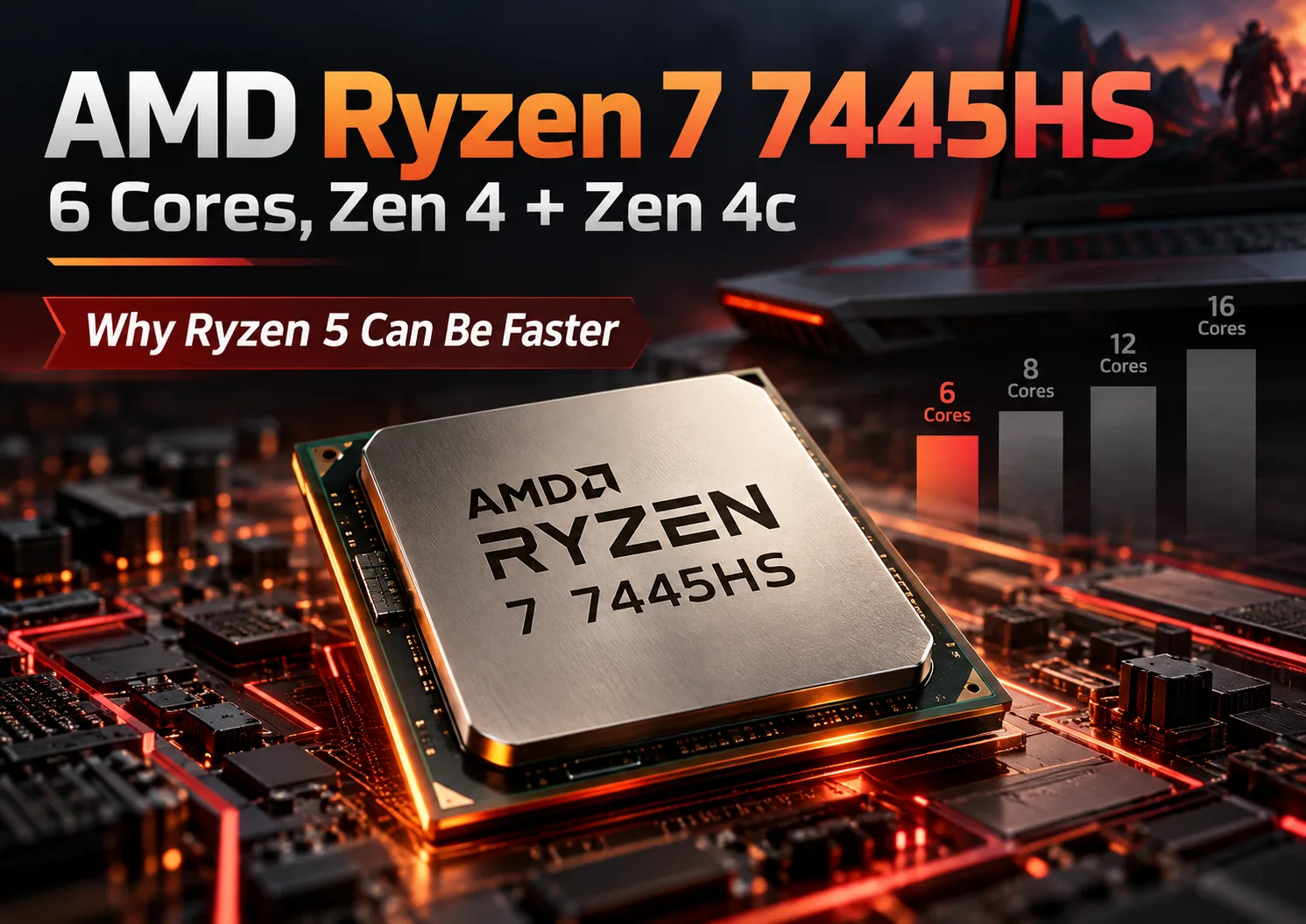
The main feature of this model is the hybrid core configuration within a single AMD mobile platform: it utilizes 2 Zen 4 cores and 4 Zen 4c cores. This approach allows for a good balance of responsiveness in everyday tasks while also offering more efficient performance under sustained loads and in thin laptops where power consumption and heat dissipation are critical.

Below is a detailed analysis of the architecture, real-world performance, usage scenarios, and which laptops with the Ryzen 7 7445HS are worth considering first.

Architecture and Process Technology

Core and Thread Configuration

The AMD Ryzen 7 7445HS features:

  • 6 physical cores
  • 12 threads
  • 2 Zen 4 cores
  • 4 Zen 4c cores

The base frequency is 3.55 GHz, with a maximum turbo frequency of up to 4.7 GHz. For a mobile HS class chip, this combination appears rational: the processor can quickly ramp up frequencies for short tasks and maintain working performance over longer scenarios within the limits of cooling and power constraints of the specific laptop.

What the Combination of Zen 4 and Zen 4c Means

In practice, having two types of cores in this case does not mean a classic “big” and “little” core arrangement as often discussed in relation to competitors. Zen 4c is a compact version of the Zen 4 architecture, aimed at better placement density and efficiency. For users, this is significant in two aspects:

  • In single-threaded tasks, a lot will depend on how the laptop implements boost and load distribution.
  • In multi-threaded tasks, the processor can provide decent efficiency without excessive power consumption.

This is why the Ryzen 7 7445HS is particularly appealing in thin and mid-sized laptops where performance should be paired with moderate heating.

Cache Memory

The processor is specified to have:

  • L2 Cache - 6 MB
  • L3 Cache - 16 MB

For a mobile 6-core solution, this is a normal volume, sufficient for the fast operation of everyday applications, browsers with many tabs, office software, code editors, and various content tasks. Cache memory is especially helpful during mixed workloads when the system frequently switches between several active applications.

Process Technology

The chip is manufactured using TSMC's 4nm FinFET technology. This is one of the key factors explaining the combination of frequency, energy efficiency, and integrated graphics in a compact mobile package.

For users, the process technology is important not in itself but through practical consequences:

  • Better performance-to-consumption ratio.
  • More comfortable operation in thin laptops.
  • Less reliance on bulky cooling systems in light scenarios.
  • The ability to sustain reasonable performance from the battery for longer periods.

Platform, Memory, and Interfaces

The processor is designed for FP7 and FP7r2 sockets. Supported features include:

  • DDR5
  • LPDDR5X
  • 2 memory channels
  • Maximum memory capacity of up to 256 GB
  • Maximum memory speed: 4x2R DDR5-5600, LPDDR5x-7500

Support for PCIe 4.0 is also specified.

In practice, this means that a laptop with the Ryzen 7 7445HS can be equipped with both standard DDR5 and soldered LPDDR5X. The impact on device choice here is quite significant:

  • DDR5 in some laptops may be more convenient for upgrades if the memory is installed in slots.
  • LPDDR5X typically offers advantages in energy efficiency and compactness but is often non-replaceable.
  • For integrated graphics, faster memory is especially beneficial as the iGPU uses system RAM.

Integrated Graphics

The Ryzen 7 7445HS features integrated AMD Radeon 740M graphics:

  • 4 graphics cores
  • Frequency up to 2700 MHz

This isn’t a high-end gaming iGPU; rather, it serves as functional integrated graphics for everyday tasks, multimedia, interface acceleration, and less demanding games. It is suitable for:

  • Watching high-resolution video.
  • Hardware acceleration for the browser and applications.
  • Light photo and video editing.
  • Casual and esports gaming at moderate settings if the laptop lacks a discrete graphics card.

For heavy contemporary games, it’s better to rely on laptops with dedicated graphics.

Power Consumption and Thermal Package

The specified TDP is 35W. This is an important figure because it immediately defines the class of laptops where this processor feels most at home: not the thinnest ultrabooks with extreme power limitations, but not necessarily large gaming models either.

Key practical conclusions regarding the 35W TDP:

  • The processor can be placed in relatively compact laptops without excessively noisy cooling systems.
  • In models with good cooling, it can hold high frequencies for longer periods.
  • In thinner chassis, performance under sustained loads will depend more on power settings and heat dissipation quality.

The maximum operating temperature is indicated at 100 degrees. This does not mean that a laptop should constantly operate at this limit. In real-world conditions, everything depends on the chassis design, fan profiles, thermal interface quality, and power limits set by the laptop manufacturer.

For the consumer, this means a simple takeaway: the same Ryzen 7 7445HS can behave notably differently in different laptops. In one device, it may run quietly and efficiently, while in another, it could be more aggressive on turbo frequencies but hot and noisy.

Performance in Real-World Tasks

Synthetic Benchmarks

According to provided data, the processor shows:

  • Geekbench 6 Single Core - 2078
  • Geekbench 6 Multi Core - 7052
  • Passmark CPU Single Core - 3566
  • Passmark CPU Multi Core - 19095

These figures indicate a good level of single-threaded performance and confident multi-threaded performance for a mobile 6-core chip. This is especially important for mixed scenarios where the laptop is used for more than one type of load.

Office Work and Everyday Use

For typical office scenarios, the Ryzen 7 7445HS is more than sufficient. This includes:

  • Browsers with numerous tabs.
  • Documents, spreadsheets, presentations.
  • Video calls.
  • Messengers.
  • PDF work.
  • Simple automation and scripts.

In such tasks, not only the cores matter but also the system's quick response to short peak loads. Thanks to turbo frequencies of up to 4.7 GHz, the processor ensures good interface responsiveness, fast application launches, and comfortable multitasking.

If the laptop is equipped with a fast SSD and sufficient RAM, the system on the Ryzen 7 7445HS will feel swift and modern without any noticeable compromises in everyday and office use.

Multimedia and Content Creation

For multimedia tasks, the processor performs well. This applies to:

  • Streaming video.
  • Photo editing.
  • Light to medium video editing.
  • Media file conversion.
  • Home audio work.

6 cores and 12 threads allow for confident operation with applications capable of parallel processing. Meanwhile, the integrated Radeon 740M helps with hardware acceleration where supported by the software.

However, for intensive continuous work involving heavy editing, multi-layer projects, large batch renders, or resource-intensive effects, much will depend less on the processor and more on the overall class of the laptop: memory capacity, storage, cooling, and the presence of a discrete graphics card.

Gaming

In terms of gaming, there are two scenarios.

The first: a laptop only with the integrated Radeon 740M. In this case, one should target:

  • Undemanding online games.
  • Older or well-optimized titles.
  • Low or medium graphics settings depending on resolution and specific games.

The integrated graphics here function more as a versatile “everyday” solution rather than as a foundation for heavy AAA gaming.

The second scenario: a laptop with a separate graphics card. In this case, the Ryzen 7 7445HS appears more interesting. Its 6 cores and 12 threads are sufficient for many modern gaming tasks, particularly in mid-range gaming laptops. It should not be a bottleneck in typical mass gaming scenarios if the cooling solution and power limits are effectively implemented.

Turbo Mode Behavior

The maximum frequency of up to 4.7 GHz is useful primarily in short and medium loads:

  • Launching applications.
  • Processing scripts.
  • Compiling small projects.
  • Interface operation.
  • Specific single-threaded stages in programs.

However, in laptops, turbo mode almost always depends on the device's design. In brief tasks, the processor usually shows better results than in sustained stress loads, where it hits thermal and power budgets. Therefore, when choosing a specific laptop model, it makes sense to look for reviews of that particular device rather than just relying on the published frequencies of the processor.

Use Cases: Who Should Consider the Ryzen 7 7445HS

For Everyday Tasks

This is one of the most logical scenarios for this chip. It suits those who need a laptop “for several years ahead” for:

  • Study.
  • Remote work.
  • Internet browsing.
  • Multimedia.
  • Multitasking without hiccups.

The performance reserve here is noticeably higher than the baseline level, so the system won’t quickly become outdated in typical scenarios.

For Work

The Ryzen 7 7445HS is suitable for users who regularly handle:

  • Large office files.
  • Browsers and web services.
  • Code and IDEs.
  • Light to medium photo and video editing tasks.
  • Analytics and everyday multitasking.

This processor is a good choice for an all-around work laptop, provided that heavy professional graphics or extreme multi-threaded performance aren't requirements.

For Gaming

The processor is suitable for gaming in two cases:

  • If a versatile laptop with discrete graphics is needed, where the CPU is neither too weak nor too hot.
  • If the user is moderately interested in gaming and is willing to settle for integrated graphics in less demanding projects.

If the priority is gaming at high settings, the entire laptop should be evaluated, not just the CPU.

Battery Life and Power Efficiency

The 35W TDP does not solely determine battery life but greatly influences how the laptop behaves. In real-world scenarios, battery life depends on several factors:

  • Battery capacity.
  • Screen type and brightness.
  • Presence of discrete graphics.
  • Power consumption profile.
  • Memory configuration.
  • Quality of firmware and BIOS.

What the Ryzen 7 7445HS offers regarding battery life:

  • The modern 4nm process helps reduce energy losses.
  • The hybrid configuration of Zen 4 and Zen 4c potentially better suits mixed workloads.
  • The integrated Radeon 740M allows for the omission of discrete graphics in simple tasks, which is beneficial for battery runtime.

Notably, support for the modern DDR5/LPDDR5X memory standard also influences the balance between speed and consumption. This is particularly relevant for thin laptops with LPDDR5X.

The practical conclusion is straightforward: a laptop with the Ryzen 7 7445HS can be fairly power-efficient in office tasks and web scenarios, provided the manufacturer has not opted for aggressive power settings or installed a power-hungry screen or a discrete graphics card that continuously operates under active conditions.

Comparison with Competitors and Neighboring Models

Within AMD's Lineup

Among simpler mobile Ryzen processors, this processor stands out:

  • Modern Phoenix platform.
  • Support for fast memory.
  • Strong single-threaded performance.
  • More advanced integrated graphics compared to older generations.

In comparison with older mobile AMD chips with more cores, the Ryzen 7 7445HS may lag in heavy multi-threaded tasks simply due to its 6-core configuration. However, it can be a more rational choice in lightweight and mid-weight laptops where 8 or more cores may not always be effectively utilized due to cooling limitations.

Compared to Intel

Direct comparison with Intel depends on the specific CPU model and laptop. Overall, the Ryzen 7 7445HS presents itself as a modern competitor to high-performing mobile chips in the mid to upper-mid segment, where important factors include:

  • Good performance per core.
  • Reasonable power consumption.
  • Support for modern memory.
  • Adequate integrated graphics capabilities.

However, much depends on the specific Intel architecture, class of laptop, and power limits. In some models, Intel laptops may excel due to more aggressive turbo modes, while in others, they may underperform in efficiency. Therefore, comparison "by name" without reference to the actual device often proves inaccurate.

Compared to Apple

Comparisons with Apple are more challenging due to the different platform, operating system, and logic behind laptop configurations. Practically speaking, the Ryzen 7 7445HS is a versatile solution for Windows laptops where important factors include compatibility, flexibility in form factor choices, and a wide array of models.

Apple is usually chosen not only for CPU performance but also for the synergy of hardware, software, battery life, and ecosystem. Therefore, such comparisons should be based on user tasks rather than just synthetic benchmarks.

Pros and Cons

Strengths

  • Modern Phoenix architecture.
  • 6 cores and 12 threads are adequate for a wide range of tasks.
  • The combination of Zen 4 and Zen 4c provides an interesting balance between performance and efficiency.
  • Good level of single-threaded and multi-threaded performance based on benchmarks provided.
  • Modern TSMC 4nm FinFET process technology.
  • Support for DDR5 and LPDDR5X.
  • Presence of integrated Radeon 740M graphics.
  • Support for PCIe 4.0.
  • Moderate 35W TDP for the high-performance mobile segment.

Possible Drawbacks

  • 6 cores are not the maximum level for heavy multi-threaded tasks in the 2020s.
  • The integrated Radeon 740M is not suitable for all gaming scenarios.
  • Real-world performance heavily depends on the specific laptop and its cooling.
  • Absence of ECC Memory support.
  • For prolonged heavy workloads, laptops with this processor should be chosen particularly carefully to avoid noise and throttling issues.

How to Choose a Laptop with Ryzen 7 7445HS

For an Ultrabook or Lightweight Versatile Laptop

If a thin and mobile laptop is needed, consider:

  • Memory type: LPDDR5X may be beneficial for compact models.
  • Screen quality.
  • Noise and temperatures in reviews.
  • Weight and battery capacity.

In this segment, the Ryzen 7 7445HS is a solid foundation for a fast work laptop without excessive heat output.

For a Versatile Home Laptop

Here, look at:

  • Amount of RAM.
  • Type of SSD.
  • Keyboard comfort.
  • Port selection.
  • Upgradeability options.

This processor is well-suited for an all-in-one model for work, study, movies, browsing, simple photo editing, and occasional gaming.

For a Gaming Laptop

If the Ryzen 7 7445HS appears in a gaming chassis, it's essential to check:

  • What discrete graphics card is installed.
  • How cooling is structured.
  • How much memory the system has.
  • How the laptop holds frequencies under sustained loads.
  • Whether there are strong power limits on the CPU.

The processor itself looks suitable for a mid-range gaming laptop, but the overall gaming experience is primarily influenced by the graphics card and the quality of the power system implementation.

For a Mobile Workstation

As a mobile workstation, the Ryzen 7 7445HS may not suit everyone. If work tasks are moderate, it will handle them well. However, for regular heavy compiling, 3D rendering, serious editing, and prolonged calculations, it makes sense to compare it with more multi-core solutions.

Key Considerations When Purchasing

A practical checklist:

  • Do not evaluate the laptop solely based on the processor.
  • Look for tests specific to that model.
  • Clarify whether the memory is soldered or installed in slots.
  • Check for the presence of discrete graphics and whether they can be disabled in simple tasks.
  • Evaluate noise, temperatures, and battery behavior.
  • Remember that fast memory is particularly important for versions without discrete graphics.

Conclusion

The AMD Ryzen 7 7445HS is a balanced mobile processor for modern laptops where good speed is needed without stepping into the realm of excessively hot and heavy systems. Its strengths include a modern process technology, 6 cores and 12 threads, a well-thought-out combination of Zen 4 and Zen 4c, support for fast DDR5/LPDDR5X memory, and integrated Radeon 740M graphics for everyday tasks and basic multimedia.

This processor is especially well-suited for:

  • Versatile work laptops.
  • Study and everyday multitasking.
  • All-purpose home laptops.
  • Moderate gaming, especially if the system contains a discrete graphics card.

It is not the best scenario for it to function as a uncompromised mobile station for heavy multi-threaded loads or as a basis for gaming solely on integrated graphics in contemporary resource-intensive projects.

If a laptop needs to be fast, modern, and relatively rational in terms of power consumption, the Ryzen 7 7445HS presents itself as a favorable compromise. The key benefit of this chip lies not in a single record-breaking parameter but in the overall balance: adequately high performance, a modern platform, and application versatility across various laptop classes.

Basic

Label Name
AMD
Platform
Laptop
Launch Date
May 2023
Model Name
?
The Intel processor number is just one of several factors - along with processor brand, system configurations, and system-level benchmarks - to be considered when choosing the right processor for your computing needs.
Ryzen 7 7445HS
Code Name
Phoenix
Generation
2x Zen 4, 4x Zen 4c

CPU Specifications

Total Cores
?
Cores is a hardware term that describes the number of independent central processing units in a single computing component (die or chip).
6
Total Threads
?
Where applicable, Intel® Hyper-Threading Technology is only available on Performance-cores.
12
Basic Frequency
3.55 GHz
Max Turbo Frequency
?
Max Turbo Frequency is the maximum single-core frequency at which the processor is capable of operating using Intel® Turbo Boost Technology and, if present, Intel® Turbo Boost Max Technology 3.0 and Intel® Thermal Velocity Boost. Frequency is typically measured in gigahertz (GHz), or billion cycles per second.
4.7 GHz
L2 Cache
6 MB
L3 Cache
16 MB
CPU Socket
?
The socket is the component that provides the mechanical and electrical connections between the processor and motherboard.
FP7, FP7r2
Technology
?
Lithography refers to the semiconductor technology used to manufacture an integrated circuit, and is reported in nanometer (nm), indicative of the size of features built on the semiconductor.
TSMC 4nm FinFET
TDP
35
Max. Operating Temperature
?
Junction Temperature is the maximum temperature allowed at the processor die.
100
PCI Express Version
?
PCI Express Revision is the supported version of the PCI Express standard. Peripheral Component Interconnect Express (or PCIe) is a high-speed serial computer expansion bus standard for attaching hardware devices to a computer. The different PCI Express versions support different data rates.
PCIe® 4.0
Instruction Set
?
The instruction set is a hard program stored inside the CPU that guides and optimizes CPU operations. With these instruction sets, the CPU can run more efficiently. There are many manufacturers that design CPUs, which results in different instruction sets, such as the 8086 instruction set for the Intel camp and the RISC instruction set for the ARM camp. x86, ARM v8, and MIPS are all codes for instruction sets. Instruction sets can be extended; for example, x86 added 64-bit support to create x86-64. Manufacturers developing CPUs that are compatible with a certain instruction set need authorization from the instruction set patent holder. A typical example is Intel authorizing AMD, enabling the latter to develop CPUs compatible with the x86 instruction set.
x86-64

Memory Specifications

Memory Type
?
Intel® processors come in four different types: Single Channel, Dual Channel, Triple Channel, and Flex Mode. Maximum supported memory speed may be lower when populating multiple DIMMs per channel on products that support multiple memory channels.
DDR5 (FP7r2), LPDDR5X (FP7-FP8)
Max Memory Size
?
Max memory size refers to the maximum memory capacity supported by the processor.
256
Memory Channels
?
The number of memory channels refers to the bandwidth operation for real world application.
2
Maximum Memory Speed
4x2R DDR5-5600, LPDDR5x-7500
ECC Memory Support
No

GPU Specifications

Integrated Graphics Model
?
An integrated GPU refers to the graphics core that is integrated into the CPU processor. Leveraging the processor's powerful computational capabilities and intelligent power efficiency management, it delivers outstanding graphics performance and a smooth application experience at a lower power consumption.
AMD Radeon™ 740M
Graphics Frequency
?
Graphics max dynamic frequency refers to the maximum opportunistic graphics render clock frequency (in MHz) that can be supported using Intel® HD Graphics with Dynamic Frequency feature.
2700
Graphics Core Count
4

Miscellaneous

Official Website
OS Support
RHEL x86 64-BitUbuntu x86 64-BitWindows 11 - 64-Bit EditionWindows 10 - 64-Bit Edition

Benchmarks

Geekbench 6
Single Core Score
2078
Geekbench 6
Multi Core Score
7052
Passmark CPU
Single Core Score
3566
Passmark CPU
Multi Core Score
19095

Compared to Other CPU

Geekbench 6 Single Core
2220 +6.8%
2162 +4%
2012 -3.2%
1926 -7.3%
Geekbench 6 Multi Core
7882 +11.8%
7476 +6%
6669 -5.4%
6324 -10.3%
Passmark CPU Single Core
3726 +4.5%
3655 +2.5%
3501 -1.8%
3441 -3.5%
Passmark CPU Multi Core
20471 +7.2%
19613 +2.7%
18517 -3%
17921 -6.1%