Intel Xeon E5-2680 v4
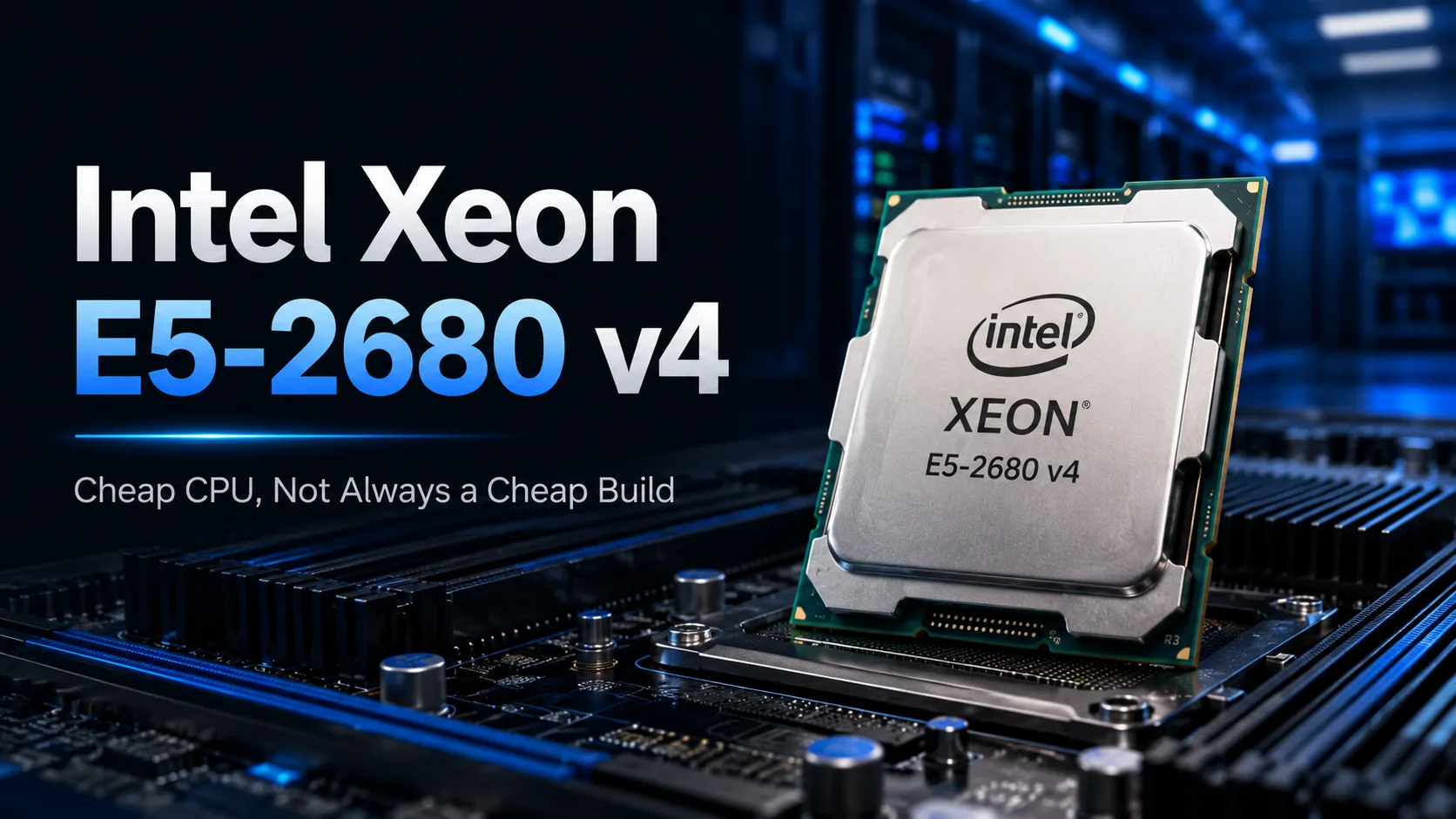
Intel Xeon E5-2680 v4: A Cheap Processor, But Not Always a Cheap Build
In the secondary market, the Intel Xeon E5-2680 v4 looks like an almost ideal foundation for a budget workstation. For a relatively low price, the buyer gets 14 cores and 28 threads-a combination that, on paper, is more advantageous than any modern budget processor. However, the price of the chip can be misleading: the motherboard, memory, and cooling can end up costing more than the Xeon itself, and the finished system may consume more power than a newer computer.
The E5-2680 v4 was released in 2016 and belongs to the Broadwell-EP server generation. It is a 14-core processor with low clock speeds, designed primarily for extended multithreaded workloads. It partially compensates for its low individual core speed with quad-channel memory support, ECC support, and 40 PCI Express lanes.
However, the number of cores doesn’t indicate how fast such a computer will be for everyday tasks. In rendering and virtualization, the Xeon can utilize all 28 threads, but in gaming and everyday applications, it falls behind modern six-core processors.
In Which Tasks Are 14 Cores Helpful?
The E5-2680 v4 was designed for servers and workstations where parallel data processing is more important than the speed of one or two cores. It performs best under workloads that are evenly distributed among dozens of threads.
All 14 cores can be utilized in the following tasks:
- CPU rendering;
- Encoding multiple videos;
- Compiling large projects;
- Archiving and batch processing files;
- Running multiple virtual machines;
- Operating a home server.
Here, additional cores reduce processing time or allow for more tasks to run simultaneously.
Today, the E5-2680 v4 is most suitable for an inexpensive workstation or home server with 64-128 GB of memory, several drives, and parallel workloads. In such a computer, support for ECC, quad-channel DDR4 memory, and 40 PCI Express lanes is more important than having a high frequency for a single core.
Why a Modern Six-Core Processor Is Faster in Everyday Tasks
The Broadwell architecture and low clock speeds particularly limit the E5-2680 v4 in short and poorly parallelizable tasks. The maximum 3.3 GHz is achieved only under limited load, while the frequency remains significantly lower when all cores are active.
For browsers, office applications, and many games, the speed of a few cores, modern architecture, and low memory latency are more critical than having 28 threads.
Thus, a modern Core i5 or Ryzen 5 responds more quickly to user actions and completes short calculations sooner. The advantage of 28 threads becomes evident only in programs designed for such a level of parallelism.
What Makes the LGA2011-3 Platform Still Useful
The value of such a build extends beyond just the processor. The E5-2680 v4 supports quad-channel DDR4 memory, ECC Registered server modules, and 40 PCI Express 3.0 lanes.
In a regular home PC, most of these features may go unused. However, a workstation or server benefits from a large amount of memory and an abundance of PCI Express lanes.
On the LGA2011-3 platform, you can install:
- A large amount of inexpensive server memory;
- Several NVMe drives via adapter boards;
- A discrete graphics card;
- A 10 Gb/s network adapter;
- A RAID or HBA controller;
- Other expansion cards without the need to share multiple available lanes among devices.
To utilize all four memory channels, it is advisable to equip the system with four compatible modules. The computer will also operate with one or two modules, but memory bandwidth will be reduced.
Which Motherboards Are Purchased for Xeon E5-2680 v4
Cheap builds are most often built on Chinese motherboards sold separately or in bundles with the processor and memory. Common models include HUANANZHI X99-F8, HUANANZHI X99-QD4, Atermiter X99 GSH, and various boards under the Machinist brand.
The main advantage of such bundles is the price. You can immediately get a processor, motherboard, and 32-64 GB of server memory without having to pick components individually. However, different revisions sometimes share the same name, differing in BIOS, connector sets, power circuit cooling, and supported storage.
The HUANANZHI X99-F8 is usually chosen for a full-sized build with several expansion cards and a large number of memory modules. More compact models like the X99-QD4 are suitable for simple systems but require extra attention to power supply and connector placement.
Before purchasing a Chinese motherboard, it’s worth checking:
- The exact revision;
- Support for Xeon E5 v4;
- The number of active memory channels;
- The type of compatible DDR4;
- The presence of a heatsink on the power circuits;
- The functionality of M.2 and PCI Express slots;
- The ability to boot from NVMe;
- The availability of connectors for case fans.
A more predictable option is the original ASUS X99-A, ASUS X99-A II, ASUS X99-DELUXE, or Gigabyte and MSI models based on the X99 chipset. They are better documented, have familiar BIOS setups, and usually do not create issues with cases and power supplies. However, before buying, check the BIOS version: early firmware may not support Broadwell-EP processors.
For a workstation or home server, one might look for the Supermicro X10SRA. It is originally designed for server Xeon, supports ECC memory, and is suitable for sustained loads. Its drawbacks are a high price in the secondary market and a less familiar BIOS for home users.
Dual-socket systems can be found in models like Supermicro X10DAi, X10DAL-i, and server boards from Dell or HP. However, such models often have large or non-standard formats, require compatible cases, and may use specific power connectors.
Buying a dual-socket board just because it allows for a second cheap Xeon is not advisable. One must first ensure that the software used genuinely benefits from having two processors.
Two Processors: 28 Cores Without Doubling Speed
The E5-2680 v4 supports dual-socket motherboards. Two such processors provide 28 cores and 56 threads but almost never double the speed of operation.
Each processor has its own memory channels. Accessing the memory of the second socket takes longer than accessing the local memory of its own processor. Without proper NUMA support, some cores may be idle or spend time exchanging data between sockets.
A dual-processor setup is justified for virtualization, rendering, and prolonged server computations. In a home computer, a second socket often adds more problems than performance improvements:
- A more expensive and larger motherboard;
- Increased power consumption;
- Complex cooling;
- More noise;
- A minimal gain in everyday applications.
Purchasing a dual-socket system solely for 56 threads is not worth it.
Intel Xeon E5-2680 v4 in Gaming
The E5-2680 v4 can handle games, but building a system specifically for gaming is not advisable.
If performance is limited by the graphics card, the difference with a newer processor may be minimal. The age of the Xeon is least noticeable at high resolution and a target frame rate of around 60 frames per second.
In CPU-intensive games, the low frequencies and latencies of the old platform significantly limit FPS. The average frame rate can remain acceptable, but dips become more pronounced, and intervals between frames become less stable.
A modern six-core processor often performs better under such conditions, even with half the physical cores.
The E5-2680 v4 is reasonably paired with a mid-range graphics card. It makes little sense to buy a flagship graphics card for this system solely for maximum FPS.
A Cheap Processor Doesn't Mean a Cheap Computer
The main mistake is to consider the cost of the build solely based on the processor's price.
The Xeon itself is inexpensive, but it requires an LGA2011-3 motherboard, a compatible memory kit, an appropriate cooler, and a power supply with adequate overhead. Original server motherboards often have non-standard sizes, specific connectors, and limited BIOS settings.
Chinese motherboards are more often made in standard ATX or microATX formats but vary significantly in power quality, BIOS, and memory support. Saving on the motherboard might lead to overheating of power circuits, unstable memory operation, or lack of necessary adjustments.
The 120W TDP only refers to the processor, not the entire computer. Considering the motherboard, memory, and discrete graphics card, such a build consumes more power than a modern computer with similar performance.
In a dual-socket configuration, the cumulative TDP of two processors reaches 240W. Under continuous load, powerful coolers are required, making the system hot and noisy.
Before purchasing, assess the total cost of the entire setup:
- The processor;
- Motherboard;
- Memory;
- Cooling;
- Power supply;
- Any necessary adapters and controllers.
When comparing to a modern platform, consider the total build cost, not the price of only one processor.
Who Should Buy the E5-2680 v4
The purchase makes sense if programs genuinely utilize many threads, and if the motherboard and memory are acquired at a low cost.
The E5-2680 v4 is suitable for:
- A workstation with a large amount of ECC memory;
- A home server;
- Running multiple virtual machines;
- Rendering and encoding;
- Multithreaded computations on a budget.
It’s better to avoid purchasing if you need a fast general-purpose computer, high gaming performance, low power consumption, or room for future upgrades.
Upgrade options for LGA2011-3 are almost exhausted: it’s no longer possible to significantly speed up the system without changing the motherboard, memory, and processor.
Conclusion
The value of the Intel Xeon E5-2680 v4 lies not only in its 14 cores but also in its quad-channel memory support, ECC support, and 40 PCI Express lanes.
In a server or workstation with a large amount of memory, its capabilities can still be fully utilized. However, for a gaming or general-purpose home PC, it is no longer cost-effective: modern processors perform better in everyday use, consume less power, and are installed on motherboards with newer interfaces.
Purchasing the E5-2680 v4 is advisable only after calculating the total cost of the system. If the motherboard and memory are already available or are sold as a bundle at a low price, this remains a cost-effective way to get 14 cores and a large amount of ECC memory. If the bundle needs to be assembled from scratch, the advantages of a cheap processor quickly diminish.
CPU Comparison
Compare Xeon E5-2680 v4 with other CPUs
Basic
CPU Specifications
Memory Specifications
Miscellaneous
Benchmarks
Compared to Other CPU
Related CPU Comparisons


Share in social media
Or Link To Us
<a href="https://cputronic.com/cpu/intel-xeon-e5-2680-v4" target="_blank">Intel Xeon E5-2680 v4</a>