Intel Processor N150

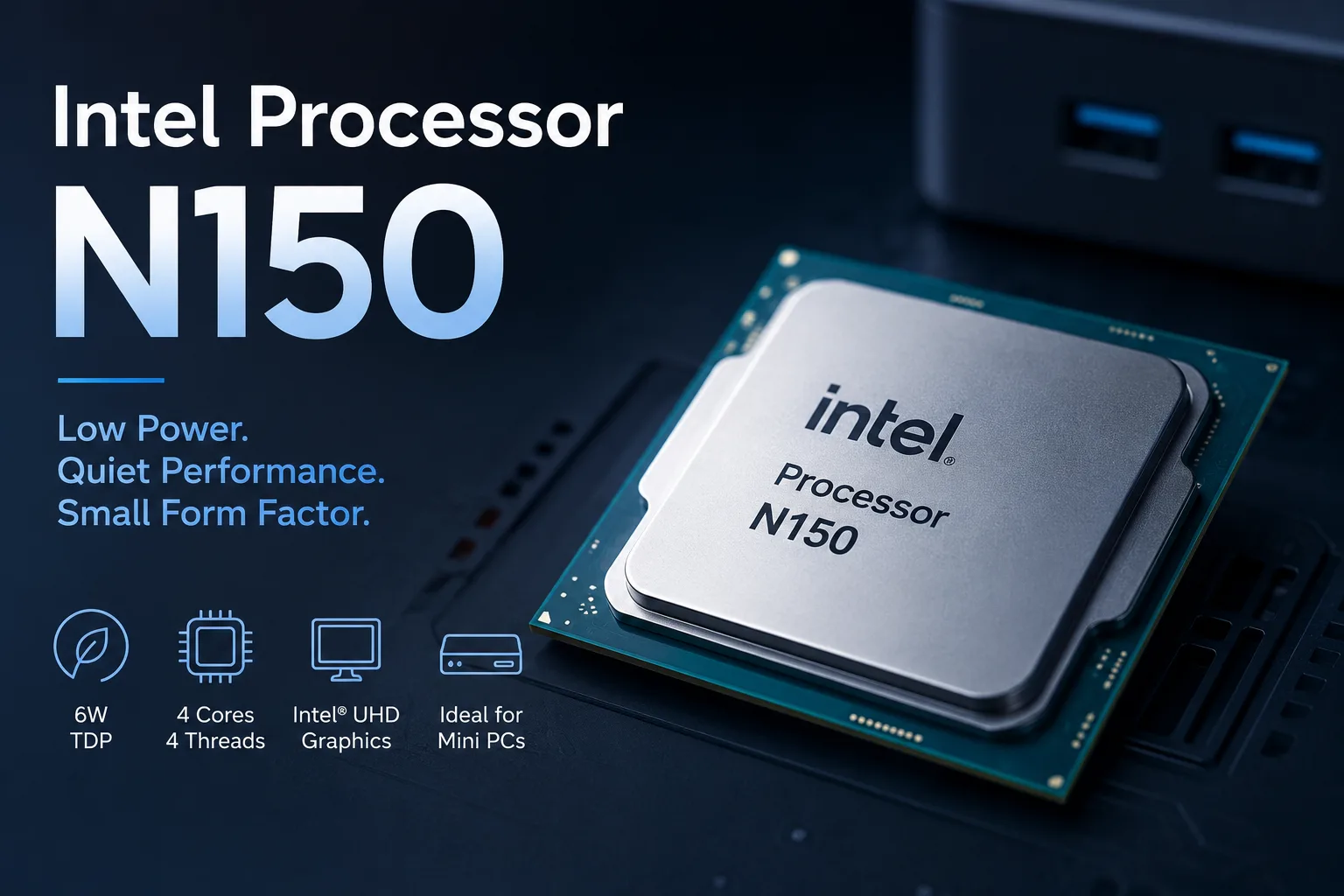
Intel Processor N150: A Processor Not for Speed but for Small Quiet PCs
The Intel Processor N150 is not about records. It is a cheap and cool foundation for mini-PCs, office laptops, and simple home systems. Devices with the N150 are chosen not for benchmark scores but for price, silence, and compact cases. Comparing it to a Core i5 is pointless: this processor is for tasks where the priority is to open a browser, launch documents, display 4K video, and not make noise under the desk.
Therefore, the N150 cannot be assessed solely by its specifications. Inside, it has 4 energy-efficient cores and 4 threads, without Hyper-Threading. Its maximum frequency reaches 3.6 GHz, with a 6 MB cache and a base power of 6 W. In terms of Core and Ryzen, this may seem modest, but for cheap mini-PCs, this configuration makes sense: less heat, simpler cooling, lower overall system cost.
The right question is different: is the N150 sufficient for a regular computer? In simple scenarios-yes. Browsing, documents, email, YouTube, video calls, website administration, a terminal, a lightweight Linux server, Home Assistant, and a media player-these tasks are well handled by the N150. However, if you open heavy programs, dozens of tabs, virtual machines, or games, it quickly becomes clear that this is not a Core but a budget N-series processor.
N150 is Not a Major Leap from the N100
The Intel Processor N150 should not be considered a serious upgrade over the Intel N100. It is a minor update of the same budget platform.
The N100 became popular because cheap mini-PCs based on it turned out not to be toy computers but decent machines for home and office. The N150 continues this line. The frequency is slightly higher, the generation is fresher, but the performance class is almost the same.
| Parameter | Intel N100 | Intel N150 |
|---|---|---|
| Cores / Threads | 4 / 4 | 4 / 4 |
| Max Frequency | up to 3.4 GHz | up to 3.6 GHz |
| Cache | 6 MB | 6 MB |
| Base Power | 6 W | 6 W |
| Class | budget mini-PCs and laptops | budget mini-PCs and laptops |
There is a difference, but in everyday use, it hardly changes the experience with the computer. If choosing between two mini-PCs-one with the N100 and the other with the N150-it’s more important to look not at the processor name but at the memory, SSD, cooling, BIOS, and price. The N100 with 16 GB of RAM and a fast SSD is often wiser than the N150 in its cheapest configuration.
Why a Mini-PC with the N150 Might Feel Faster than an Old Laptop
The N150 itself is not classified as a fast processor, but a finished device based on it sometimes feels better than an old laptop with a formally more respectable chip. The reason lies not in the processor, but in the rest of the system.
An old laptop may be clogged with dust, run on a slow SATA SSD or hard drive, feature tired cooling, and have a bloated Windows installation after many years of use. A new mini-PC with the N150 typically comes with a fresh SSD, a clean system, fast booting, and low heat dissipation. For simple tasks, this makes the system noticeably more responsive.
But this does not mean that the N150 is faster than old Core i5 or Ryzen processors. It just operates well in scenarios that don't require much power. Opening a browser, launching documents, displaying 4K video, and maintaining a couple of background services-this does not require a 45-watt processor.
Where Intel N150 is Really Suitable
The best format for the N150 is a mini-PC. It is there that its limitations are hardly an issue, while its low power consumption is a plus. Such a computer can be hidden behind a monitor, placed under a television, tucked away in a cabinet with a router, or used as a simple server box. It hardly makes any noise, consumes little power, and operates with simple cooling.
The N150 is well-suited for such tasks:
- Home or office mini-PC;
- Media player for 4K video;
- Thin client for remote work;
- Simple Linux server;
- Home Assistant, Pi-hole, file services;
- Cash register, terminal, digital signage;
- Learning computer without heavy programs.
The built-in Intel Graphics with 24 execution units is not suited for gaming, but usually has no issues with desktops, video, and multiple monitors. The support for Quick Sync Video is also important: while the N150 may be a weak gaming processor, it serves as a decent foundation for a compact media player.
What Are the Limitations
The N150 is limited not by a single specification but by the entire budget class of the platform. It has only four energy-efficient cores, no additional threads, memory operates in single-channel mode, and the integrated graphics depend on the bandwidth of that memory.
This is acceptable for office use. For heavy multitasking, it is not. If you open many tabs simultaneously while updating Windows, using messengers, syncing the cloud, and managing a heavy spreadsheet, the four cores will quickly hit a ceiling.
There are also platform limitations. This is not a system with Thunderbolt, a large number of PCIe lanes, or powerful graphics. NVMe SSDs in such devices usually operate at PCIe 3.0 level, and memory, SSD, and ports depend on the specific model. Therefore, when purchasing, it’s important to look not just at the processor but at the entire build.
When Not to Buy Intel N150
The N150 should not be purchased if a performance reserve for several years is needed. This processor is meant for straightforward light tasks, not as a universal computer for all scenarios.
It’s better to look higher if you need:
- Modern gaming;
- Video editing;
- Heavy Photoshop usage;
- Large projects in IDE;
- Multiple virtual machines;
- Active work with databases;
- Serious multitasking;
- Local AI tasks.
In these scenarios, it's better to choose at least Core i3 N350 / N355, Core i3, Ryzen 3, or Ryzen 5. The device will be more expensive, but the difference in comfort will outweigh the difference between the N100 and N150.
Is it Worth Paying Extra for N150?
Paying extra for the N150 only makes sense in one case: if the price is almost the same as a device with the N100, and the rest of the configuration is no worse.
The N150 does not turn a cheap mini-PC into a new performance class. It’s not "N100 but much faster." It’s a newer version of the same budget platform. Thus, the choice should be made as follows: first look at the price, memory, SSD, cooling, and reviews of specific models, and only then at whether it is the N100 or N150.
If a mini-PC with the N150 costs significantly more than a similar model with the N100, the overpayment often makes no sense. If the difference is small, the N150 is more sensible as a fresher revision of the same idea.
Conclusion
The Intel Processor N150 is a budget processor with a clear role. It does not provide a large power reserve and does not replace Core or Ryzen, but it is suitable for cheap mini-PCs, simple laptops, media players, and home servers. There, the focus isn't on records but on price, silence, and low power consumption.
The main thing about the N150 is not speed but the devices built on it. It allows the assembly of a compact computer that meets basic tasks without noise and excessive maintenance. However, it should be purchased without illusions: it’s almost the same class as the N100, and the final quality depends not only on the processor but also on the entire specific system.
CPU Comparison
Compare Processor N150 with other CPUs
Basic
CPU Specifications
Memory Specifications
GPU Specifications
Interfaces and Ports
Related CPU Comparisons





Share in social media
Or Link To Us
<a href="https://cputronic.com/cpu/intel-processor-n150" target="_blank">Intel Processor N150</a>