Intel Core i7-6500U
Intel Core i7-6500U in 2026: When Core i7 Means Just Two Cores
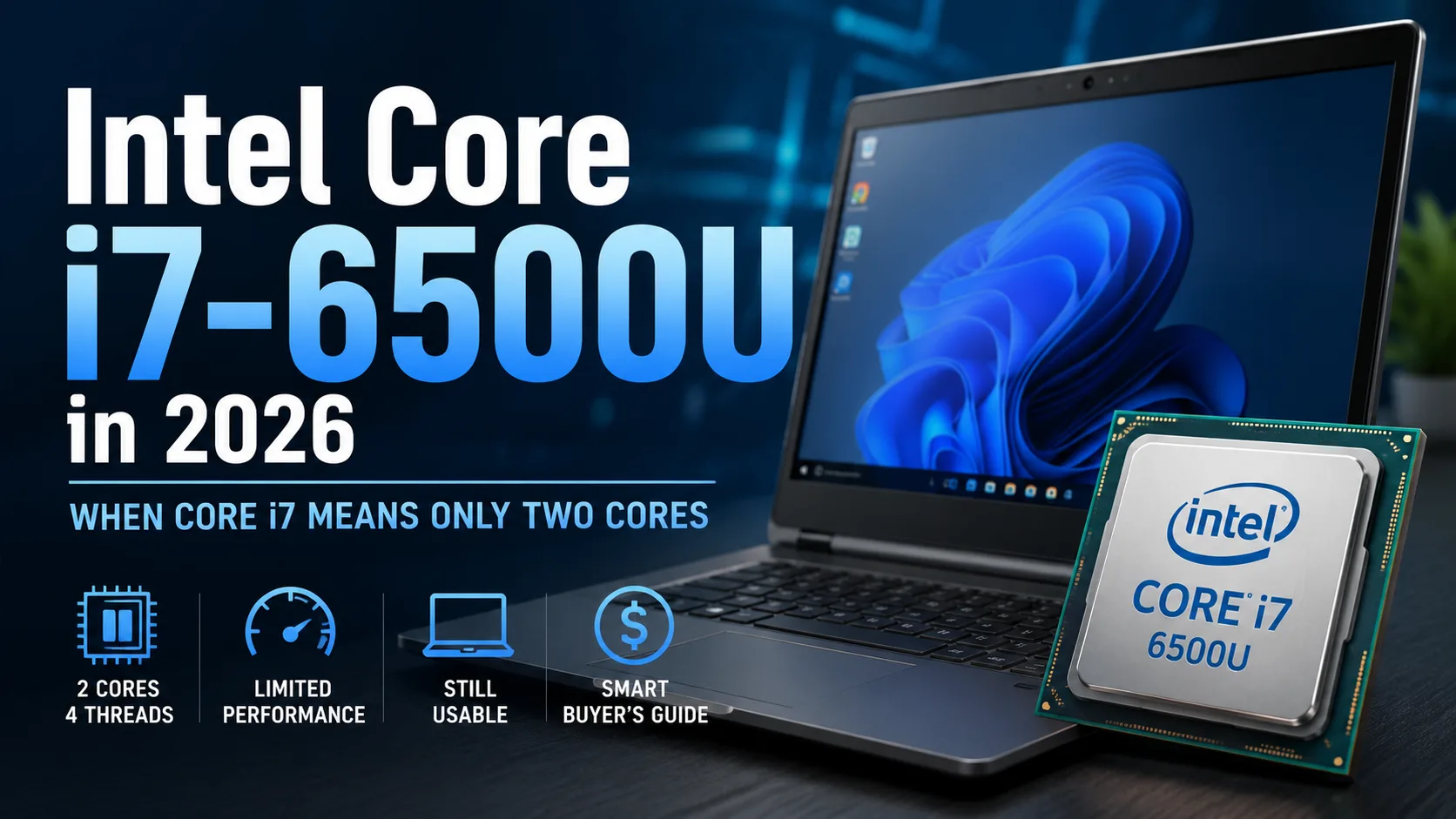
In 2015, the Core i7-6500U was installed in expensive ultrabooks, business laptops, and 2-in-1 devices. Today, the Core i7 branding can be misleading: this processor has only two cores and four threads. It can still handle documents, browsing, and video, but a few heavy tabs and background programs quickly consume all available threads.
The Core i7-6500U was released in the third quarter of 2015. The processor was manufactured using a 14nm process technology, had a base frequency of 2.5 GHz, Turbo Boost up to 3.1 GHz, and a TDP of 15W. Laptop manufacturers could set the power limit from 7.5 to 25W, so performance largely depended on cooling and power settings.
Intel Core i7-6500U Performance in Specific Devices
Even laptops with the same i7-6500U score differently due to memory, cooling, operating system, and power mode.
| Device | Memory and System | Geekbench 6 Single-Core | Geekbench 6 Multi-Core |
|---|---|---|---|
| HP Spectre x360 Convertible | 8 GB DDR3, Windows 10 | 1065 | 2160 |
| HP Pavilion Notebook | ~12 GB, Linux | 972 | 1955 |
| Acer Aspire F5-573G | 8 GB, Linux | 970 | 1893 |
| Dell Inspiron 5559 | 16 GB DDR3, Windows 11 | 903 | 1898 |
| ASUS VivoBook X555UA | 12 GB DDR3, Windows 10 | 900 | 1789 |
These are individual entries from the Geekbench database and not results from a single lab test. They show the working range: approximately 900-1065 points in Single-Core and 1789-2160 points in Multi-Core.
The Main Limitation - Two Cores
In short single-threaded tasks, the i7-6500U still operates without obvious delays. However, a browser with dozens of tabs, video conferencing, antivirus, and background system updates quickly occupy all four threads.
The laptop does not freeze, but tabs open more slowly, and switching between programs comes with delays. This is especially noticeable on models with 4-8 GB of memory and slow storage.
Under prolonged load, the processor struggles. Rendering, compiling, archiving, and batch processing photos quickly hit the limit of its two physical cores. Turbo Boost speeds up short operations but does not compensate for the lack of multi-threaded performance.
Intel HD Graphics 520: Only Basic Graphics
The integrated Intel HD Graphics 520 operates at a frequency of up to 1050 MHz. It uses system memory and supports Quick Sync Video and DirectX 12.
HD Graphics 520 handles the system interface, office programs, video playback, and older games. However, modern games, 3D rendering, and serious video editing are too demanding for it.
In some laptops, the i7-6500U was paired with a discrete graphics card. This speeds up games and graphic applications, but the dual-core processor still limits overall performance.
SSD and Memory Size Are More Important Than the Core i7 Label
Upgrade possibilities depend on the specific model: in some laptops, the memory is soldered onto the board, while others have one or two slots.
A laptop with 4 GB of memory and a hard drive is not worth buying, even for simple tasks. The practical minimum is an SSD and 8 GB of RAM. With 16 GB, the system less frequently accesses the swap file, but the processor itself does not become faster.
When choosing an old laptop, it's also important to check the battery and cooling system. A worn-out battery reduces mobility, and a clogged radiator hinders the processor from maintaining its maximum frequency.
No Official Support for Windows 11
Microsoft does not include the Core i7-6500U on the list of processors officially supported by Windows 11. The system can be installed on such laptops, but the processor does not become officially compatible as a result.
This is a significant argument against buying. The user will have to either work with Windows 11 on an unsupported platform or opt for a different operating system.
Should You Buy a Laptop with Core i7-6500U?
The Core i7-6500U is suitable only for a budget laptop for documents, browsing, video, and other basic tasks. A reasonable price for a model with integrated graphics, SSD, and 8 GB of memory is $125-160, provided the battery still holds a charge and the screen, chassis, and hinges do not require repairs.
A price around $190 is acceptable only for a well-preserved business laptop or convertible with a quality Full HD screen, 16 GB of memory, and a functioning battery. Paying $225-250 is no longer sensible: in that price range, you can find four-core laptops with an Intel i5 from the eighth generation or newer budget models based on Intel N100.
An older discrete graphics card may slightly increase the acceptable price, but the Core i7 label itself adds no value. For tasks like video editing, compiling, modern gaming, and running several heavy programs simultaneously, two cores are insufficient.
When choosing a laptop with the i7-6500U, the condition of the screen, battery, hinges, and cooling system, as well as memory size and SSD availability, are more important than the Core i7 label. For prices above $190, it is better to look for a four-core model from the eighth generation or newer platform right away.
CPU Comparison
Compare Core i7-6500U with other CPUs
Basic
CPU Specifications
Memory Specifications
GPU Specifications
Miscellaneous
Benchmarks
Compared to Other CPU
Related CPU Comparisons



Share in social media
Or Link To Us
<a href="https://cputronic.com/cpu/intel-core-i7-6500u" target="_blank">Intel Core i7-6500U</a>