NVIDIA GeForce RTX 3060
vs
AMD Radeon RX 7600
GPU Comparison Result
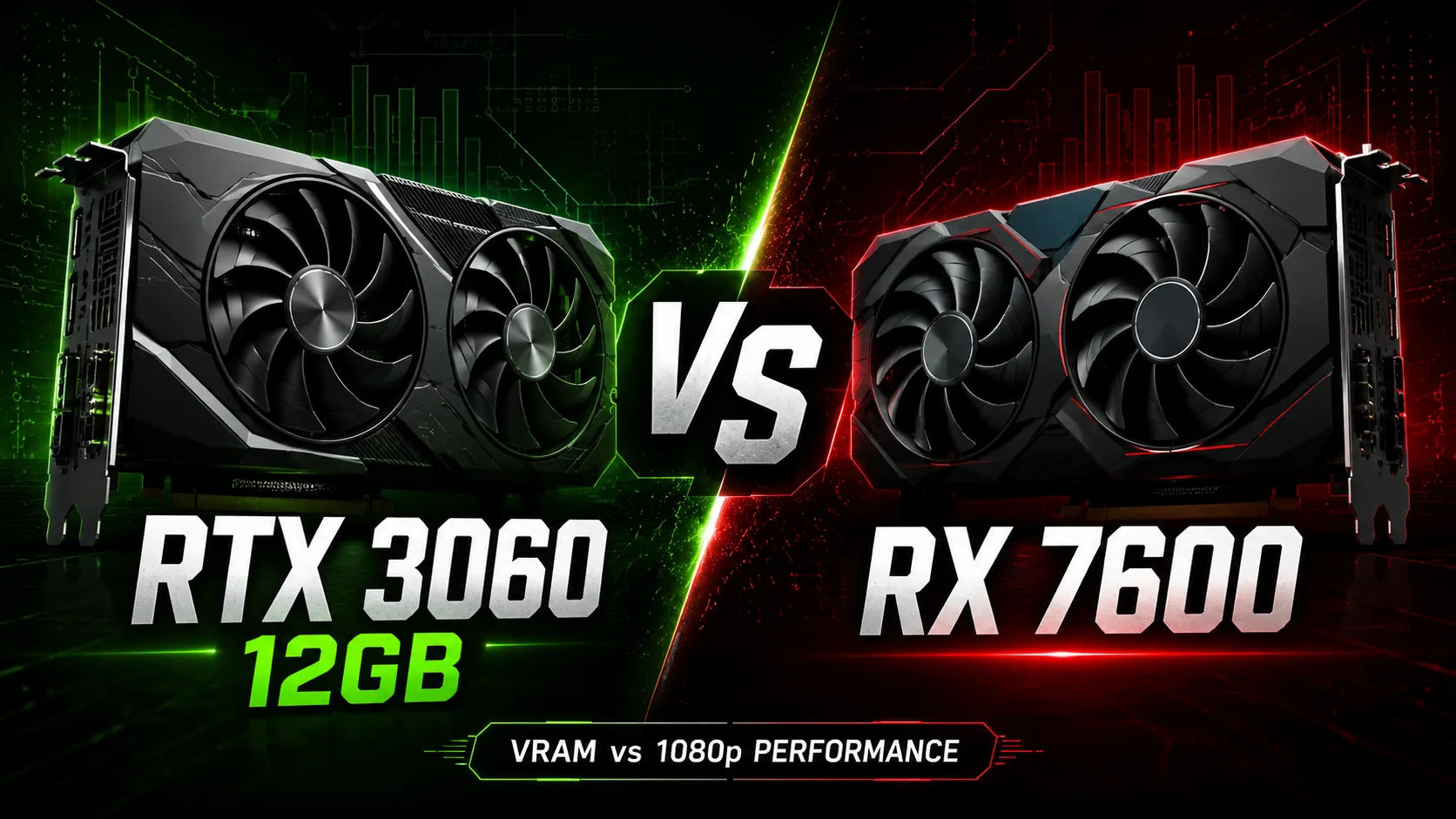
RTX 3060 12GB vs RX 7600: An Older Card with Memory Headroom or a Newer One for Full HD
The NVIDIA GeForce RTX 3060 12GB and the AMD Radeon RX 7600 are often compared as graphics cards within the same gaming class, but they cater to different scenarios. The RX 7600 is faster in standard games without ray tracing and is better suited for Full HD. The RTX 3060 is older, but it has 12GB of video memory, DLSS, CUDA, and higher ray tracing performance. Therefore, the choice depends not only on average FPS but also on the games, graphics settings, and work tasks.
Short conclusion: RX 7600 is for Full HD without ray tracing, RTX 3060 12GB is for those who prioritize memory, DLSS, CUDA, and ray tracing.
Main Difference
The Radeon RX 7600 was released later and designed as a graphics card for 1080p gaming. It features an RDNA 3 architecture, high frequencies, and a media block with AV1 encoding. In standard graphics tasks, it often outperforms the RTX 3060.
The GeForce RTX 3060 12GB was released earlier but has a rare configuration for its class: 12GB GDDR6 and a 192-bit bus. This aids it in games and tasks where video memory volume is crucial.
The choice boils down to preferences: RX 7600 often provides higher FPS in Full HD, while RTX 3060 12GB less frequently hits VRAM limits and is better suited for programs optimized for CUDA.
Key Differences
| Characteristic | GeForce RTX 3060 12GB | Radeon RX 7600 |
|---|---|---|
| Architecture | NVIDIA Ampere | AMD RDNA 3 |
| Year of Release | 2021 | 2023 |
| Video Memory | 12 GB GDDR6 | 8 GB GDDR6 |
| Memory Bus | 192-bit | 128-bit |
| Compute Units | 3584 CUDA Cores | 2048 Stream Processors |
| Typical Power Consumption | around 170W | around 165W |
| Upscaling | DLSS | FSR |
| Ray Tracing | stronger | weaker |
| AV1 | decoding | encoding and decoding |
| Main Advantage | 12 GB VRAM, DLSS, CUDA | higher FPS at 1080p, AV1 encoding |
In terms of memory subsystem, the RTX 3060 is more convincing: 12 GB vs. 8 GB and a 192-bit bus vs. 128-bit. However, in games, this does not always provide a benefit. The RX 7600 compensates for its narrower bus with a new architecture, high frequencies, and Infinity Cache, so it often leads in standard rasterization.
RTX 3060 12GB vs RX 7600 in Games
At Full HD without ray tracing, the RX 7600 is usually faster. It is best suited for this scenario: modern games at high settings, online shooters, racing games, RPGs, and substantial single-player projects without heavy ray tracing.
In esports games, the difference is less significant. Counter-Strike 2, Valorant, Fortnite, Apex Legends, and similar titles typically run well on both cards, especially if settings are not pushed to the max. The RX 7600 will often provide more FPS, but the RTX 3060 12GB is still sufficient for Full HD.
In demanding AAA games, the performance picture depends on the settings. Without ray tracing, the RX 7600 is generally faster. In Cyberpunk 2077, Starfield, Hogwarts Legacy, and similar titles, it is better suited for high FPS at 1080p. However, at high textures, mods, or trying to move up to 1440p, 8 GB of memory can become a limitation.
In ray tracing games, the advantage shifts to the RTX 3060. For example, in Cyberpunk 2077 with ray tracing, using the RTX 3060 with DLSS is more logical than the RX 7600 with heavy RT settings. The RX 7600 supports ray tracing, but in this class, it often significantly reduces FPS.
| Scenario | What’s better |
|---|---|
| 1080p, high settings, no RT | RX 7600 |
| 1080p, esports | both cards perform well, RX 7600 often faster |
| 1440p on medium/high settings | RX 7600 for FPS, RTX 3060 for VRAM headroom |
| Games with HD textures and mods | RTX 3060 12GB |
| Games with ray tracing | RTX 3060 |
| Games with DLSS | RTX 3060 |
| Video recording in AV1 | RX 7600 |
For games at 1080p without ray tracing, the RX 7600 is preferable. The RTX 3060 12GB excels in other conditions: when a game requires more video memory, support for DLSS, or higher performance in ray tracing scenarios.
12 GB vs 8 GB
The main difference is the amount of video memory. The RX 7600 has a faster GPU in standard games, but only 8 GB of VRAM. For Full HD, this is often sufficient, but the memory headroom is shrinking. Some new games may already hit the 8 GB limit at high textures, especially when turning on heavy effects or playing at resolutions higher than 1080p.
The RTX 3060 12GB has more headroom. This does not make the card faster in every game, but it reduces the risk of sudden FPS drops, texture pop-ins, and setting limitations.
12 GB is particularly beneficial in such scenarios:
- games with heavy textures;
- 1440p at moderate settings;
- HD mods and large texture packs;
- Blender, neural network tools, and other tasks where VRAM volume is important;
- projects that have become more demanding after updates.
However, the 12 GB does not compensate for the weaker GPU in all games. If a game does not hit the memory ceiling, the RX 7600 often shows a higher average FPS. Therefore, 12 GB is not a guarantee of more speed but a buffer against specific limitations.
Ray Tracing and Upscaling
In ray tracing, the advantage goes to the RTX 3060. It has better performance in RT scenarios within this class, and DLSS helps mitigate FPS drops. This is particularly important for the RTX 3060: without upscaling, heavy ray tracing quickly reduces performance.
The RX 7600 also supports ray tracing, but enabling it at high settings is typically impractical. The drop in FPS is too noticeable, and 8 GB of memory can become an additional limitation. FSR helps, but DLSS on the RTX 3060 often provides a more stable experience, especially in motion and with fine details.
If ray tracing is not needed, the advantage of the RTX 3060 becomes less critical. If ray tracing is required at least in a moderate mode, the RTX 3060 12GB is preferable, especially when using DLSS.
Work, Streaming, and Encoding
For work tasks, the RTX 3060 12GB is often more practical. It has more video memory and better support for the NVIDIA ecosystem: CUDA, Blender, specific AI tools, rendering, plugins, and applications where NVIDIA acceleration works more consistently or faster. In such tasks, the volume of VRAM is sometimes more important than the RX 7600's slight advantage in gaming benchmarks.
The RX 7600 is better suited for recording video in AV1: it has hardware AV1 encoding, which the RTX 3060 lacks. This is useful for recording videos, streaming, and storing video in a more efficient format.
If the graphics card is only needed for games, the work advantages of the RTX 3060 may not need to be considered. If Blender, CUDA applications, or local AI experiments are needed alongside gaming, the RTX 3060 12GB will be the more practical choice.
Power Consumption
In terms of consumption, the cards are close: the RTX 3060 operates around 170W, while the RX 7600 is around 165W. The difference is minimal, so the power supply requirements are nearly identical. A quality mid-range power supply is sufficient for both cards, provided the system does not have a high-power-consuming processor.
Temperatures and noise depend more on the specific cooling system than on the GPU. Dual-fan versions are more compact but may be noisier. Larger models are usually quieter, although they take up more space in the case.
What to Choose
Radeon RX 7600 is worth considering if you need a graphics card for gaming at 1080p without a focus on ray tracing. It is faster in standard graphics, newer, supports AV1 encoding, and is well-suited for a budget gaming build.
GeForce RTX 3060 12GB is worth considering if the price is close, and you prioritize 12 GB of memory, DLSS, CUDA, Blender, AI tools, or higher performance in ray tracing. It may not always be faster in games, but it offers broader capabilities.
Choosing the RTX 3060 solely for the “12 GB” figure is not sensible if the card is significantly more expensive than the RX 7600 and is needed only for gaming at Full HD. However, the RX 7600 cannot be considered unequivocally the better option either: 8 GB of memory is its main long-term downside.
Conclusion
For gaming at 1080p without ray tracing, the better option is the Radeon RX 7600. It is faster in rasterization, newer in architecture, and supports AV1 encoding.
The GeForce RTX 3060 12GB makes sense at a comparable price if VRAM headroom, DLSS, CUDA, work tasks, or ray tracing are important. It is not worth overpaying for the RTX 3060 just because of the 12 GB if those 12 GB will not be utilized.
The main fork is simple: RX 7600 - more FPS in standard Full HD, RTX 3060 12GB - more memory and a stronger NVIDIA ecosystem.
Advantages
- Larger Memory Size: 12GB (12GB vs 8GB)
- Higher Bandwidth: 360.0 GB/s (360.0 GB/s vs 288.0 GB/s)
- More Shading Units: 3584 (3584 vs 2048)
- Higher Boost Clock: 2655MHz (1777MHz vs 2655MHz)
- Newer Launch Date: May 2023 (January 2021 vs May 2023)
Basic
Memory Specifications
Display and Media
3x DisplayPort 1.4a
3x DisplayPort 2.1
Theoretical Performance
Miscellaneous
Benchmarks
Related GPU Comparisons


Share in social media
Or Link To Us
<a href="https://cputronic.com/index.php/gpu/compare/nvidia-geforce-rtx-3060-vs-amd-radeon-rx-7600" target="_blank">NVIDIA GeForce RTX 3060 vs AMD Radeon RX 7600</a>