AMD Radeon Vega 11

AMD Radeon Vega 11: Tests, FPS in Games, and Should You Buy It Today
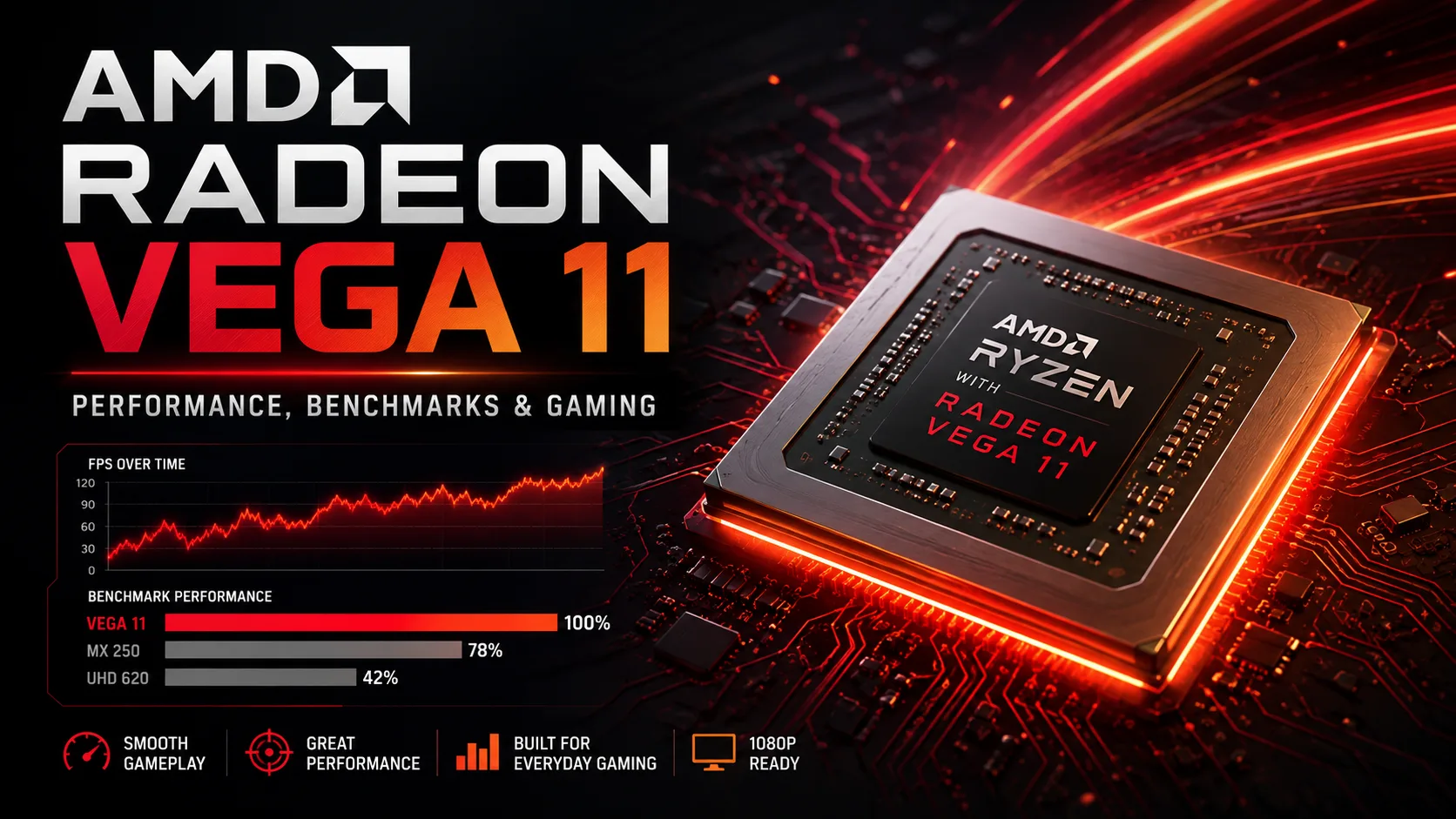
AMD Radeon Vega 11 is the integrated graphics solution for the Ryzen 5 2400G and Ryzen 5 3400G processors, which was one of the fastest iGPUs of its generation. It features 11 compute units and 704 stream processors, allowing many games to run without a discrete graphics card. Today, Vega 11 is already weak for modern AAA titles, but it still appears in inexpensive used PCs and remains suitable for older games, less demanding online projects, and everyday tasks.
The main nuance of Vega 11 is its strong dependence on RAM. It has no dedicated video memory, so DDR4 frequency and especially dual-channel mode directly impact performance and FPS.
In Which Processors and Computers Is Radeon Vega 11 Found
The main desktop processors featuring Vega 11 are the Ryzen 5 2400G and Ryzen 5 3400G. The graphics has also appeared in pre-built computers from major manufacturers.
| Device | Processor | Integrated Graphics |
|---|---|---|
| Lenovo IdeaCentre 510A-15ARR | Ryzen 5 2400G / 3400G | Radeon RX Vega 11 |
| HP Pavilion 590-p0044 | Ryzen 5 2400G | Radeon Vega 11 |
| Microsoft Surface Laptop 3 15 | Ryzen 7 3780U | Radeon RX Vega 11 Microsoft Surface Edition |
Lenovo officially released the IdeaCentre 510A-15ARR with both the Ryzen 5 2400G and Ryzen 5 3400G. The HP Pavilion 590-p0044 also came with the Ryzen 5 2400G, while the Surface Laptop 3 features a special mobile Ryzen 7 3780U with Vega 11.
The Surface Laptop 3 cannot be directly compared to desktop systems. The Ryzen 7 3780U is designed for significantly lower power consumption, so the mobile Vega 11 operates under different conditions, despite having the same number of compute units.
Radeon Vega 11 Tests in 3DMark: What Score to Consider Normal
Even among desktop Ryzen APUs, Vega 11 results vary significantly. A good example is the 3DMark Time Spy Graphics Score, which is less dependent on the performance of the CPU itself than the overall Time Spy score.
| Test System | APU | RAM | Time Spy Graphics |
|---|---|---|---|
| HP OEM, board 83E9 | Ryzen 5 2400G | 16 GB DDR4-2924 | 881 |
| ASRock B450M Pro4 | Ryzen 5 3400G | 16 GB DDR4-3200 | 1 278 |
| ASUS Prime B450M-A | Ryzen 5 3400G | 32 GB DDR4-2930 | 1 307 |
These are individual real user results, not a lab comparison with identical settings. Therefore, the differences between them cannot be perceived as a precise comparison between the Ryzen 5 2400G and 3400G. The table rather shows the characteristic variance of Vega 11 in different systems.
With HP using the Ryzen 5 2400G, the graphics score came to 881 points, while the two systems with the Ryzen 5 3400G are around 1280-1310 points. The final outcome is influenced not only by the APU itself but also by the memory frequency, mode, cooling, BIOS settings, and background Windows features.
Why Dual-Channel Memory Significantly Accelerates Radeon Vega 11
For a discrete graphics card, system RAM plays a comparatively minor role, but for Vega 11, the situation is different. The GPU uses regular DDR4 alongside the processor and depends on its bandwidth.
Thus, a configuration of 1 × 8 GB is significantly worse for Vega 11 than 2 × 4 or 2 × 8 GB at comparable frequencies. Notebookcheck also notes the advantage of fast dual-channel DDR4 for this graphics solution.
If an old computer with Vega 11 operates with only one memory stick, installing a second compatible module could yield a greater performance boost in games than a slight overclock of the GPU. When buying a used PC, this is one of the first parameters to check.
AMD Radeon Vega 11 in Games: How Much FPS Does It Deliver
Old gaming benchmarks clearly show what level of load Vega 11 was designed to handle.
| Game | Settings | Average FPS |
|---|---|---|
| Apex Legends | 1280×720, Low | 64.6 |
| Apex Legends | 1920×1080, Medium | 32.6 |
| F1 2019 | 1920×1080, Medium | 43 |
| Forza Horizon 4 | 1920×1080, Medium | 38 |
| Metro Exodus | 1280×720, Low | 26 |
Apex Legends on the Ryzen 5 2400G showed around 65 FPS at 720p and minimum settings, but in Full HD at Medium, the result dropped to about 33 FPS. In F1 2019 and Forza Horizon 4, Vega 11 could still maintain around 40 FPS at 1080p and medium quality.
Metro Exodus already shows the GPU's limits: even at 1280×720 and low settings, the result was about 26 FPS, while in Full HD at Medium, it dropped to just 11 FPS.
These figures relate to old versions of games and drivers and should not be taken as a performance forecast for modern releases. In terms of new heavy games, Vega 11 no longer provides acceptable FPS even after significant settings downgrades.
Radeon Vega 11 vs Vega 8: Which Integrated Graphics Is Faster
Vega 11 features 11 compute units compared to the eight found in the commonly used versions of Vega 8 from the same generation. With the same architecture and comparable memory, Vega 11 is generally faster, although the actual difference heavily depends on the specific APU, graphics core frequency, and DDR4.
The name “Vega 11” does not mean 11 GB of video memory. The number refers to the count of compute units. The GPU has no separate VRAM-it reserves a portion of the computer's RAM.
Should You Buy a PC with Radeon Vega 11 Today
If you already own a computer with Vega 11, it can still be used for browsing, video, office applications, emulators, and older games, especially if at least 16 GB of memory is installed in dual-channel mode.
However, actively looking for a system with the Ryzen 5 2400G or Ryzen 5 3400G for the sake of Vega 11 is not advisable anymore. Modern integrated Radeon graphics are significantly faster, and older OEM computers may further limit upgrades to the power supply, memory, or graphics card.
Vega 11 should now be regarded as a bonus of an older Ryzen APU rather than a reason to purchase such a system. If a PC is being sold at a really low price and a discrete graphics card is not needed, it can still perform basic tasks and run games of its generation. For a modern gaming PC, Vega 11's performance is already insufficient.
GPU Comparison
Compare Radeon Vega 11 with other GPUs
Basic
Memory Specifications
Display and Media
Theoretical Performance
Miscellaneous
Benchmarks
Compared to Other GPU


Share in social media
Or Link To Us
<a href="https://cputronic.com/index.php/gpu/amd-radeon-vega-11" target="_blank">AMD Radeon Vega 11</a>