Intel Processor U300

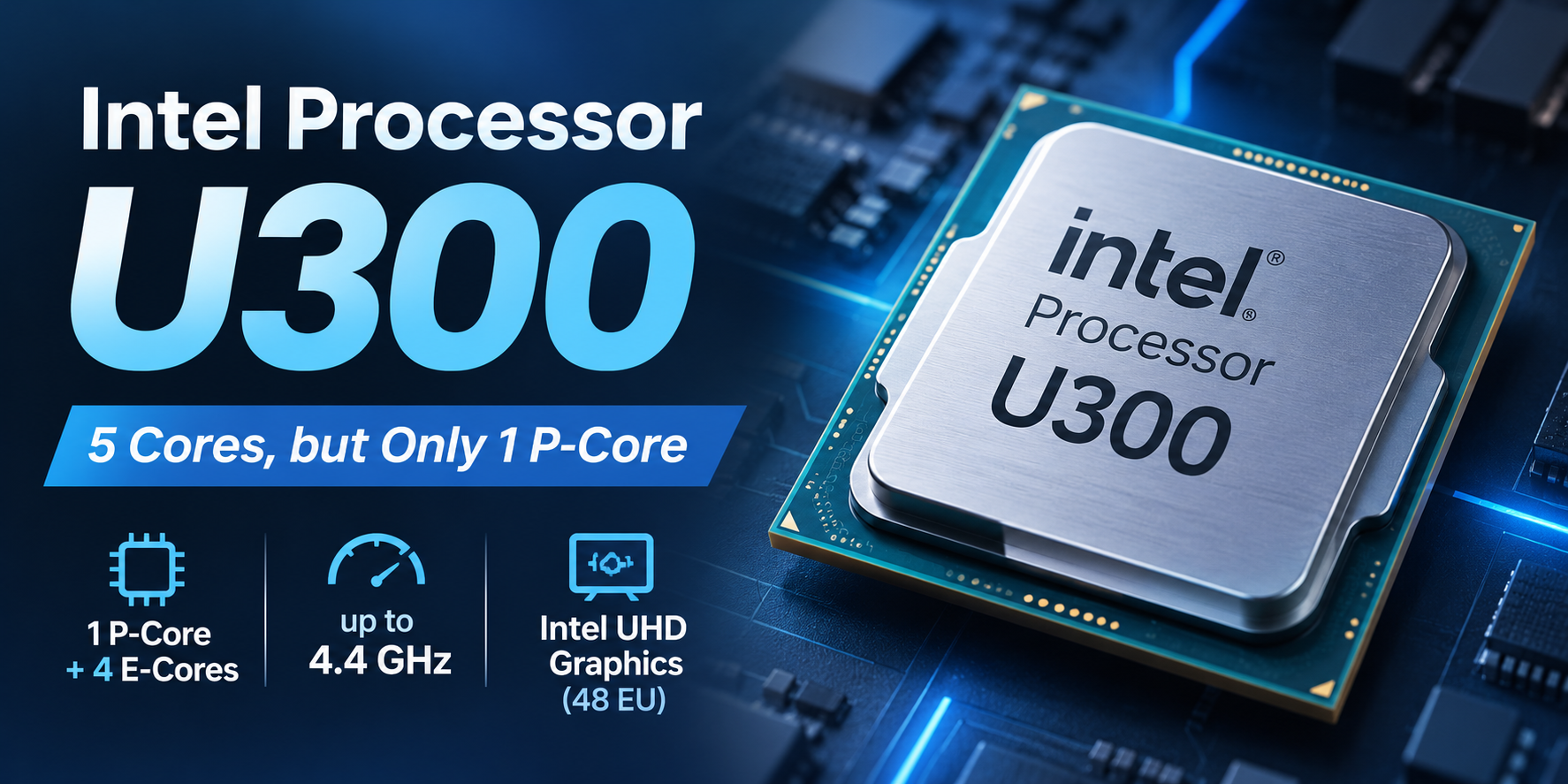
Intel Processor U300: Five Cores, but Only One P-Core
Intel Processor U300 is a mobile processor from the Raptor Lake-U family, introduced in early 2023. It features an unusual configuration: one performance P-core and four efficient E-cores. With a maximum frequency of 4.4 GHz, the processor handles short single-threaded tasks reasonably well, but trails models with two P-cores in multithreaded workloads.
In terms of its main specifications, the U300 is close to the previous-generation Pentium Gold 8505. Intel retained the core configuration, maximum frequencies, and integrated graphics specifications while updating memory support.
U300 vs. Pentium Gold 8505 and Core i3-1305U
| Specification | U300 | Pentium Gold 8505 | Core i3-1305U |
|---|---|---|---|
| Maximum P-core frequency | 4.4 GHz | 4.4 GHz | 4.5 GHz |
| Base P-core frequency | 1.2 GHz | 1.2 GHz | 1.6 GHz |
| Base E-core frequency | 0.9 GHz | 0.9 GHz | 1.2 GHz |
| L3 cache | 8 MB | 8 MB | 10 MB |
| DDR5 support | 5200 MT/s | 4800 MT/s | 5200 MT/s |
| Maximum RAM capacity | 96 GB | 64 GB | 96 GB |
| Graphics execution units | 48 | 48 | 64 |
| Maximum GPU frequency | 1.10 GHz | 1.10 GHz | 1.25 GHz |
All three processors have five cores, six threads, a base power of 15 W, and a maximum Turbo power of 55 W.
The U300 differs from the Pentium Gold 8505 primarily through support for faster DDR5 and a higher maximum memory capacity. Both processors also support LPDDR5-5200. A significant increase in computing performance should not be expected when moving from the 8505 to the U300.
The Core i3-1305U has higher base frequencies, more cache, and graphics with 64 EU instead of 48. In short single-threaded tasks, the difference may be small: its maximum P-core frequency is only 100 MHz higher. However, the additional cache and higher base frequencies may provide an advantage in other workloads. The differences in integrated graphics are potentially more noticeable, especially when using dual-channel memory.
Architecture and Specifications
The Intel U300 is manufactured using the Intel 7 process. Its only P-core supports Hyper-Threading and handles two threads. The four E-cores operate without Hyper-Threading, giving the processor six threads in total.
The maximum P-core frequency is 4.4 GHz, while the E-core frequency reaches 3.3 GHz. Supported memory types include DDR4-3200, DDR5-5200, LPDDR4x-4267, and LPDDR5/x-5200. The memory controller is dual-channel, and the maximum specified capacity is 96 GB.
The processor also supports PCIe 4.0, Intel Thread Director, and hardware video acceleration through Quick Sync. Thunderbolt 4 support is specified at the processor level, but the availability of the corresponding ports depends on the laptop’s design.
Benchmark Performance
Results from specific laptops show how the U300 compares with the older Core i3-1115G4 and more powerful mobile processors.
| Laptop and processor | Cinebench R23 Single | Cinebench R23 Multi | Geekbench 6 SC / MC |
|---|---|---|---|
| Lenovo V17 G4 IRU - U300 | 1616 | 4905 | 2041 / 4369 |
| Lenovo IdeaPad 3 15ITL05 - Core i3-1115G4 | 1319 | 2771 | - |
| Lenovo Flex 5 Chrome 14IAU7 - Core i3-1315U | - | - | 2323 / 5403 |
| Lenovo IdeaPad Slim 3i 15IRU9 - Core 5 120U | 1844 | 7862 | 2570 / 9733 |
The results shown are from specific configurations. The Lenovo Flex 5 Chrome runs ChromeOS, while the other laptops run Windows. Performance is also affected by power settings, cooling, memory, and benchmark version.
In Cinebench R23, the U300 scores 1616 points in the single-core test-23% more than the Core i3-1115G4. The Core 5 120U is 14% faster.
The situation changes in the multithreaded test: the U300 scores 4905 points, compared with 7862 for the Core 5 120U. The latter is 60% faster thanks to its two P-cores and eight E-cores.
The more closely matched Core i3-1315U has two P-cores and four E-cores. In Geekbench 6, the tested Lenovo Flex 5 Chrome scores 5403 points, compared with 4369 for the Lenovo V17 G4 IRU. The difference between the results is 24%, but the devices run different operating systems, so the entire gap cannot be attributed to the processors.
The U300 retains sufficiently high single-thread performance for the budget segment, but lags behind models with more performance cores in parallel workloads.
Integrated Intel UHD Graphics
The U300 includes Intel UHD Graphics based on the Xe-LP architecture, with 48 execution units and a maximum frequency of 1.10 GHz.
This GPU is sufficient for the Windows interface, video playback, and simple graphics applications. Its gaming capabilities are limited by the small number of execution units and the bandwidth of system memory.
Results for the Lenovo V17 G4 IRU:
| Test | Result |
|---|---|
| 3DMark Time Spy Graphics | 643 points |
| 3DMark Time Spy, overall score | 731 points |
| Dota 2, 1920 × 1080, High | 27 FPS |
| Dota 2, 1280 × 720, Low | 61.7 FPS |
| Cyberpunk 2077, 1920 × 1080, Low, without FSR | 7.4 FPS |
In Dota 2 at 1920 × 1080 with high graphics quality, the system produces 27 FPS. Reducing the resolution to 1280 × 720 and switching to the lowest settings raises the result to approximately 62 FPS.
Cyberpunk 2077 reaches only 7.4 FPS even at the lowest settings at 1920 × 1080. This graphics solution is practically unsuitable for modern demanding games.
The integrated GPU uses system RAM, so single-channel memory can further reduce performance. A dual-channel configuration is preferable, especially if the laptop is intended for older games.
Power Consumption and Battery Life
The Intel U300 has a base power of 15 W, a minimum guaranteed power of 12 W, and a maximum Turbo power of 55 W.
In the Lenovo V17 G4 IRU, the processor’s sustained power is limited to 20 W, while short-term power is limited to 35 W. These settings affect benchmark results, especially under sustained load.
In a Wi-Fi web-browsing test, the laptop’s 45 Wh battery lasted 7 hours and 20 minutes at a screen brightness of approximately 150 nits.
This is a result for a specific device. Battery life on other laptops with the U300 may differ because of the display, battery, and power settings.
What Tasks Is the U300 Suitable For?
- Office work and studying. Working with documents, spreadsheets, email, browsers, and video calls.
- Programming. Small projects, code editors, and local servers. Building large applications and running several Docker containers simultaneously may be slow.
- Multimedia. Streaming video playback, including supported 4K formats, using hardware decoding.
- Gaming. Older and undemanding titles at reduced graphics settings.
For Windows 11, it is advisable to choose a configuration with 16 GB of RAM and an SSD. With 8 GB of memory, a large number of browser tabs and several applications open at the same time may cause slowdowns.
Is It Worth Buying a Laptop with the Intel Processor U300?
The Intel Processor U300 is suitable for inexpensive laptops used primarily for documents, browsing, and multimedia. In Cinebench R23, the Core 5 120U is 14% faster in the single-core test and 60% faster in the multithreaded test.
If a laptop with the U300 is noticeably cheaper than an equivalent model with the Core i3-1315U, the savings may be justified. If the price difference is small, the Core i3-1315U is preferable: its two P-cores provide more performance headroom for multitasking, while its integrated graphics has more execution units.
The U300 is sufficient for basic office work, but for regular compilation of large projects, video processing, and other demanding workloads, it is better to choose a processor with two or more P-cores.
CPU Comparison
Compare Processor U300 with other CPUs
Basic
CPU Specifications
Memory Specifications
GPU Specifications
Benchmarks
Compared to Other CPU


Share in social media
Or Link To Us
<a href="https://cputronic.com/index.php/cpu/intel-processor-u300" target="_blank">Intel Processor U300</a>