Intel Core i5-1335U
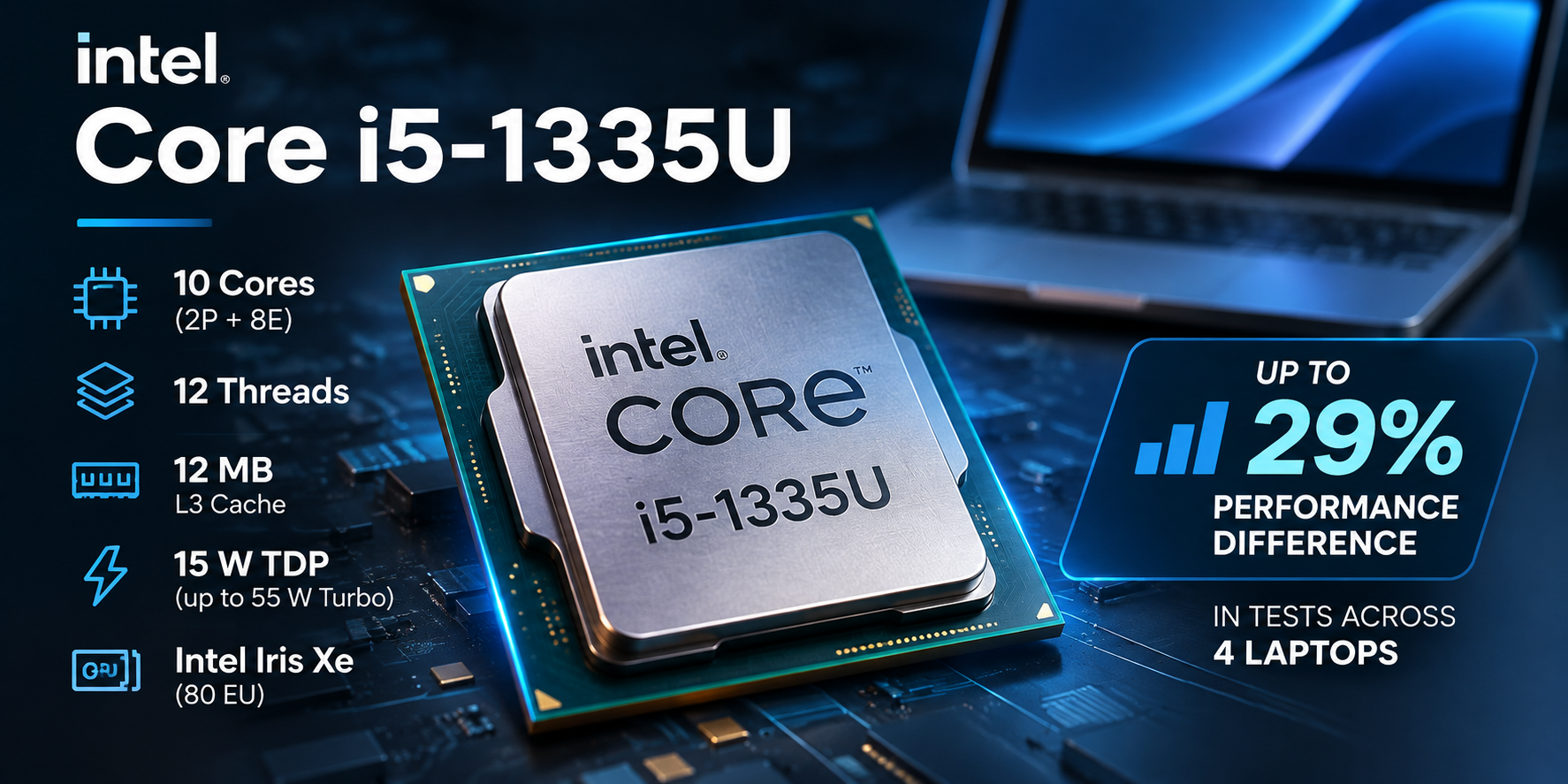
Intel Core i5-1335U: up to a 29% difference across tests of four laptops
Four laptops with the Intel Core i5-1335U scored between 6,957 and 8,993 points in Cinebench R23 Multi-Core-a difference of 29%. All four use the same 10-core processor, but their cooling systems and power settings differ. Therefore, when choosing a laptop, it is important to consider the test results of the specific model rather than just the chip’s specifications.
Differences from the Core i5-1235U and Core i7-1355U
All three processors have 2 performance P-cores and 8 efficient E-cores, 12 threads, and 12 MB of L3 cache. Their base power is also the same at 15 W.
| Specification | Core i5-1235U | Core i5-1335U | Core i7-1355U |
|---|---|---|---|
| Generation | 12th | 13th | 13th |
| Architecture | Alder Lake | Raptor Lake | Raptor Lake |
| Maximum P-core frequency | 4.4 GHz | 4.6 GHz | 5.0 GHz |
| Maximum E-core frequency | 3.3 GHz | 3.4 GHz | 3.7 GHz |
| Integrated graphics, EU | 80 | 80 | 96 |
| Maximum GPU frequency | 1.20 GHz | 1.25 GHz | 1.30 GHz |
| DDR5 | 4800 MT/s | 5200 MT/s | 5200 MT/s |
| LPDDR5/LPDDR5x | 5200 MT/s (LPDDR5) | 6400 MT/s | 6400 MT/s |
Compared with the Core i5-1235U, the maximum P-core frequency is 200 MHz higher, while the E-core frequency is 100 MHz higher. Faster memory is especially useful for the integrated graphics, which uses system RAM.
The Core i7-1355U has higher maximum clock speeds, and its integrated graphics includes 96 EU instead of 80. At the same time, both 13th-generation processors have the same number of cores. How noticeable the Core i7’s advantage will be depends on the cooling system and the power limit of the specific laptop.
Architecture and power consumption
The Core i5-1335U belongs to the Raptor Lake-U family and is manufactured using the Intel 7 process. Its key specifications include:
- 2 P-cores with Hyper-Threading-handle tasks that require high single-thread performance.
- 8 E-cores-handle background and multithreaded tasks.
- 12 MB of shared L3 cache.
- Intel Thread Director-helps the operating system distribute tasks between the P-cores and E-cores.
The processor’s base power is 15 W, while its maximum Turbo power is 55 W. The latter value applies to a high-performance mode rather than continuous power consumption.
Laptop manufacturers set their own processor power limits, so devices with the same Core i5-1335U can differ considerably in performance.
The processor supports DDR4-3200, DDR5-5200, and LPDDR5x-6400, as well as PCIe 4.0 and Thunderbolt 4. Platform-level Thunderbolt 4 support does not guarantee that every laptop will include the corresponding port.
Core i5-1335U benchmarks in four laptops
| Laptop | Cinebench R23 Single | Cinebench R23 Multi | Geekbench 6 Single | Geekbench 6 Multi |
|---|---|---|---|---|
| Lenovo ThinkPad X13 Yoga Gen 4 | 1,672 | 6,957 | 2,312 | 9,094 |
| HP EliteBook x360 830 G10 | 1,645 | 7,273 | 2,243 | 8,615 |
| Acer Swift Go 14 SFG14-71 | 1,532 | 7,747 | 2,236 | 8,683 |
| Lenovo ThinkPad T14 Gen 4 | 1,733 | 8,993 | 2,377 | 8,579 |
In Cinebench R23 Multi-Core, the ThinkPad T14 Gen 4 outperforms the X13 Yoga by 29%. The difference is much smaller in the single-threaded test-around 4%.
Sustained power limits in the tested configurations:
| Laptop | Power limit |
|---|---|
| ThinkPad X13 Yoga Gen 4 | 15 W |
| HP EliteBook x360 830 G10 | 25 W |
| Acer Swift Go 14 | 28 W |
| ThinkPad T14 Gen 4 | 22.5 W |
The Acer Swift Go 14 with a 28 W limit was slower than the ThinkPad T14 Gen 4 with a 22.5 W limit. The power limit alone does not determine the result: it is also important how long the laptop maintains high clock speeds and at what temperature the processor operates.
The results were distributed differently in Geekbench 6. The ThinkPad X13 Yoga outperforms the T14 in Multi-Core, even though it falls behind it in Cinebench R23.
Cinebench R23 evaluates rendering performance, while Geekbench 6 uses a set of shorter computational tests. Therefore, a high Geekbench score does not guarantee the same advantage under a sustained all-core workload. Cinebench R23 Multi-Core better reflects differences under sustained multithreaded loads.
Integrated Intel Iris Xe graphics
The Core i5-1335U uses integrated graphics with 80 execution units (EU) and a frequency of up to 1.25 GHz.
When Intel’s requirements for dual-channel memory are met, it is designated as Iris Xe Graphics. Single-channel configurations use the UHD Graphics name. RAM bandwidth also affects the speed of the integrated GPU.
Intel Quick Sync provides hardware acceleration for video encoding and decoding.
In the Lenovo ThinkPad T14 Gen 4, the graphics scored 1,179 points in 3DMark Time Spy Graphics.
This laptop’s gaming results:
| Game | Resolution | Settings | Average FPS |
|---|---|---|---|
| Dota 2 Reborn | 1920 × 1080 | High | 53.6 |
| F1 22 | 1920 × 1080 | Low | 39.0 |
Iris Xe is suitable for undemanding games, but more demanding titles will require lower graphics settings or resolution.
What the Core i5-1335U is suitable for
The Core i5-1335U is suitable for:
- Office applications, video conferences, and browsing with many tabs open.
- Programming, working with databases, and running several Docker containers.
- Photo processing and basic video editing.
- High-resolution video playback.
- Older and undemanding games.
When an IDE, browser, and Docker containers are running simultaneously, 8 GB of RAM may not be enough. It is better to choose a laptop with 16 GB or 32 GB of RAM, especially if the memory is soldered to the motherboard and cannot be upgraded.
For prolonged rendering and compiling large projects, a laptop with an H-series processor and more powerful cooling is preferable.
Conclusion
The Intel Core i5-1335U is suitable for office work, programming, and tasks that do not require a prolonged heavy processor workload. However, its performance depends significantly on the laptop’s cooling system and power settings.
Replacing a laptop with a Core i5-1235U solely to upgrade to a Core i5-1335U makes little sense. In 2026, a model with this processor is worth considering if it is cheaper than comparable laptops on newer platforms and has at least 16 GB of RAM.
CPU Comparison
Compare Core i5-1335U with other CPUs
Basic
CPU Specifications
Memory Specifications
GPU Specifications
AI Specifications
Interfaces and Ports
Miscellaneous
Benchmarks
Compared to Other CPU
Related CPU Comparisons




Share in social media
Or Link To Us
<a href="https://cputronic.com/index.php/cpu/intel-core-i5-1335u" target="_blank">Intel Core i5-1335U</a>