Intel Celeron J6412
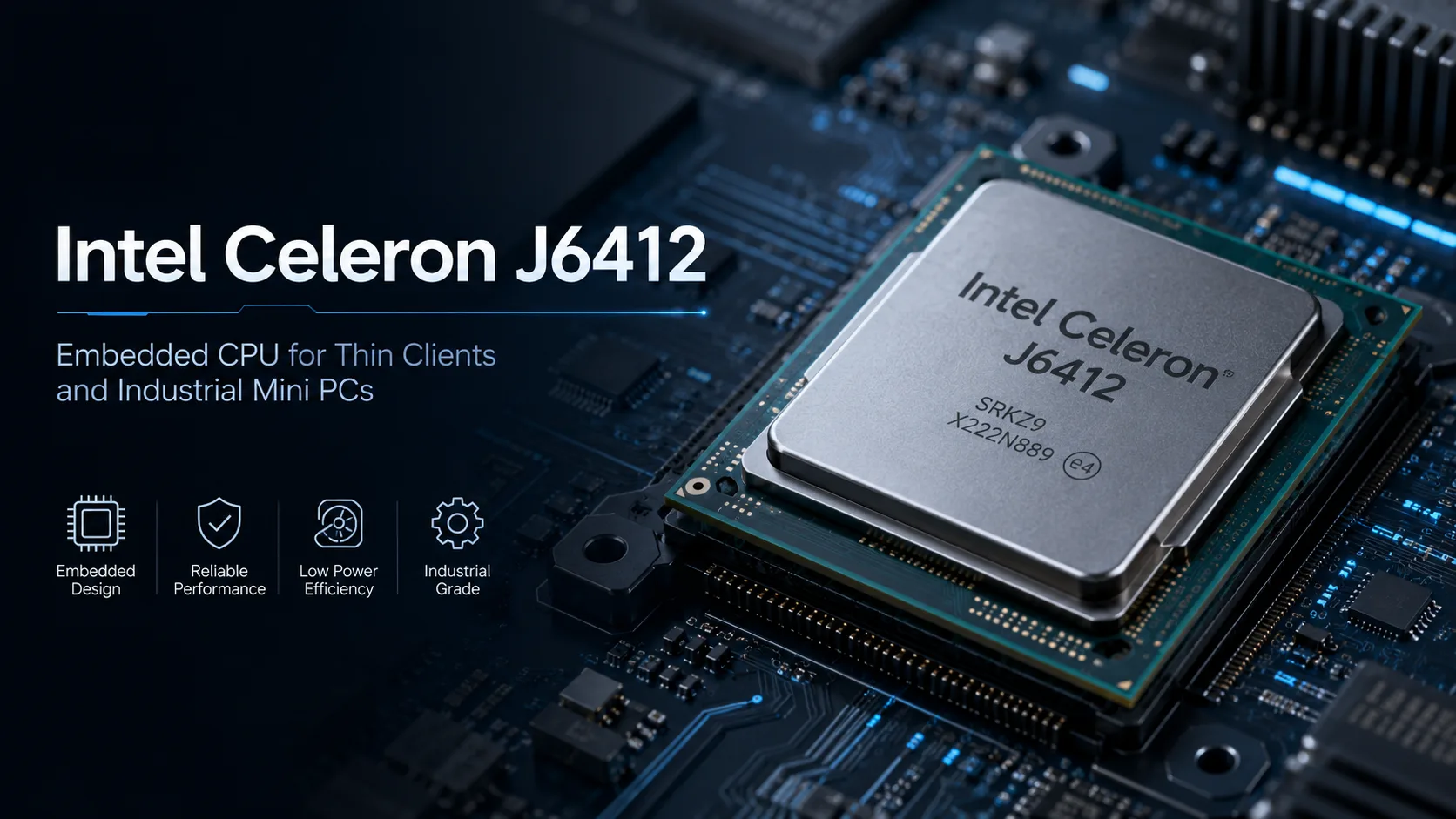
Intel Celeron J6412: Embedded Processor for Thin Clients, Terminals, and Industrial Mini-PCs
The Intel Celeron J6412 can be easily misjudged if viewed merely as a standard processor for mini-PCs. Formally, it is a simple 4-core chip without Hyper-Threading: 4 cores, 4 threads, a frequency of up to 2.6 GHz, a 10nm manufacturing process, and a TDP of 10W. However, the main purpose of the J6412 lies beyond these dry specifications.
This is an embedded processor for ready-made devices: thin clients, industrial mini-PCs, terminals, panel PCs, network gateways, and control systems. It is chosen not for high speed but for low power consumption, passive cooling, compactness, and stable operation in narrow tasks. For a daily home PC, it is a poor choice: the J6412 performs better in a specialized system rather than as a general-purpose computer.
Where the Celeron J6412 is Actually Used
Real devices utilizing the J6412 clearly showcase its positioning. These are not mass-market home PCs or gaming laptops but specialized systems for business, industry, and infrastructure.
| Device Type | Examples | What This Says About the J6412 |
|---|---|---|
| Thin client | HP Pro t550 Thin Client | Remote desktop, VDI, office web services, Windows IoT |
| Fanless embedded box | ASRock Industrial iBOX-J6412 | Quiet operation, compact design, continuous load |
| Industrial motherboard | ASUS J6412I-EM-A, ASRock/AAEON boards | COM, SATA, M.2, LAN, PCIe, long life cycle |
| Panel PC / HMI | Advantech PPC series | Touch panels, terminals, control systems |
| Network and control systems | Mini-gateways, controllers, monitoring | Stability and interfaces are prioritized over maximum speed |
Thus, the phrase "suitable for browsing and documents" here requires clarification. Yes, the J6412 can work with browsers, office forms, and web interfaces. However, this is often not a home scenario but a thin client, point-of-sale terminal, industrial panel, or remote workplace setup.
Performance: For Terminals, Not General-Purpose PCs
The Celeron J6412 handles light tasks competently: web interfaces, remote desktop, point-of-sale software, dashboards, basic server functions, and outputting images to multiple screens. For this class of devices, that's sufficient.
However, the speed headroom is limited. A heavy Windows environment, dozens of browser tabs, background updates, antivirus, development, photo processing, and modern gaming will quickly reveal the chip's limits.
The benchmarks listed below should be understood within this context. They are not intended to find the "fastest Celeron" but to comprehend the class boundary: the J6412 is positioned in the realm of basic embedded processors and noticeably falls behind newer consumer chips for mini-PCs like the Intel N100 or N150.
An gaming scenario for the J6412 makes little sense. The integrated Intel UHD Graphics is suitable for image output, video, interfaces, digital panels, and remote desktop. It is too weak for modern gaming.
Strengths of the Platform
The main value of the J6412 is not speed but a ready platform for compact devices that need to operate for long periods, quietly and predictably.
What's important:
- TDP of 10W;
- 4 physical cores for basic multitasking;
- Capability for passive cooling;
- Memory support up to 32GB;
- Integrated graphics for multiple displays;
- BGA package for compact boards;
- Good set of interfaces in the ready-made boards and systems.
The J6412 is designed for narrow embedded scenarios: terminals, thin clients, controllers, control panels, network gateways, and small fanless systems.
What May Disappoint
If a device with the J6412 is purchased as an ordinary home PC, the experience may be lacking. This is especially true if it has little RAM, a slow eMMC storage, or a heavy version of Windows. For browsing, documents, and simple tasks, it may be suitable only in a very light system, but this is more of a compromise than a strong point of the J6412.
Another important aspect is that the J6412 is soldered onto the board. It cannot be replaced or upgraded separately. Buyers do not choose the processor in isolation; they choose a complete platform: chassis, memory, storage, cooling, network ports, BIOS, power supply, and board quality.
Therefore, two devices using the same J6412 may feel very different. A thin client with a decent SSD and a lightweight system will operate significantly better than a cheap mini-PC with slow storage and a bloated version of Windows.
Conclusion
The Intel Celeron J6412 is not a "cheap processor for a weak home computer" but an embedded chip for pre-built devices. Its real environment consists of thin clients, industrial mini-PCs, terminals, panel PCs, network gateways, and control systems.
As the foundation for a home PC, it appears weak and contentious. But as a processor for a quiet terminal, industrial panel, or compact embedded computer, it makes perfect sense. The J6412 is chosen not for speed but for low power consumption, stability, passive cooling, and the necessary interface set.
CPU Comparison
Compare Celeron J6412 with other CPUs
Basic
CPU Specifications
Memory Specifications
GPU Specifications
Interfaces and Ports
Benchmarks
Compared to Other CPU


Share in social media
Or Link To Us
<a href="https://cputronic.com/index.php/cpu/intel-celeron-j6412" target="_blank">Intel Celeron J6412</a>